
VisualARQ
by Asuni, AI & extensions
BIM add-on for Rhino, for architects who want flexible modelling with sections and quantities
BIM inside Rhino, without giving up free-form design
Pick a topic and see how VisualARQ adds architectural objects, drawings and data to Rhino.
Walls, openings and stairs driven by styles and properties
VisualARQ architectural objects are edited through their styles and properties, and they sit alongside Rhino’s free-form NURBS geometry.
- Multi-layer walls from curves or irregular volumes, with control over joins and thicknesses.
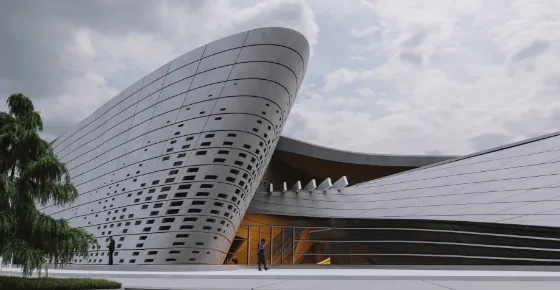
- Curtain walls from curves and surfaces that can be extended up to free-form roofs.
- Doors and windows that attach to walls, slabs and roofs and cut their own opening.
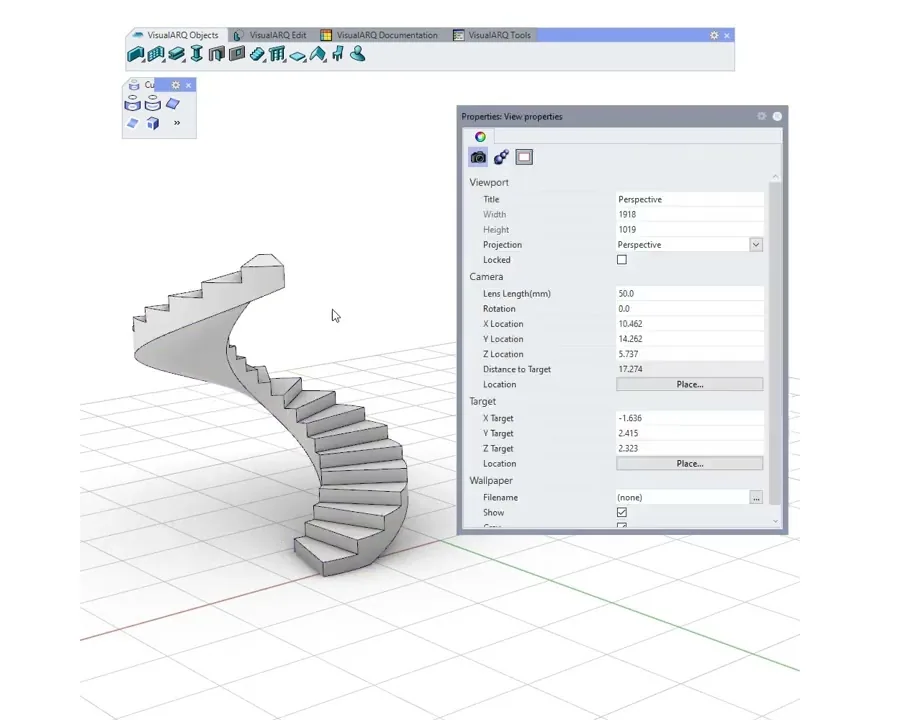
- Beams and columns from standard or custom profiles, straight or spiral stairs, and railings from curves.


Buildings, levels and sections from one panel
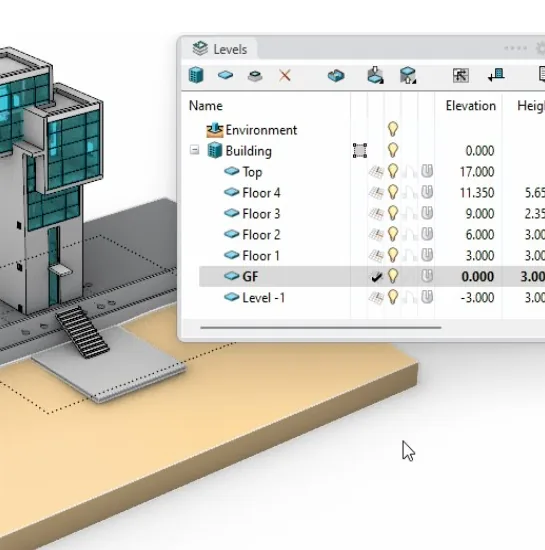
The Level Manager and Section Manager keep large projects tidy, so you only see the floor or section you are working on.
- Objects are linked to levels and follow when a floor elevation changes.
- Isolate buildings and floors, add sub-levels and save view states.
- Guides arranged in a grid that move or stretch the elements linked to them.
- A profile manager and ready-made templates in metric and imperial units.


Drawings and tables that update from the model
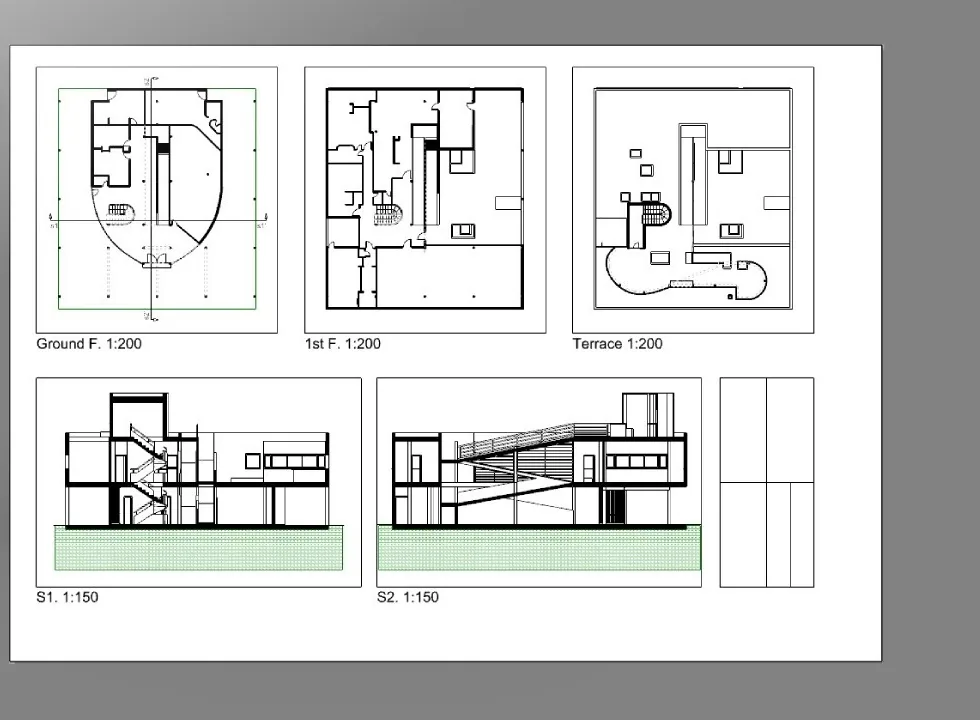
Plans, sections and elevations come straight from the 3D model as vector drawings and stay linked to it.
- Live plans, sections, elevations and reflected ceiling plans inside model space.
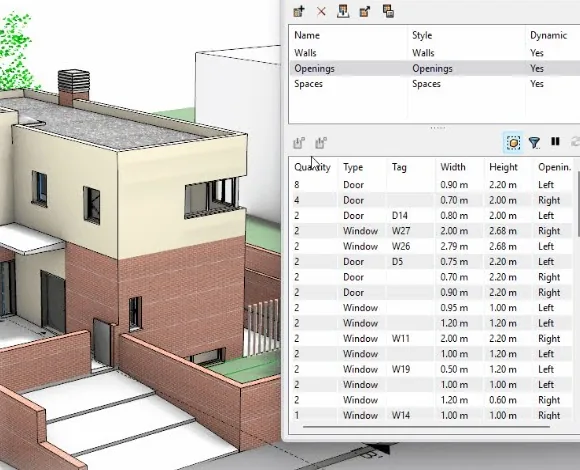
- Quantity take-off tables with filters and totals, editing from the cell and export to Excel.
- Tags and spaces that show area, perimeter or your own parameters.
- A clash and clearance report between two sets of objects.
Works with: Excel


Parametric BIM elements from Grasshopper definitions
With VisualARQ’s Grasshopper components and styles, a definition becomes an object you use like any other.
- Components to create and read walls, openings, stairs, levels and other objects.
- Grasshopper styles for walls, curtain walls, slabs and furniture following your own logic.
- Grasshopper Player runs definitions as Rhino commands, with no Grasshopper knowledge needed.
- An API through RhinoCommon for C#, VB.NET and Python.
Works with: Grasshopper C# VB.NET Python

File exchange and teamwork
The model moves to other AEC software through IFC and DWG, while external references split a large project across several users.
- IFC 2x3 and IFC 4 import and export, with your own parameters as IFC properties.
- Export layouts directly to DWG.
- External references and worksessions for several users on one project.
- Share styles between files and connect with Revit through Rhino.Inside.
Works with: IFC 2x3 IFC 4 DWG 3DS Revit


From model to render without conversions
VisualARQ objects are Rhino geometry, so they render with any engine that works with Rhino.
- Materials, lighting, renders and animations from the same model.
- Real-time 3D sections with per-level visibility.
- Display modes you can adjust for each stage of the work.
Works with: V-Ray Enscape Lumion Twinmotion


The Level Manager in VisualARQ 3
Official VisualARQ video on organising buildings and floors.

See it in action
The video or demo loads only when you press play.
What it does, stage by stage
VisualARQ adds BIM objects to Rhino, such as walls, doors and slabs, without losing Rhino’s free-form geometry. It produces plans and sections in vector format and dynamic quantity take-offs. It supports IFC import and export (2x3 and IFC4) and works with Grasshopper through its own API. A combination with Savanna3D is also available.
Survey
It is not its job.
Concept
It is not its job. Combine it with Rhino.
Design development
The design takes shape: spaces, structure, materials and checks.
Construction drawings
Drawings, schedules and information for construction.
Presentation
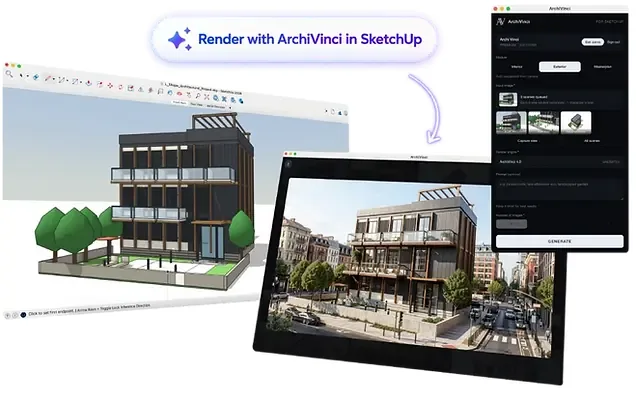
It is not its job. Combine it with ArchiVinci.
Features and files
Features
- Type
- BIM add-on for Rhino
- Plans and sections
- yes
- Quantity take-offs
- yes
- IFC
- IFC 2x3 and IFC4
- Grasshopper
- yes
Opens and saves
- .ifc
System requirements
- Rhino 7, 8 or 9
Works well with, and alternatives
Works well with


VisualARQ next to alternatives
Open the full comparisonQuestions, licence and delivery
Which Rhino versions does it support?
The manufacturer states Rhino 7, 8 and 9.
What licence do I get?
See the editions under the price.
How do I receive the licence?
After payment we order the licence from the manufacturer and email you its details.
Do the prices include VAT?
Prices exclude VAT. With a valid VAT number from another EU country, VAT is not charged; in Belgium it is charged at 21%. For private customers, VAT is calculated at checkout.