
LupoScan
by Lupos3D GbR, Digital twins
Evaluation of point clouds from laser scanners, for building surveys (price on request)
Versions Light, Basic, Pro
Price on request
Request a quoteOr call us: +30 210 440 0071 saleselitesoft.eu
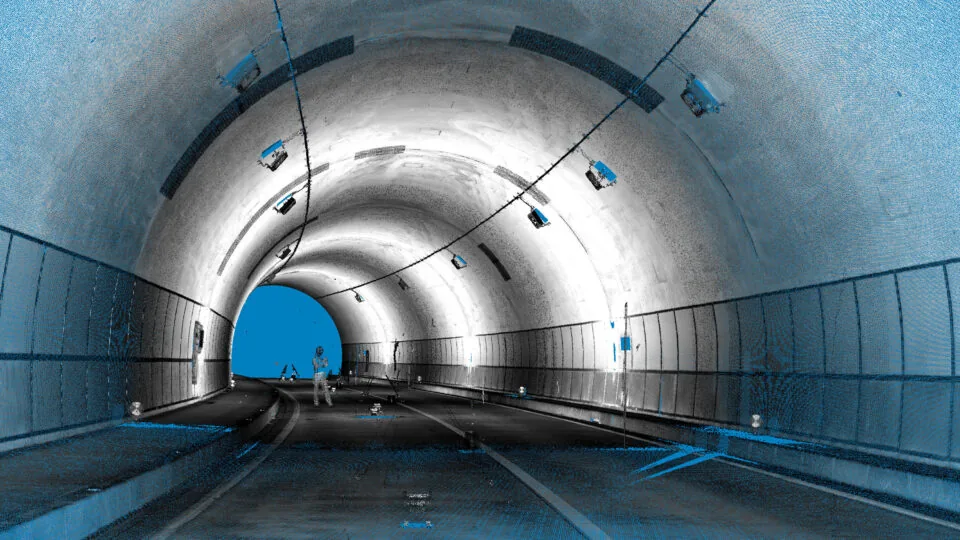
LupoScan at work on point clouds
Pick a topic and see what LupoScan does with scan data. The pictures are results and screens of the program.
Scans from different scanners in one project
In the same project you can bring together scans from several devices and refer them to a common coordinate system.
- Reads the files of various scanner manufacturers
- Also supports open formats such as E57 and LAS
- Combines point clouds from photos with laser scans
- Many import and export formats for exchanging files
Works with: E57 LAS


Sections straight from the point cloud
LupoScan takes sections straight from the point cloud, with filter settings you adjust to your job.
- Extract sections from point clouds
- Fine, individual filter settings
- Floor plans and other objects directly in the cloud or the intensity images

3D objects on top of the scan
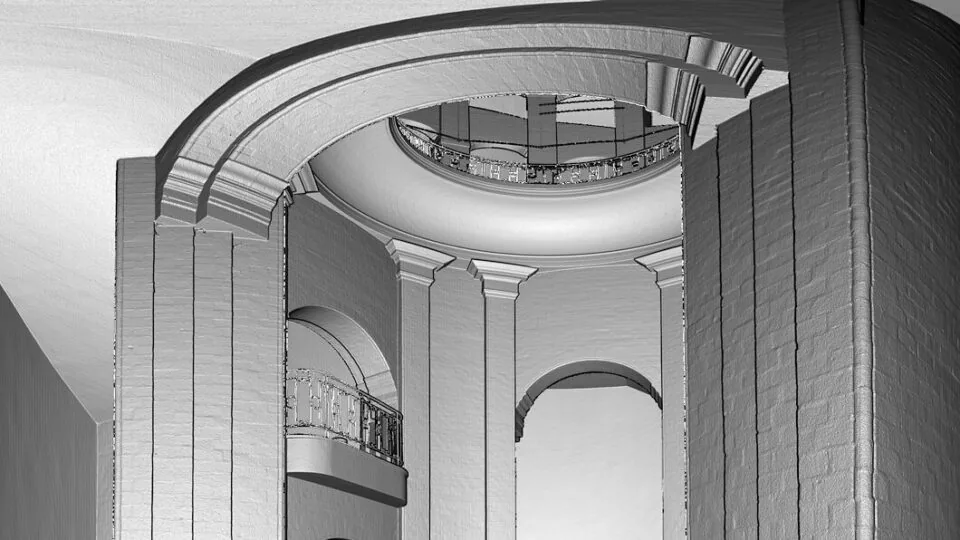
You model the elements of a building or plant directly on the data and pass them on to CAD.
- Convenient 3D modelling of plants and buildings
- Simple interactive creation of geometric objects
- Direct interface to insert objects into an open drawing of well-known CAD programs

Orthophotos and rectified images
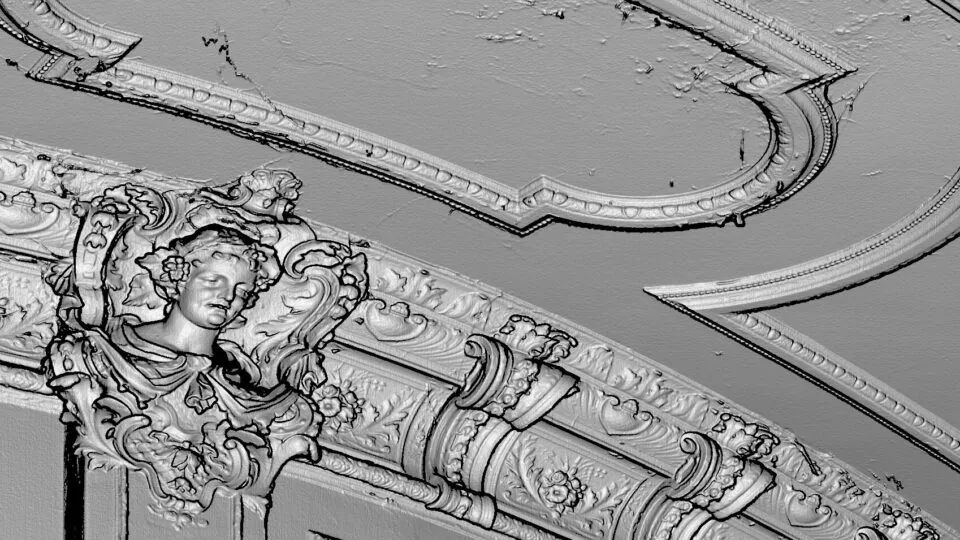
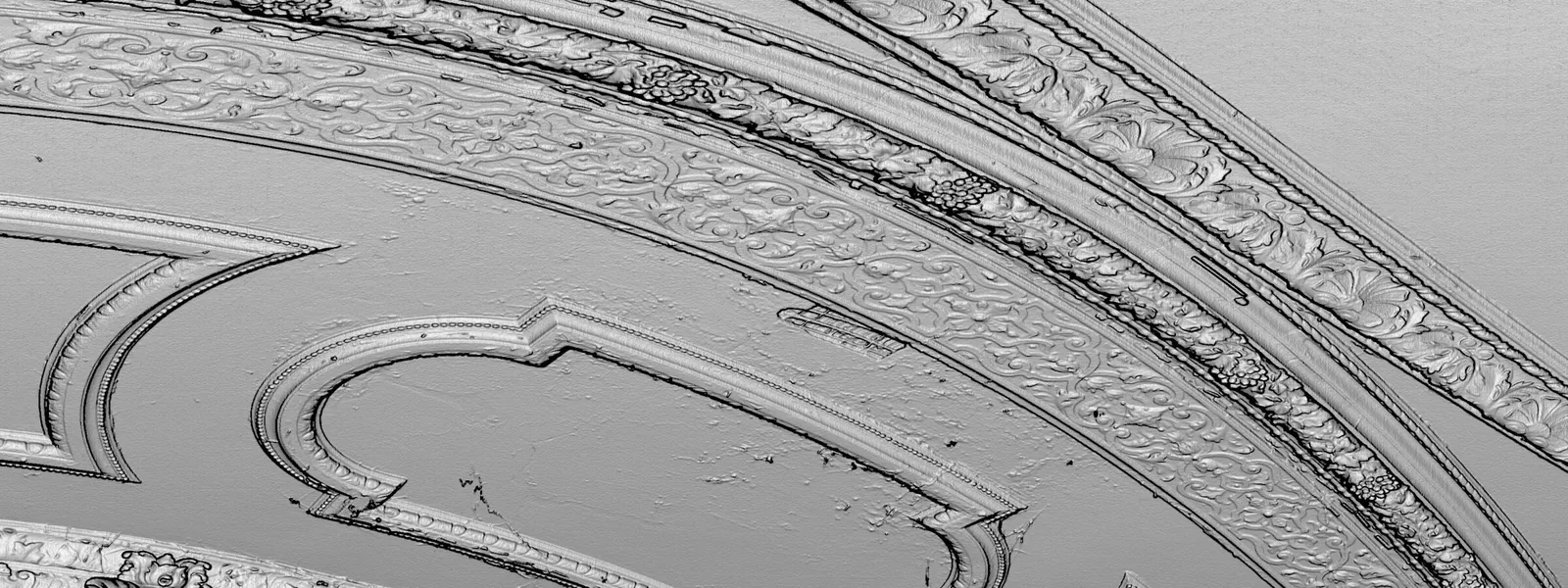
From intensity images or the point cloud you create orthophotos, floor plans and meshes.
- High-quality orthophotos
- Photogrammetric rectification of images in one plane
- Floor plans and meshes from the scan data


Developed surfaces and deformations
LupoScan unfolds cylindrical surfaces to true scale, detects deformations and calculates volumes.
- Cylindrical unfolding for a true-to-scale view
- Detection of surface deformations
- Calculation of volume and differential volume

What it does, stage by stage
LupoScan, from Lupos3D GbR in Berlin, is point cloud evaluation software that is independent of the scanner manufacturer. In the survey of an existing building it refers the scans to a common coordinate system, creates 3D objects, floor plans, meshes and orthophotos from intensity images or point clouds, and exports sections.
The features page also lists alignment of images in a plane, filters, transformation and registration of scans, unrolling of cylindrical surfaces, deformation analysis and volume calculation. Objects are passed into an open drawing of well-known CAD programs through a direct interface; the specific programs are not named.
There are three editions: Light for simple evaluation, Basic and Pro, with Pro including cylinder unrolling, colour calculation and deformation analysis. A free LupoScan Viewer is available, and a trial of the full version on request. Prices and licence are not published.
Survey
The existing condition is measured and becomes a digital model.
Concept
It is not its job. Combine it with SketchUp.
Design development
It is not its job. Combine it with ZWCAD.
Construction drawings
Drawings, schedules and information for construction.
Presentation
It is not its job. Combine it with SketchUp.
Features
Features
- Editions
- Light, Basic, Pro
- Input
- point clouds from any manufacturer, E57, LAS
- Sections
- from point clouds
- Orthophoto
- yes
- Cylinder unrolling
- yes
- Deformation analysis
- Pro
- Free Viewer
- yes
- Trial
- of the full version on request
System requirements
Operating system Windows
- Operating system: Windows
- The free Viewer and a trial of the full version are available from the manufacturer
Works well with, and alternatives
Works well with

LupoScan next to alternatives
Open the full comparisonQuestions, licence and delivery
Which editions are there?
Light, Basic and Pro. Pro includes cylinder unrolling, colour calculation and deformation analysis.
Does it work with scanners from any manufacturer?
The manufacturer describes it as manufacturer-independent and lists scanner manufacturers' files and open formats such as E57 and LAS.
Can I try it?
Yes, there is a free Viewer and a trial of the full version on request.
How do I receive the licence?
After payment we order the licence from the manufacturer and email you its details.
Do the prices include VAT?
Prices exclude VAT. With a valid VAT number from another EU country, VAT is not charged; in Belgium it is charged at 21%. For private customers, VAT is calculated at checkout.