
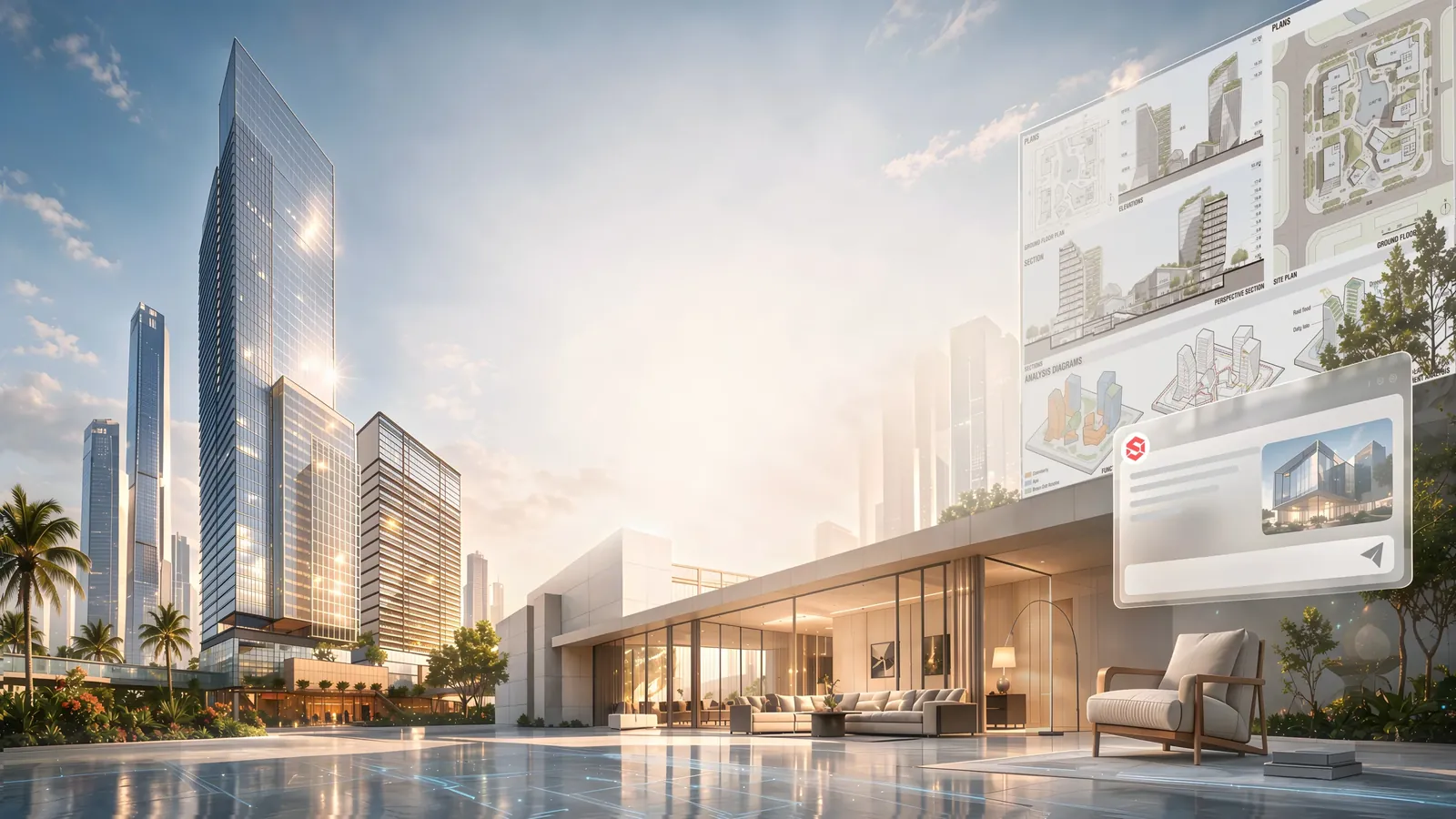
SUAPP AI
by SUAPP, AI & extensions
Six AI tools for architects: rendering, ideas, video, 3D models and a project canvas, from SketchUp and other programs (price on request)
Versions Basic, Standard, Pro, Max
Price on request
Request a quoteOr call us: +30 210 440 0071 saleselitesoft.eu

Six AI tools for the whole project journey
From the first idea and sketch to the final render, the video and the 3D model. For architecture, interiors, landscape and urban planning, without a powerful graphics card.
See the packagesThe SUAPP AI tools
Each does one job well, and the result of one becomes the starting point for the next.
SUAPP AIR: rendering in seconds
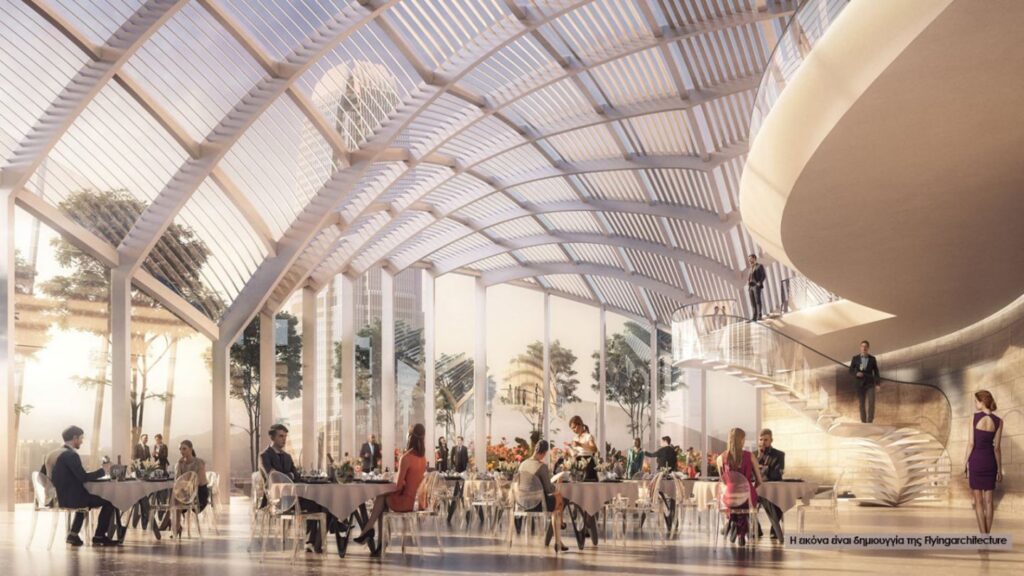
It is not a rendering engine with lighting and material settings. You provide a sketch, line drawing, massing or model view, choose a style, and in about 20 seconds you have an image ready for presentation.
- Hundreds of styles for architecture, interiors, landscape and urban planning
- More than 50 editing tools: material change, object removal, atmosphere transfer, image completion
- Floor plan to 3D view, new camera angle, 360° panorama and image to editable CAD
- Two ways of working: a quick image with a few options, or a project canvas with all the versions
- Chooses the right AI model for each task by itself
Works with: SketchUp Rhino Revit 3ds Max Blender Photoshop AutoCAD Archicad


SUAPP AIC: from description to idea
You write what you want in plain language (space, style, materials, atmosphere) and get several different directions to discuss with the team or the client.
- More than 1,000 ready-made options in 14 categories, so you never start from a blank prompt
- Aspect ratios for presentations, posters and mobile, three generation modes
- Sharper detail and lossless enlargement
- The idea you choose goes on to rendering or video without you describing it again
Works with: SketchUp Photoshop Web


SUAPP AIA: the image becomes a video
From a single still render or photograph you get a video with camera movement in about three minutes: an interior walkthrough, a switch between day and night, the seasons in a landscape.
- Ready-made camera movements, motion intensity and text instructions
- First and last frame for smooth transitions between shots
- Water, foliage, movement, clouds and light with a steady image and no flicker
- A new look for an existing video with more than 1,000 styles
Works with: SketchUp Web


SUAPP AIM: a 3D model from an image
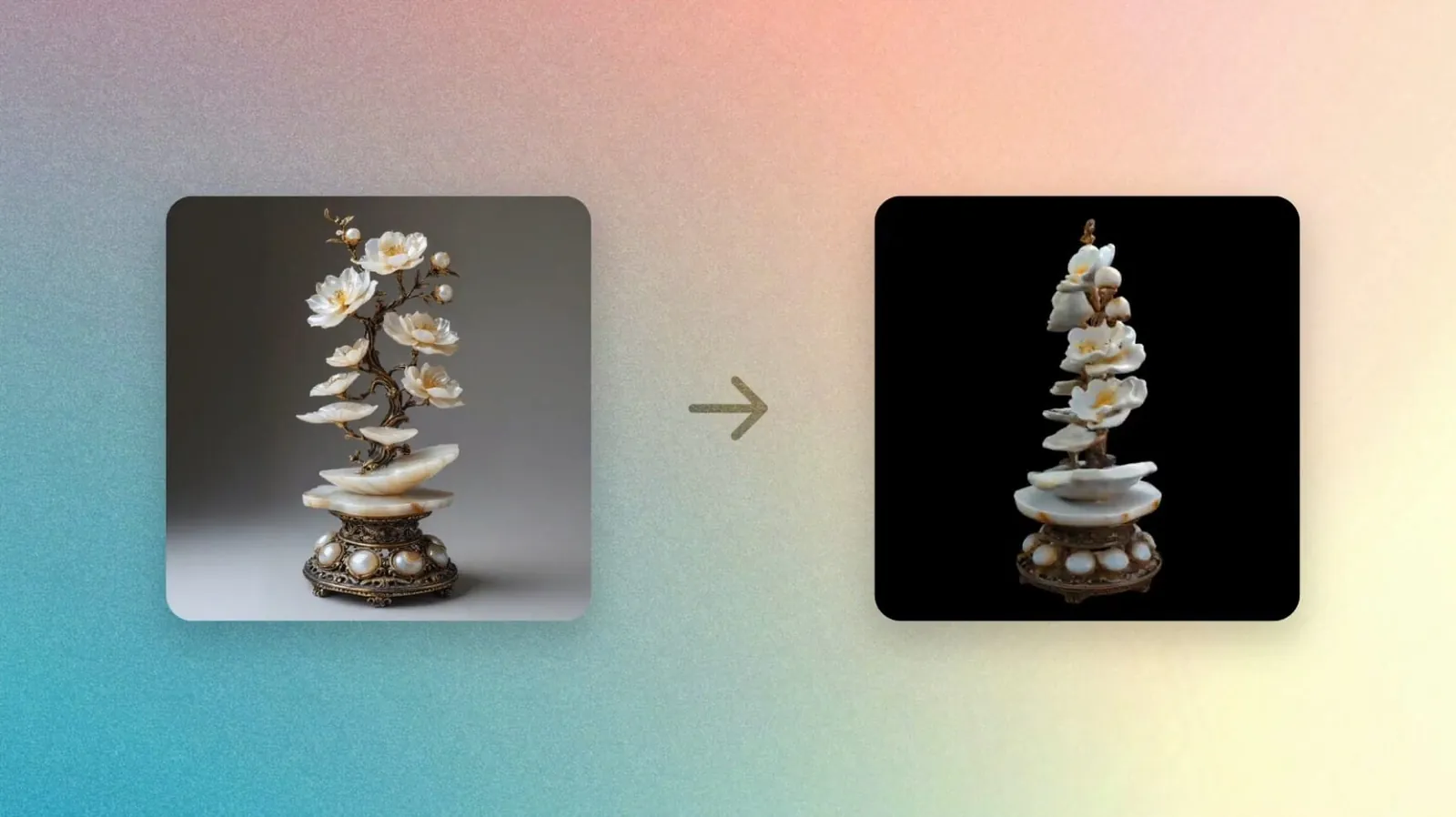
A photograph or a description becomes a 3D object, a piece of furniture, a landscape element or a product idea, and goes into SketchUp with one click.
- Colour and transparency that change in real time
- Textures, scale and UV position, from the library or your own
- Fewer polygons with the same shape, for light scenes
Works with: SketchUp Rhino 3ds Max Blender Web


SUAPP AIT: a conversation about the project
A chat field that understands the designer's language. You ask for comments on a floor plan, clarify the brief, and from the same conversation call up a render, a model or a video.
- Reads text, images and the current view of the model
- Explains the reasoning behind each answer, not only the result
- One field for all the tools in the suite
Works with: SketchUp Web


SUAPP AIF: the whole project on one canvas
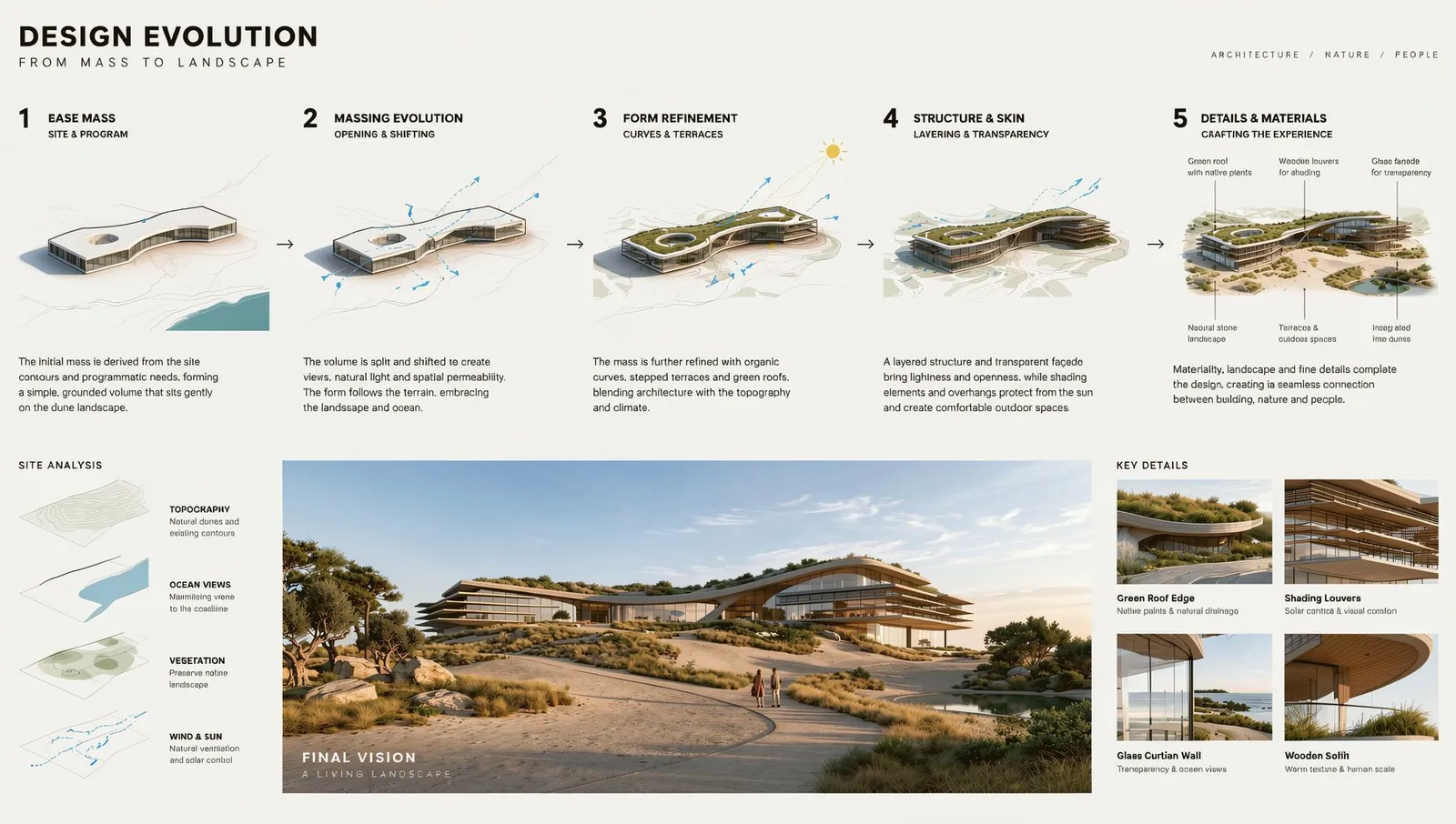
Images, drawings, documents, videos and models on a shared canvas, which also keeps the relationships between them: what came from what, and which version is the latest.
- Many directions in parallel and side-by-side comparison of versions
- Workspaces for image, video, 3D, presentation and CAD, all editable
- Ready-made tools for site analysis, diagrams and presentations
- Inside SketchUp as AIFlow Elf
Works with: Web SketchUp (AIFlow Elf)


Four packages
Everything for one user, with more than 500 styles and the professional editing tools. Credits are renewed every month.
-
Basic
3 months
- 5,000 credits per month
- 500 HD images per month
- SUAPP AIR in the browser
- Image storage for 1 month
-
Standard
3 months
- 10,000 credits per month
- 1,000 HD images per month
- SUAPP AIR also as a plugin for SketchUp, Rhino, Revit, 3ds Max, Blender, Photoshop and AutoCAD
- Image storage for 1 month
-
The most popular choice
Pro
1 year
- 20,000 credits per month
- 2,000 HD images per month
- All the tools: AIR, AIC, AIA, AIM, AIT, AIF
- Unlimited storage and priority support
-
Max
1 year
- Unlimited credits and images
- All the Pro tools
- Unlimited use of the Nano Banana and GPT Image image models
- First access to new features
What it does, stage by stage
SUAPP AI is a suite of six artificial intelligence tools for architecture, interiors, landscape and urban planning. AIR turns a sketch, massing or model view into a presentation image in about 20 seconds, AIC suggests ideas from a written description, AIA turns an image into a video, AIM builds a 3D model from a photograph, AIT discusses the project with you and AIF keeps all the material on one canvas.
Processing is done in the cloud, so a powerful graphics card is not required. AIR works in the browser and as a plugin for SketchUp, Rhino, Revit, 3ds Max, Blender, Photoshop, AutoCAD and Archicad.
There are four packages for one user: Basic and Standard for 3 months, Pro and Max for 1 year. They differ in the monthly credits and in the tools they include: all the tools are available from Pro upwards.


Features
Features
- Tools
- AIR (rendering), AIC (ideas), AIA (video), AIM (3D model), AIT (chat), AIF (canvas)
- AIR plugins
- SketchUp, Rhino 7/8, Revit, 3ds Max, Blender, Photoshop, AutoCAD, Archicad
- Styles
- more than 500
- Processing
- in the cloud, no powerful graphics card needed
- Users
- one per package
- Packages
- Basic and Standard for 3 months, Pro and Max for 1 year
System requirements
Operating system Windows, macOS
- Internet connection; processing is done in the cloud
- For the plugins: the relevant program installed (e.g. SketchUp, Rhino 7 or 8, Revit)
- SUAPP AI account
Works well with, and alternatives
Works well with

SUAPP AI next to alternatives
Open the full comparisonQuestions, licence and delivery
Do I need a powerful computer?
No. Images, videos and models are processed in the cloud, so an internet connection is all you need.
Which package includes all the tools?
Pro and Max. Basic and Standard include only AIR: Basic in the browser, Standard also as a plugin.
What are credits?
Each package gives you credits every month, and each task uses some, e.g. 10 for an AIR HD image or 100 for an AIA video. Max has unlimited credits.
Does it replace SketchUp or V-Ray?
No. It works alongside your design software and mainly helps with ideas and presentations. For final renders with accurate materials and lighting, you still need a rendering engine.
How do I receive the licence?
After payment we order the licence from the manufacturer and email you its details.
Do the prices include VAT?
Prices exclude VAT. With a valid VAT number from another EU country, VAT is not charged; in Belgium it is charged at 21%. For private customers, VAT is calculated at checkout.