

Enscape
by Chaos, Rendering & immersion
Real-time rendering from Revit, SketchUp, Rhino, Archicad and Vectorworks, for architects (annual charge)
Enscape inside your design tool
Pick a topic and see what Enscape offers for it. The pictures are results produced with the program.
See a realistic model as you design
Enscape runs inside your design software. Whatever you change in the model appears straight away, with no separate export.
- Ready for Revit, SketchUp, Rhino, Archicad and Vectorworks
- The direct link with Revit helps you check the BIM model while you work on it
- From a first sketch to a realistic image within minutes
- Simple settings and a real-world setting around the building
Works with: Revit SketchUp Rhino Archicad Vectorworks

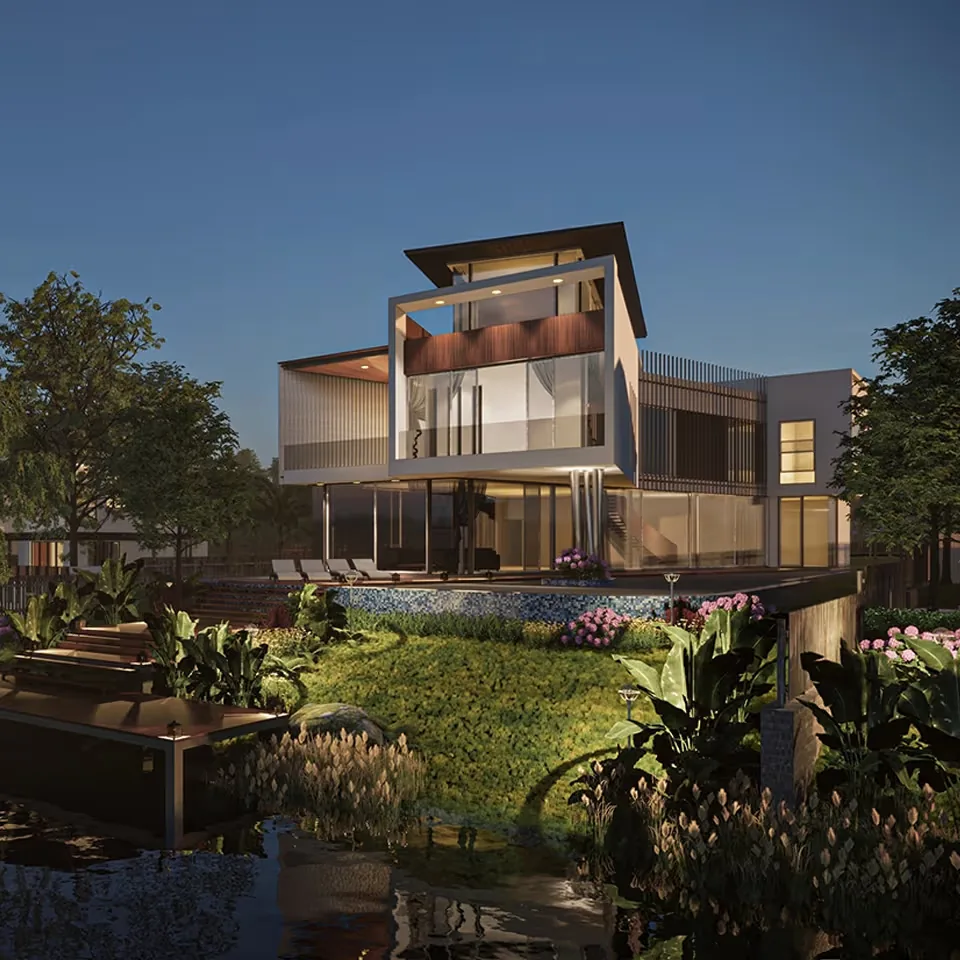
Buildings in their landscape and daylight
The building appears with its planting, water and site lighting, so you can judge its mass and position before the design goes further.
- Atmospheric lighting, as in the images from the Enscape community
- Planting, water and ground around the building
- Walk through the model so the client can see the building from any spot
- Need a change? Make it in the design and the image updates


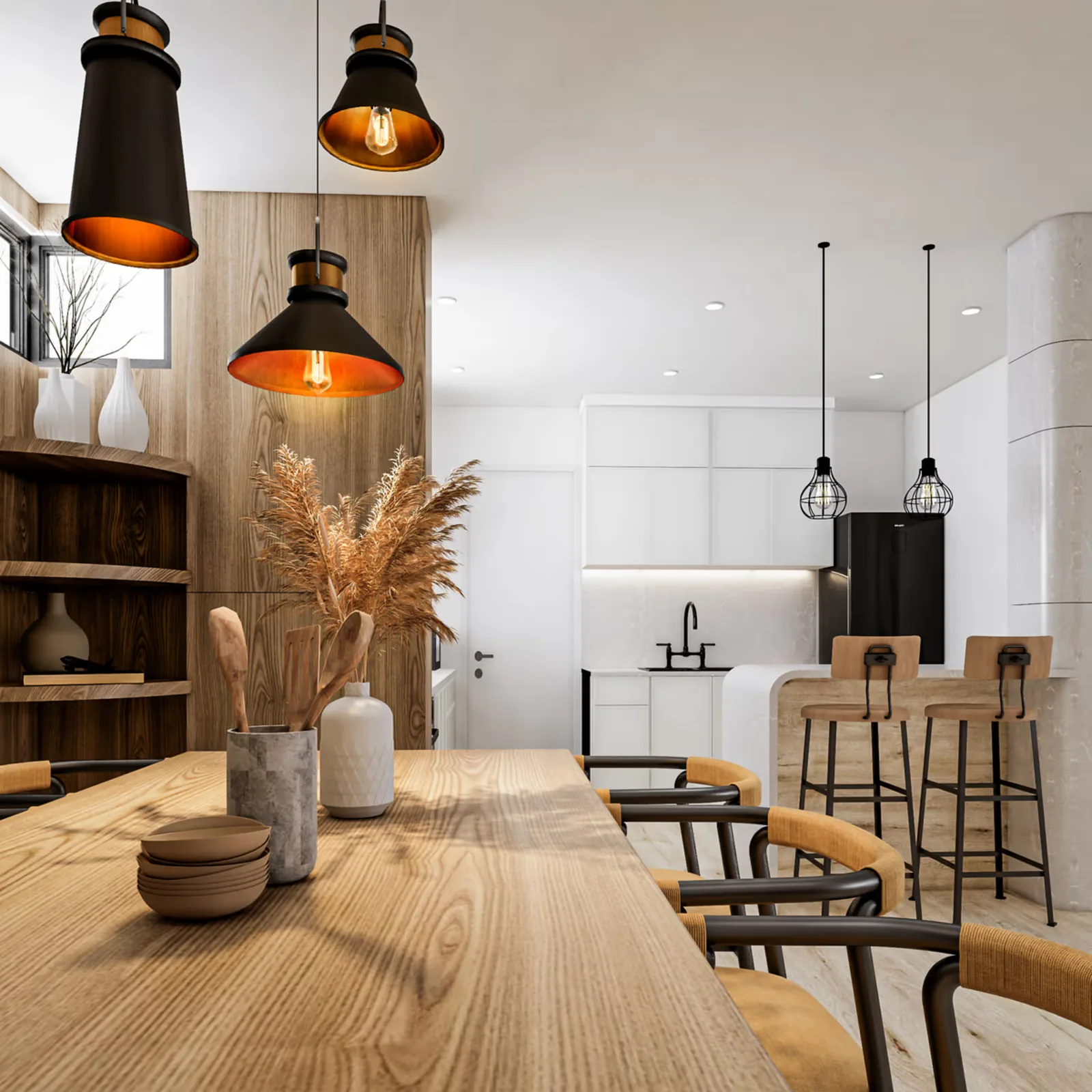
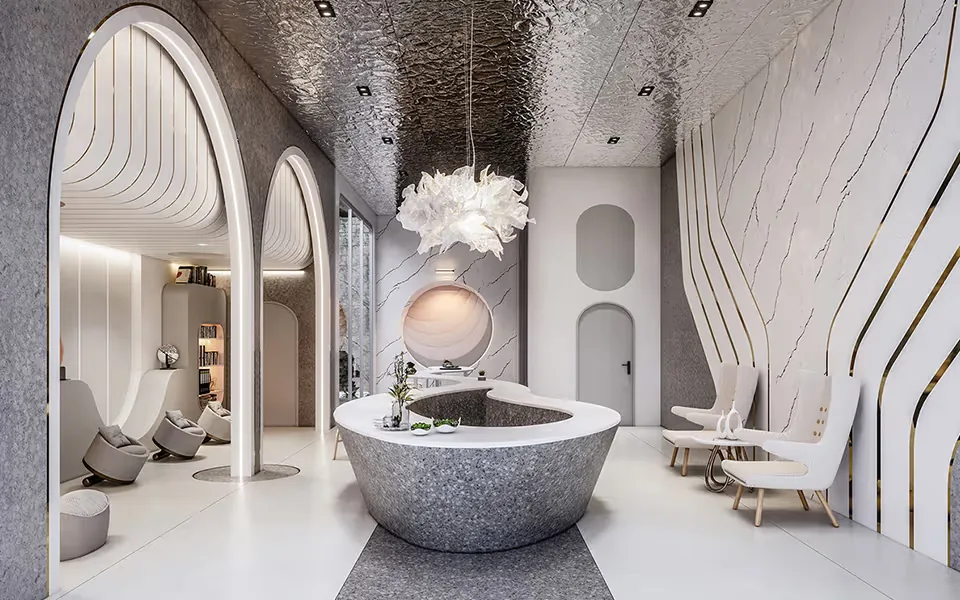
Materials, furniture and light in the rooms
Inside, you can see how materials, furniture and lighting work together, so the client understands the design without having to imagine it.
- Ready-made materials and assets for quick detailing of the space
- Check lighting, materials and rooms while you design
- The client sees the solution, not a sketch, with fewer misunderstandings and changes later
- The client walks through the space before it is built


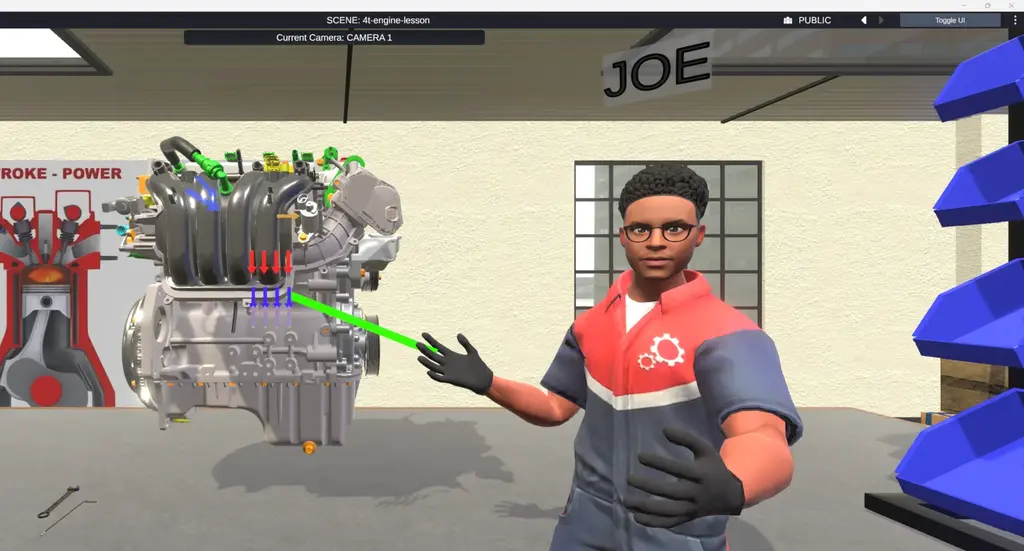
Ready-made assets and AI help
The Chaos Cosmos library provides ready 3D assets, and the AI tools help you find or create what is missing. The allowance grows with each edition.
- Chaos Cosmos library of ready-made 3D assets
- Version 4.22 finds assets from a reference image, or generates them with AI when nothing fits
- Cloud collaboration and simpler sharing, for quicker feedback

See it in action
The video or demo loads only when you press play.

What it does, stage by stage
Enscape is a visualisation tool that works inside the design program. It opens the model in a real-time window and every change to the design is visible immediately, without exporting and without a separate rendering wait.
The manufacturer lists Revit, SketchUp, Rhino, Archicad and Vectorworks as host programs. In the design phase the architect checks lighting, materials and spaces while designing, and in the presentation provides images, videos and walkthroughs to the client. Walkthroughs with a virtual reality headset (Windows) are also supported.
The editions are Solo (fixed licence) and Premium (floating licence), with differences in the Chaos Cosmos asset library and in the monthly AI credits. A 14-day trial is available.
Features
Features
- Function
- real-time rendering inside the program
- Programs
- Revit, SketchUp, Rhino, Archicad, Vectorworks
- Chaos Cosmos
- up to 6,700 / 10,000 / 18,500+ assets
- AI credits
- 100 / 500 / 1,500 per month
- Virtual reality
- Windows (Meta Quest 3, HTC Vive Pro 2)
- Trial
- 14 days
System requirements
Operating system Windows, macOS
- Windows 10 or later, or a Mac with an M processor (from 2020) and macOS 14.8.1 or later; Intel Macs are not supported
- Graphics card with Vulkan 1.1 support and at least 4 GB VRAM (8 GB recommended, 12 GB for VR)
- On Mac, virtual reality is not currently supported
- One of the supported programs is required (Revit, SketchUp, Rhino, Archicad, Vectorworks)
Works well with, and alternatives
Works well with

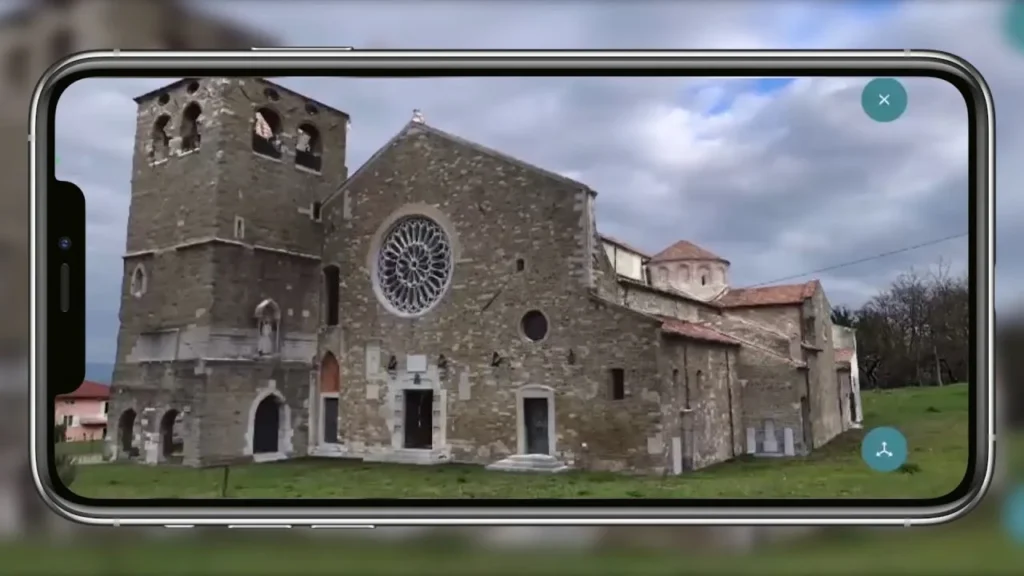

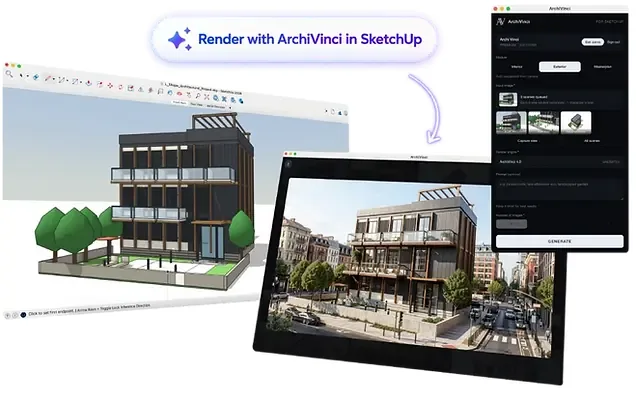
Enscape next to alternatives
Open the full comparisonQuestions, licence and delivery
Which programs does it work in?
In Revit, SketchUp, Rhino, Archicad and Vectorworks. It is not a separate program; one of these is required.
How does it differ from V-Ray?
Enscape shows the result in real time inside the design program, whereas V-Ray is a rendering engine for high-quality images with more settings.
Can I do a virtual walkthrough with a VR headset?
Yes on Windows, with headsets such as Meta Quest 3 and HTC Vive Pro 2. It is not currently supported on macOS.
Can I try it?
Yes, there is a free 14-day trial and a 14-day money-back guarantee, according to the manufacturer.
Is there a perpetual licence?
The editions are annual licences.
How do I receive the licence?
After payment we order the licence from the manufacturer and email you its details.
Do the prices include VAT?
Prices exclude VAT. With a valid VAT number from another EU country, VAT is not charged; in Belgium it is charged at 21%. For private customers, VAT is calculated at checkout.