
Artisan Organic Toolset
by mind.sight.studios, SketchUp plug-ins
Organic modelling, subdivision, sculpting and site grading inside SketchUp
Artisan for organic forms in SketchUp
Pick a topic and see how the extension helps you work with curved forms and terrain inside SketchUp.
Sculpting tools for organic forms
Artisan's real-time tools are aimed at characters, furniture and other complex organic forms.
- Real-time sculpting tools inside SketchUp
- For characters, furniture and other complex organic forms
- Site grading tools for modelling terrain
Works with: SketchUp

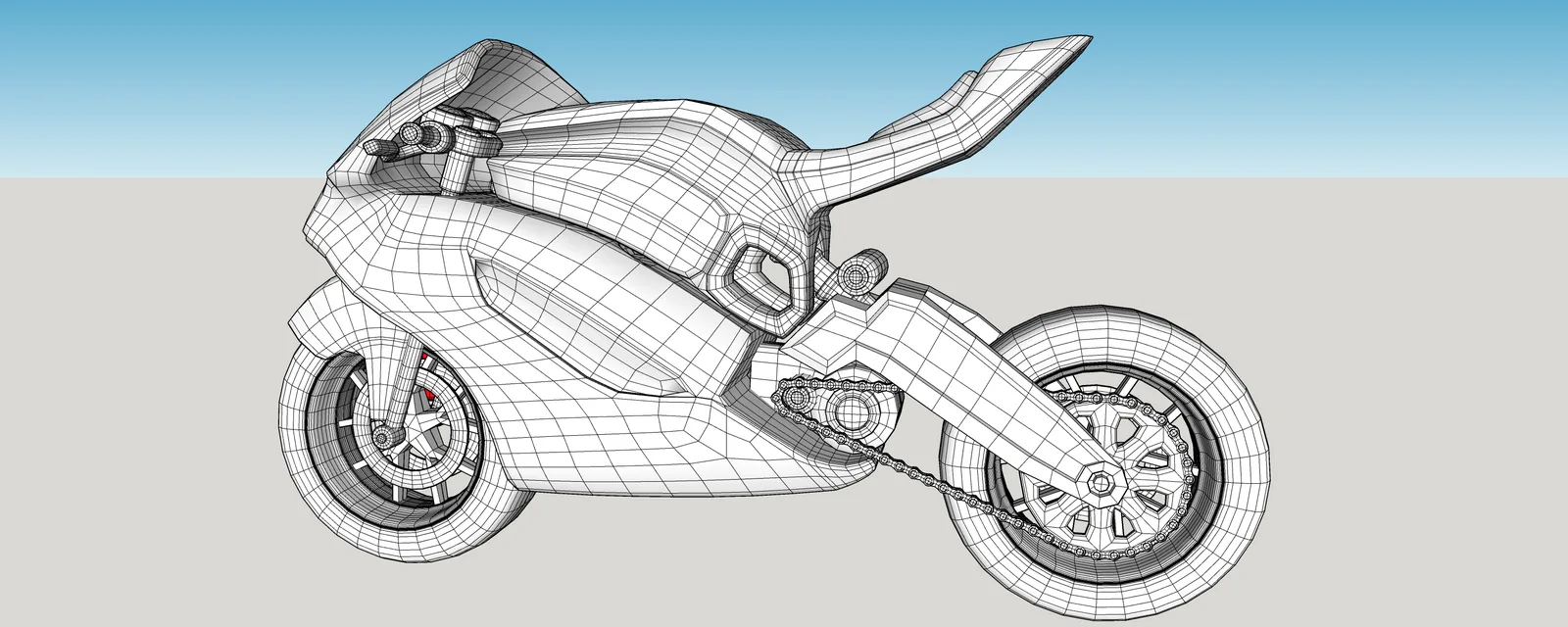
Subdivision and multi-face extrusion
Artisan has real-time precision tools for subdivision and for extruding several faces at once.
- Subdivision tool
- Extrusion of several faces at once (multi-face extrusion)
- Precision tools that work in real time

Soft selection and free-form deformation
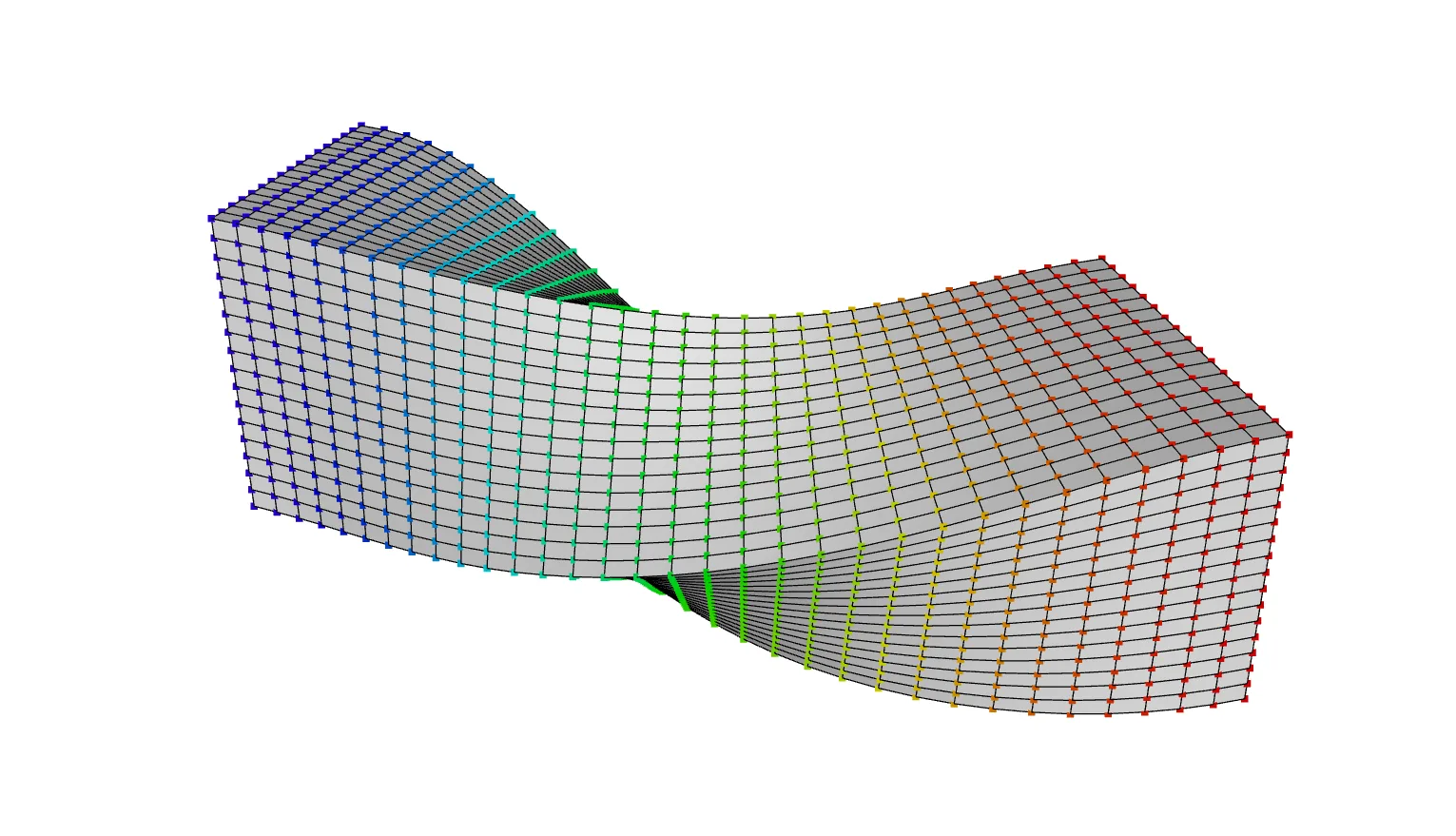
To change the shape of a model, Artisan offers soft selection and free-form deformation.
- Soft selection
- Free-form deformation
- For terrain, characters, furniture and other organic forms

Artisan at work
Watch the manufacturer's official video.

See it in action
The video or demo loads only when you press play.
What it does, stage by stage
Artisan is a SketchUp extension with real-time tools for site grading, subdivision, sculpting, soft selection, free-form deformation and extruding multiple faces at once. It is useful for terrain, furniture, characters and other complex organic forms.
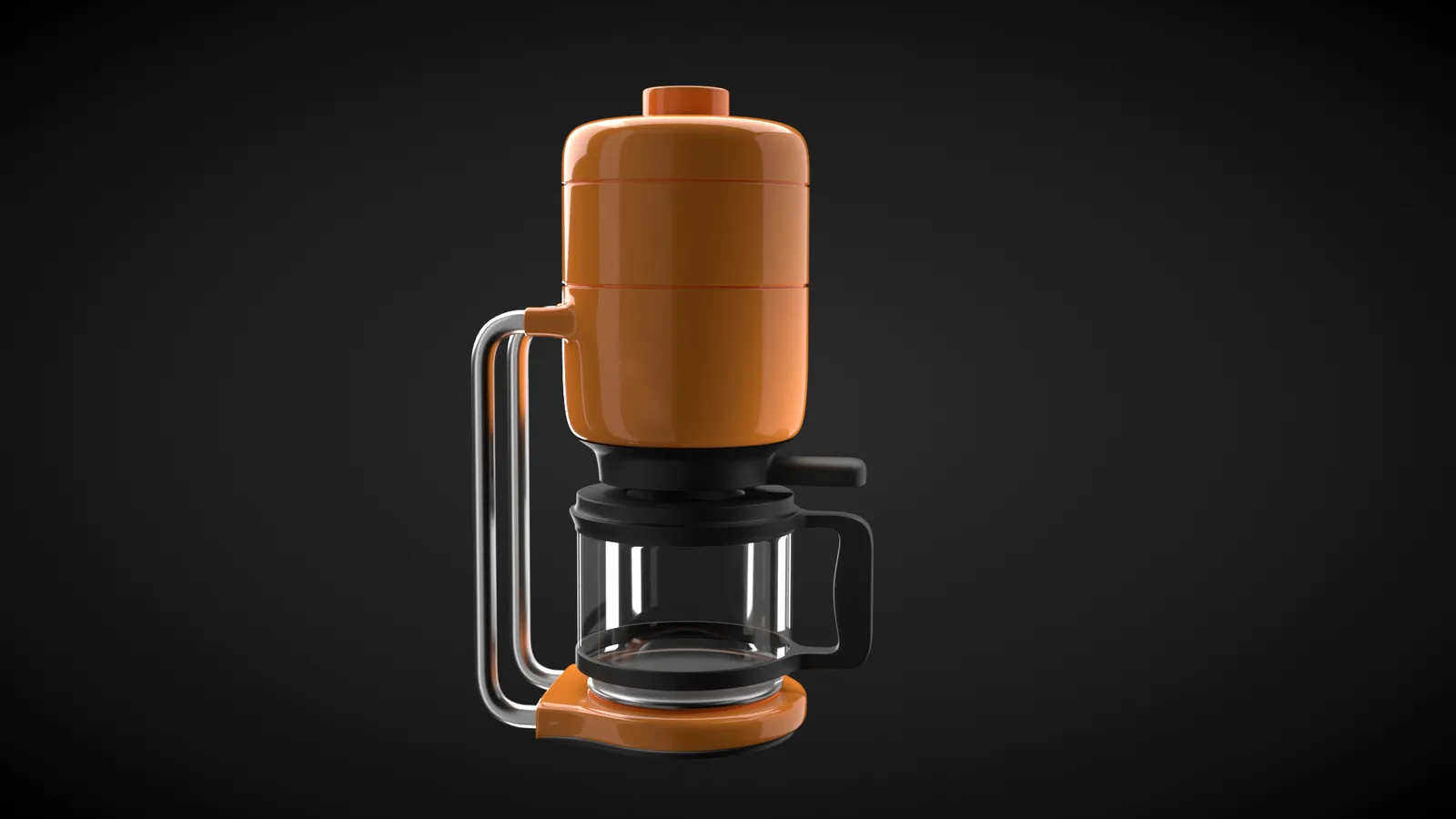
Version 2 adds real-time subdivision: you select a group or component, click “Subdivide and Smooth”, and the smooth surface updates as you change the simple mesh, like a non-destructive modifier. Subdivision is Catmull-Clark: each quad is split into 4 new ones. All tools preserve quads, including non-planar ones (compatible with QuadFace). There are Extrude (including face thickening), Inset, Loop, Extrude Edges, Bridge, Make Symmetrical, Knife and weighted Crease tools.
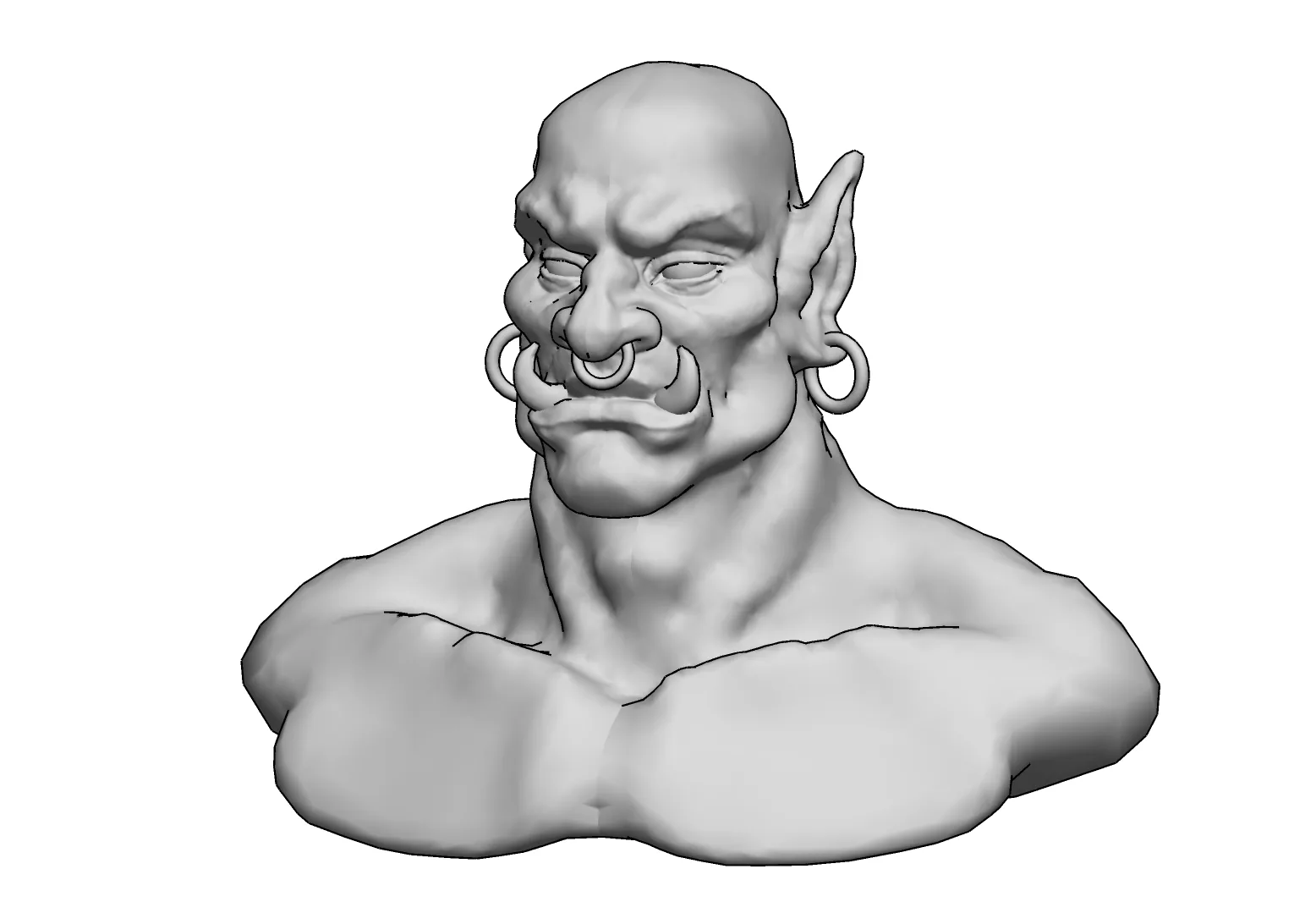
The Transform tools move, rotate and scale vertices with soft selection, in three axis modes (World, Local, View, with ALT). Make Planar aligns vertices to an existing face or axis. For sculpting, Auto-Add Detail adds polygons where you sculpt, and there are Grab, Inflate and Reducer brushes (polygon reduction in a selected area), symmetrical sculpting and Sculpt Shading to show the surface more clearly.
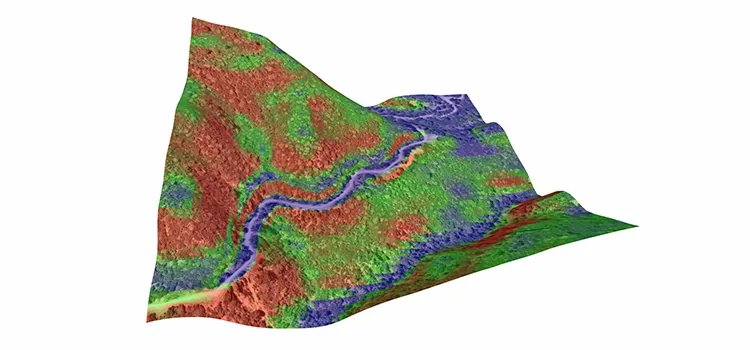
For terrain, the Grade Brush gives precise control over the slope and its direction. A point locks to an elevation with CTRL (OPTION on Mac), and a constant slope between two known points is set with SHIFT. Slope colouring shows in real time how the slope changes, with your own limits and colours, and Knife cuts areas of the terrain around an object.
The developer offers Artisan Pro as an annual single-user subscription, with updates for one year and a licence for commercial use. There is a 15-day trial licence with all features, and a student and educator edition at a 75% discount, not for commercial use.
Survey
It is not its job.
Concept
First massing and alternatives, quickly, so the idea can stand.
Design development
The design takes shape: spaces, structure, materials and checks.
Construction drawings
It is not its job. Combine it with SketchUp.
Presentation
It is not its job. Combine it with SketchUp.
Features and files
Features
- Type
- SketchUp extension
- Subdivision
- real-time, Catmull-Clark, with quads
- Sculpting
- Auto-Add Detail, Grab, Inflate, Reducer brushes, symmetry
- Transformations
- soft selection, World/Local/View axes, Make Planar
- Terrain
- Grade Brush with slope and direction control, slope colouring
- Free-form deformation
- SketchyFFD in real time
- SketchUp versions
- SketchUp Pro 2018 (desktop) or later
- Operating system
- Windows and macOS
- Licence
- Annual subscription, one user
Opens and saves
- .skp
System requirements
Operating system Windows, macOS
- SketchUp Pro 2018 (desktop) or later
- Windows or macOS
Works well with, and alternatives
Works well with

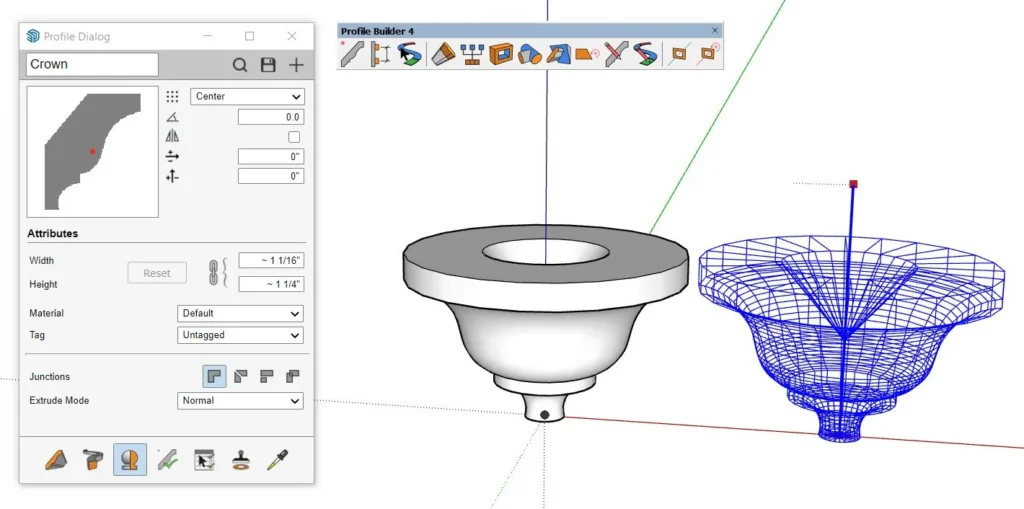

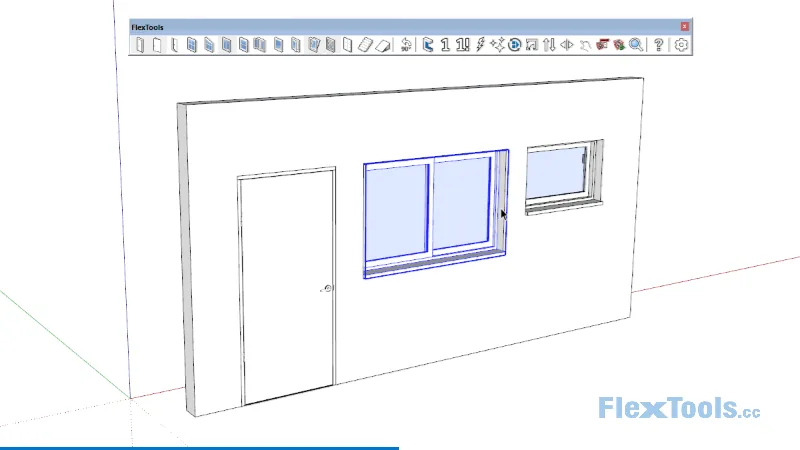
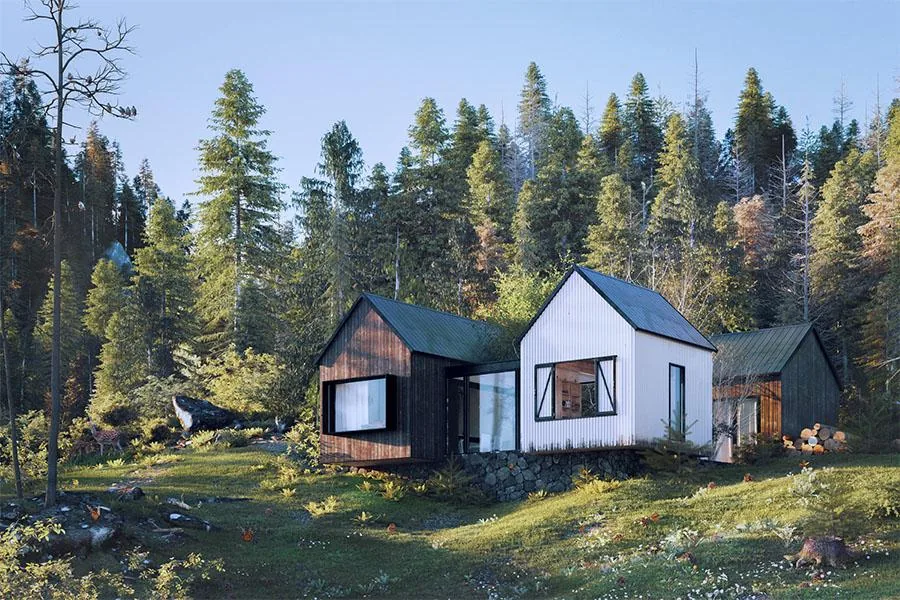

Artisan Organic Toolset next to alternatives
Open the full comparisonQuestions, licence and delivery
Which SketchUp versions are supported?
SketchUp Pro 2018 (desktop) or later, on Windows and macOS.
What kind of licence is it?
An annual single-user subscription, with updates for one year and a licence for commercial use.
Is there a trial version?
Yes, a free 15-day trial licence with all the features of the subscription.
Is there a student edition?
Yes, for students and educators at a 75% discount, with proof of status. It is not permitted for commercial use.
Does it work for site grading?
Yes. The Grade Brush sets slope and direction, locks point elevations and shows slopes in colour.
How do I receive the licence?
After payment we order the licence from the manufacturer and email you its details.
Do the prices include VAT?
Prices exclude VAT. With a valid VAT number from another EU country, VAT is not charged; in Belgium it is charged at 21%. For private customers, VAT is calculated at checkout.