
Unreal Engine
by Epic Games, Real time & VR
Real-time engine for interactive applications and virtual reality, for those who want full control of the presentation (free under USD 1 million revenue)
Unreal Engine for architects and engineers
From the CAD or BIM file to the virtual walkthrough: choose a topic and see what the engine does at each step.
The whole scene from your design software, without rework
Datasmith brings in the scene with animation and metadata from CAD, BIM and 3D software, and keeps your changes when the model is updated.
- Re-import without losing what you changed inside Unreal, while you keep working on the design in the source program
- Visual Dataprep automates clean-up with reusable recipes of filters: levels of detail, material swaps, merging or deleting objects
- Point clouds from laser scanners can be imported, viewed and edited, to show the new building in its real surroundings
- Modelling, UV and baking tools inside the engine, for fixes without going back to the source program
- USD, FBX and Alembic support; a USD file is read without a full import and updates when collaborators change it
Works with: Revit SketchUp Pro 3ds Max Rhino Cinema 4D SolidWorks Catia USD


Light and materials that behave as in reality
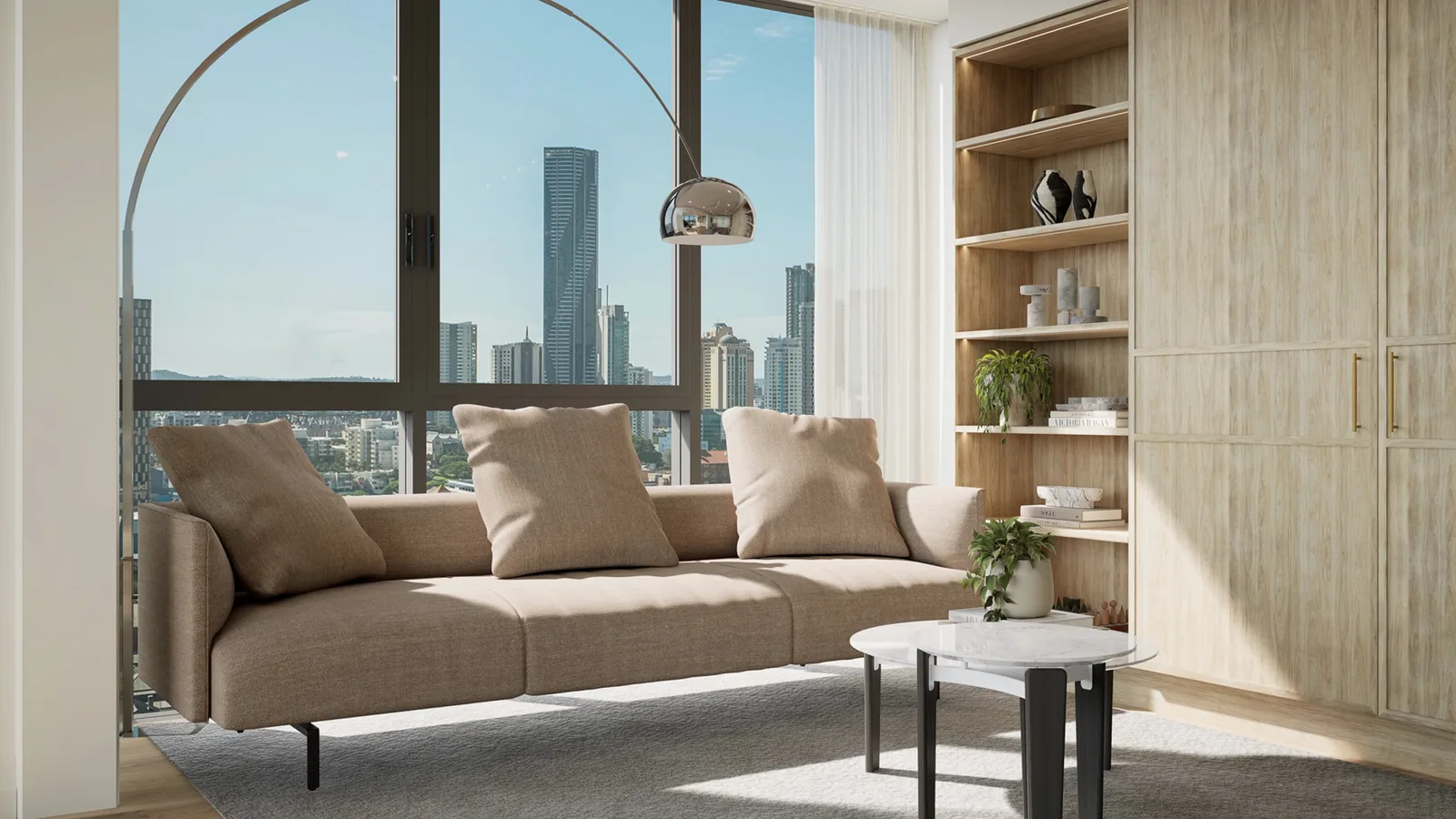
Lighting responds at once to every change, and for the final image there is a renderer with offline quality.
- Lumen gives dynamic global illumination: when the time of day changes or a door opens, the indirect light adapts with no baking
- Real-time ray tracing for reflections, shadows, translucency and HDRI sky lighting, wherever you need it
- The Path Tracer delivers a physically accurate final image, with correct refractions and global illumination, with no extra setup
- Physically based materials in the node-based Material Editor, with layers, that hold up in close-ups
- With Nanite you import models of millions of polygons and place them many times, without the frame rate dropping


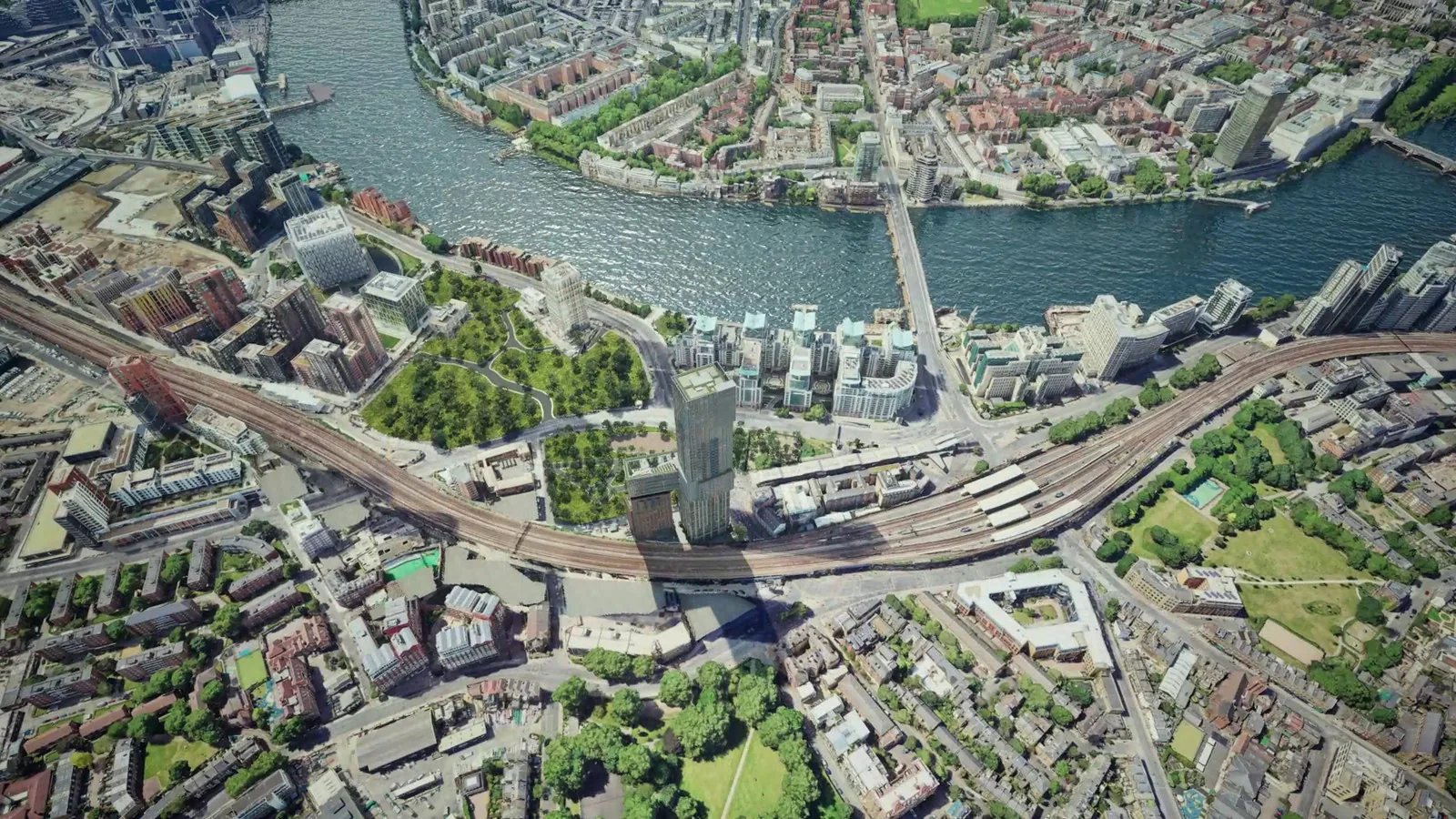
The project in its place
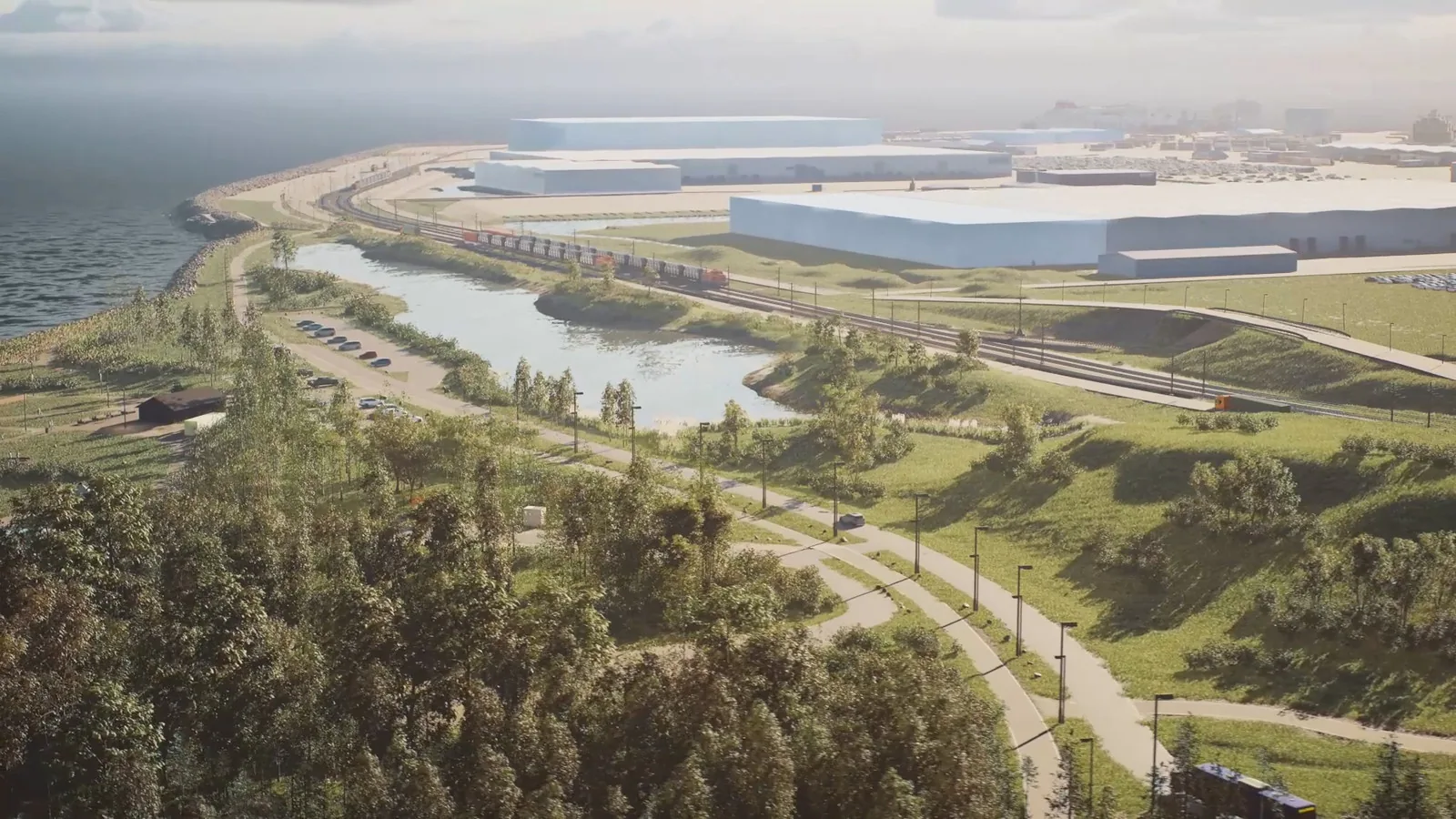
Terrain, vegetation, sky and water are made in the engine, so the building is shown in the setting where it will be built.
- Landscape creates large terrains with mountains and valleys, with layers you sculpt and paint separately
- Grass, shrubs and trees spread automatically, and PCG fills large areas following rules you set
- Sky, clouds and atmosphere change with the time of day in real time, with dynamic light and shadow
- Seas, lakes and rivers are drawn with splines, and the water reacts to the terrain and to objects
- Through Fab you have the Quixel Megascans library, with tens of thousands of scanned assets and materials


Images, films and variants from the same project
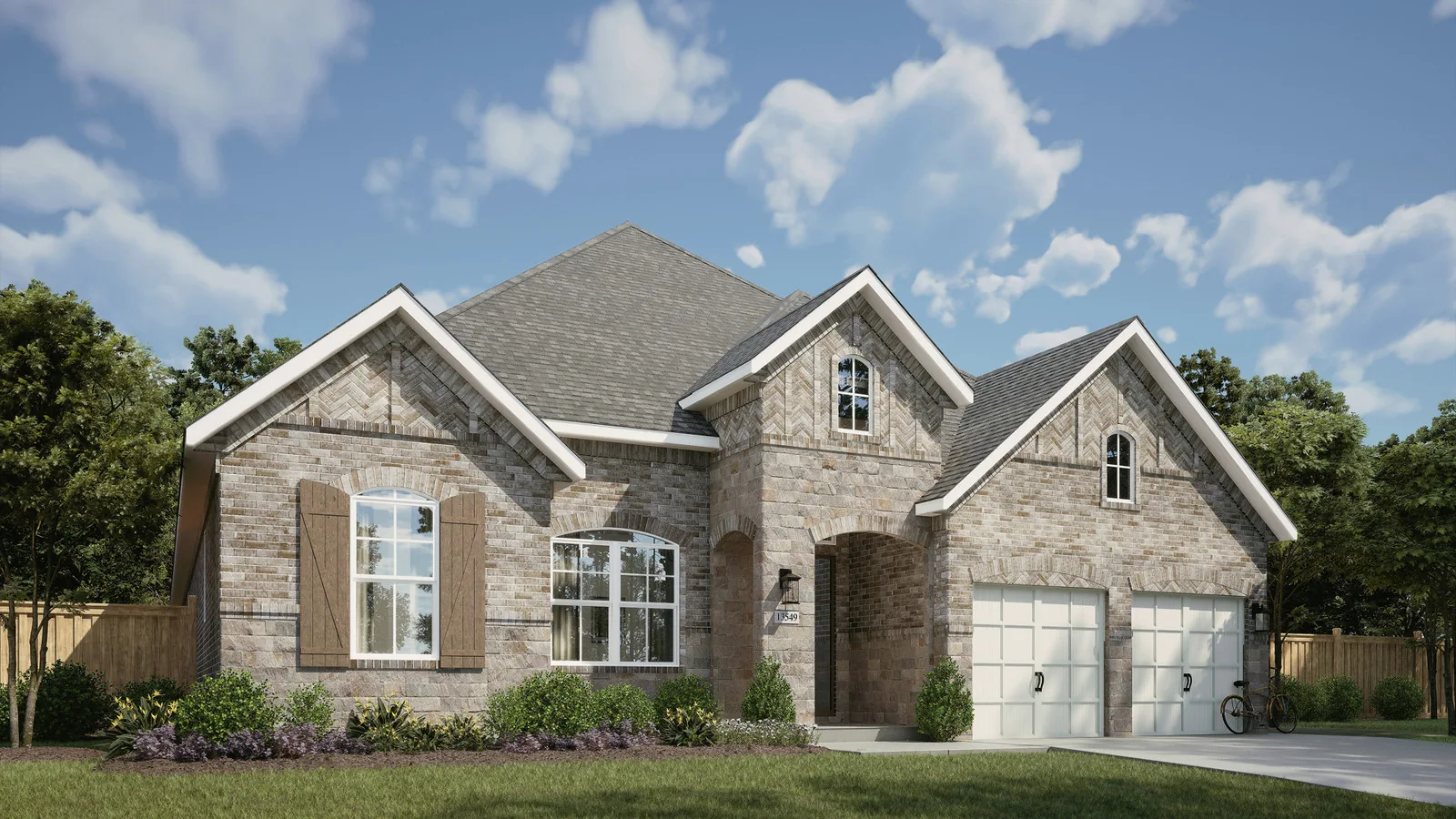
From a single project you produce high-resolution images, presentation videos and design options for the client.
- Movie Render Queue renders films and stills with anti-aliasing and motion blur, and tiled rendering reaches print resolution
- It can also output separate render passes for compositing
- With Sequencer you build the film, with cameras, lighting and objects per shot
- The Variant Manager stores variants (visibility, positions, materials) and switches them in the editor or during the presentation


Walkthroughs in VR and in the browser
The same project becomes a virtual reality experience or an application that opens in any browser.
- AR, VR and MR support on the most widely used platforms, such as Meta Quest and SteamVR, as well as OpenXR
- Pixel Streaming runs the application on a server or in the cloud and streams it to a computer, tablet or phone browser, with nothing to install
- Ready templates for collaborative design reviews on desktop and VR, and for realistic sun and sky in architectural visualisation
- With Blueprint you build interactions, menus and configurators without writing code


Unreal Engine in architecture
Official Epic Games video on using the engine for architectural projects.

See it in action
The video or demo loads only when you press play.

What it does, stage by stage
Unreal Engine by Epic Games is a real-time engine, known from games but also used in architectural visualisation, film and interactive applications. The project is built in an environment where the designer defines lighting, materials, movement and the visitor’s experience.
For architecture, Datasmith Direct Link brings whole scenes, with animation and metadata, from popular CAD and BIM programs and updates them when the model changes, while the Dataprep tools automate data clean-up. Rendering is real-time, with ray tracing and path tracing, Lumen dynamic global illumination and a Sun and Sky system. From the same project come high-resolution stills and videos with Movie Render Queue, VR, AR and MR experiences, and browser presentations with Pixel Streaming.
For architectural projects the model usually comes from a design program. It is more demanding than ready-made visualisation tools and suits teams who want virtual walkthroughs, VR presentations or their own application.
Use is free for individuals and small businesses with annual revenue under 1 million dollars, and for educators. Above this limit there is a licence per seat per year, or a 5% royalty for games and applications distributed to third parties.
Survey
It is not its job.
Concept
It is not its job. Combine it with Cinema 4D.
Design development
It is not its job.
Construction drawings
It is not its job. Combine it with 3D Design Studio.
Presentation
Images, videos and walkthroughs for the client.

Features
Features
- Function
- real-time engine
- Graphics
- Nanite, Lumen
- Free use
- revenue under USD 1 million, education
- Paid seat
- 2,145 € per year
- Royalties
- 5% for applications to third parties
- Source code
- available
- Trial
- 30 days (seats)
- Model import
- Datasmith Direct Link from CAD and BIM
- Deliverables
- stills, videos, VR/AR/MR, Pixel Streaming
System requirements
Operating system Windows, macOS
- Recommended (Windows): Windows 11, quad-core processor at 2.5 GHz or faster, 32 GB RAM, DirectX 12 graphics card with 8 GB VRAM or more
- Minimum software: Windows 10 22H2 64-bit
- Lumen: NVIDIA RTX 2000 or later, AMD RX 6000 or later, Intel Arc A-Series
Works well with, and alternatives
Works well with


Unreal Engine next to alternatives
Open the full comparisonQuestions, licence and delivery
Is it free?
Yes for individuals and businesses with annual revenue under USD 1 million and for educators. For commercial use above the limit a subscription is needed (Unreal Subscription 2,145 € per year), or a 5% royalty if it is a game or an application for third parties.
Is it suitable for architects?
It can be used for interactive presentations and VR, but it requires more training than ready-made visualisation tools such as Twinmotion.
What is the relationship with Twinmotion?
Both are from Epic Games. Twinmotion is a ready-made tool for visualisation, whereas Unreal Engine is the general-purpose engine.
What is the operating system?
Epic states that the editor runs on Windows, macOS and Linux.
Can I try it?
Free use covers the trial for small businesses. For the paid seats there is a 30-day trial.
Is training included with the purchase?
The purchase includes free 3-hour training from ELITESOFT, worth 240 €.
How do I receive the licence?
After payment we order the licence from the manufacturer and email you its details.
Do the prices include VAT?
Prices exclude VAT. With a valid VAT number from another EU country, VAT is not charged; in Belgium it is charged at 21%. For private customers, VAT is calculated at checkout.