
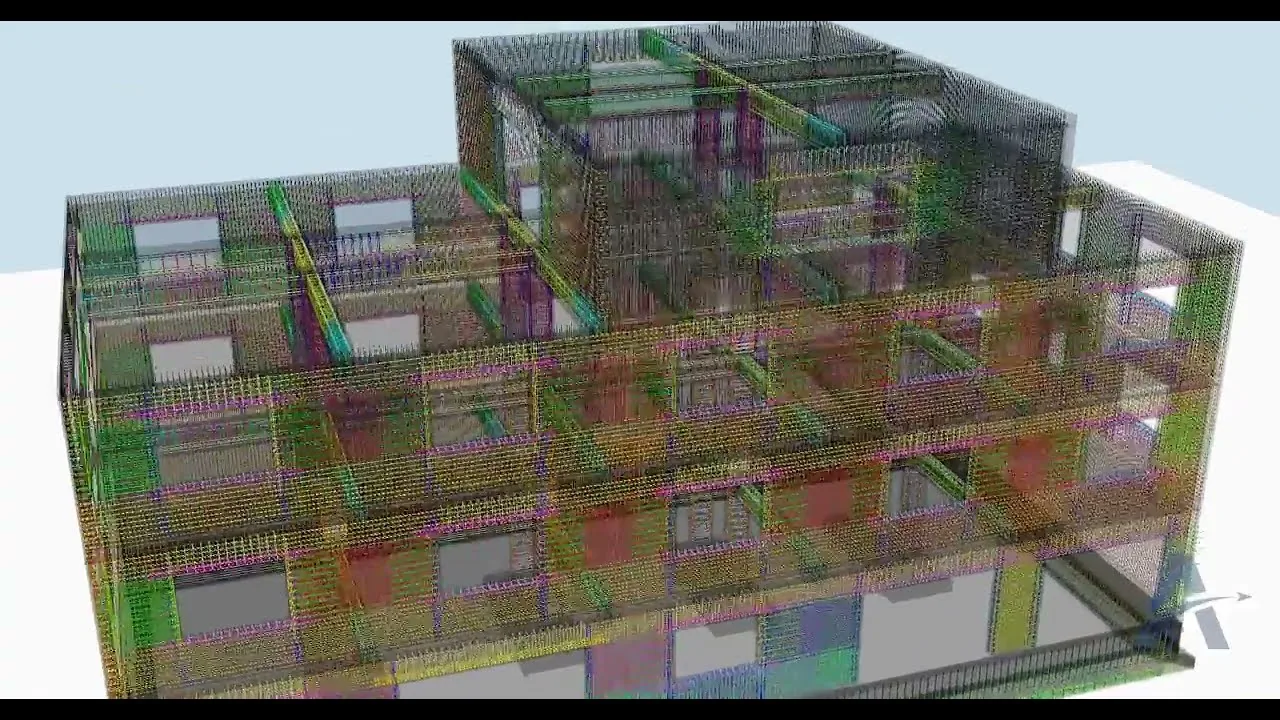
ALLTO APP-Building Reinforcement
by ALLTO Software, Allplan plug-ins
Allplan add-ons for automatic reinforcement of walls, slabs, beams, columns and foundations (price on request)
Versions Annual subscription, Three-year subscription
Price on request
Request a quoteOr call us: +30 210 440 0071 saleselitesoft.eu
One package for reinforcing the whole building inside Allplan
Building Reinforcement brings together the ALLTO reinforcement tools for walls, slabs, beams, columns, foundations and pits. See what each group covers.
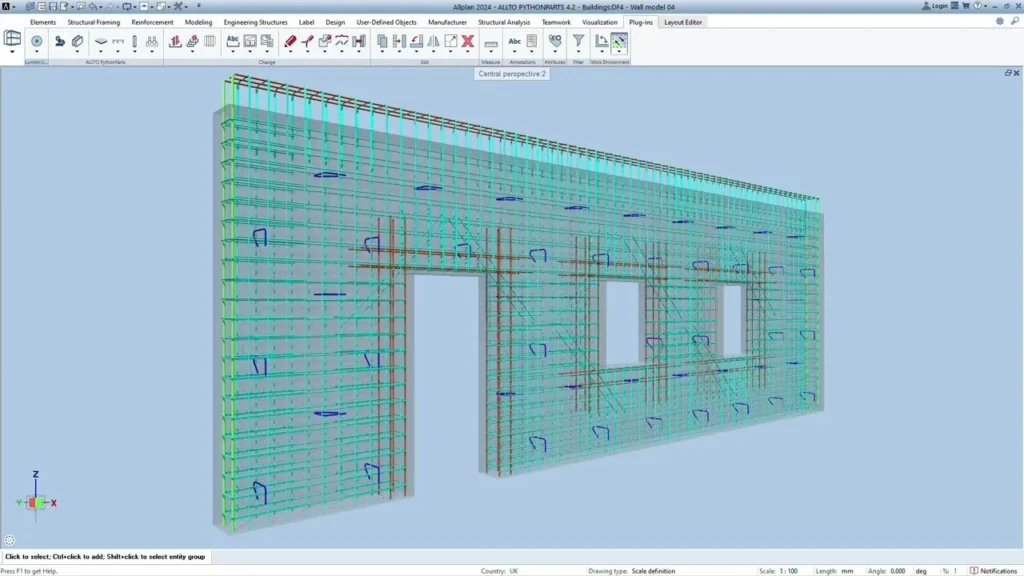
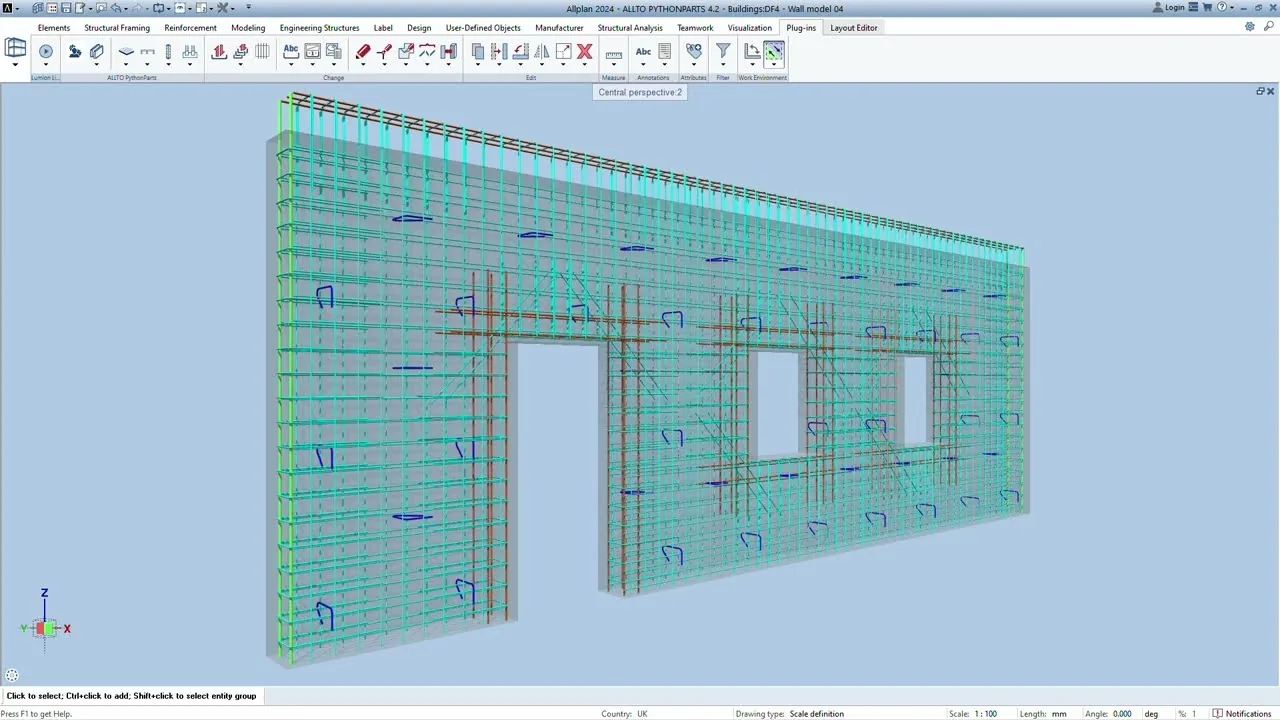
Simple or complex walls, sloped walls and openings
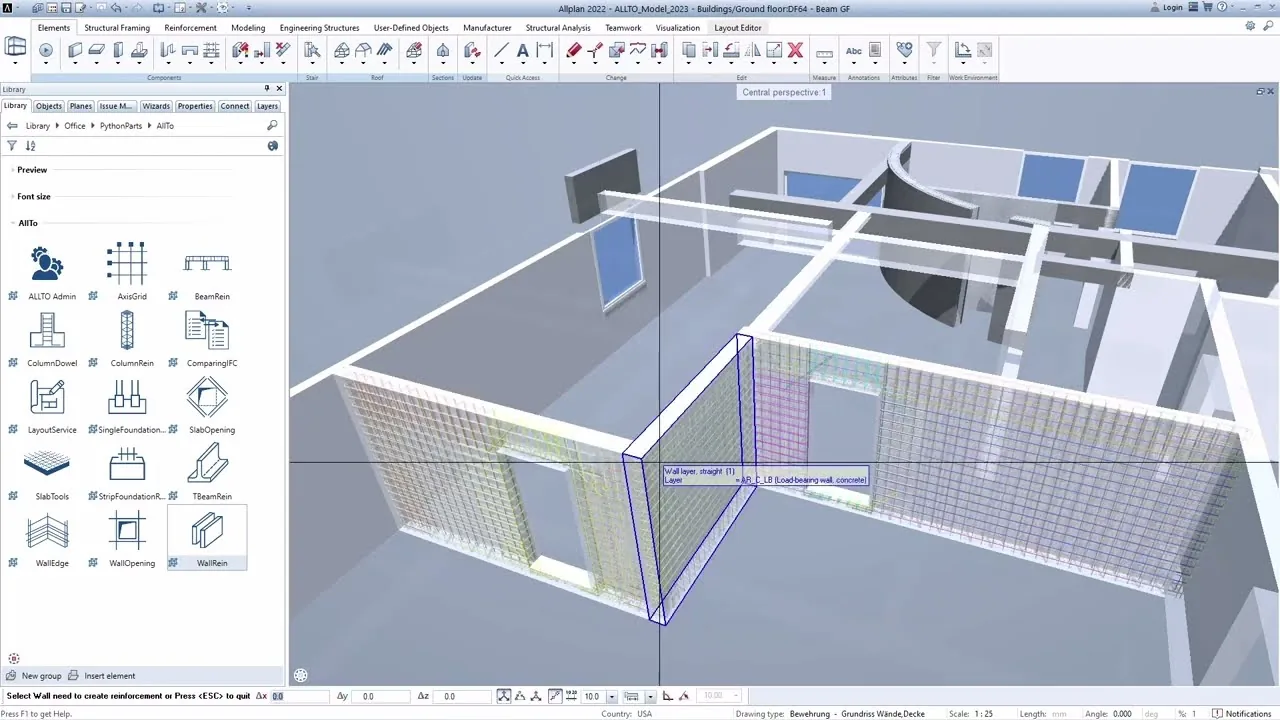
The wall tool recognises the shape of the wall panel and distributes the main reinforcement and the bars around openings.
- Create, update and change the reinforcement, sloped walls included
- Opening and wall edge reinforcement, starter bars and extra stirrups
- Handles niches, spacers, sections and bar labels
- Also reinforces 3D objects that are not Allplan walls


Slabs according to their supports, polygonal ones too
Slab reinforcement is set according to where the slab is supported: on walls, beams or columns.
- Main and additional bars, starter bars and slab stirrups
- Polygonal and triangular slabs, and slabs with openings
- A separate tool for the reinforcement around slab openings
- You set the starting length and the lap length of the bars


Beams, T-beams, columns and their dowels
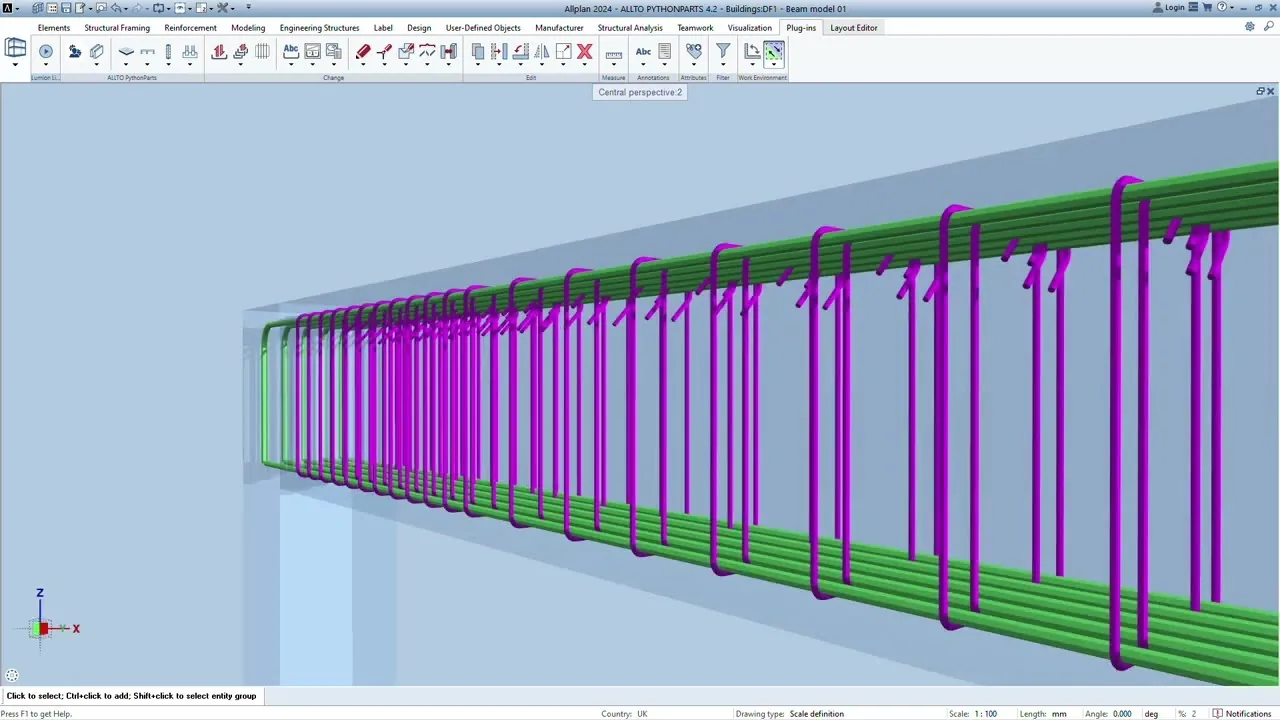
For the building frame the package has tools that set bars and stirrups from one tabbed window.
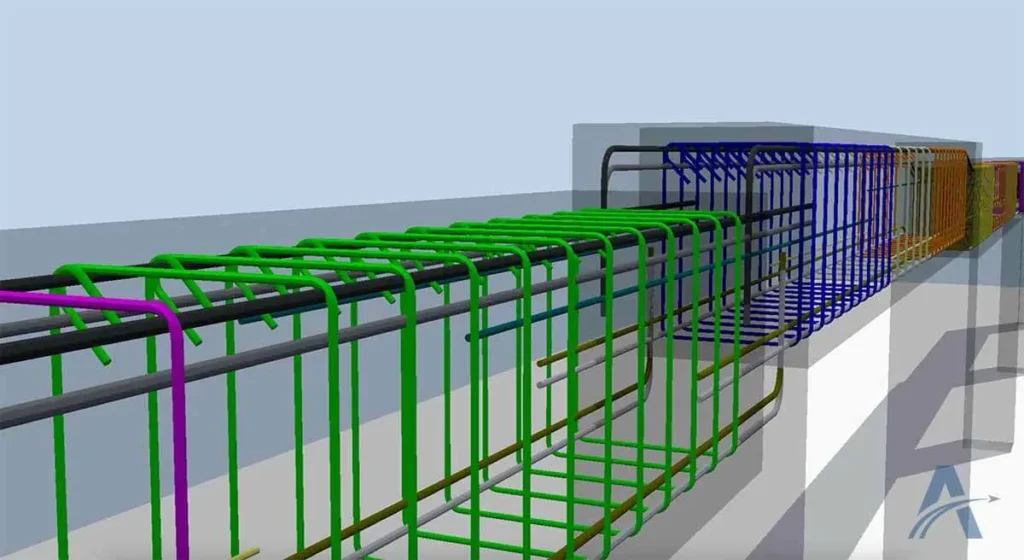
- Beams with main and additional bars, stirrup shape and middle bars
- A separate tool for T-section beams
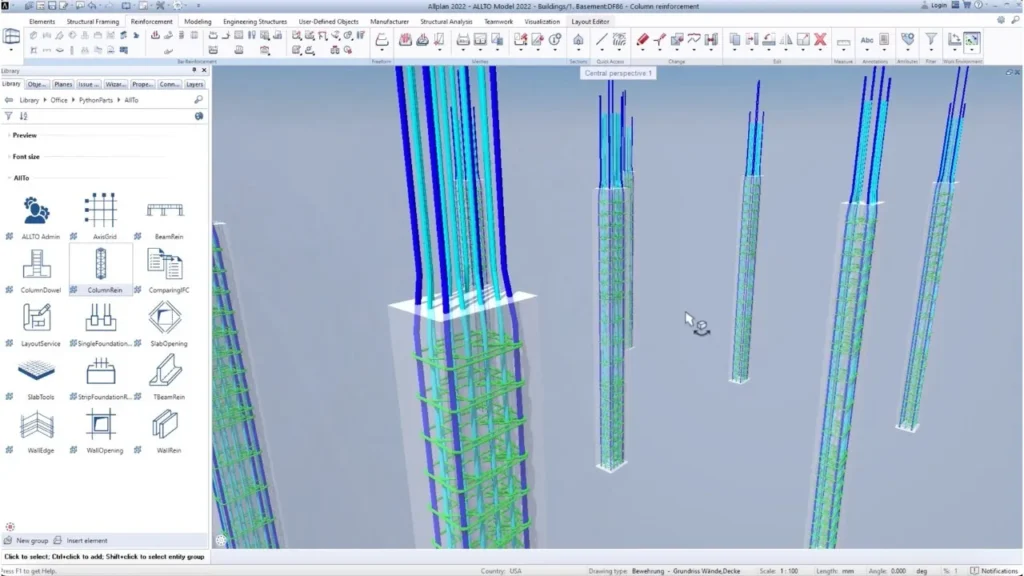
- Columns with corner and side bars, stirrups, sections and labels
- Column dowels in a tool of their own


Single and strip footings, and elevator pits
Foundations are covered by the footing tools, and the newest tool in the package handles the elevator pit.
- Single footings with bottom and top layers, stirrups and side bars
- Strip footings under walls or rows of columns
- Footing sections and labels update across several drawings when the parameters change
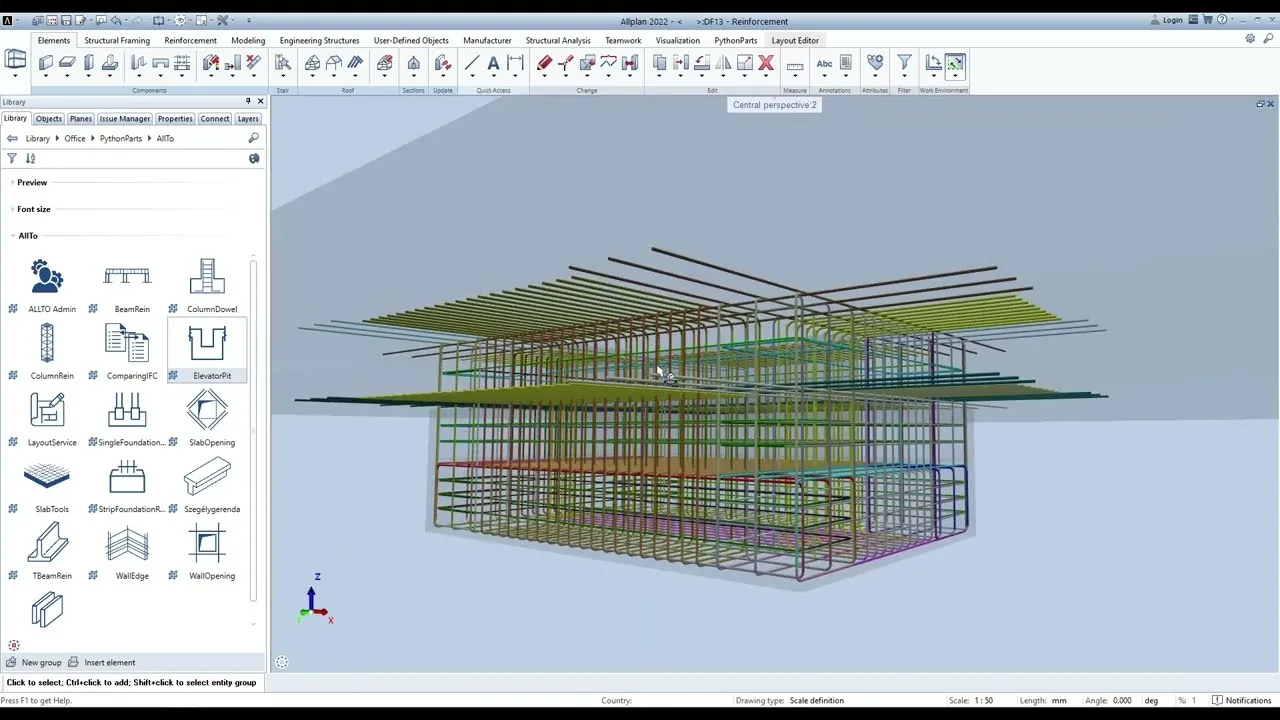
- Elevator pit with base and wall reinforcement and sections


Helper tools around the Allplan model
On the package page ALLTO also presents, next to the reinforcement tools, tools for the model itself.
- Comparing two IFC files to find what changed in the model
- Turning 2D lines and polylines into building components
- A 2D axis grid for Allplan Engineering
- A library of parametric PythonParts
Works with: Allplan IFC


The ALLTO building reinforcement tools in two minutes
Official ALLTO video on the PythonParts in the package.

One video for each building element
Short official ALLTO videos, from the wall to the elevator pit.
-
Walls
-
Polygonal slabs
-
Beams
-
Columns
-
Single footings
-
Elevator pit


See it in action
The video or demo loads only when you press play.
What it does, stage by stage
ALLTO is a series of PythonParts add-ons for Allplan, from ALLTO Software, that automates reinforcement in building design. The Building Reinforcement package (version 5.2) includes tools for reinforcement of walls, including inclined ones, slabs based on support points, beams, columns, isolated and strip footings, and lift shafts.
For columns, main bars, stirrups and side bars are modelled, with calculation of laps and creation of sections. The tools are integrated into Allplan and the work stays in the same model.
The licence is a key per computer, with an annual or three-year subscription that includes technical support and updates. A free trial is available. The price is given on request.
Features
Features
- Type
- add-ons (PythonParts) for Allplan
- Package
- Building Reinforcement 5.2
- Walls
- reinforcement, including inclined
- Slabs
- reinforcement per support
- Columns
- bars, stirrups, laps, sections
- Foundations
- isolated and strip footings
- Licence
- key per computer
- Trial
- free
System requirements
- Allplan is required (the page offers versions from 2021 to 2027)
- Licence with a key tied to one computer
Works well with, and alternatives

ALLTO APP-Building Reinforcement next to alternatives
Open the full comparisonQuestions, licence and delivery
What is the price?
Price on request, for an annual or three-year subscription.
Which Allplan does it work with?
With Allplan; the versions offered range from 2021 to 2027.
Can I use the same key on a second computer?
The key is tied to one computer. To change computer, ALLTO can issue a new key.
What does the subscription include?
Technical support with installation, updates and fixes, and learning material.
How do I receive the licence?
After payment we order the licence from the manufacturer and email you its details.
Do the prices include VAT?
Prices exclude VAT. With a valid VAT number from another EU country, VAT is not charged; in Belgium it is charged at 21%. For private customers, VAT is calculated at checkout.