
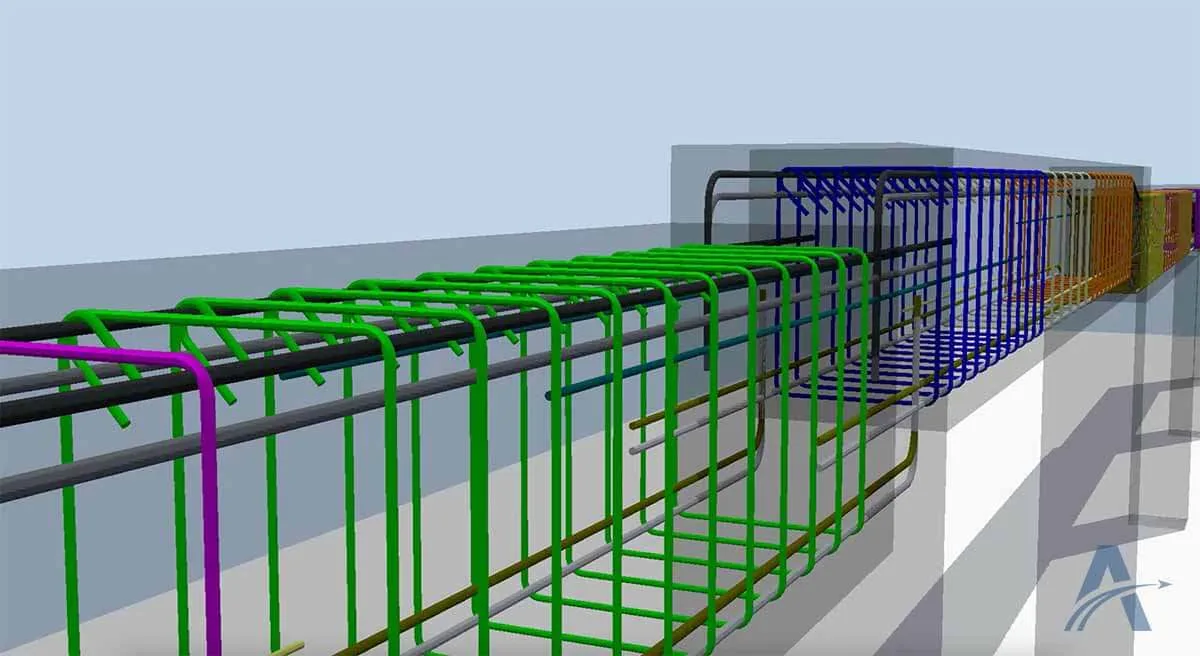
ALLTO APP-Beam Reinforcement
by ALLTO, Allplan plug-ins
Parametric design and automated beam reinforcement on the Allplan 3D model
Beam reinforcement in Allplan, tab by tab
The whole beam is reinforced from a single tabbed dialogue, on the Allplan 3D model. See what you set in each part of the tool.
Top and bottom main reinforcement on two separate tabs
You define the main reinforcement separately for the top and the bottom of the beam, by number and diameter of bars.
- On the Top Main and Bottom Main tabs you enter the bars as combinations of number and diameter
- Where the bars are bent at the ends, you also set the hook length
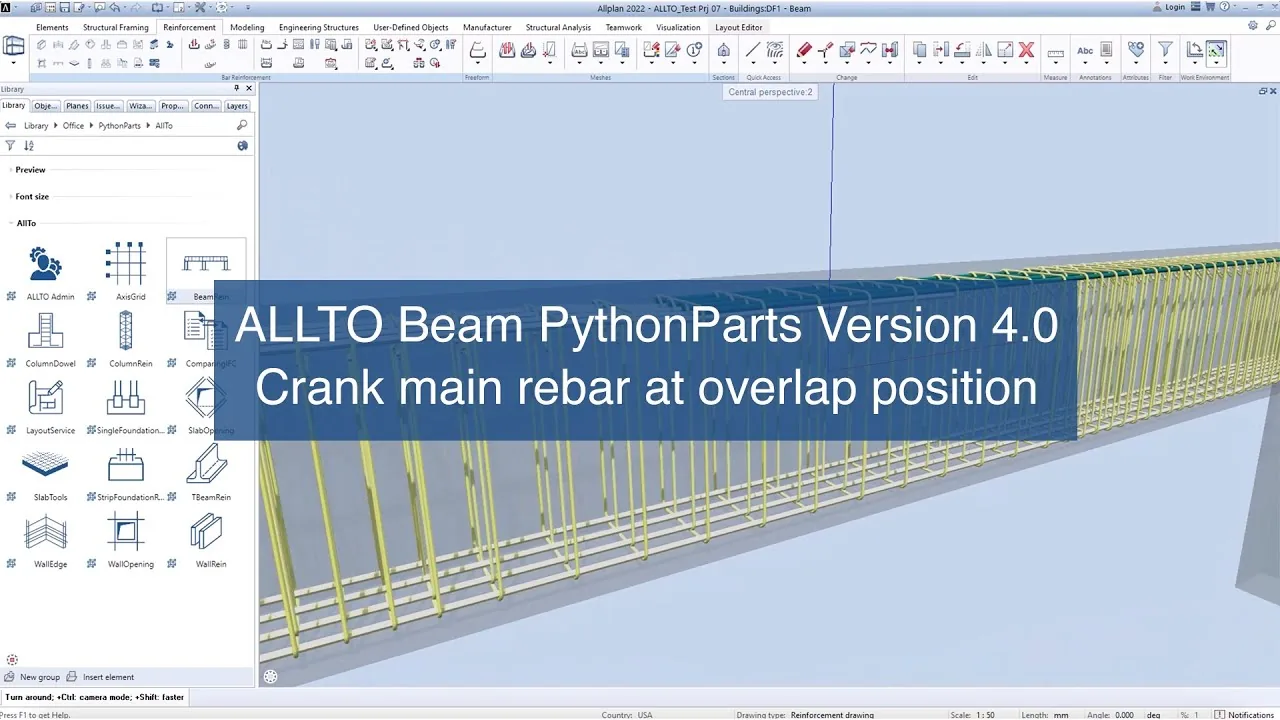
- The main bars can be cranked at the overlap position
- You choose whether the result is created as reinforcement or as a PythonPart with its own position name


Spacing per segment, shape, middle bars and torsion
Stirrups are set on two tabs: one for the spacing along the beam and one for their shape in the cross-section.
- Each segment of the span gets its own stirrup spacing
- The stirrup shape tab also defines the middle bars and the extra pins
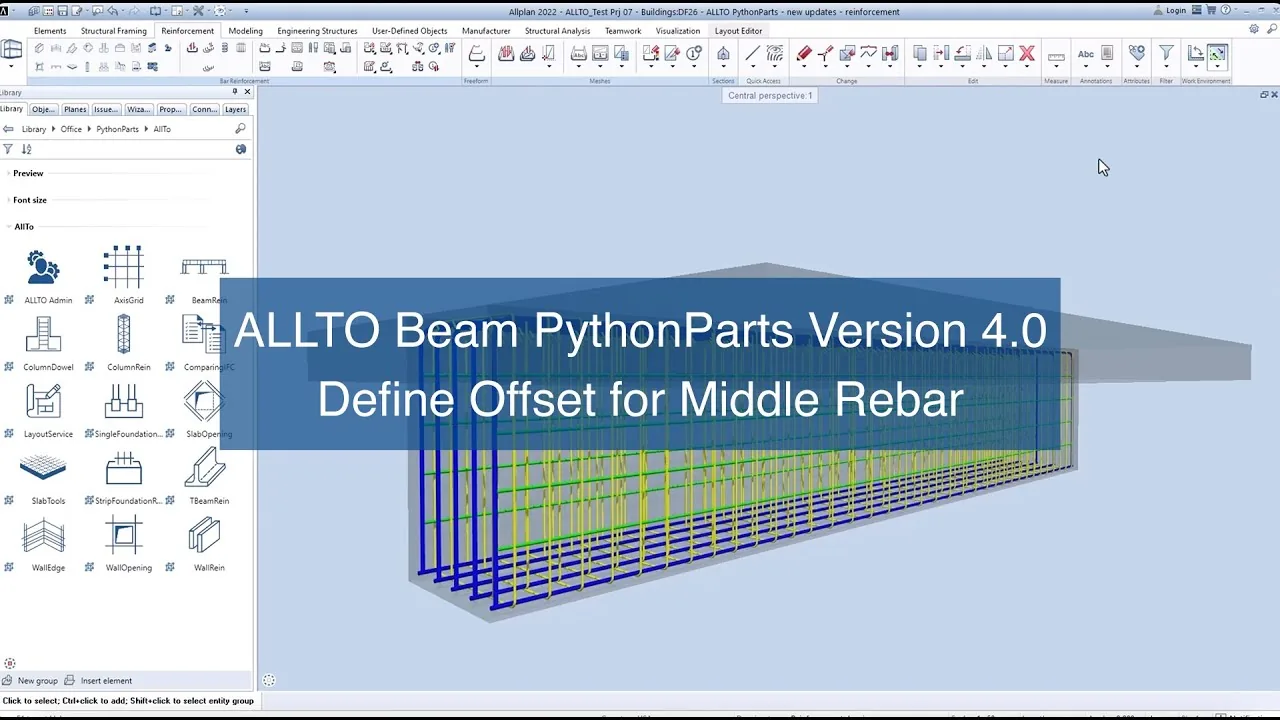
- The middle bars can be offset by a value you choose
- The tool also creates torsion stirrups


Additional bars, additional stirrups and beams under a slab
The Additional tab adds bars and stirrups wherever the beam needs them, on top of the main reinforcement. The same tool also handles beams with a slab above.
- Additional bars at the top and bottom, plus additional stirrups
- A single tick extends the bottom additional bars into the columns
- For a beam with a slab above, you switch the option on and enter the slab thickness
- The reinforcement is then created with a top offset so that it fits the slab


Reinforcement sections and labels without drawing by hand
The Section and Label tabs produce the beam sections and the bar labels from the same data you entered for the reinforcement.
- The Section tab creates sections along the beam, with the beam name on the drawing
- Font, font style and size of the text are set from a button on the tab
- The Label tab labels the bars and stirrups, in elevation and in section
- One button creates the reinforcement, the section and the labels together


Saved parameters and moving straight from beam to beam
The tool opens with a double click on its icon, and the instructions appear at the bottom left of the Allplan screen.
- You save the parameters to a favourites file and load it to set all values quickly
- In the settings you change language, units, steel grade and cross-sections
- The settings also let you change the layers of the reinforcement
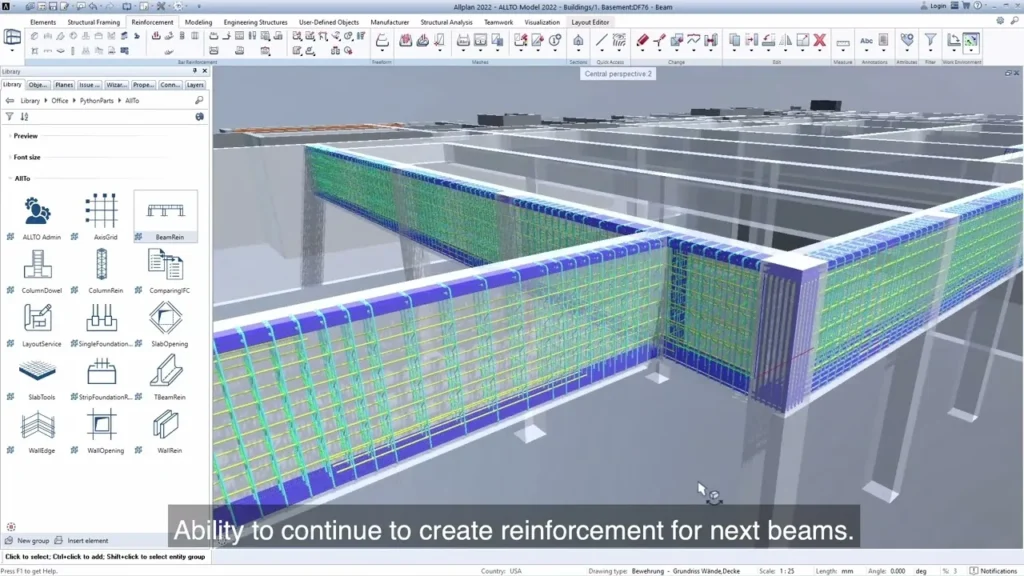
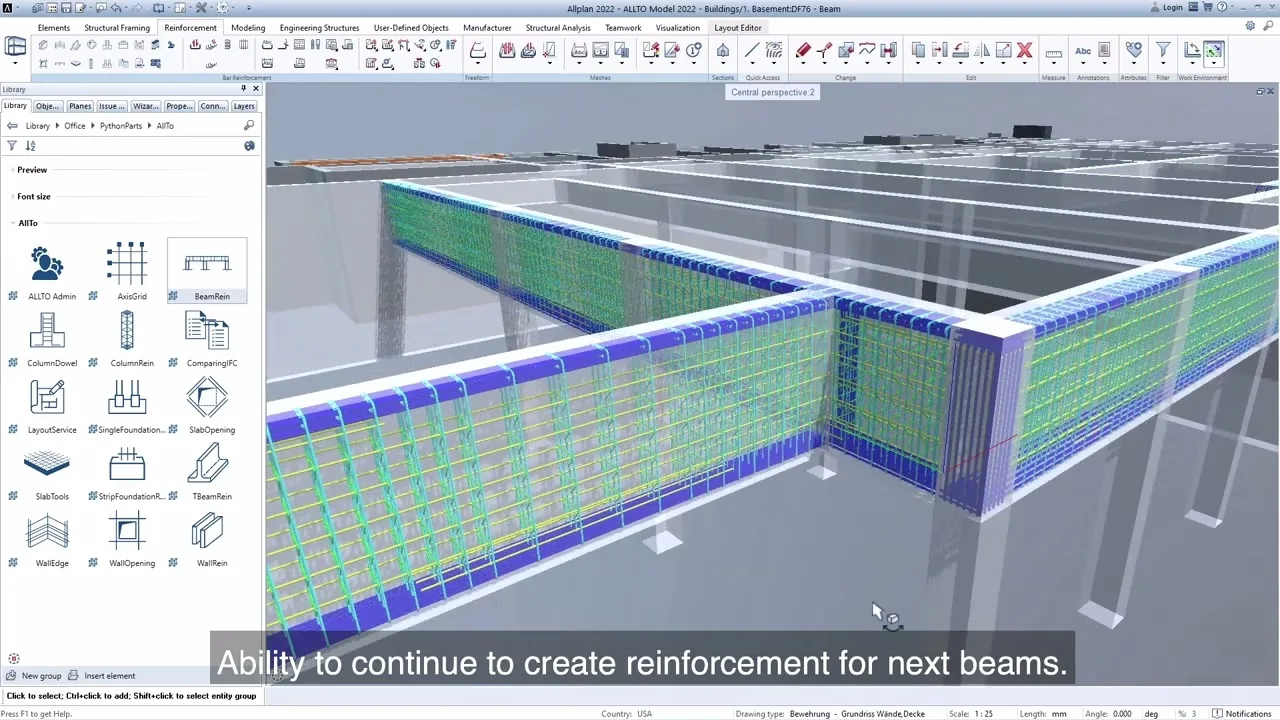
- Once one beam is finished, you carry straight on with the reinforcement of the next
Works with: Allplan


Reinforcing a beam in a minute and a half
Official ALLTO video for the beam tool.

Ten short lessons from ALLTO
One video for each part of the tool, from the first start to the settings.
-
01. Getting started
-
02. Main rebar
-
03. Stirrup spacing
-
04. Stirrup shape
-
05. Additional rebar
-
06. Beam with slab above
-
07. Sections
-
08. Labelling
-
09. Saving and loading a favourites file
-
10. Settings


See it in action
The video or demo loads only when you press play.
What it does, stage by stage
Beam Reinforcement is an ALLTO PythonParts tool that designs beams parametrically and reinforces them automatically on the Allplan 3D model.
You define the top and bottom main bars, stirrup spacing and shape, middle bars, extra pins and additional stirrups. It supports beams with a slab above, torsion stirrups, cranking of the main bars at the lap position and an offset for the middle bars. It produces sections and labels, while language, units, steel grade and cross-sections are set in the tool's settings.
It is sold on its own or within the Building Reinforcement package, as a 1-year or 3-year subscription.
Features
Features
- Type
- PythonParts for Allplan
- Main reinforcement
- top and bottom, cranked at the lap
- Stirrups
- spacing, shape, additional and torsion stirrups
- Special cases
- beam with slab above
- Drawings
- sections and labels
- Settings
- language, units, steel grade, cross-sections
- Subscription
- 1 or 3 years, on its own or in the Building Reinforcement package
System requirements
- An active Allplan licence (the developer states version 2018 or later)
- Each licence key is activated on one computer; the same key works across several Allplan versions
Works well with, and alternatives
Works well with

ALLTO APP-Beam Reinforcement next to alternatives
Open the full comparisonQuestions, licence and delivery
What licence do I get?
The tool is sold as a 1-year or 3-year subscription, also for teams of 5 users or more. Each key is activated on one computer. The price is given on request.
How does the tool start?
According to ALLTO, for the beam tool you double-click its icon and follow the instructions shown at the bottom left of the screen.
What does the subscription include?
According to ALLTO: technical support (installation, fixes, updates, access to new and previous versions) and learning material such as guides and videos.
How do I receive the licence?
After payment we order the licence from the manufacturer and email you its details.
Do the prices include VAT?
Prices exclude VAT. With a valid VAT number from another EU country, VAT is not charged; in Belgium it is charged at 21%. For private customers, VAT is calculated at checkout.