

Rhino
by Robert McNeel & Associates, Design & BIM
NURBS and SubD modelling for architects and designers, with a perpetual licence for Windows and macOS
Rhino 8, from form to presentation
Choose a topic to see what version 8 adds to modelling, drawings and visualisation.
More direct tools for shaping a form
Version 8 brings new ways of working on the model, with fewer steps between the idea and the result.
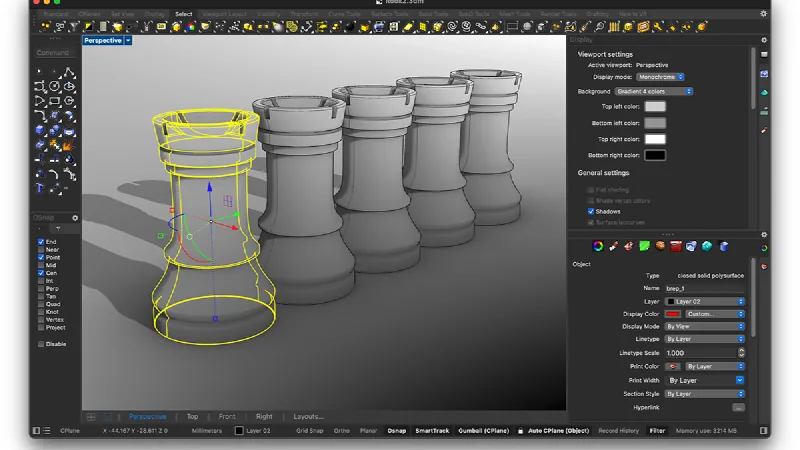
- Gumball: move, rotate, scale, extend, copy, cut and extrude straight in the viewport
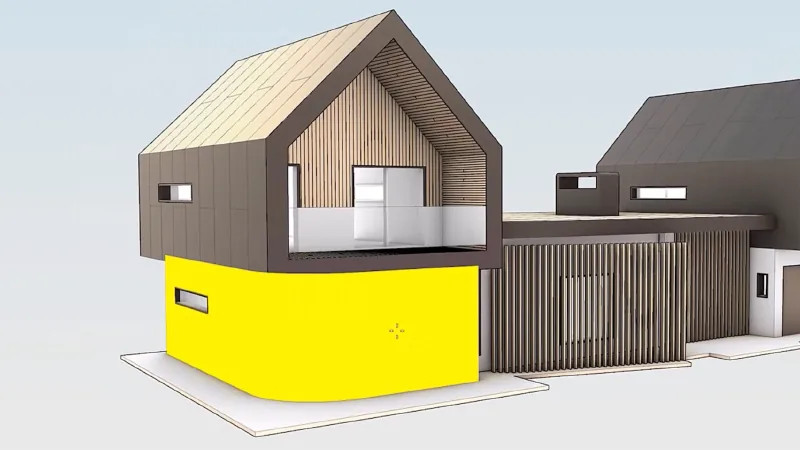
- PushPull: take a face and push or pull it for faster modelling
- Inset: create internal boundaries on one or several faces to add detail
- Automatic CPlanes that align themselves to the selections that allow it


From smooth surfaces to meshes ready for printing
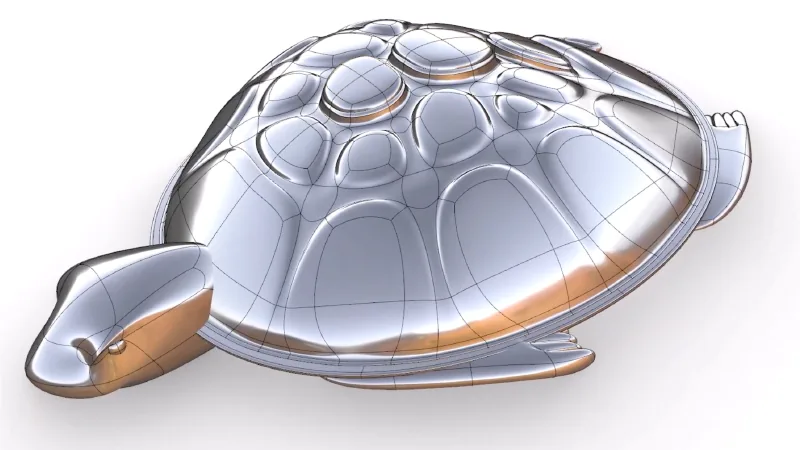
Rhino works with NURBS, SubD and meshes, and version 8 improves the tools that link them.
- ShrinkWrap: a watertight mesh around open or closed meshes, NURBS, SubD and point clouds, ideal for 3D printing
- SubD Creases: edges between smooth and sharp, without making the control mesh heavier
- Mesh Booleans rewritten, with a more reliable result
- Improved FilletSrf and ChamferSrf, and RefitTrim to control continuity in surface models
Works with: NURBS SubD Mesh


Sections and drawings that come straight from the model
The improvements to clipping and sectioning help both design and fabrication.
- Section styles for section details of the model
- Selective clipping and control of the viewing depth
- Dynamic vector drawings from clipping planes, also used in 2D layouts
- Export of section curves and slices for fabrication, and a view mode for reflected ceiling plans


Faster previews and presentation quality
The updated Cycles engine and the texture tools make presenting a model easier.
- Faster feedback in rendering, with caustics and dispersion and full-material decals
- A UV editor for the meshes that define how an object looks
- Per-pixel procedural textures in the raytraced and rendered modes
- A monochrome display mode suited to architectural presentations, and a more compact settings interface
Works with: Cycles


Adapts to the way you work
The interface can be tailored, and version 8 runs natively on Macs with Apple Silicon or Intel.
- Window layouts you can customise, save, share and restore
- Dark mode and a refreshed layer manager
- On the Mac it uses Metal technology, for much faster drawing
- Grasshopper reads and writes object attributes, blocks and annotations, and you can extend Rhino with Python or .NET
Works with: Grasshopper Python .NET

What it does, stage by stage
Rhino (Rhinoceros 3D) is a 3D modelling program that works with NURBS curves, surfaces and solids, as well as SubD and polygon meshes. It is used when the form of the building or object is free-form and difficult to build with simple solids.
In the workflow of a project it covers form conception, detailed modelling and the extraction of drawings from the model, with dimensioning and annotation tools. Version 8 added, among other things, ShrinkWrap, SubD creation, an updated Cycles rendering engine, new window layouts and significantly faster performance on the Mac. Grasshopper for parametric design is included.
Rhino 8 is offered here with a perpetual licence, separately for Windows and for macOS. It works with many add-ons for architectural design and photorealism.
Survey
It is not its job.
Concept
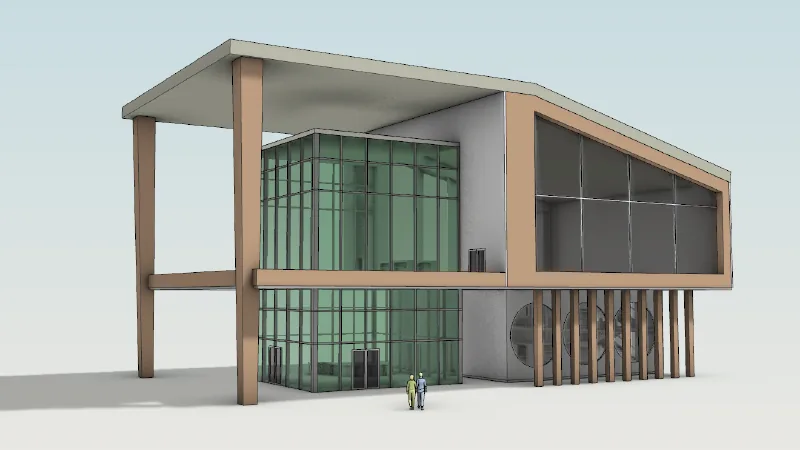
First massing and alternatives, quickly, so the idea can stand.
Design development
The design takes shape: spaces, structure, materials and checks.
Construction drawings
It is not its job.
Presentation
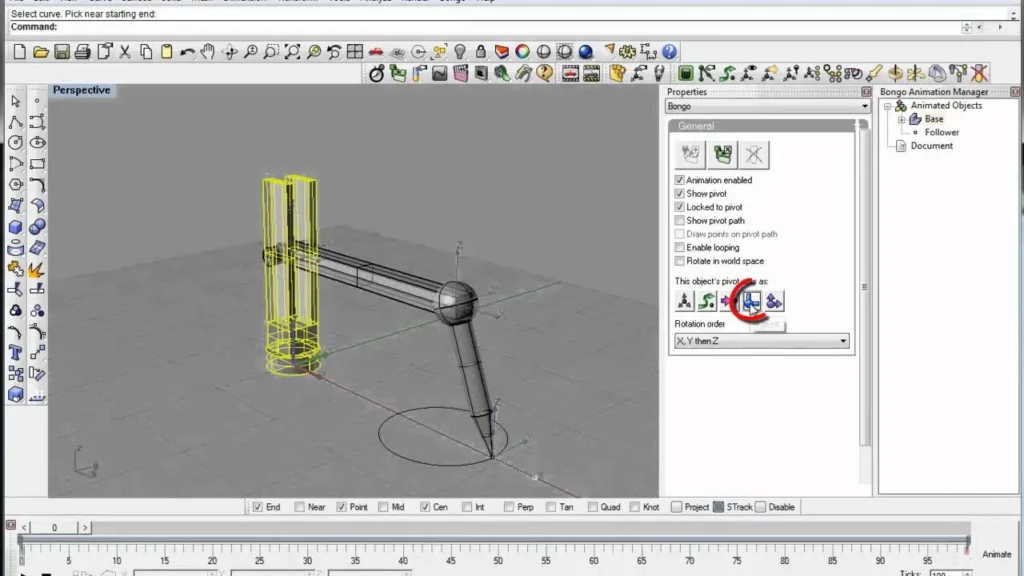
It is not its job. Combine it with Bongo 2.
Features and files
Features
- Modelling
- NURBS, SubD, mesh
- Parametric design
- Grasshopper
- Rendering
- Cycles
- Windows
- yes
- macOS
- yes
- Formats
- 3DM, DWG, DXF, SKP, OBJ
- Licence
- perpetual
Opens and saves
- .dwg
- .dxf
- .skp
- .obj
System requirements
Operating system Windows, macOS
- Windows 11 or 10, 64-bit Intel or AMD processor (not ARM), 8 GB RAM recommended, 5 GB of space, graphics card with OpenGL 4.5 and 4 GB of memory recommended
- macOS 12.4 to 27, Intel or Apple processor, 8 GB RAM recommended, 10 GB of space
- An internet connection is required for download, licence validation and a Rhino account
Works well with, and alternatives
Works well with


Rhino next to alternatives
Open the full comparisonQuestions, licence and delivery
Which version is offered?
Rhino 8 (8.32), with a perpetual licence. There are separate lines for Windows and for macOS.
Does it open DWG and SketchUp files?
The manufacturer's page of supported formats lists import and export of DWG, DXF, SKP and OBJ.
How do I receive the licence?
After payment we order the licence from the manufacturer and email you its details.
Do the prices include VAT?
Prices exclude VAT. With a valid VAT number from another EU country, VAT is not charged; in Belgium it is charged at 21%. For private customers, VAT is calculated at checkout.