
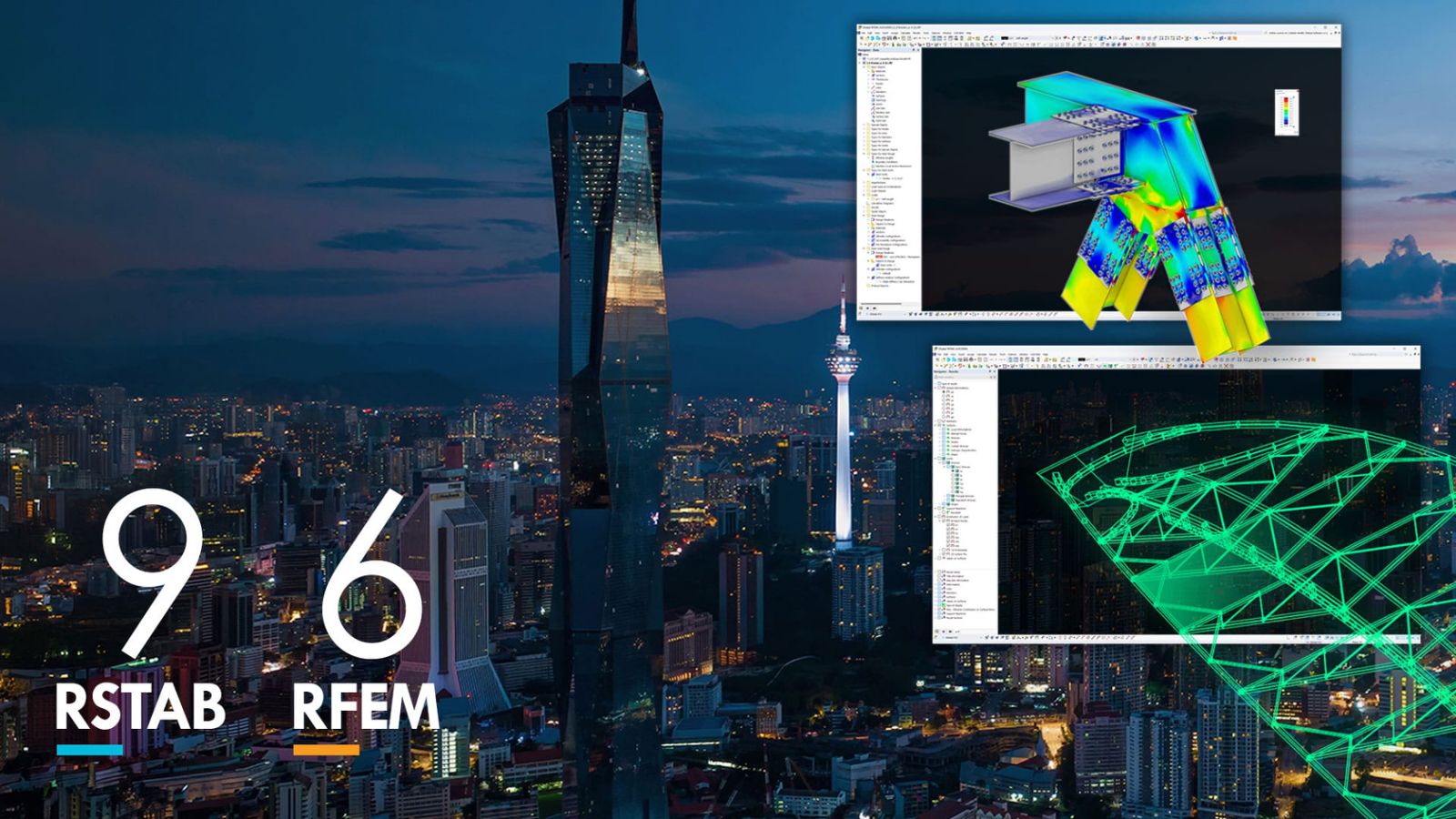
RFEM 6
by Dlubal Software, Structural analysis
Finite element structural analysis for civil engineers
Dlubal programs and add-ons
RFEM 6 is the main program; add-ons are bought separately, whenever you need them. Click an add-on to see what it does and its price.
Main programs 4
-
RFEM 6
Finite element structural analysis for civil engineers
from 3.325 €
- Method: finite elements
- Elements: bars, plates, shells, solids
- Design: with add-ons (concrete, steel, timber, glass)
-
RSTAB 9
Structural analysis of frames and trusses for civil engineers
from 1.842,50 € per year
- Structures: bars, frames, trusses
- Analysis: linear and non-linear
- Design: with add-ons
-
RSECTION 1
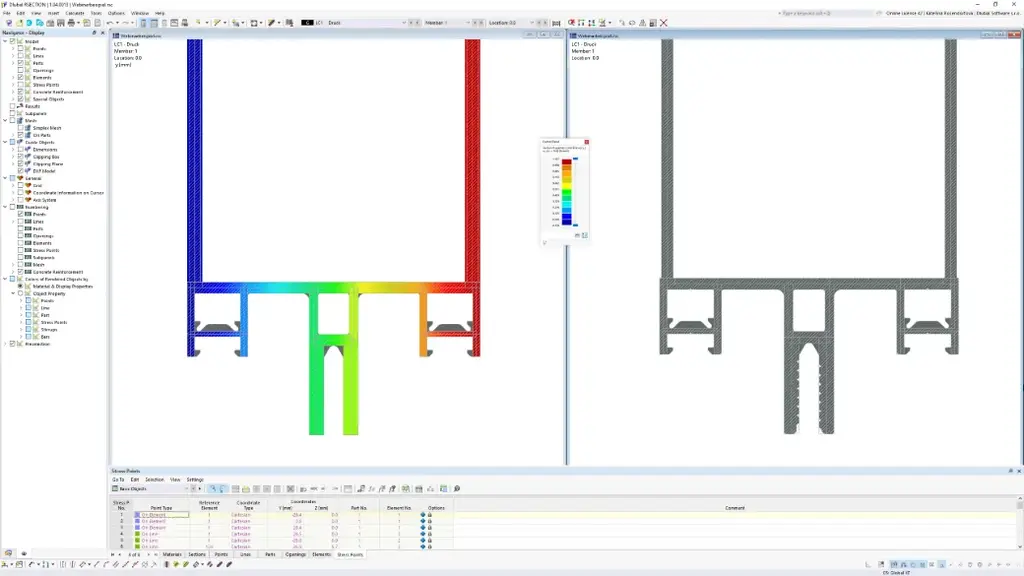
Section properties and stress checks for thin-walled and solid sections
1.855 €
- Purpose: cross-section properties, stresses
- Cross-sections: thin-walled and solid
- Import: DXF, CAD tools, script
-
RWIND 3
Digital wind tunnel CFD for wind loads on buildings and structures
from 2.880 €
- Method: CFD, digital wind tunnel (OpenFOAM®)
- Editions: Basic, Pro
- Basic: steady flow, RAS k-ε, k-ω turbulence
Design 10
-
Steel Design
Strength, stability and serviceability checks of steel members in RFEM 6
2.065 €
- Limit states: ultimate and serviceability
- Standards: Eurocode 3, AISC 360, CSA S16 and others
- Sections: rolled, hollow, parametric, composite, from RSECTION
-
Stress-Strain Analysis
Stress analysis of members, surfaces and solids against limit stresses
945 €
- Objects: members, member sets, surfaces, solids
- Stresses: normal, shear, principal, membrane, equivalent
- Equivalent stress: von Mises, Tresca, Rankine, Bach
-
Concrete Design
Reinforced concrete in RFEM 6: members, surfaces, columns and punching shear
2.065 €
- Elements: members, member sets, surfaces and columns
- Limit states: ultimate and serviceability, with the detailing rules of the standard
- Reinforcement: longitudinal, shear and torsional per member, design strips on surfaces
-
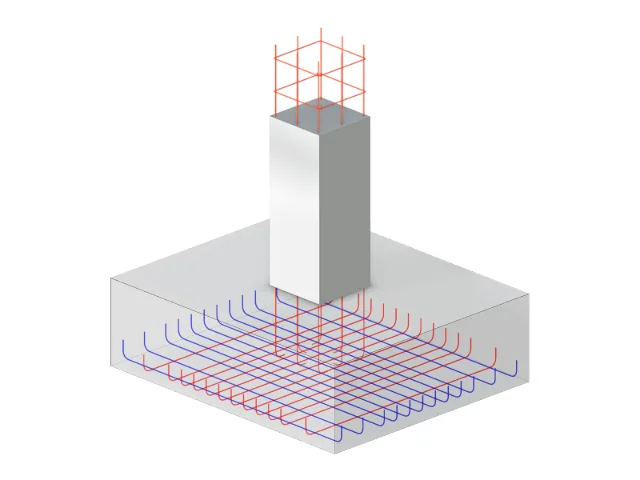
Concrete Foundations
Geotechnical checks and design of concrete foundations inside RFEM 6
875 €
- Foundation types: reinforced and unreinforced plates, bucket and block foundations
- Geotechnical checks: bearing capacity, sliding, uplift, overturning
- Standards: Eurocode 7, Eurocode 2, ACI 318, IBC
-
Tendons
Realistic modelling of prestressed and post-tensioned tendons in RFEM 6
1.316 €
- Geometry: free 3D definition of tendons
- Internal forces: statically determinate and indeterminate from prestressing
- Assignment: automatic to members, member sets and ribs
-
Aluminum Design
Strength, stability and serviceability checks of aluminium members in RFEM 6
1.365 €
- Limit states: ultimate and serviceability
- Standards: EN 1999-1-1, ADM 2020 and others
- Section resistance: tension, compression, bending, shear, torsion, combinations
-
Glass Design
Design of single and laminated glass panes in RFEM 6
1.295 €
- Panes: single and laminated
- Standards: DIN 18008, ASTM E1300 or no standard
- Geometry: flat and curved panes
-
Masonry Design
Finite element design and checking of masonry in RFEM 6
1.295 €
- Method: finite elements, macro-modelling
- Material model: elastic-plastic after Lourenço (Rankine and Hill)
- Checks: walls in compression and shear
-
Timber Design
Strength, stability, serviceability and fire checks of timber structures in RFEM 6
1.505 €
- Limit states: ultimate, serviceability and fire
- Standards: EN 1995, NDS, CSA O86, SIA 265 and others
- Elements: members and surfaces of timber and wood-based materials
-
Multilayer Surfaces (such as Laminate, CLT)
Multilayer surfaces such as CLT and laminate, with your own layer build-up
1.155 €
- Program: RFEM 6 (add-on)
- Applications: CLT, laminate, textile-reinforced concrete, glass panes, fibre-reinforced plastics
- Layers: free build-up, graphic display of orientation
Connections 2
-
Steel Joints
Finite element analysis and design of steel connections inside RFEM 6
1.855 €
- Method: CBFEM, finite element model in the background
- Standards: EN 1993-1-8, AISC 360-22, AISC 360-16, CSA S16-24
- Components: plates, bolts, welds, base plates with anchors
-
Components
Design of construction products such as joist hangers and tension rods inside RFEM 6
1.015 €
- Products: studs, joist hangers, cables, tension rods, etc.
- Assignment: to members and member ends
- Forces: transferred automatically from the calculation
Dynamic analysis 4
-
Modal Analysis
Natural frequencies, periods and mode shapes of your structure in RFEM 6
945 €
- Program: RFEM 6 (add-on)
- Results: eigenvalue, angular frequency, natural frequency, period
- Mode shapes: graphical display and animation in the model
-
Response Spectrum Analysis
Seismic analysis with response spectra and equivalent static loads in RFEM 6
1.085 €
- Program: RFEM 6 (add-on)
- Methods: response spectrum, equivalent static loads
- Spectra: EN 1998-1 (25+ National Annexes), ASCE 7, NBC and others
-
Time History Analysis
Time-domain dynamic analysis: earthquakes, vibrations, blast, moving loads
1.015 €
- Program: RFEM 6 (add-on)
- Analysis types: accelerogram, time diagram
- Solvers: linear modal, linear and nonlinear implicit Newmark
-
Pushover Analysis
Pushover analysis: capacity curve and target displacement to Eurocode 8
1.015 €
- Program: RFEM 6 (add-on)
- Plastic hinges: steel to FEMA 356 and EN 1998-3
- Nonlinear material: masonry, bilinear steel, your own curves
Additional analyses 7
-
Nonlinear Material Behavior
Nonlinear material models in RFEM 6: plasticity, damage and cracking
1.155 €
- Program: RFEM 6 (add-on)
- Calculation: iterative, with stiffness adjustment
- Isotropic models: plastic, nonlinear elastic, damage
-
Structure Stability
Critical load factors and buckling modes of the whole structure in RFEM 6
1.015 €
- Methods: eigenvalue and incremental (nonlinear)
- Elements: members, shells, solids
- Eigenvalue solvers: Lanczos, roots of characteristic polynomial, subspace iteration
-
Construction Stages Analysis (CSA)
Stage-by-stage analysis of the construction process for members, surfaces and solids
1.225 €
- Elements: members, surfaces, solids
- Stages: defined and displayed in the RFEM model
- Changes per stage: add, remove, modify, reactivate
-
Torsional Warping (7 DOF)
Cross-section warping as a 7th degree of freedom in RFEM 6 member analysis
1.225 €
- Degrees of freedom: 7 (ux, uy, uz, φx, φy, φz, ω)
- Internal forces: 8, including Mt,pri, Mt,sec and bimoment Mω
- Analyses: linear static, second-order, large deformation
-
Time-Dependent Analysis (TDA)
Creep, shrinkage and ageing of concrete over time in RFEM 6
805 €
- Program: RFEM 6 (add-on)
- Effects: creep, shrinkage, ageing
- Elements: members and surfaces
-
Form-Finding
Equilibrium shapes of membranes, cable structures and air-supported structures in RFEM 6
1.610 €
- Program: RFEM 6 (add-on)
- Elements: members with axial force, membrane surfaces in tension
- Method: Updated Reference Strategy (URS)
-
Geotechnical Analysis
Soil from boring logs, piles and soil-structure interaction inside RFEM 6
1.155 €
- Program: RFEM 6 (add-on)
- Soil data: soil samples from boring logs
- Soil massif: automatic, with layer boundaries and groundwater
Special solutions 3
-
Model Optimization & Costs
Optimisation of parametric models in RFEM 6 with particle swarm optimisation (AI)
1.155 €
- Program: RFEM 6 (add-on)
- Methods: particle swarm optimization (PSO), batch processing
- Criteria: minimum weight or minimum deformation
-
Building Model
Stories, diaphragms and stability of multi-storey buildings in RFEM 6
1.365 €
- Program: RFEM 6 (add-on)
- Stories: building defined by stories, with settings per story
- Diaphragms: rigid, semi-rigid, flexible or none
-
WebService & API
Programmable interface for RFEM 6, RSTAB 9 and RSECTION 1, with Python and C#
1.090 € per year
- Programs: RFEM 6, RSTAB 9, RSECTION 1
- Technology: WebService with SOAP, request and response communication
- Languages: high-level libraries for Python and C#
Services 1
-
Service Contract
Support and updates contract for RFEM 6, RSTAB 9, RSECTION 1 and RWIND 3
on request
- Levels: Basic, Pro
- Term: 1 year
- Programs: RFEM 6, RSTAB 9, RSECTION 1, RWIND 3
First-licence prices for Greece and Cyprus, excluding VAT. The add-ons work inside RFEM 6.
RFEM 6 from model to report
Choose a stage of the work and see what the program does at that stage.
One program for every structure, from a simple beam to a shell
RFEM 6 is the sixth generation of Dlubal's finite element program. It is the base of a program family: in the main program you define the structure, materials and loads, and with add-ons you extend it wherever your work needs it.
- From single-span beams to complex 3D shells and NURBS solids, in the same program
- It calculates deformations, internal forces, stresses, support forces and soil contact stresses
- Add-ons for concrete, steel, timber, glass and more, enabled whenever you need them
- National and international standards, and a professional-looking report
- More than 130,000 users worldwide and more than 20 support engineers


Wind, report and project location
RFEM 6 keeps developing. A few of the things Dlubal has added to make analysis faster and results clearer.
- Wind load cases with RWIND: wizards for several wind directions, your own wind tunnel size and wind profile
- A new report that works alongside the program, with chapters you edit and import of PDFs, formulas and 3D graphics
- The formulas of each design check, with a reference to the standard's equation, also in the report
- The project site on a digital map: address, altitude and snow, wind and seismic zones go straight into the load wizards
- Calculations in the cloud, without the limits of your computer, and automation through the Dlubal API


An interface that is quick to learn
The model is built graphically, as in a CAD program, or through tables. Right-clicking any object opens the commands that suit it.
- Realistic display of the structure, with textures if you wish, so you can check what you enter straight away
- Colours by cross-section, material or object type, set separately for screen and print
- Show and hide nodes, members, supports, dimensions and construction lines
- Common units for the program and all add-ons, saved and reloaded with the project
- Interface in 11 languages, including English, German, French and Spanish


Members, plates, shells and solids in the same model
The structure is entered as a 1D, 2D or 3D model. Beams, trusses and ties have their own member types, and surfaces can be flat or curved.
- Libraries of cross-sections and materials with favourites, which you can extend with your own entries or with cross-sections from RSECTION
- Nonlinearities in member end releases and supports (yielding, fracture, slip, friction)
- Eccentric members, elastic foundations, rigid links and member sets
- Model check for duplicate nodes and overlapping members, with automatic connection of those that intersect
- Your own views and visibilities, so you can work on one part of the structure at a time


Loads and combinations that create themselves
The snow and wind wizards calculate loads according to the Eurocodes (EN 1991-1-3 and EN 1991-1-4, with the national annexes) and many international standards, and apply them directly to members or surfaces.
- Wind on vertical walls with a duopitch, monopitch or flat roof
- Surface loads that are converted automatically into member or line loads
- Free line loads, e.g. from conveyors, distributed to the members
- Automatic load combinations according to EN 1990 and other standards, with design situations
- Wind flow around the building with the RWIND add-on


Analysis on all cores and clean results
For each load case and combination you choose first-order, second-order or large-deformation theory. The solver runs several combinations in parallel, one on each processor core.
- Incremental load application, useful for large deformations and post-critical analysis
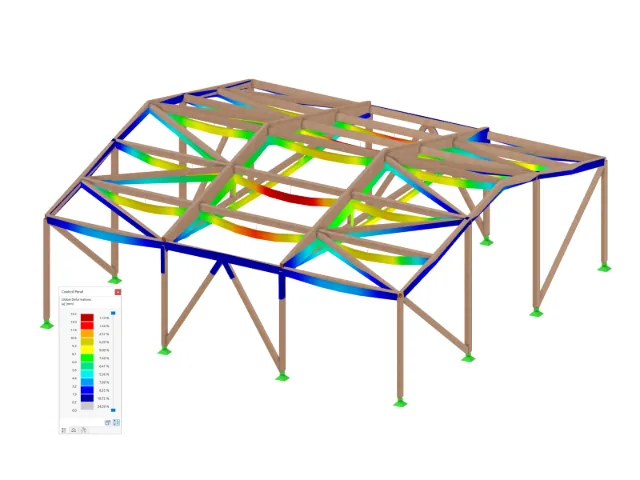
- Colour display of internal forces and stresses on the photorealistic model
- Section planes that hide part of the structure to reveal the results inside
- Design check types are shown with a reference to the code equation
- Report in 13 languages, with export to PDF, RTF or HTML and templates for future projects


Data exchange with the programs you already use
RFEM 6 works with the main BIM and CAD programs, so the model does not have to be built twice.
- Autodesk Revit and Tekla Structures, with exchange in both directions
- IFC 4 for import and export, IFC 2x3 for import
- Rhino and Grasshopper for lines, surfaces, load cases and loads
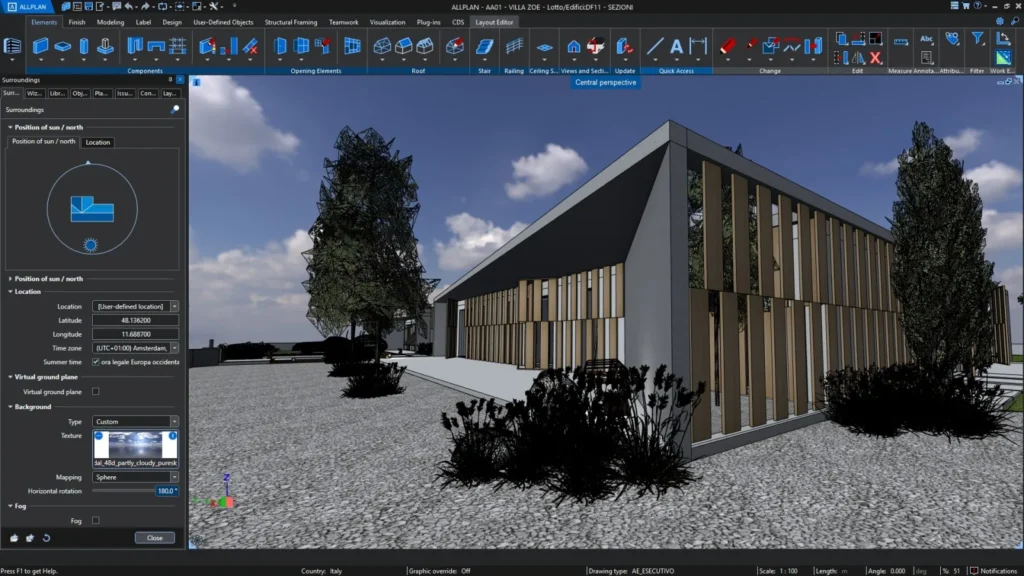
- AutoCAD and BricsCAD via DXF, Allplan for reinforcement, SAF, SDNF, DSTV, Excel and glTF
- Programming in Python or C# through the Dlubal API, for parametric models
Works with: Revit Tekla IFC Rhino Grasshopper AutoCAD Allplan Python


Projects, licences and ready-made models in one place
Dlubal Center organises the projects and models of all Dlubal programs, as a list or with thumbnails and details of each model.
- Your account with the licences for programs and add-ons
- A database of ready-made, partly parametric models: trusses, glulam beams, haunched frames, tower sections
- Quick access to the snow, wind and seismic zone services


Start quickly, even if you have never used RFEM
RFEM is easy to learn: after a short training you model and calculate structures. Dlubal provides free material for every level.
- A full trial version for 90 days, without limitations
- Step-by-step videos from installation to the interface, recorded webinars and a detailed online manual
- Free support by email or phone, also during the trial period
- Ready models to download, verification examples of the calculations and the AI assistant MIA for quick answers
- Import of models from other CAD programs, e.g. DXF, STEP and IGES


Get to know RFEM 6 in a few minutes
The official Dlubal video (in English).

What it does, stage by stage
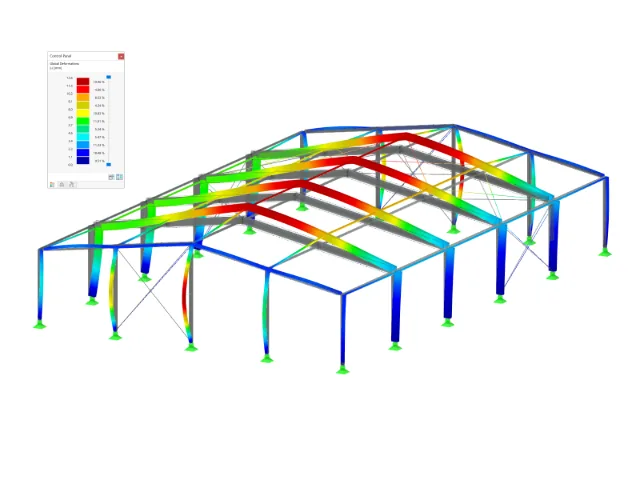
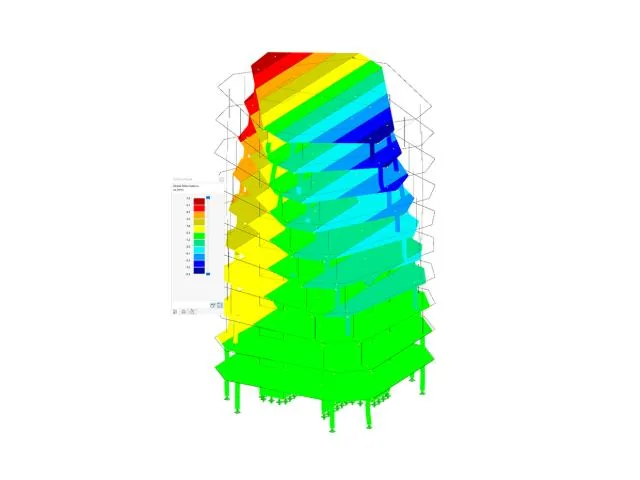
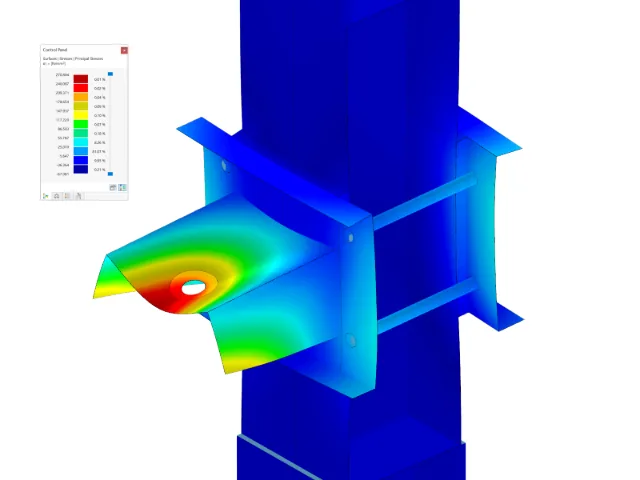
RFEM 6 is a program for static and dynamic analysis using the finite element method. Bars, plates, walls, shells and solids are combined in the same model, so it covers everything from a simple frame to complex structures.
The main program calculates internal forces, deformations and reactions. Design checks for concrete, steel, timber and glass, as well as analyses such as modal or spectral analysis, are added as separate add-ons within the same environment. The package is thus put together according to the office's projects.
For collaboration with the architectural team there are interfaces for IFC (import and export of IFC 4), DXF, SAF, Excel, a two-way link with Revit, Tekla Structures and Rhino/Grasshopper, and export of reinforcement to Allplan. There is also an API for Python and C#.
EliteSoft offers the Steel, Steel PRO, Concrete and Complete editions, and Dlubal provides a free 90-day trial.
Features and files
Features
- Method
- finite elements
- Elements
- bars, plates, shells, solids
- Design
- with add-ons (concrete, steel, timber, glass)
- Dynamic analysis
- with add-ons
- BIM
- IFC 4, Revit, Tekla, SAF
- API
- Python, C#
- Trial
- 90 days
Opens and saves
- .ifc
- .dxf
All features
- Modeling, structural and dynamic analysis, and design of models with member, plate, wall, folded plate, shell, and solid elements
- Modular software concept: enhance RFEM with various add-ons and apply it in a wide variety of areas
- Integration of all add-ons into the program, so that they interact with each other in calculations and design checks
- Load wizards for generating wind load cases with different flow fields in different wind directions (RWIND)
- Wind load cases with freely assignable analysis settings, including user-defined wind tunnel size and wind profile
- Visualization and use of RWIND simulation results, and global definition of a terrain (horizontal planes, inclined plane, table)
- Dlubal Center: central management of projects, model files, and customer data
- Non-modal printout report environment (parallel work in program and report), with interactive editing and creation of chapters
- Import of PDFs, formulas, 3D graphics, and so on into the report, with a modern report design
- Output of the design check formulas used, including a note on the equation used from the standard
- Automatic import of the construction site from a digital map, with address data, altitude, and snow load, wind speed, and seismic load maps
- Member and member set representatives for members with identical properties, to easily display results in tables
- Cross-section unit stresses (related to N = 1 kN, My = 1 kNm, and so on) to estimate the load-bearing capacity
- Load transfer surface for loads from surfaces that were not modeled, such as facades, glass surfaces, or trapezoidal roof sections
- Surface contact between two or more surfaces spaced apart, without creating a contact solid
- Snow and wind load wizards for hybrid models, with connection to the Geo-Zone tool and deactivation of surface sides
- Clipping plane and clipping box to hide irrelevant objects around a focus point
- Dlubal API to automate processes, integrate with external tools, and build custom workflows
- Cloud calculations without hardware limits, to process complex models and work anywhere
System requirements
Operating system Windows
- Windows 10 or Windows 11, 64-bit
- Multi-core x86 processor (ARM processors are not recommended)
- Memory of roughly 1 to 3 GB per processor thread, depending on the model
- Modern NVIDIA or AMD graphics card with OpenGL 4.2; integrated Intel graphics are not recommended
- Fast SSD drive and a display of at least 1920×1080
Works well with, and alternatives
Works well with

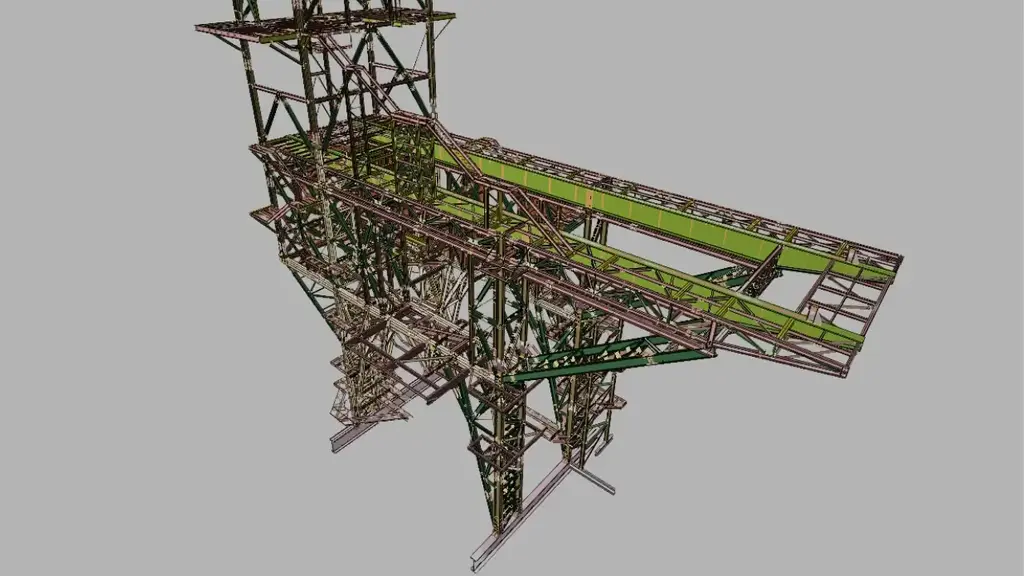
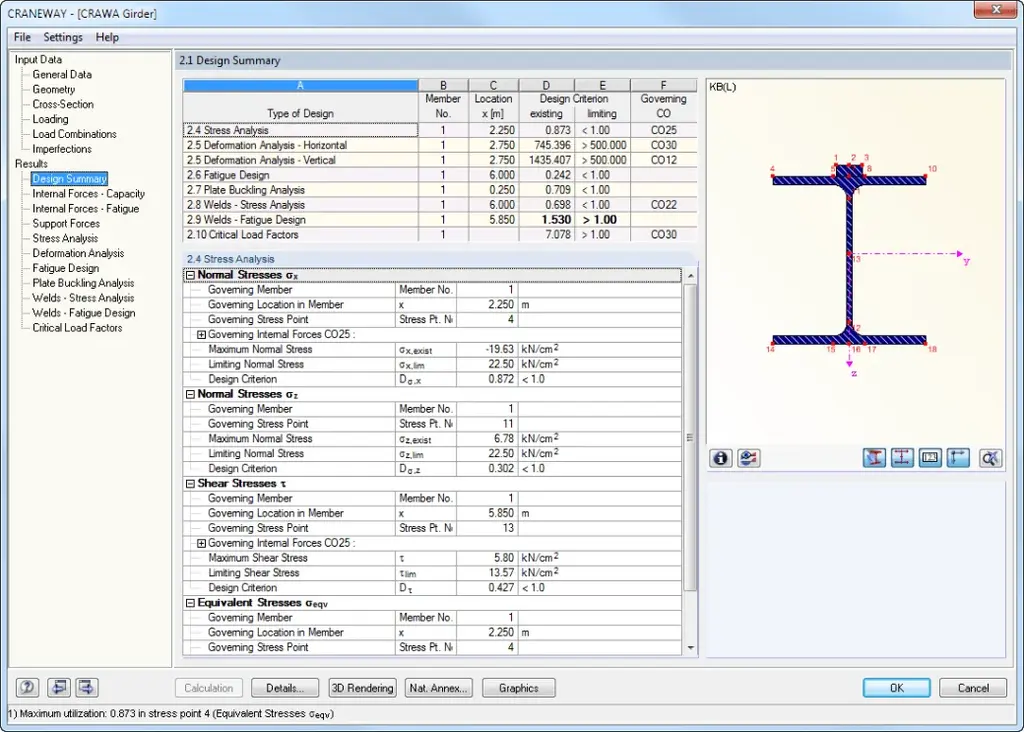
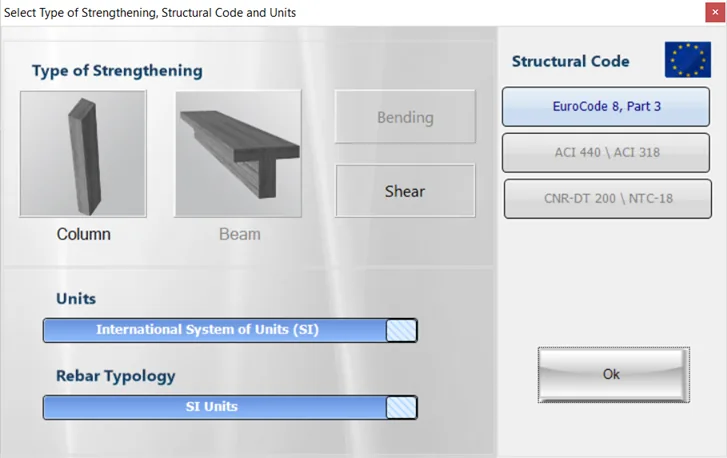
RFEM 6 next to alternatives
Open the full comparisonQuestions, licence and delivery
What does the price include?
Only the main program. Design checks and special analyses are bought as add-ons, each with its own price.
What kind of licence can I get?
The Steel, Steel PRO, Concrete and Complete editions are offered at a single price. The optional support contract (Basic or Pro) costs €800 per year.
What is the difference from RSTAB 9?
RSTAB analyses only bar structures (frames, trusses). RFEM also analyses plates, shells and solids.
Does it run on a Mac?
Not directly. Dlubal states Windows 10 and 11, 64-bit.
Is rental available?
Rental for 3 or 6 months is also available; price on request.
How do I receive the licence?
After payment we order the licence from the manufacturer and email you its details.
Do the prices include VAT?
Prices exclude VAT. With a valid VAT number from another EU country, VAT is not charged; in Belgium it is charged at 21%. For private customers, VAT is calculated at checkout.