
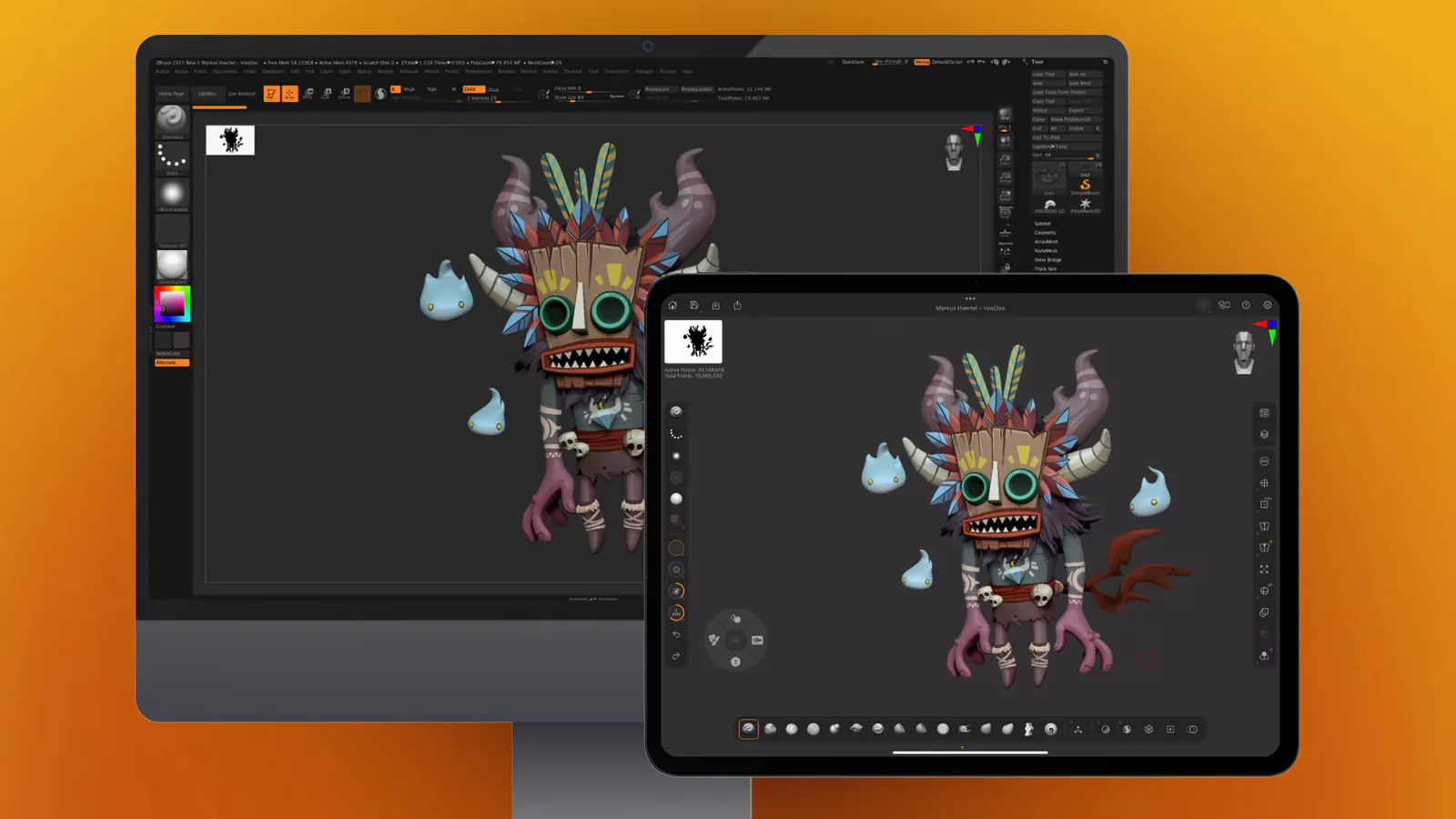
ZBrush
by Maxon, Design & BIM
High-detail digital sculpting for reliefs, sculptures and characters
Sculpting from form to colour
ZBrush treats your models like clay: volume first, then detail, colour and hand-off.
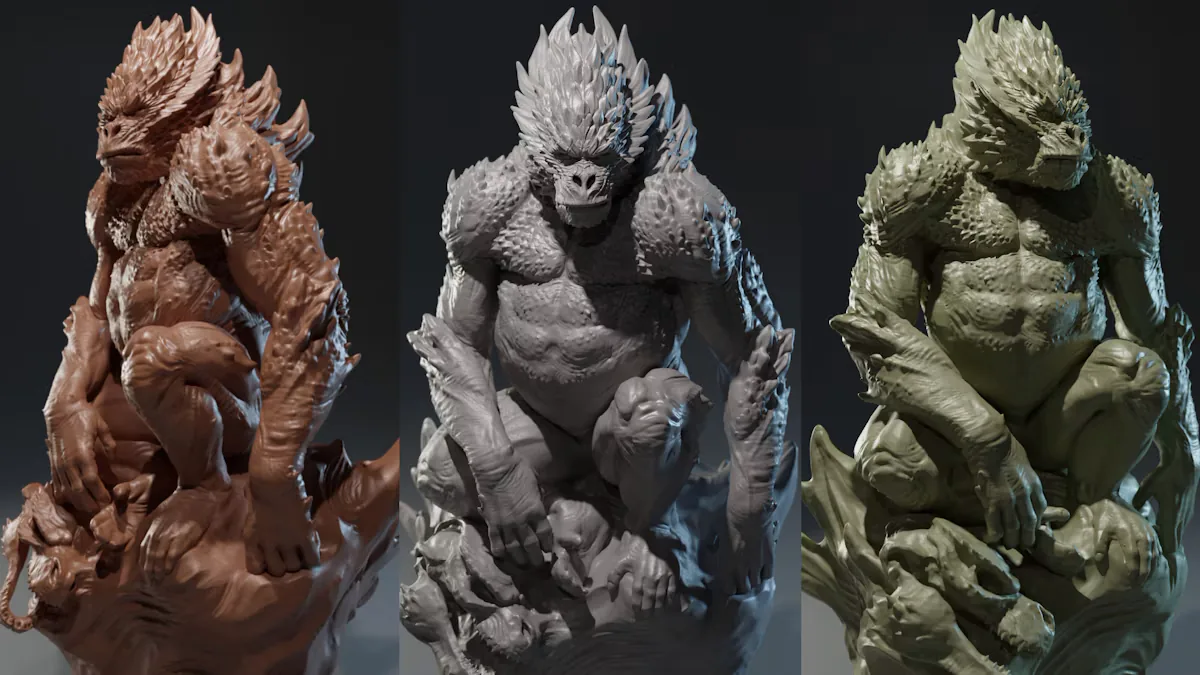
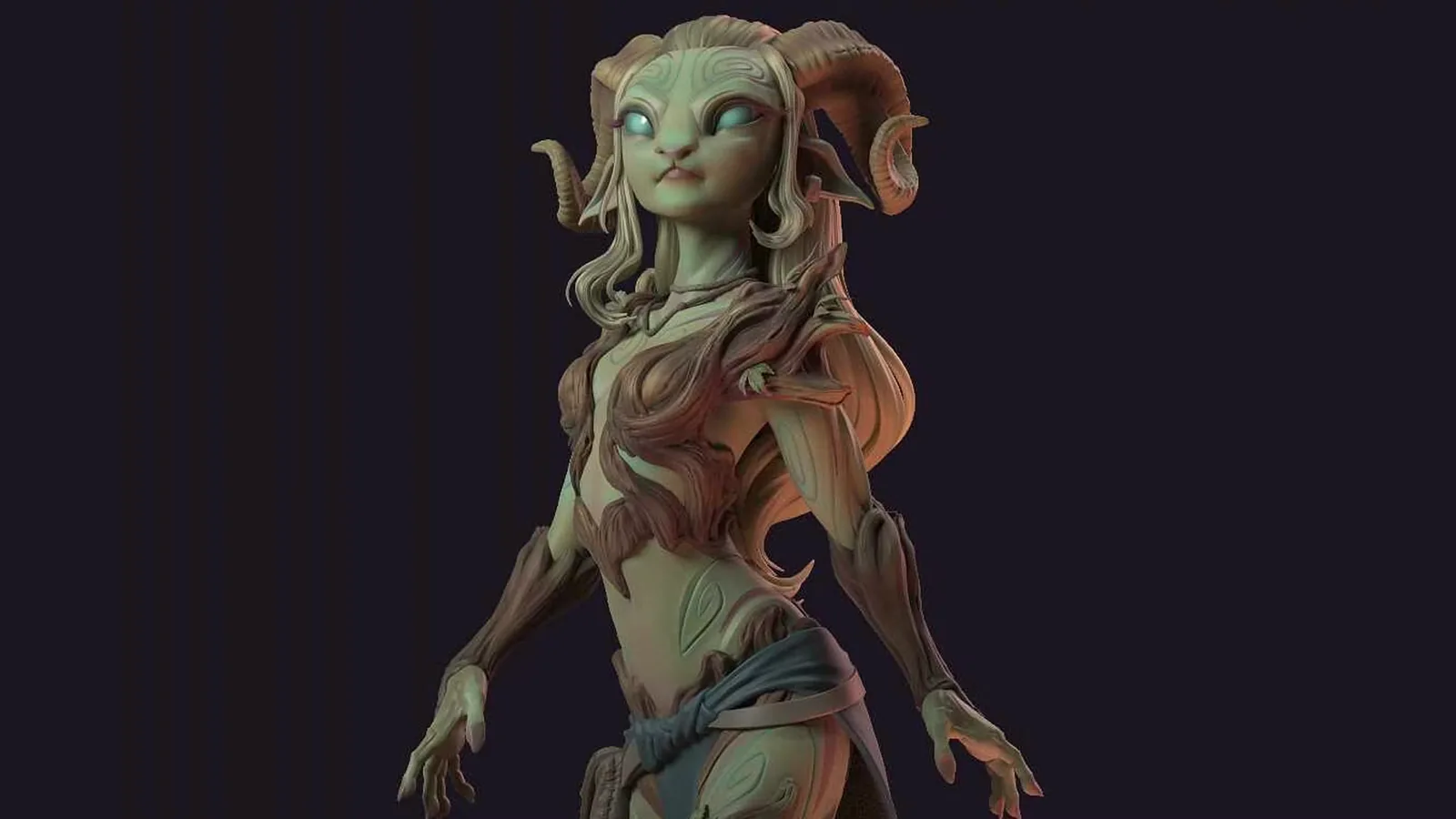
Over 200 brushes to shape your form
You start from a basic shape and work it with brushes, much as you would with real clay.
- Tools for quickly creating a base shape
- Remeshing, so topology does not get in your way
- Combine, inflate, drape and instance geometry
- Fluid work even with millions of polygons

Painting directly on the model
You paint the surface without preparing texture maps first.
- PolyPaint needs no UVs beforehand
- UV Master for control over the UVs
- SpotLight to project images onto the model
- MorphUV for control all the way to the final map
Works with: PolyPaint UV Master

Preview and render without leaving the program
See the sculpt with lighting and materials while you work on it.
- Redshift calculates the render on the processor
- BPR adds shadows, ambient occlusion, fibres and HD geometry
- The LightCap system controls materials and lighting in real time
Works with: Redshift BPR

From ZBrush to the rest of your software
The sculpt moves on to the rest of production and can come back for further changes.
- GoZ sends the sculpt straight to Cinema 4D
- Return to ZBrush to refine details
- Cineware brings the result into After Effects
- Works on desktop, iPad and Windows on Arm
Works with: Cinema 4D Maya 3ds Max

What it does, stage by stage
ZBrush is a tool for digital sculpting, modelling and painting. It includes more than 200 brushes, ZModeler and Live Boolean tools for hard surfaces, and PolyPaint for colour without prior UVs. Through GoZ it sends sculpts to Cinema 4D.
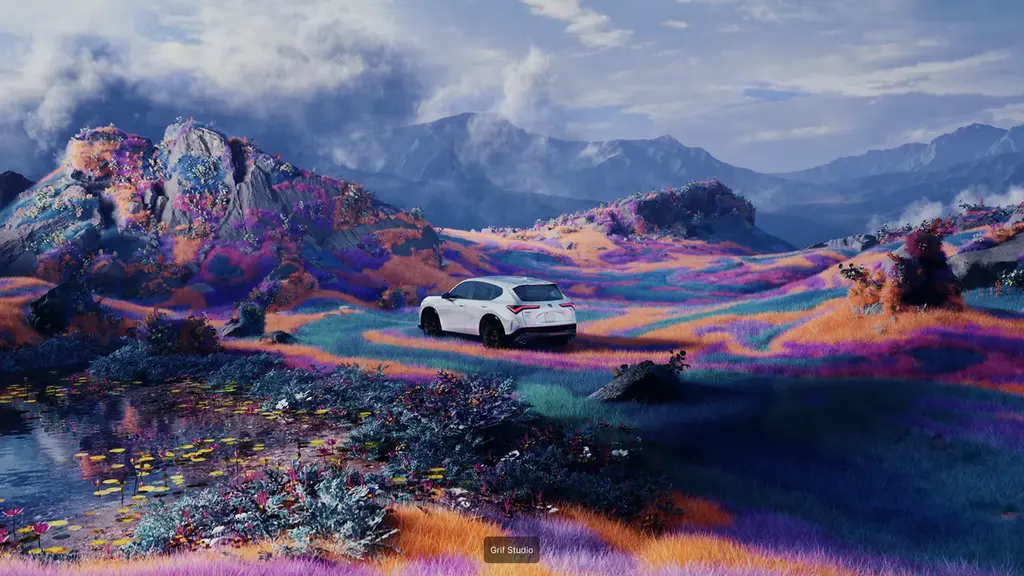
In the workflow of an architectural or interior project it is used for decorative elements, reliefs and special objects with very high detail, which are then imported into a rendering program.
The licence covers computer and iPad. The licence is an annual subscription (version 2026.2.1). The manufacturer offers a 14-day trial; a pen tablet is recommended.
Survey
It is not its job.
Concept
First massing and alternatives, quickly, so the idea can stand.
Design development
It is not its job.
Construction drawings
It is not its job. Combine it with 3D Design Studio.
Presentation
Images, videos and walkthroughs for the client.


Features
Features
- Sculpting
- 200+ brushes
- Hard surfaces
- ZModeler, Live Boolean
- Painting
- PolyPaint
- Rendering
- Redshift (BPR)
- Devices
- Windows, macOS, iPad
- Licence
- annual subscription
- Trial
- 14 days
System requirements
Operating system Windows, macOS
- Windows (and Windows on Arm), macOS (and Apple M), iPadOS
- A pen tablet is recommended; a MyMaxon account is required
Works well with, and alternatives
Works well with
ZBrush next to alternatives
Open the full comparisonQuestions, licence and delivery
What licence does it have?
An annual subscription, for version 2026.2.1. It applies to computer and iPad.
Is it part of Maxon One?
Yes, ZBrush is included in the Maxon One bundle, which is available separately.
Which file formats does it support?
The manufacturer states generally “standard 3D formats”.
How do I receive the licence?
After payment we order the licence from the manufacturer and email you its details.
Do the prices include VAT?
Prices exclude VAT. With a valid VAT number from another EU country, VAT is not charged; in Belgium it is charged at 21%. For private customers, VAT is calculated at checkout.