
SUAPP AIR
by SUAPP, AI & extensions
AI tool for architects that turns a sketch, massing or model view into a presentation image in about 20 seconds, in the browser or as a plugin (price on request)
Versions Basic, Standard, Pro, Max
Price on request
Request a quoteOr call us: +30 210 440 0071 saleselitesoft.eu
SUAPP AIR by topic
Choose a topic and see how AIR goes from the first idea to the presentation image.
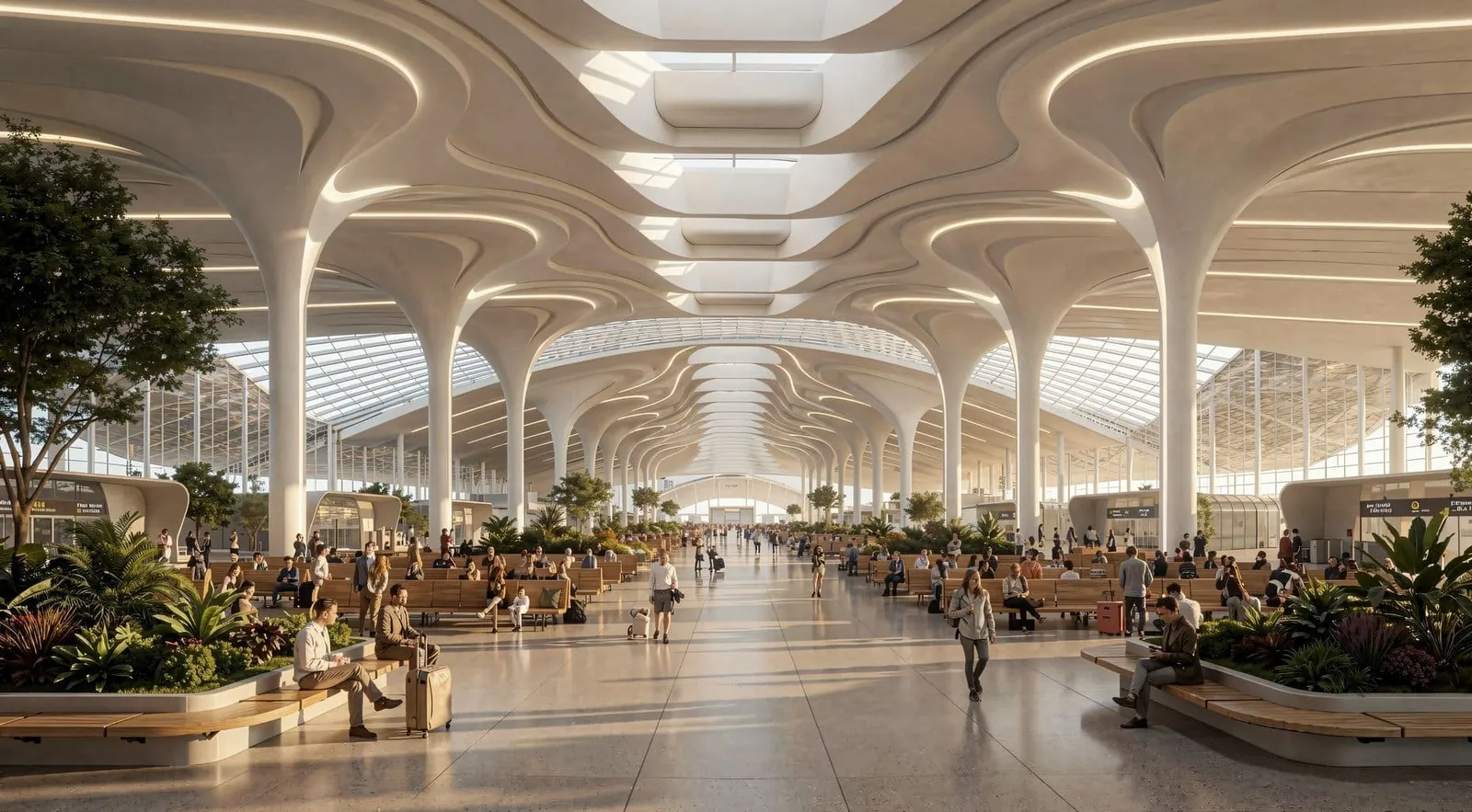
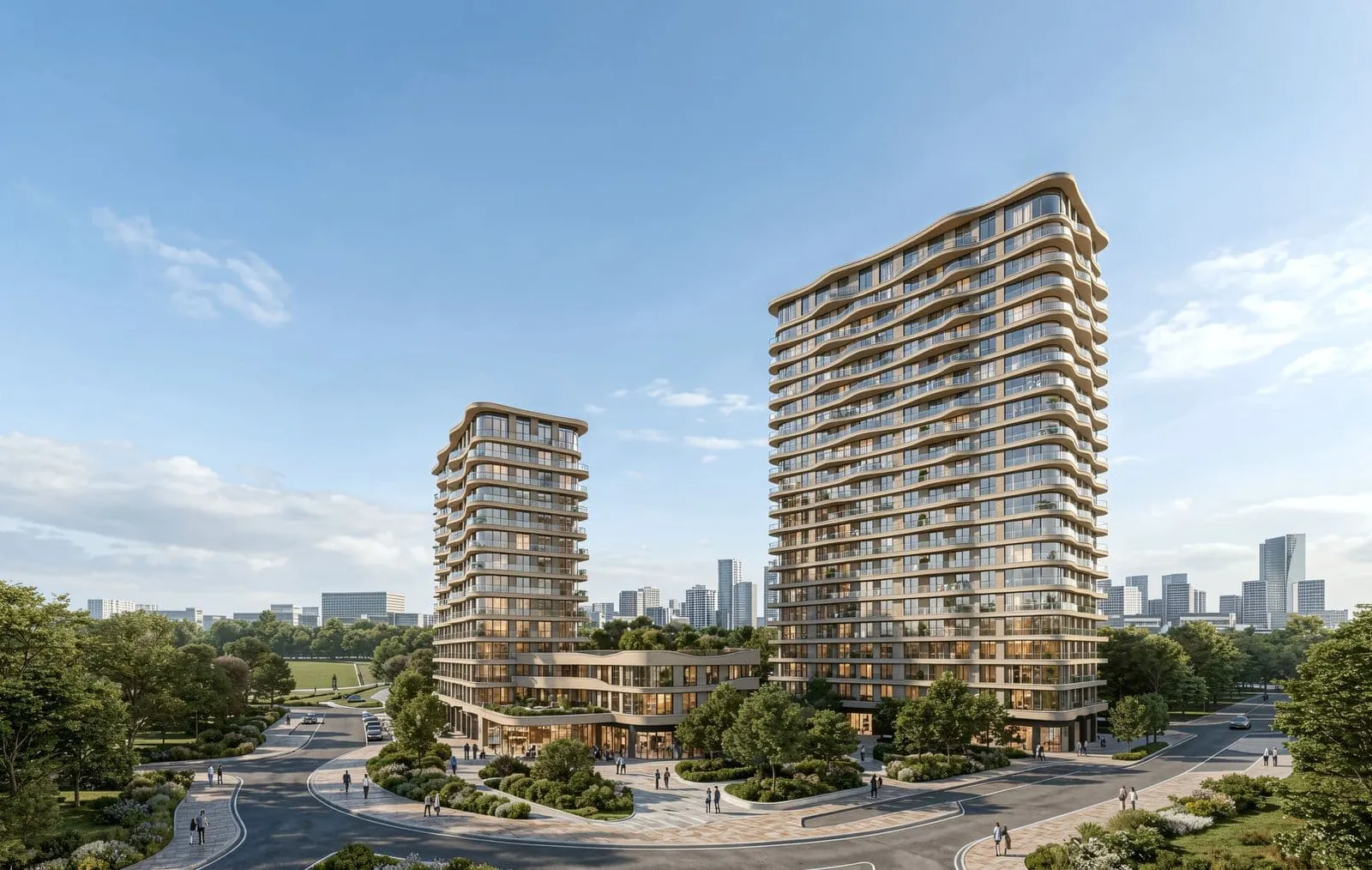
A presentation image in about 20 seconds
Rendering is done on a cloud GPU, so you need neither a powerful graphics card nor any model training. With the same tool you test an idea or prepare a presentation.
- More than 500 styles that switch instantly, for architecture, interiors, landscape and urban design
- Typical generation time of about 20 seconds and output up to 8K
- Basic mode for quick studies: choose a style, adjust a few settings and generate
- Canvas mode for complex studies: projects and asset management, with many iterations
- It combines the Lingxi, Nano Banana Pro and GPT Image 2 models and picks the suitable one for each task automatically
Works with: SketchUp Rhino Revit 3ds Max Blender Photoshop AutoCAD Archicad


From a quick sketch to a detailed model
AIR accepts five kinds of input, so you can use it from the first idea to the developed design.
- Five input modes: doodle, sketch, linework, massing model and detailed model
- Volume, perspective and design intent are preserved while you try different directions
- Studies for renewal, reuse and interventions on photographs of the existing condition
- A massing model together with reference images gives directions for the façade and the space


More than 50 tools to refine without starting over
You adjust the composition, detail and character of the image instead of regenerating the whole. The reference libraries are updated continuously.
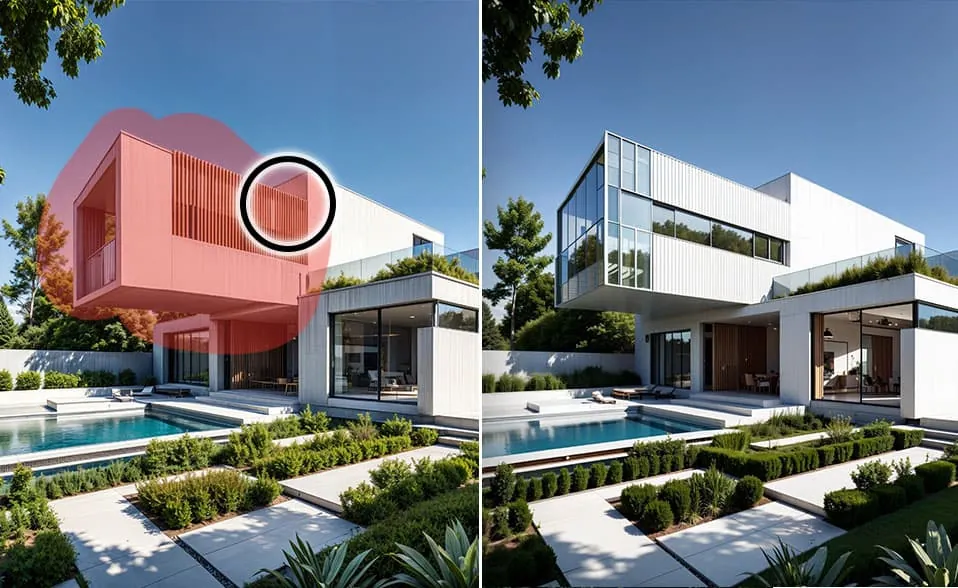
- Inpainting, Outpainting, Collage, Material Replacer, Magic Remover, Person Fixer, Implanting and Image Enhancer
- Space Lighting, Style Reference and Atmosphere Transfer for lighting, style and atmosphere
- Galleries for Collage, materials, styles and atmosphere, with references for urban design, architecture, landscape and interiors
- Targeted editing of selected areas, with a sketch, a collage or a local reference image


From image to CAD, 3D and panorama
Specialised tools connect design development with final delivery.
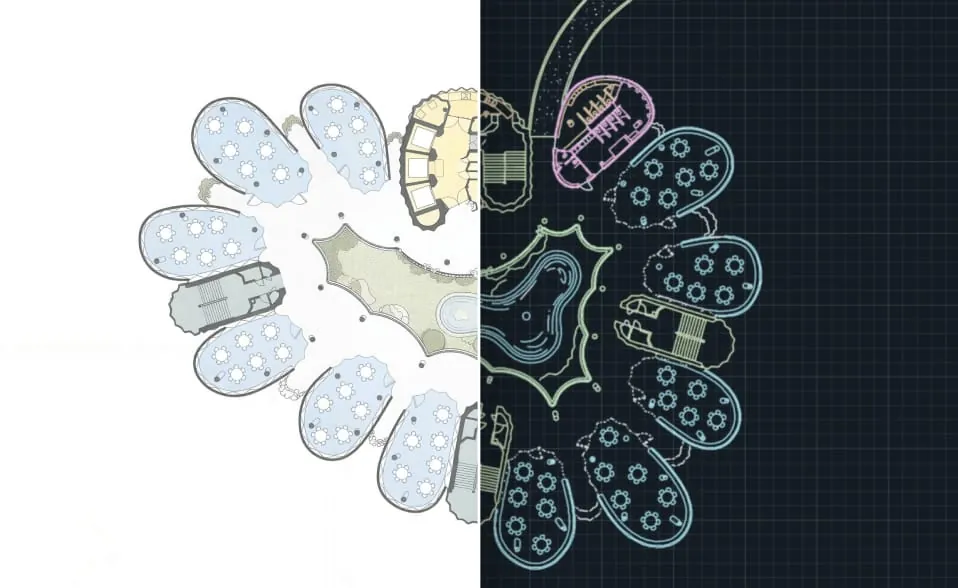
- Image to CAD: a layered CAD drawing, with preview and the option to edit
- Plan to 3D: aerial and perspective views from a floor plan
- Viewpoint Shift: a new fixed or free camera position; Roam: a navigable 3D scene from a single image
- Panorama Render: an interactive 360° panorama; Image Layer: separating text and objects for export to PSD or PowerPoint


From site analysis to presentation
AIR covers the moments when you explore options, test decisions and present the project.
- Concept: reading site photographs for analysis, alternative directions and layout proposals
- Schematic design: site-planning options, a plan with materials and context, massing studies, sketch development
- Design development: quick images from massing or a model, controlled renderings and targeted edits
- Presentation: analysis diagrams from drawings, new viewpoints and editable PowerPoint slides


One workflow for every discipline
AIR adapts to architecture, interiors, landscape and urban design.
- Architecture: from the first studies to presentation images, preserving massing, perspective and intent
- Interiors: furnishing and styling, and a clear presentation of atmosphere, lighting, finishes and materials
- Landscape: planting, terrain, water and site context, to judge the character of the proposal
- Urban design: reading the existing conditions and urban fabric from reference images, and layout proposals


What it does, stage by stage
SUAPP AIR is an artificial intelligence tool for visualisation in architecture, interiors, landscape and urban design. It is not a conventional renderer: from a sketch, a massing or a model view it produces a presentation image in about 20 seconds, with more than 500 styles to choose from.
Processing is done in the cloud, so you do not need a powerful graphics card. AIR has more than 50 editing tools and specialised tools such as Image to CAD, Plan to 3D, Viewpoint Shift and a 360° panorama. It works in the browser and as a plugin for SketchUp, Rhino, Revit, 3ds Max, Blender, Photoshop, AutoCAD and Archicad.
AIR is included in all SUAPP AI packages: Basic in the browser only, Standard and above also as plugins. Pro and Max also include the other tools of the suite.
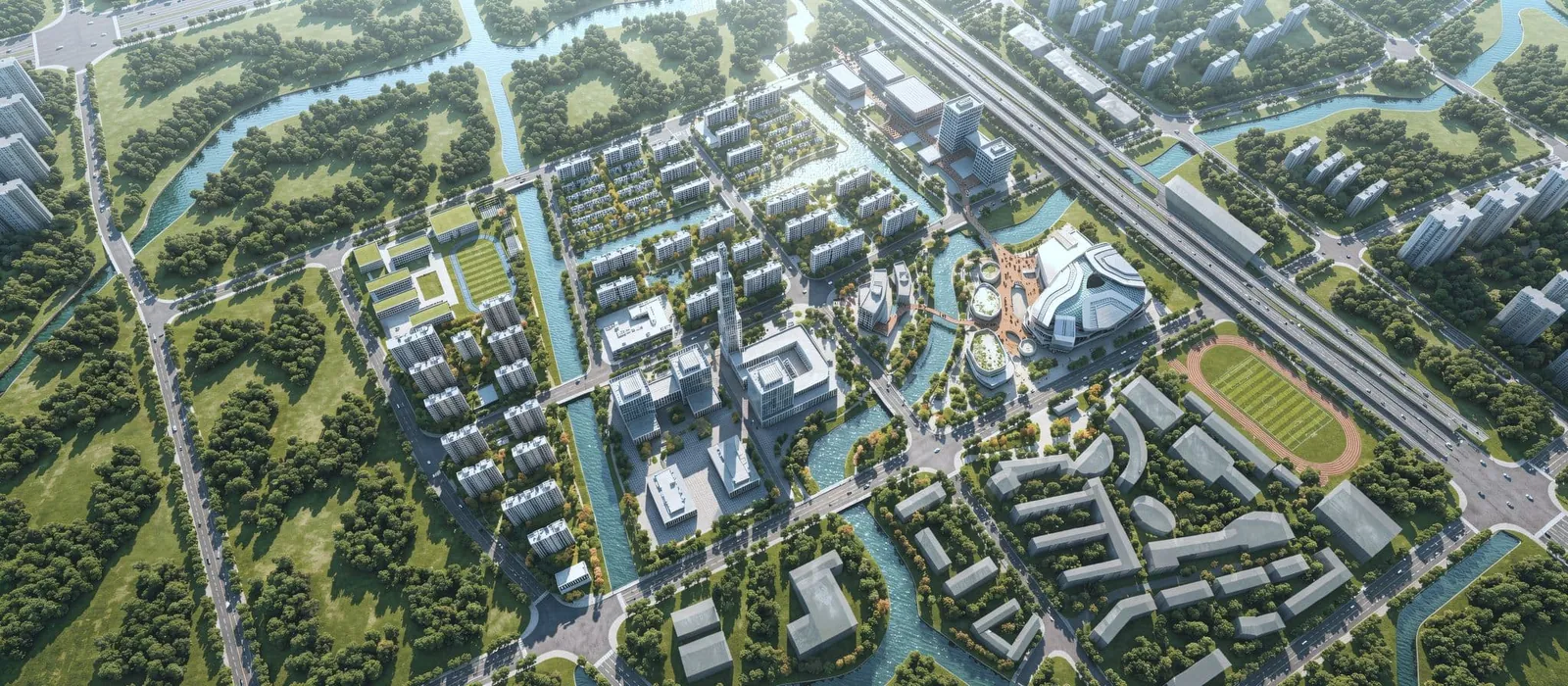
Features
Features
- Inputs
- doodle, sketch, linework, massing model, detailed model
- Generation time
- about 20 seconds
- Styles
- more than 500
- Editing tools
- more than 50
- Plugins
- SketchUp, Rhino 7/8, Revit, 3ds Max, Blender, Photoshop, AutoCAD, Archicad
- Processing
- in the cloud, no powerful graphics card needed
System requirements
Operating system Windows, macOS
- Internet connection; processing is done in the cloud
- For the plugins: the relevant program installed (e.g. SketchUp, Rhino 7 or 8, Revit)
- For the desktop version: Windows or macOS
- SUAPP AI account
Works well with, and alternatives
Works well with

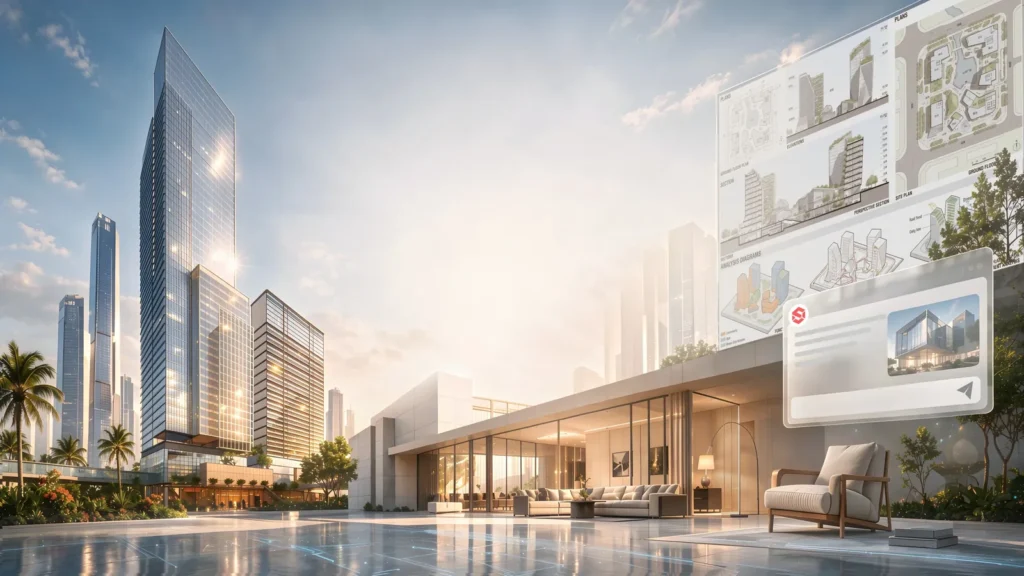
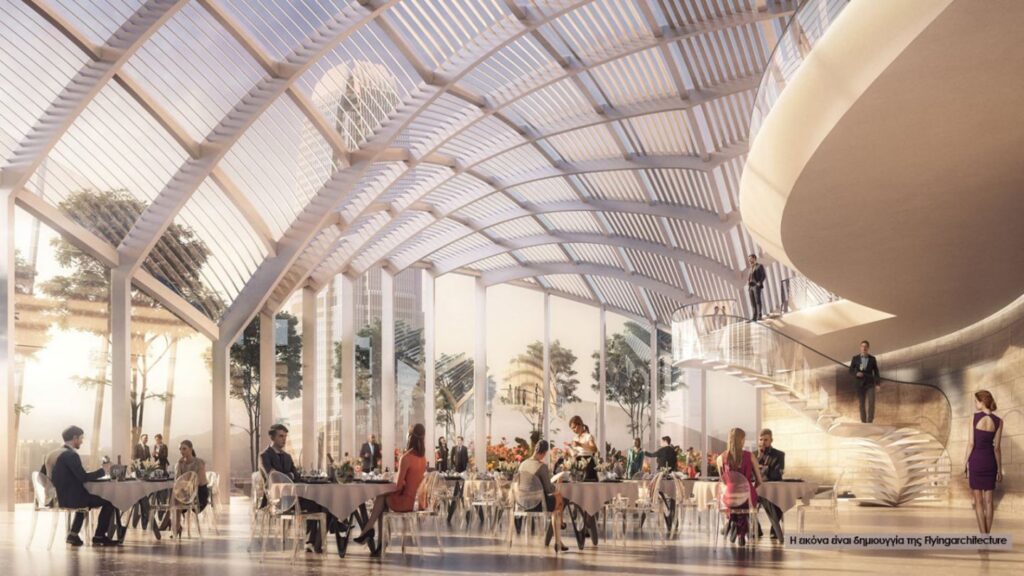
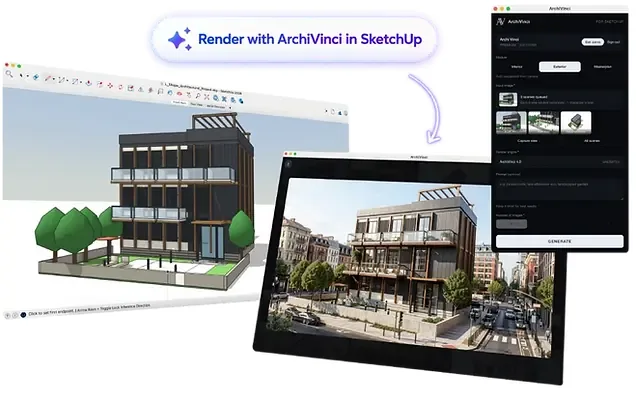
SUAPP AIR next to alternatives
Open the full comparisonQuestions, licence and delivery
Do I need a powerful computer?
No. Rendering is done on a cloud GPU, so an internet connection is all you need.
Which programs does it work in?
In the browser and as a plugin for SketchUp, Rhino 7 and 8, Revit, 3ds Max, Blender, Photoshop, AutoCAD and Archicad. The Basic package includes only the browser version.
Is it a rendering engine like V-Ray?
No. The manufacturer describes it as an AI visualisation platform for rapid exploration of ideas, not a conventional renderer.
Which packages include AIR?
All SUAPP AI packages: Basic, Standard, Pro and Max. Basic works only in the browser, while Standard and above also have plugins.
How do I receive the licence?
After payment we order the licence from the manufacturer and email you its details.
Do the prices include VAT?
Prices exclude VAT. With a valid VAT number from another EU country, VAT is not charged; in Belgium it is charged at 21%. For private customers, VAT is calculated at checkout.