
SUAPP AIM
by SUAPP, AI & extensions
A 3D model from text or a photograph in seconds, with one-click transfer to SketchUp (price on request)
From an idea to an editable 3D model
SUAPP AIM builds models from text or an image, lets you adjust them and sends them to the program you work in.
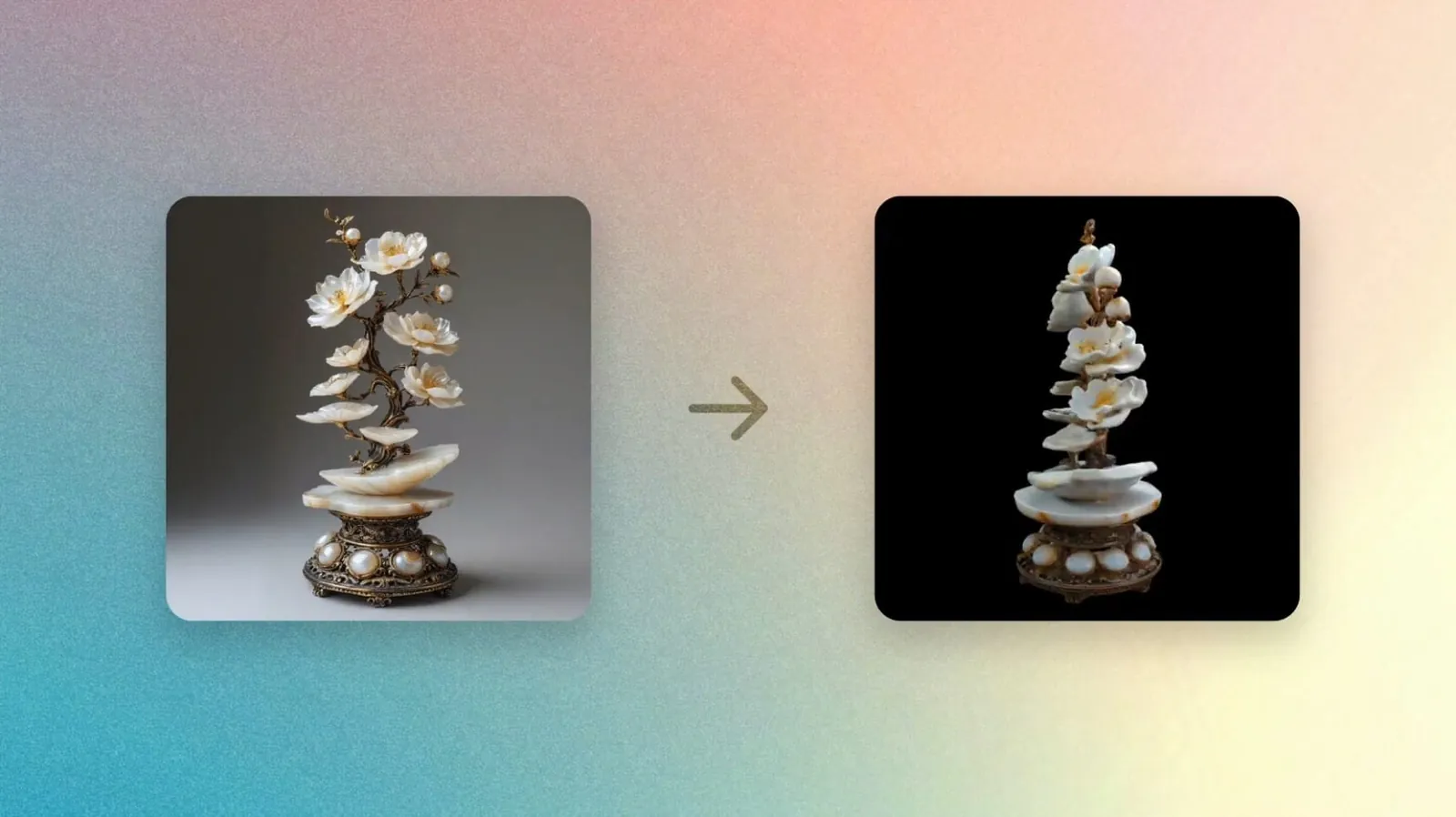
A model from a few words or one image
You write what you want or provide a reference image, and AIM creates the object in the cloud within seconds.
- Works with a written description and with a reference image
- Suited to furniture, landscape elements and product proposals
- In the example, a photograph of a sculpture becomes a 3D object
- No powerful graphics card is needed, because processing is done in the cloud


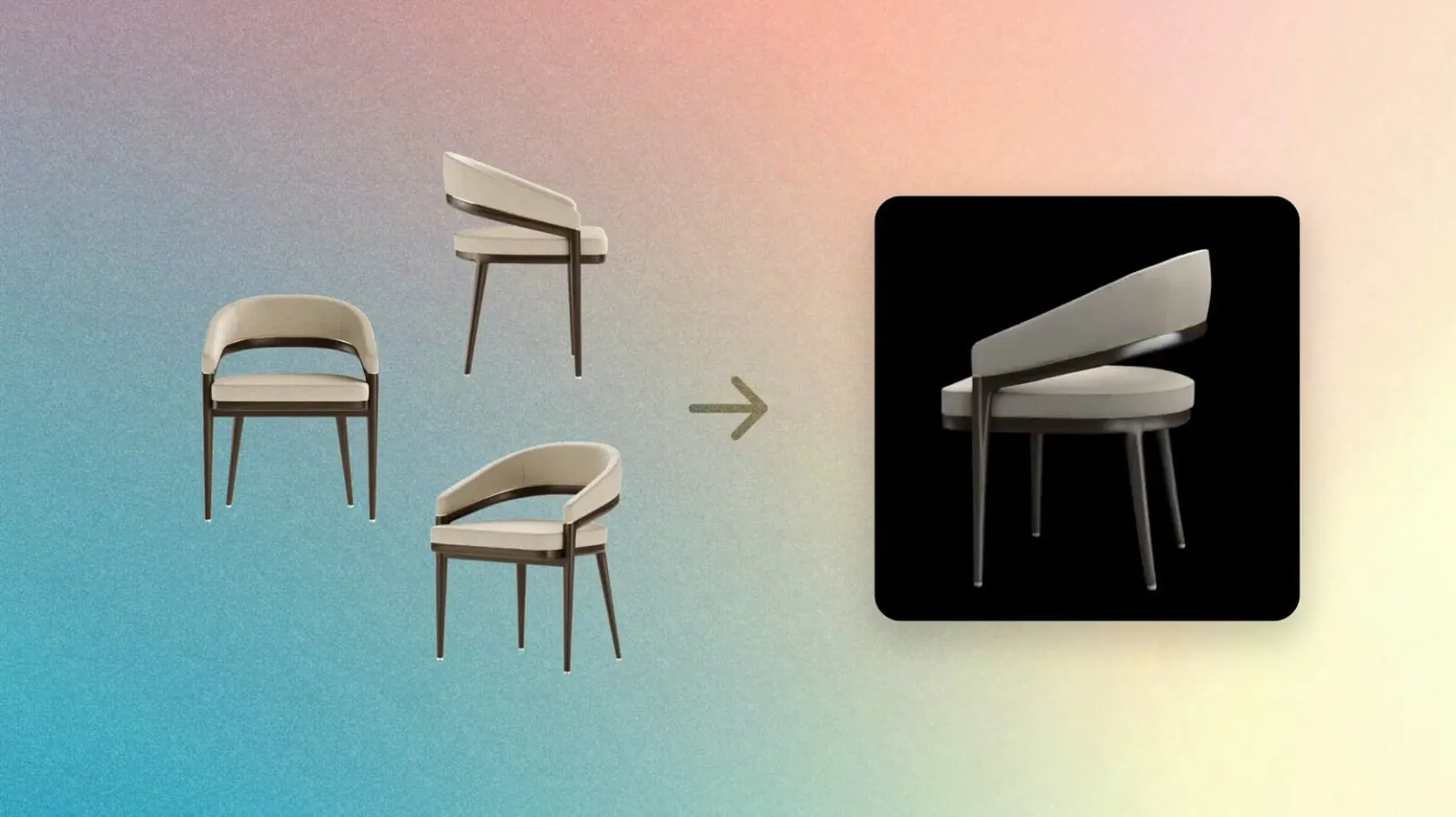
One object from more than one image
The examples on the page show a chair, seen from different angles, becoming a single 3D model.
- In the example, three views of the same chair give one model
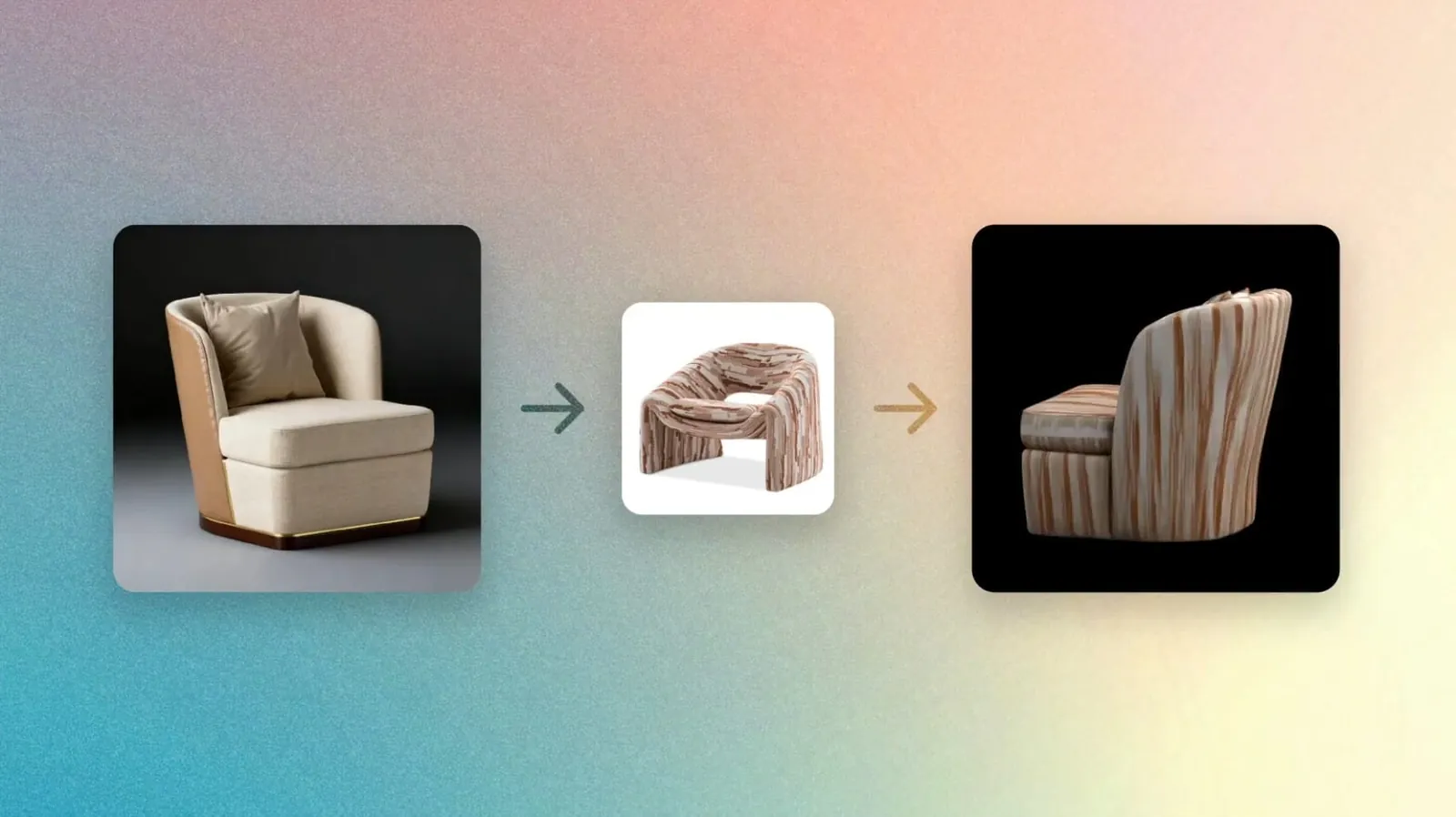
- You can start from reference images, not only from text
- The result is ready to place in a scene and work on further


Colour, materials and a lighter mesh
After creation you adjust the model without rebuilding it from scratch.
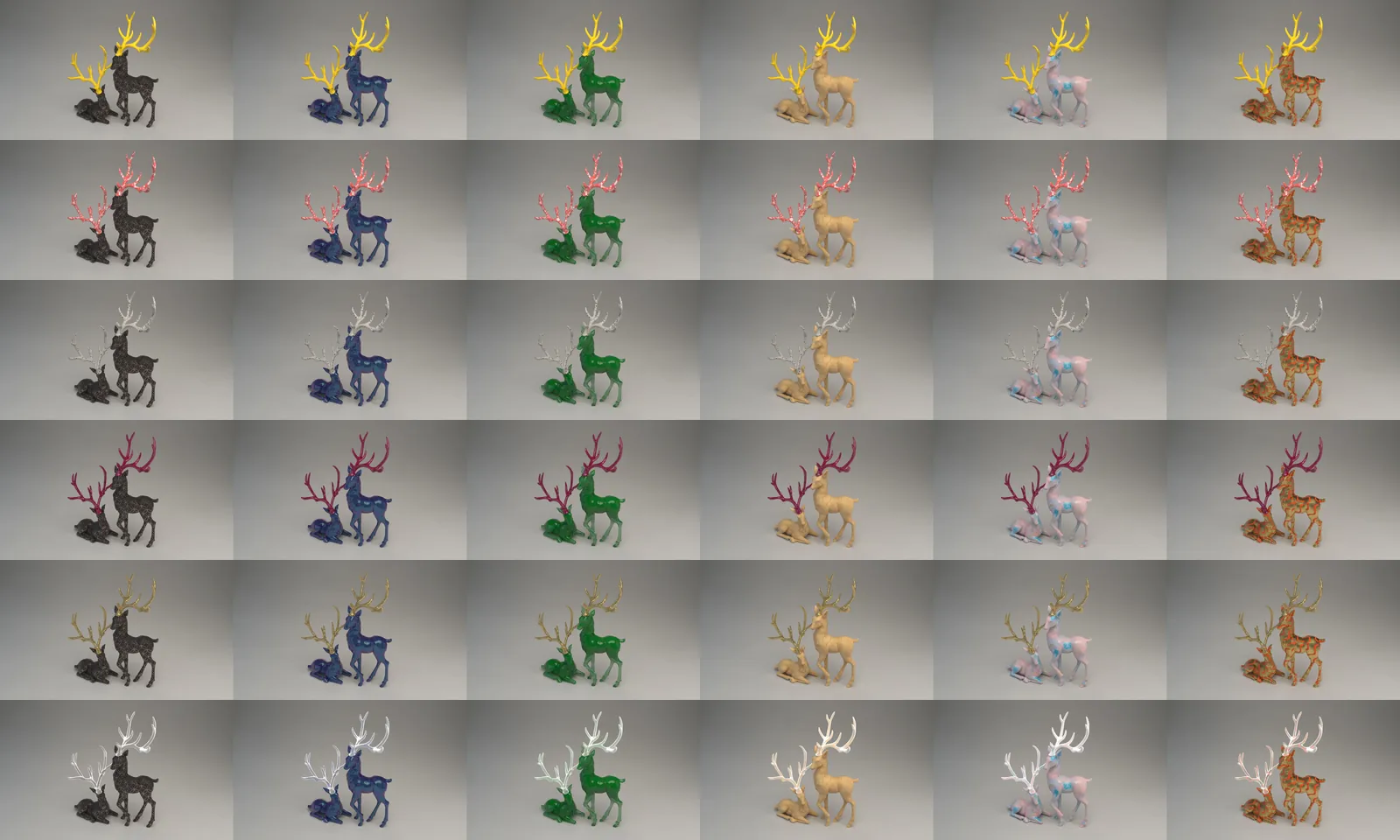
- Colour and opacity in real time, to try out shades and palettes
- Control of texture maps, scale and UV placement
- Materials from a ready-made library or your own textures
- Polygon reduction that keeps the overall shape and quality, for lighter scenes and files


One click into the program you use
The model does not stay isolated: it moves into the environment where modelling, rendering and presentation take place.
- One-click transfer to SketchUp, 3ds Max, Rhino and Blender
- Also available as a web app
- There you carry on with modelling, rendering and presentation
Works with: SketchUp 3ds Max Rhino Blender Web app


What it does, stage by stage
SUAPP AIM is the AI 3D modelling tool of the SUAPP AI suite. From a written description or a reference image it builds a detailed 3D object in seconds, e.g. a piece of furniture, a landscape element or a product proposal.
The result can change colour and opacity, take other materials from a ready-made library or your own textures, and be lightened by reducing polygons. It is then sent with one click to SketchUp, 3ds Max, Rhino or Blender, or stays in the web app.
Processing is done in the cloud. AIM is included from the Pro package upwards of the SUAPP AI suite.
Survey
It is not its job.
Concept
First massing and alternatives, quickly, so the idea can stand.
Design development
The design takes shape: spaces, structure, materials and checks.
Construction drawings
It is not its job. Combine it with SketchUp.
Presentation
It is not its job. Combine it with SketchUp.

Features
Features
- Function
- 3D model from text and image
- Processing
- in the cloud, results in seconds
- Editing
- colour and opacity, materials and UV, polygon reduction
- One-click transfer
- SketchUp, 3ds Max, Rhino, Blender
- Web app
- yes
- Packages
- from Pro upwards
System requirements
Operating system Windows, macOS
- Internet connection; processing is done in the cloud
- For one-click transfer: SketchUp, 3ds Max, Rhino or Blender installed
- SUAPP AI account with a Pro or Max package
Works well with, and alternatives
Works well with



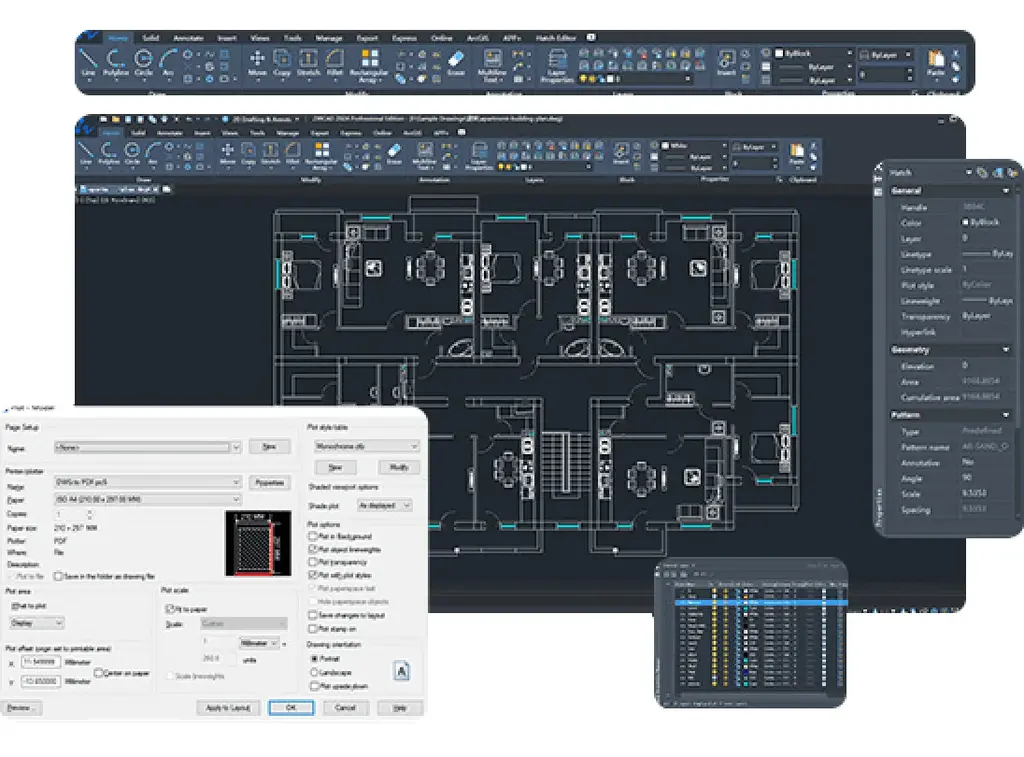
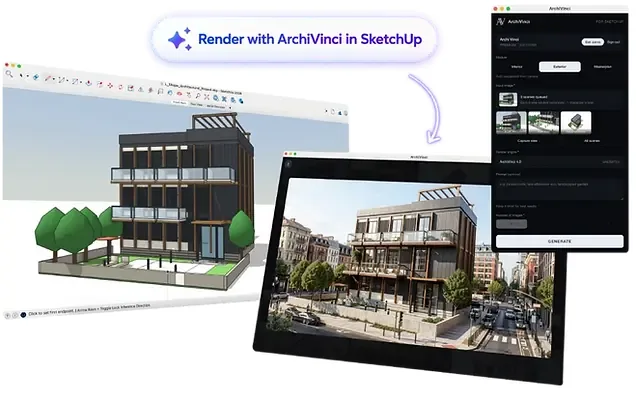
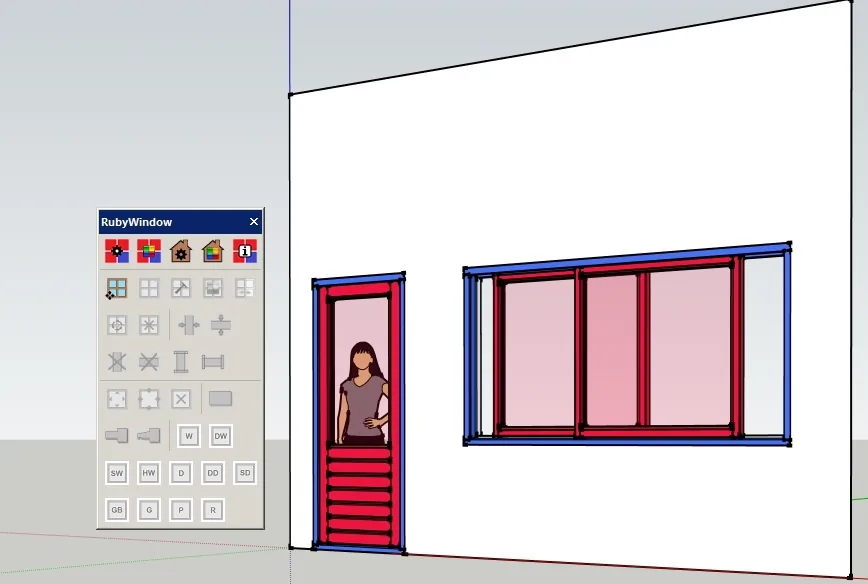
SUAPP AIM next to alternatives
Open the full comparisonQuestions, licence and delivery
What do I need to create a model?
A written description or a reference image. AIM turns it into a 3D object in the cloud, within seconds.
Which programs can the model be sent to?
With one click to SketchUp, 3ds Max, Rhino and Blender. There is also a web app.
Can I change the model after it is created?
Yes. You change colour and opacity, adjust textures, scale and UV, or reduce the polygons without spoiling the overall shape.
Which package includes AIM?
AIM is included from the Pro package upwards of the SUAPP AI suite.
How do I receive the licence?
After payment we order the licence from the manufacturer and email you its details.
Do the prices include VAT?
Prices exclude VAT. With a valid VAT number from another EU country, VAT is not charged; in Belgium it is charged at 21%. For private customers, VAT is calculated at checkout.