
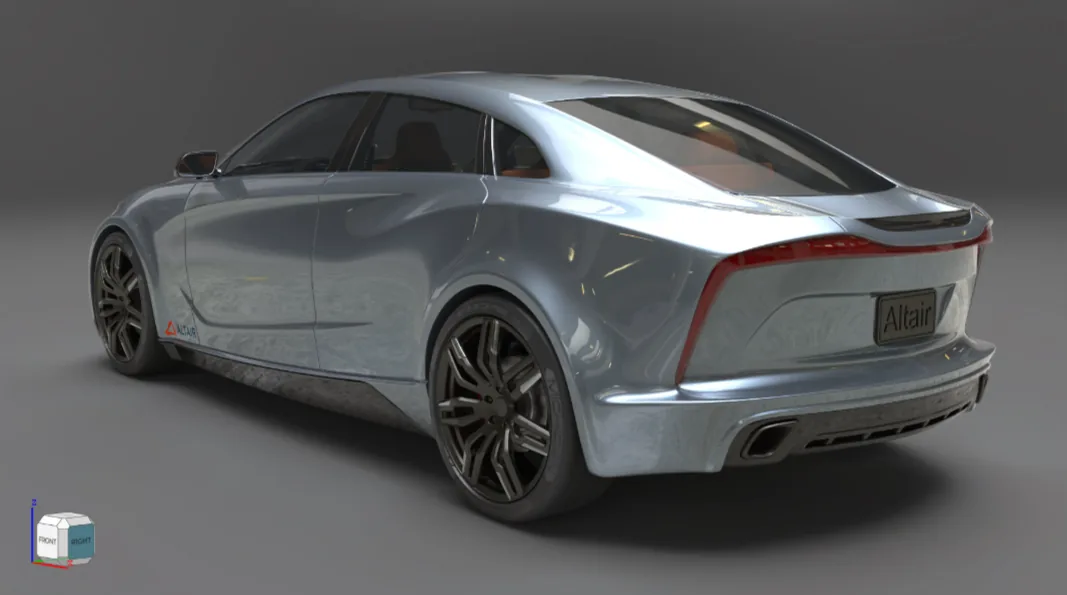
Altair Inspire Studio
by Altair, Design & BIM
Free-form PolyNURBS modelling and rendering for designers
From freeform shape to finished image
In Inspire Studio you shape smooth forms, check them with measurements and technical drawings, and present them with realistic rendering, all in one program.
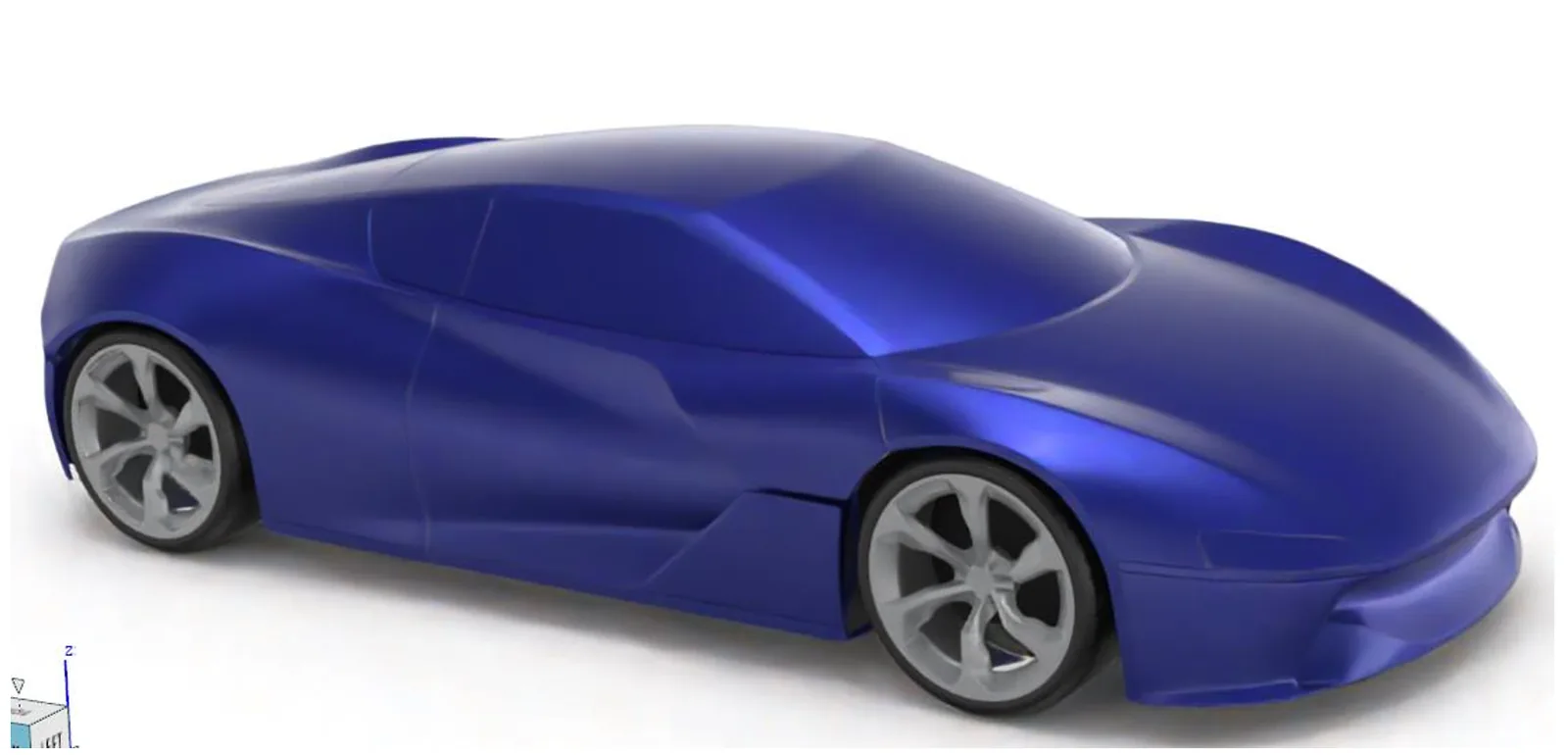
Smooth forms from a polygonal cage
You start from a simple shape and mould it by moving vertices, edges and faces. Underneath, the object stays a continuous NURBS surface.
- A double-click opens edit mode, where you can view the object either as a mesh or as a NURBS surface.
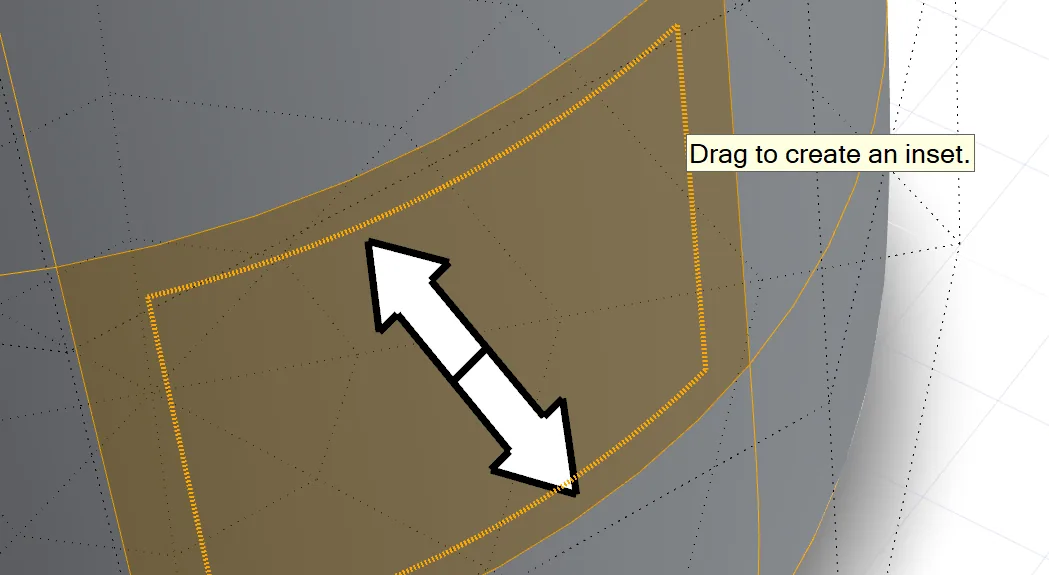
- Tools for inset faces, extrusion, splitting edges and faces, merging and closing holes.
- Subdivision smooths the shape, so that even a cube can turn into a rounded solid.
- Wrap covers an existing shape with a PolyNURBS solid and lets you bridge faces between separate cages.
- Conversion to a polygon mesh and saving as STL for 3D printing.


Measurements, construction history and technical drawings
Freeform design does not stay a sketch: the same model can be measured, checked and turned into 2D drawings.
- Measurement of distances, curve lengths, area, volume and mass.
- Curvature and surface continuity checks, a closed-solid check and draft analysis for injection-moulded parts.
- Construction history keeps the stages of each object, so you can go back to an earlier step and change it.
- Drawing sheets with views, sections, details, dimensions and a title block, exported to DXF or DWG.
Works with: DXF DWG


Realistic images and animated presentations
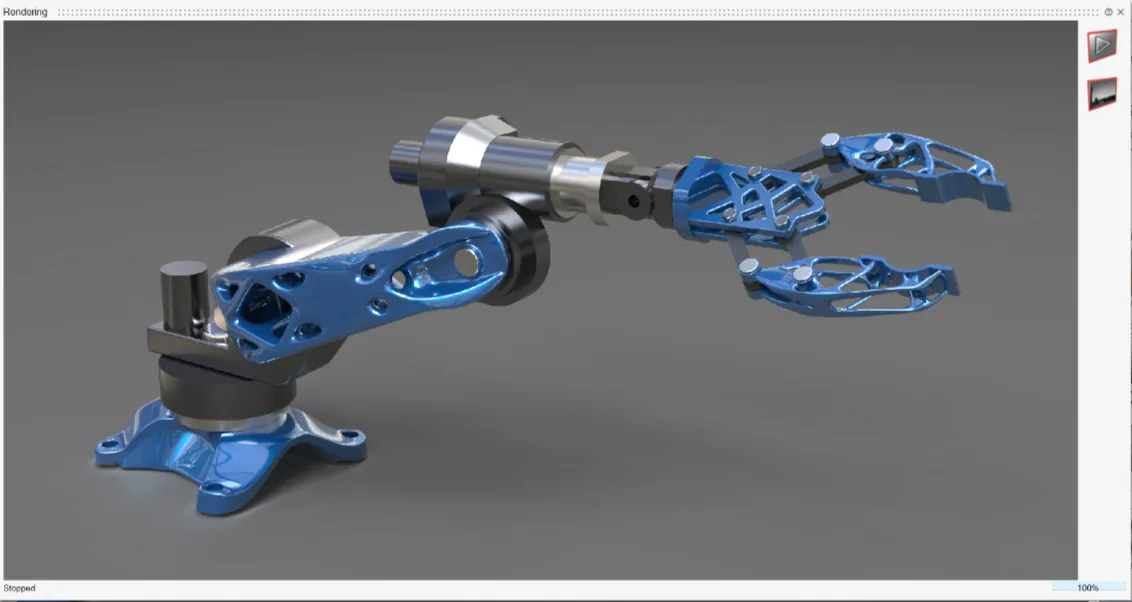
Materials and environments are dragged in from the library, and the scene renders live while you adjust it.
- Two live render modes: a fast one for animated data and a more realistic one for still images and presentations.
- Your own materials and environments are saved to the library for later projects.
- Noise reduction on the final image, saved as JPG, TIFF, PNG or BMP, with a transparent background in TIFF and PNG.
- Object and camera animation with key frames or along a path, exported as PNG frames or MP4 video.
Works with: JPG TIFF PNG BMP MP4


What it does, stage by stage
Altair Inspire Studio is a 3D modelling program for curves, surfaces and solids, with drawing, dimensioning, rendering and animation. Its distinguishing feature is PolyNURBS, which creates smooth freeform shapes from a polygonal mesh and converts them to NURBS surfaces.
It is useful for conceiving and presenting product and object forms, such as furniture and lighting. It supports SpaceMouse devices and add-ons in Python or C++.
Version 2025.1 is available with a one-year network licence.
Survey
It is not its job.
Concept
First massing and alternatives, quickly, so the idea can stand.
Design development
The design takes shape: spaces, structure, materials and checks.
Construction drawings
It is not its job. Combine it with RFEM 6.
Presentation
Images, videos and walkthroughs for the client.
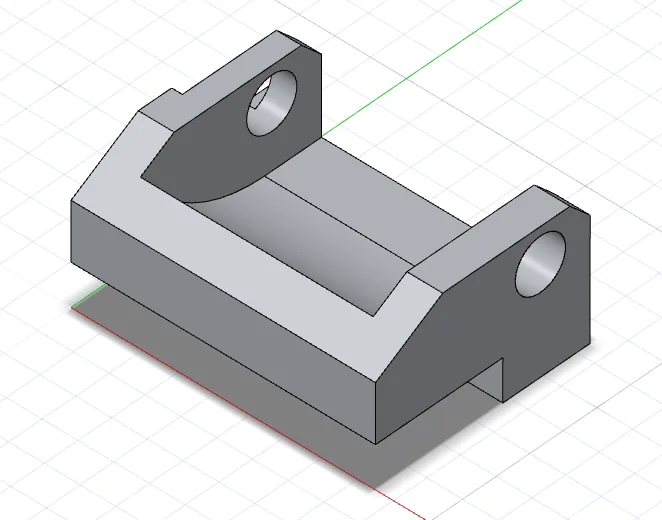
Features
Features
- Modelling
- curves, surfaces, solids, PolyNURBS
- Rendering and animation
- yes
- Plug-ins
- Python, C++
- SpaceMouse
- yes
- Licence
- network, 1 year
- Version
- 2025.1
System requirements
- Windows 10 or Windows 11 (64-bit); the 2025 documentation also lists Red Hat Enterprise Linux 9.4 and Rocky Linux 9.4 (64-bit)
- 16 GB RAM (more recommended) and at least 15 GB of free disk space
- CPU with AVX2 support
- Dedicated graphics card with OpenGL 3.3, Vulkan 1.2, OpenCL 2.1 and at least 4 GB of memory; rendering requires an NVIDIA card
- 1920×1080 screen or larger for comfortable work
Works well with, and alternatives
Works well with

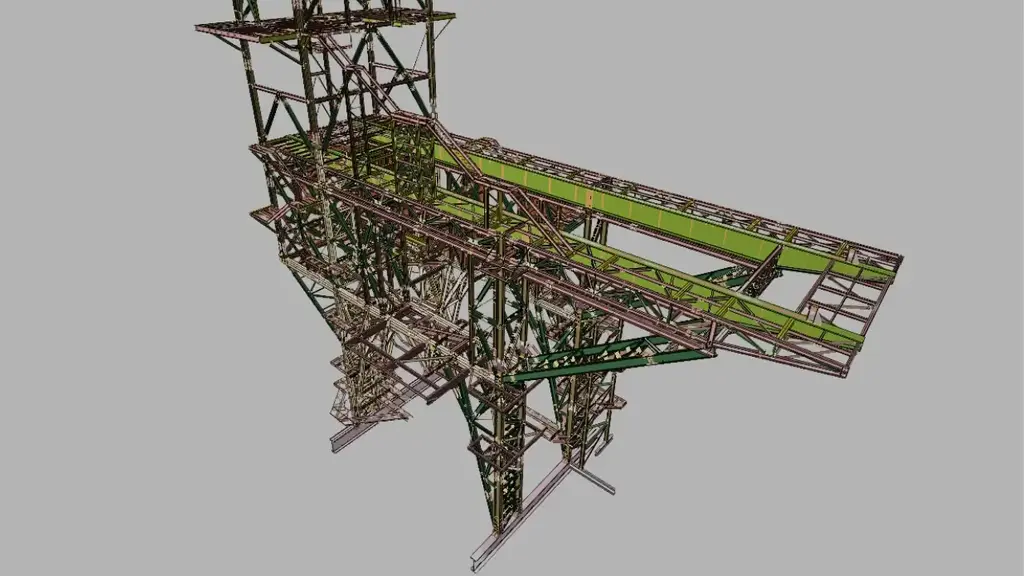
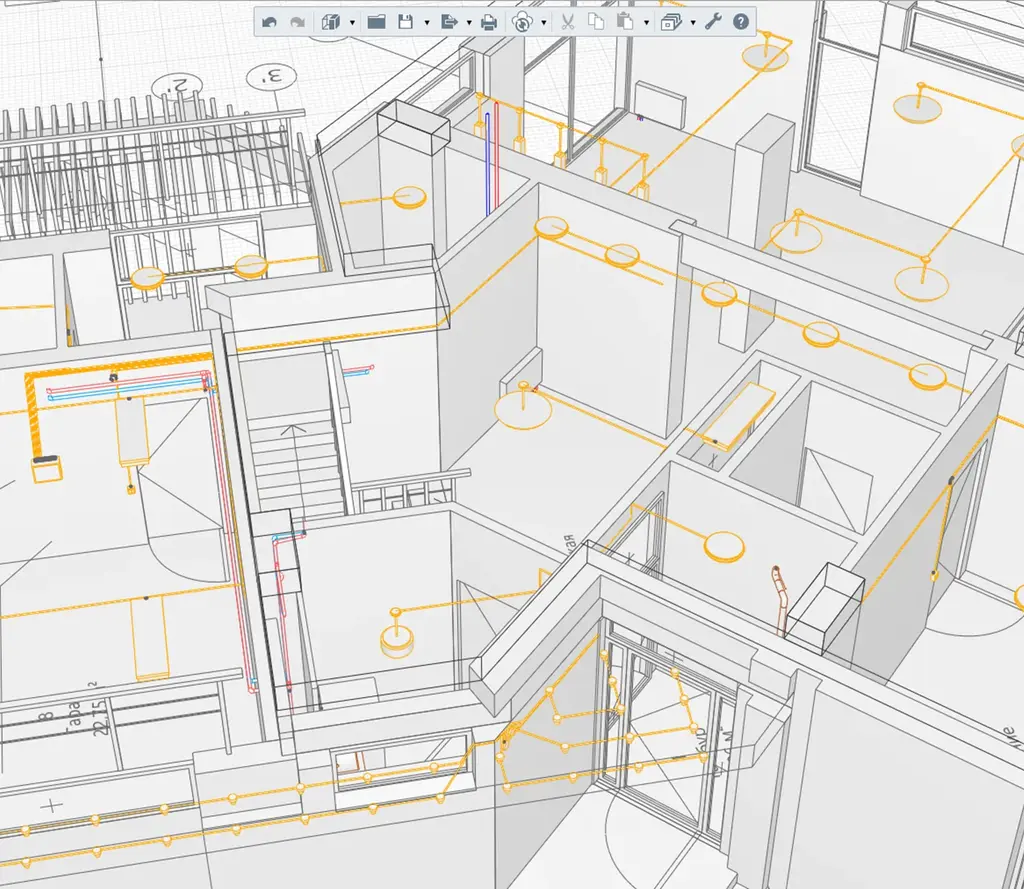
Altair Inspire Studio next to alternatives
Open the full comparisonQuestions, licence and delivery
What licence does it have?
A network licence for one year.
What is PolyNURBS?
A modelling method using a polygonal cage that produces smooth NURBS surfaces.
How do I receive the licence?
After payment we order the licence from the manufacturer and email you its details.
Do the prices include VAT?
Prices exclude VAT. With a valid VAT number from another EU country, VAT is not charged; in Belgium it is charged at 21%. For private customers, VAT is calculated at checkout.