
KeyShot Studio
by Luxion (KeyShot), Rendering & immersion
Fast photorealism for product designers, interior designers and engineers
KeyShot Studio from CAD model to final image
Pick a topic to see how the program takes you from a designer's file to a realistic product visual.
Light and materials that behave as they do in reality
The program simulates the physics of light and materials, so the image looks like the product that will be made.
- Physically correct lighting and materials, based on research into global illumination
- Colour and texture libraries supplied by the manufacturers themselves, such as Pantone and RAL
- Design, engineering and marketing look at the same image and agree before any samples are made

From a CAD file to a finished scene in a few steps
You import the model, drop materials onto it, set the light and camera, and the view updates with every change.
- Drag-and-drop materials on the parts, with scientifically accurate base materials ready to use
- Physical lights and an HDRI editor to give the scene the lighting you want
- Import from most CAD platforms and LiveLinking: update the model and your views, materials and animations stay

New ideas from a description, with no internet connection
The AI tools in KeyShot Studio run locally on your computer and add to your usual workflow.
- Restyle: new material finishes and styles from a short phrase, with the layout of the image kept
- Background: place the product in a setting that you describe in words
- Imagine: quick ideas for the direction of a design, before any 3D model exists
- No internet connection is needed and the data does not leave your computer


What KeyShot Studio offers
A video from the manufacturer presenting what the program can do.

What it does, stage by stage
KeyShot Studio is a visualisation program that displays the model with real-time ray tracing in the work window. It accepts data from many CAD platforms and can update the scene when the original model changes (LiveLinking), keeping materials, cameras and animations.
In the project workflow it is used for presentation: materials and lighting with ready-made libraries, fast animations (turntable, exploded view) and rendering with CPU or GPU. The Professional and Business editions are available, together with the VR add-on for viewing and shared meetings in a virtual space, and the Network Rendering add-on (16 cores) for distributing rendering across more computers.
All editions are annual subscriptions. The manufacturer offers a free trial.
Survey
It is not its job.
Concept
It is not its job.
Design development
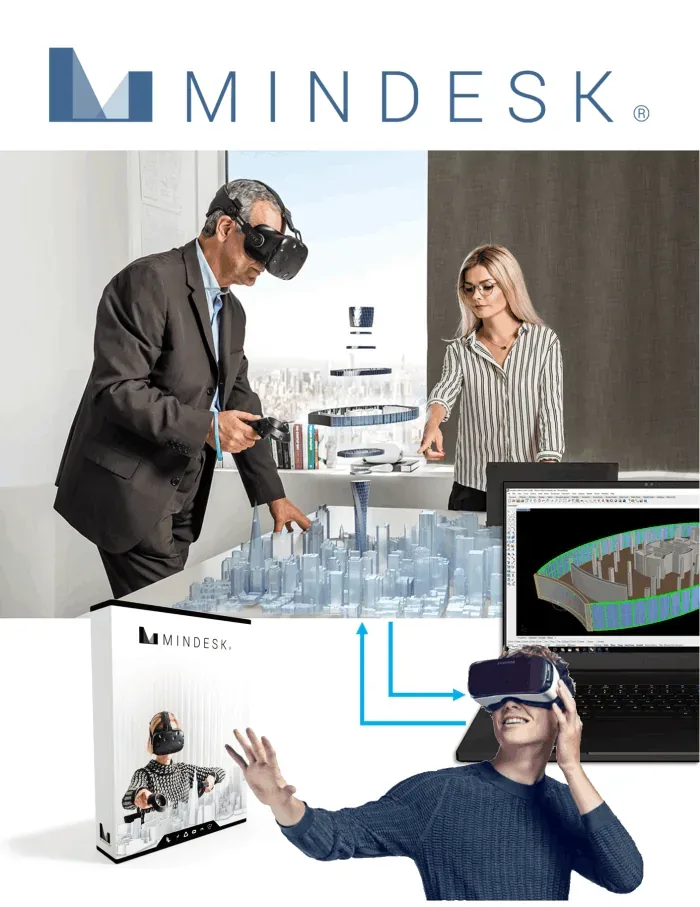
It is not its job. Combine it with Mindesk Suite VR.
Construction drawings
It is not its job. Combine it with ZWCAD.
Presentation
Images, videos and walkthroughs for the client.
Images from the program
From the official material of Luxion (KeyShot). Click an image to see it larger.

Features
Features
- Rendering
- CPU, GPU or both
- Live preview
- ray tracing
- LiveLinking
- yes
- Animations
- yes
- VR
- add-on KeyShot Studio VR
- Network Rendering
- add-on, 16 cores
- Licence
- annual subscription
- Trial
- free
System requirements
Operating system Windows, macOS
- Windows 10 (22H2) to 11 or Windows Server 2019/2022; macOS Sonoma 14 to Tahoe 26
- 4-core processor, at least 4 GB RAM (16 GB or more recommended)
- A graphics card is not required for CPU rendering; for GPU: NVIDIA Maxwell or later (Turing+, 8 GB+ recommended)
Works well with, and alternatives
Works well with

Alternatives

from List price 349 € 339 € per year, excl. VAT

from List price 249 € 242 € per year, excl. VAT
from List price 399 € 387 € per year, excl. VAT
KeyShot Studio next to alternatives
Open the full comparisonQuestions, licence and delivery
What are KeyShot Studio VR and Network Rendering?
They are add-ons that require an active Studio subscription: VR for viewing and meeting in a virtual space, Network Rendering for distributing rendering across computers on the same network.
What is the difference between Professional and Business?
The manufacturer states that the same core features apply in all of them; Business adds seat management, Network Rendering options and faster support.
What form of licence does it have?
Annual subscription.
How do I receive the licence?
After payment we order the licence from the manufacturer and email you its details.
Do the prices include VAT?
Prices exclude VAT. With a valid VAT number from another EU country, VAT is not charged; in Belgium it is charged at 21%. For private customers, VAT is calculated at checkout.