

Corona Renderer
by Chaos, Rendering & immersion
Photorealism for 3ds Max with an annual subscription, from individual users to teams
Corona Renderer, from scene to final render
Choose a topic to see how Corona helps with building the scene, materials and editing the image.
Set up the scene with less effort
Corona has tools that fill and prepare the scene before you press render.
- Chaos Scatter: add rocks, grass, trees and plants and control precisely where they go
- You can, for example, carve a path through a forest or have stones follow the course of a river
- Decals: potholes and markings on a road, or fingerprints on windows
- Slicer/Clipper: cut away a wall or the roof to show what is inside, or expose the engine of a car


Materials that stay physically plausible
Realism in light and surfaces is there from the first test, without complicated settings.
- Physically plausible results, with realistic lighting and materials such as caustics, from the start
- Corona Physical Material: guides you so that every material you make is physically correct
- Ready-made materials from Chaos Cosmos when you do not want to start from scratch
- A tutorial series of about three hours on materials, to watch in full or chapter by chapter

Change the light after the render has finished
The image is not locked when the calculation ends: you can adjust it again.
- LightMix: change the colour and intensity of lights after rendering, from a subtle correction to turning day into night
- Corona Image Editor: a standalone program with the features of the VFB, such as tone mapping, bloom and glare
- It also processes other image files, such as JPG and EXR, but without LightMix and denoising
Works with: JPG EXR


High-end architectural visualisation
The manufacturer designed Corona specifically for architectural visualisation and stresses its ease of use.
- Works inside 3ds Max and Cinema 4D, with its features fully integrated
- Setting up a render can be as simple as pressing "Render"
- Part of the Chaos family, with tools that work smoothly with the renderer
- A 30-day trial with all features


See it in action
The video or demo loads only when you press play.

What it does, stage by stage
Corona is a photorealistic rendering engine from Chaos, known for realistic results with relatively simple settings. Version 12.0 is available exclusively for 3ds Max, in three editions: SOLO, PREMIUM and EDITION.
According to the manufacturer, Solo is a named-user licence with a library of materials and assets and Chaos tools, while Premium is a floating team licence with a larger library.
The licence is an annual subscription. A 30-day trial is available.
Survey
It is not its job.
Concept
It is not its job.
Design development
It is not its job. Combine it with Mindesk Suite VR.
Construction drawings
It is not its job.
Presentation
Images, videos and walkthroughs for the client.


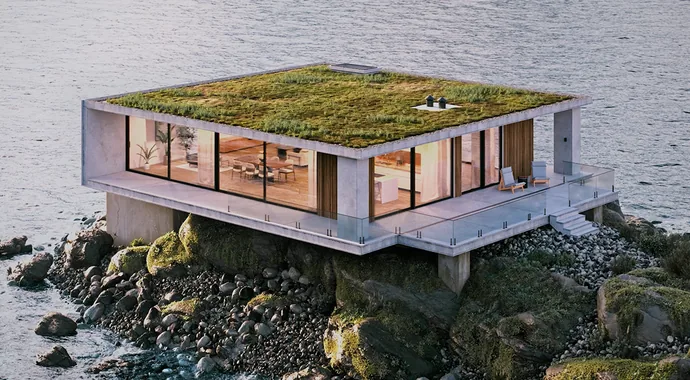

Features
Features
- Host
- 3ds Max
- Editions
- SOLO, PREMIUM, EDITION
- Version
- 12.0
- Solo licence
- named user
- Premium licence
- floating team
- Subscription
- annual
- Trial
- 30 days
System requirements
- 3ds Max
Works well with, and alternatives
Works well with

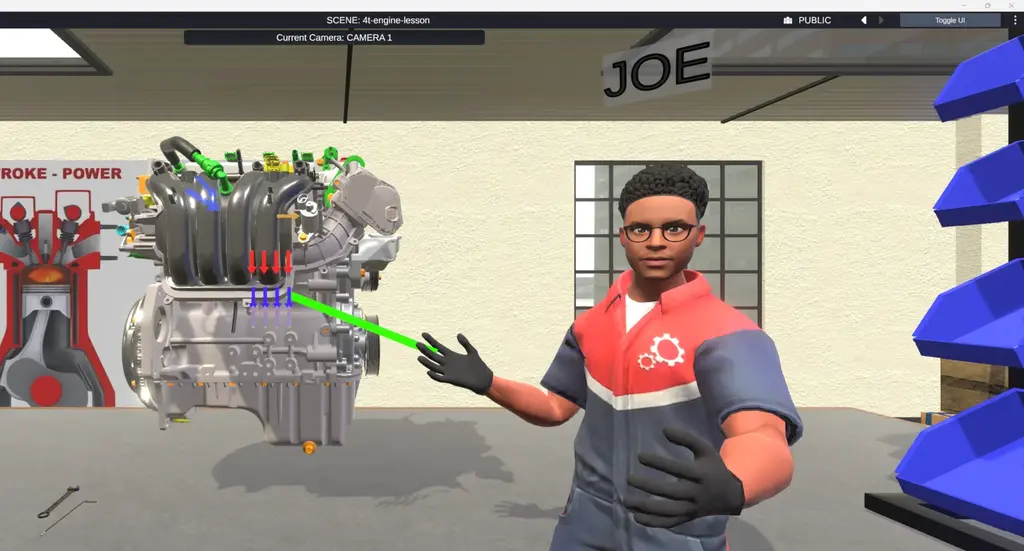
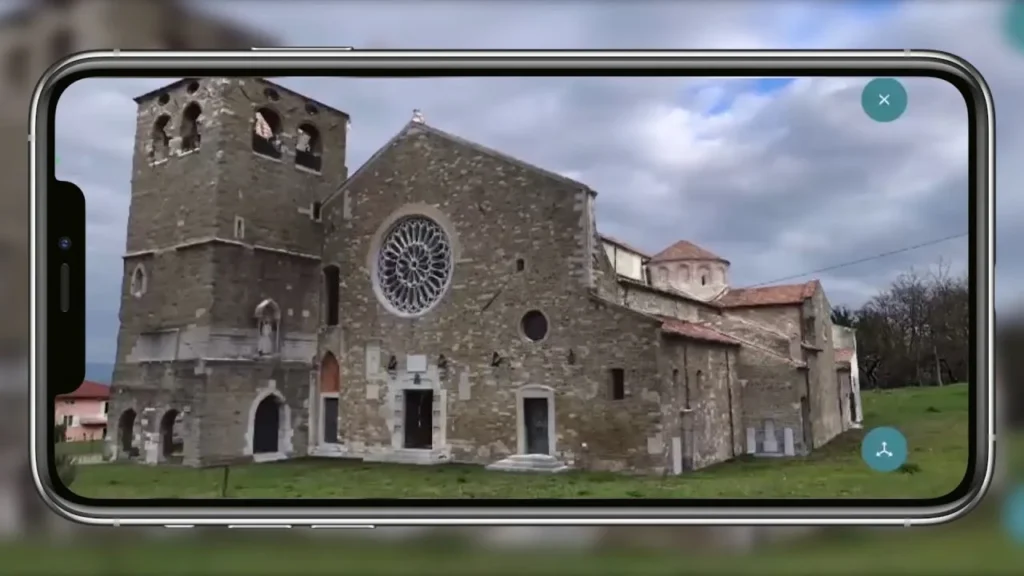
Alternatives

from List price 330 € 320 € per year, excl. VAT

from List price 249 € 242 € per year, excl. VAT
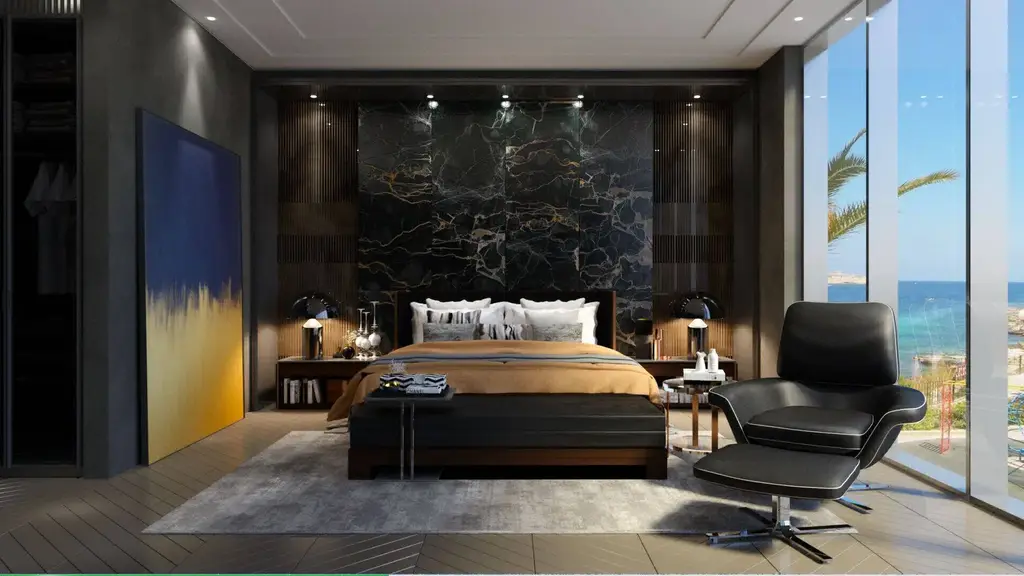
from List price 399 € 387 € per year, excl. VAT
Corona Renderer next to alternatives
Open the full comparisonQuestions, licence and delivery
What is the difference between SOLO and PREMIUM?
Solo is a named licence for one user, Premium a floating team licence with more assets and Chaos credits.
For which programs?
Available for 3ds Max only.
How do I receive the licence?
After payment we order the licence from the manufacturer and email you its details.
Do the prices include VAT?
Prices exclude VAT. With a valid VAT number from another EU country, VAT is not charged; in Belgium it is charged at 21%. For private customers, VAT is calculated at checkout.