
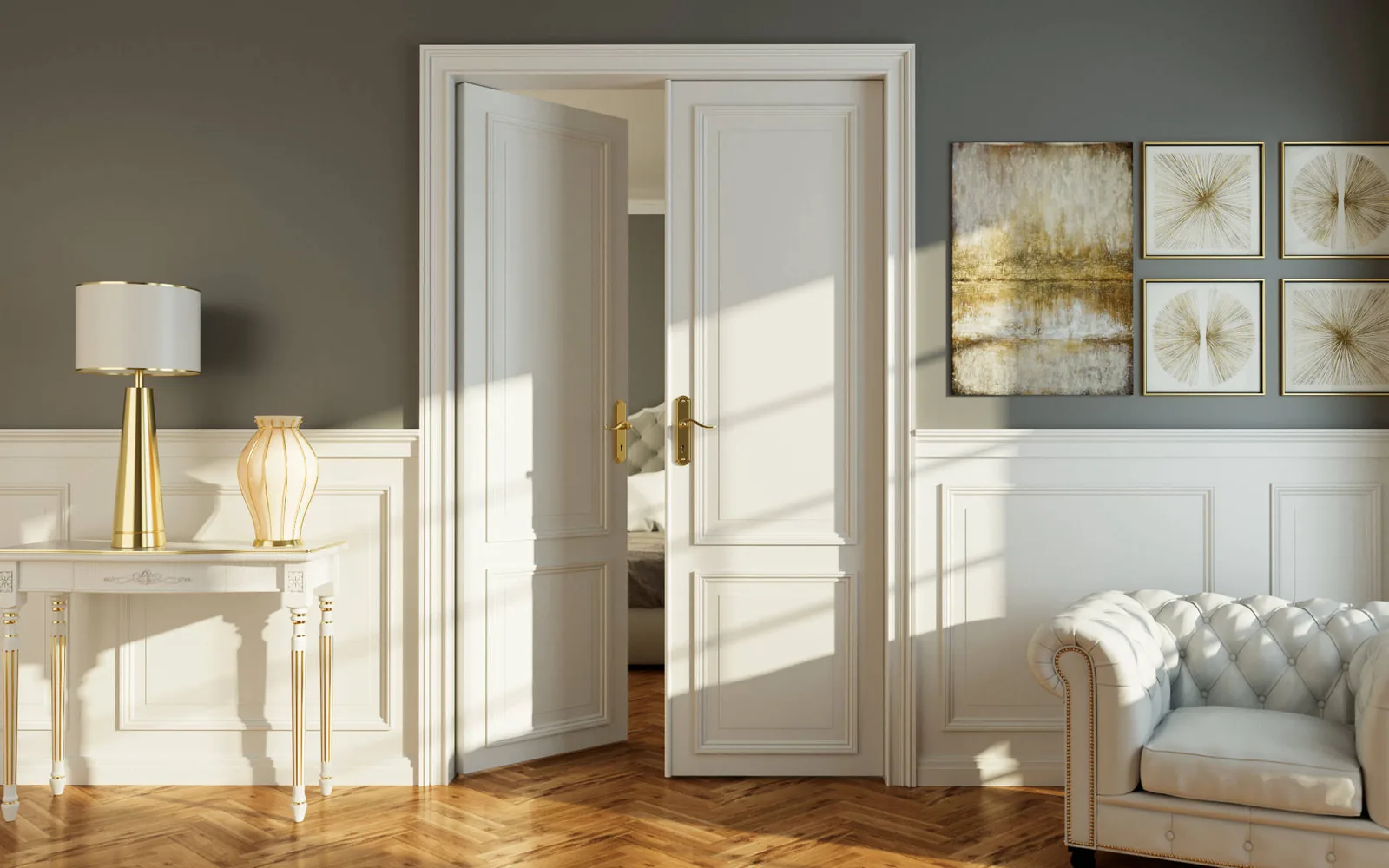
Thea Render
by Altair, Rendering & immersion
Photorealistic rendering engine with SketchUp and Rhino add-ons, for architects and decorators (annual licence)
Thea Render inside SketchUp and Rhino
See, topic by topic, how you render, dress and light a model without leaving your design software.
Interactive rendering right in the SketchUp window
Rendering runs in the Thea window or straight in the SketchUp view, with two engines: Presto, and Nitro, which uses the hardware ray tracing of the graphics card.
- Render just one region of the view to get quick feedback, even on heavy scenes
- AI denoising from NVIDIA and Intel, in interactive as well as final rendering
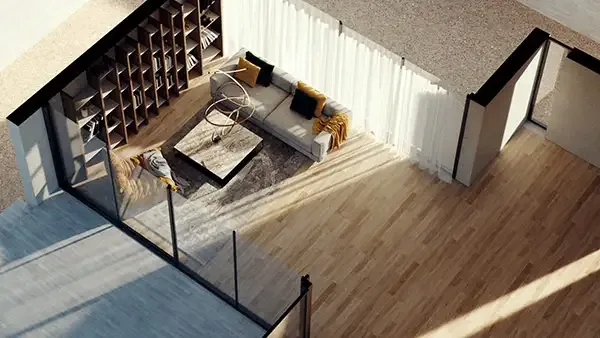
- SketchUp section cuts open up buildings and rooms while the interior stays lit as if the outer walls were still standing
- Images go straight to Photoshop as PSD and PSB files with multiple layers
- There is also a plug-in for Rhino 6, 7 and 8, for photorealistic images inside Rhinoceros
Works with: SketchUp Rhino Photoshop

Materials from a ready preset to detailed layer-based control
The material editor follows the simplicity of SketchUp: start from a preset and, when you need more, move to the advanced layer-based editor.
- Nitro material editor with PBR materials in the metallic/roughness workflow, for more faithful surfaces and finishes
- Built-in content browser with materials, models and environments, from your own computer and from the community's online repository
- Random variation of saturation, hue and gamma in textures, so a single material gives many variations across the scene
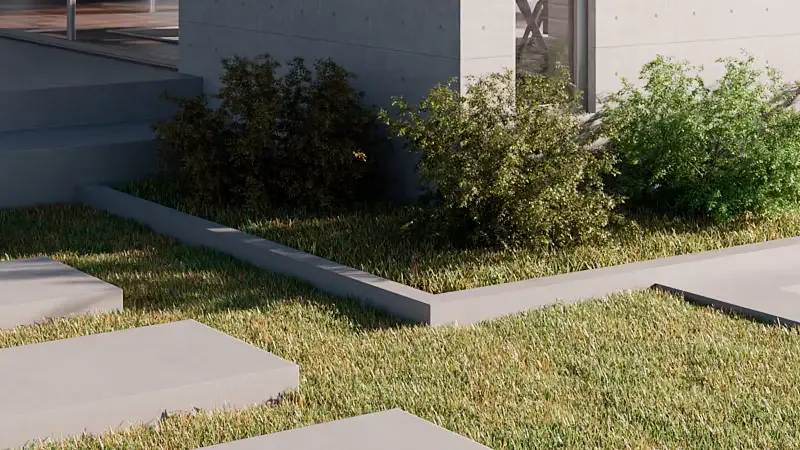
- Random colour adds variety to repeated objects such as grass, bushes or wooden floors
- Rounded edges (beveled edges) at render time, with control over the radius and the angle between faces


Lighting you can still change after the render has finished
With Relight a finished image is not final: you change the scene's lights afterwards and keep as many versions as you like.
- Relight: intensity, colour and on/off state of every light change after rendering, and each version can be saved or exported as an image
- Its own point lights (spot, omni, IES, projector), which you move while watching the result in interactive rendering
- Fog from a preset, with density and height limits, plus a cloud material for volumetric effects on chosen groups
- Adaptive tracing for difficult lighting, such as caustics and repeated interreflections, with a wider dynamic range
- Shadow catcher places the model in a background photo with realistic shadows and reflections on the ground


Planting, rugs and fabrics without placing everything by hand
The Scatter and Fur tools fill a scene with detail that would take hours to build piece by piece.
- Scatter: spreads copies of objects over an area in a natural, random arrangement, suited to plants, trees and other greenery
- Fur: covers surfaces with realistic strands, for rugs, fabrics and other fluffy objects
- Support for Lindalë Skatter, for anyone already working with that SketchUp extension
- Thea proxy models in the scene, with their materials editable from the viewport and a return to the originals whenever you want
Works with: Lindalë Skatter


Thea Render v4.0
Official Thea Render video on version 4.

See it in action
The video or demo loads only when you press play.
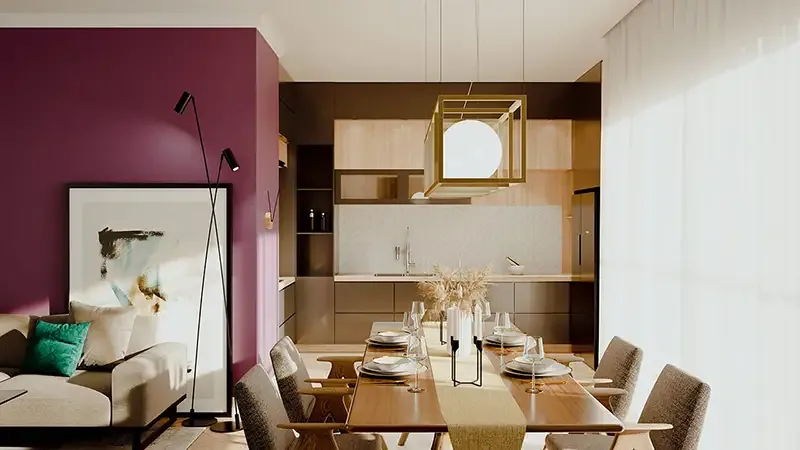
What it does, stage by stage
Thea Render is a rendering engine that works as an add-on inside the modelling program. The manufacturer’s catalogue includes add-ons for SketchUp and for Rhino, and the designer sets up lighting and materials without leaving their own program.
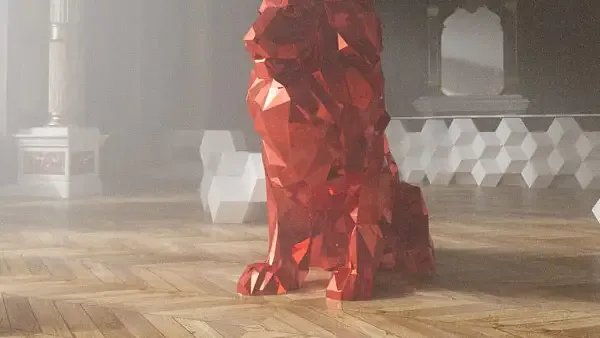
Thea includes several rendering engines, among them Presto and, in version 4, Nitro, which uses graphics cards with ray tracing support. At the presentation stage it is used for high-quality images from SketchUp or Rhino models.
Commercial licences are sold as floating licences for one user, annual or three-year, and the manufacturer states that they include unlimited render nodes. There is a free edition for students. The add-on does not include a standalone application.
Features
Features
- Programs
- SketchUp (2018–2026), Rhino 6/7/8
- Licence
- floating, annual or three-year
- Render nodes
- unlimited with the commercial licence
- Engines
- Presto, Nitro (GPU, v4)
- Students
- free 1-year licence
System requirements
Operating system Windows, macOS
- SketchUp v4 add-on: Windows 10/11 64-bit with an SSE3 processor, or macOS 11–14 (Intel or Apple Silicon)
Works well with, and alternatives
Works well with

Thea Render next to alternatives
Open the full comparisonQuestions, licence and delivery
Which programs does it work in?
The manufacturer’s catalogue includes add-ons for SketchUp and for Rhino.
What licence do I get?
A floating licence for one user, annual or three-year, not perpetual. The three-year licence does not appear as a separate option in the shop.
Are there nodes for rendering on several computers?
The manufacturer states that commercial licences include unlimited render node licences.
Is there a student edition?
Yes, a free one-year licence through Altair University, according to the manufacturer.
How do I receive the licence?
After payment we order the licence from the manufacturer and email you its details.
Do the prices include VAT?
Prices exclude VAT. With a valid VAT number from another EU country, VAT is not charged; in Belgium it is charged at 21%. For private customers, VAT is calculated at checkout.