
ALLTO APP-Column Reinforcement
by ALLTO, Allplan plug-ins
Automated column reinforcement in Allplan: bars, stirrups, laps and sections
Column reinforcement in Allplan, part by part
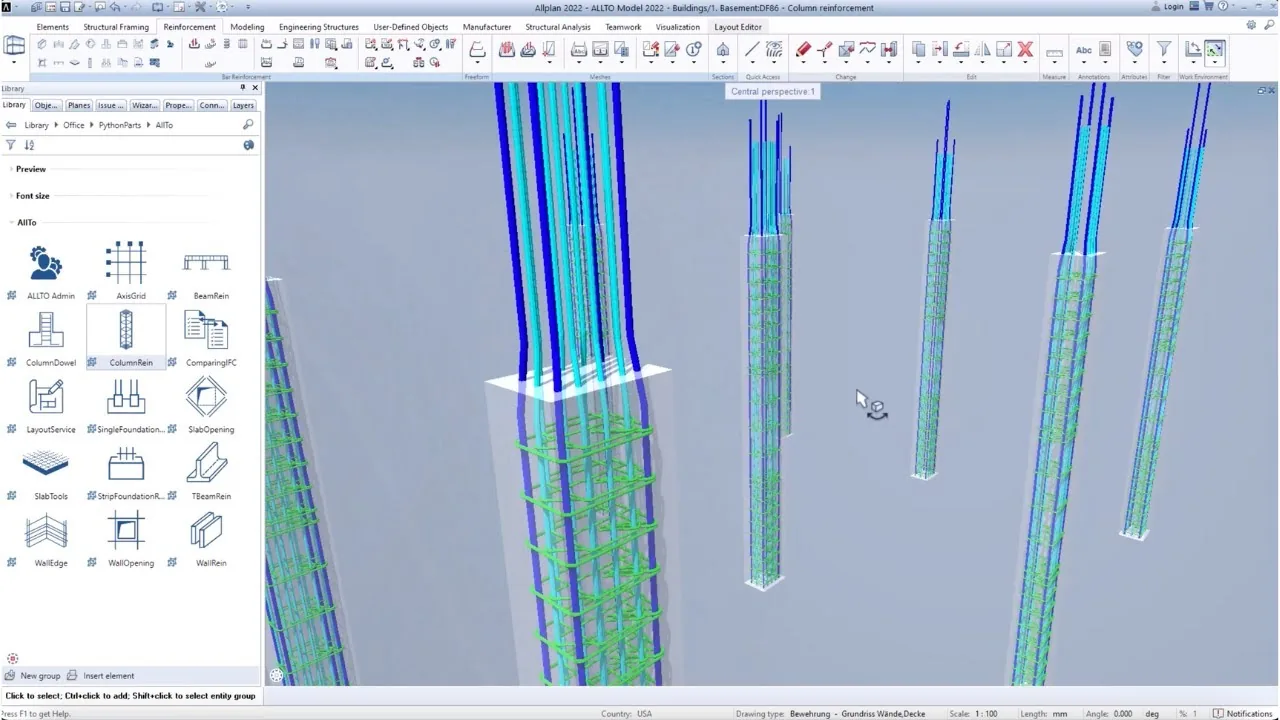
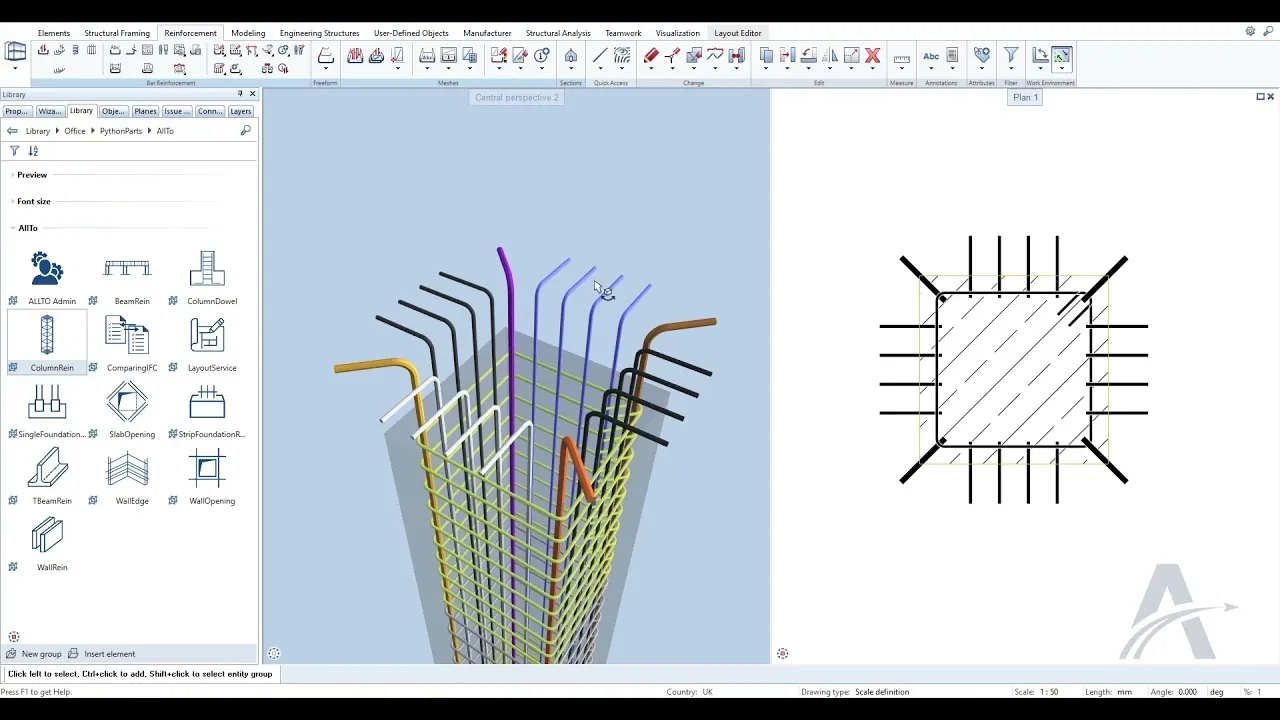
Bars, stirrups, starter bars, sections and labels are all set from one tabbed window, on the columns of the model.
Corner and side bars, straight or cranked
The vertical bars are set on two tabs: one for the corners and one for the sides of the cross-section.
- Corner bars can be straight or cranked, and can have hooks
- Side bars are also given as straight or cranked
- A direction angle sets which way the corner bars turn
- You can place different bars at different positions of the cross-section


Main, intermediate and generic stirrups, plus pins
The Stirrup tab sets the basic stirrups, and separate tabs add what the inside of the cross-section needs.
- For stirrups you enter diameter and spacing
- Pins (Extra Pin) are added by clicking on the cross-section and removed with a second click
- Intermediate stirrups take a hook length, hook angle and diameter
- The Generic Stirrups tab also provides stirrups of a general shape


Geometry from the model and many columns at once
The tool reads the cross-section from the Allplan columns, so you do not type the dimensions again.
- The column geometry is taken from the model
- With multiple selection you reinforce several columns with the same parameters in one go
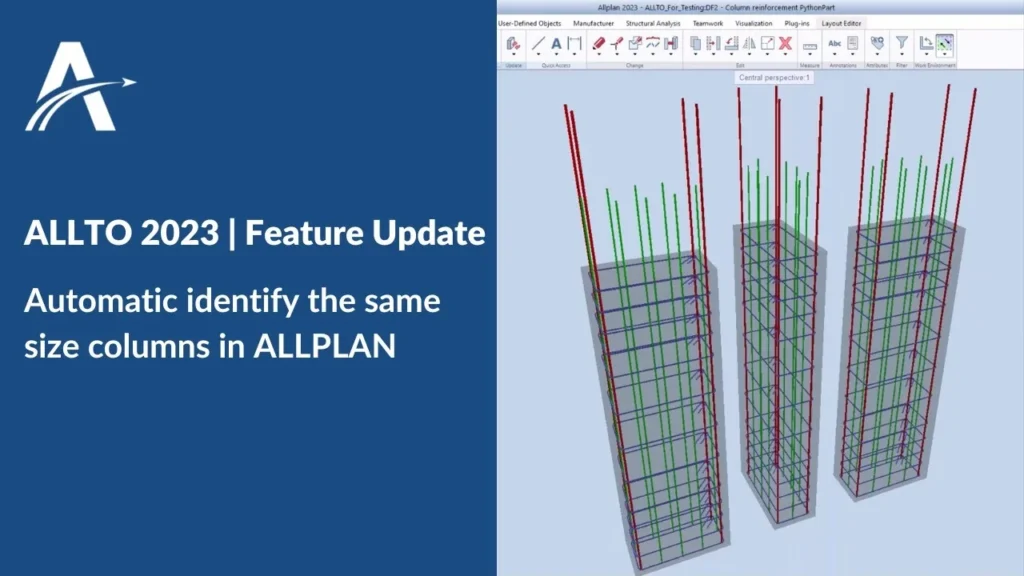
- Since 2023 the tool recognises columns of the same size, even when they face different directions


Connection bars and overlap calculation
The link to the next storey is set in the same window as the rest of the reinforcement.
- Connection bars take a hook length and hook angle
- The tool calculates the overlap of the bars
- The length of the side bars follows from the overlap


Elevation, sections and labels without drawing by hand
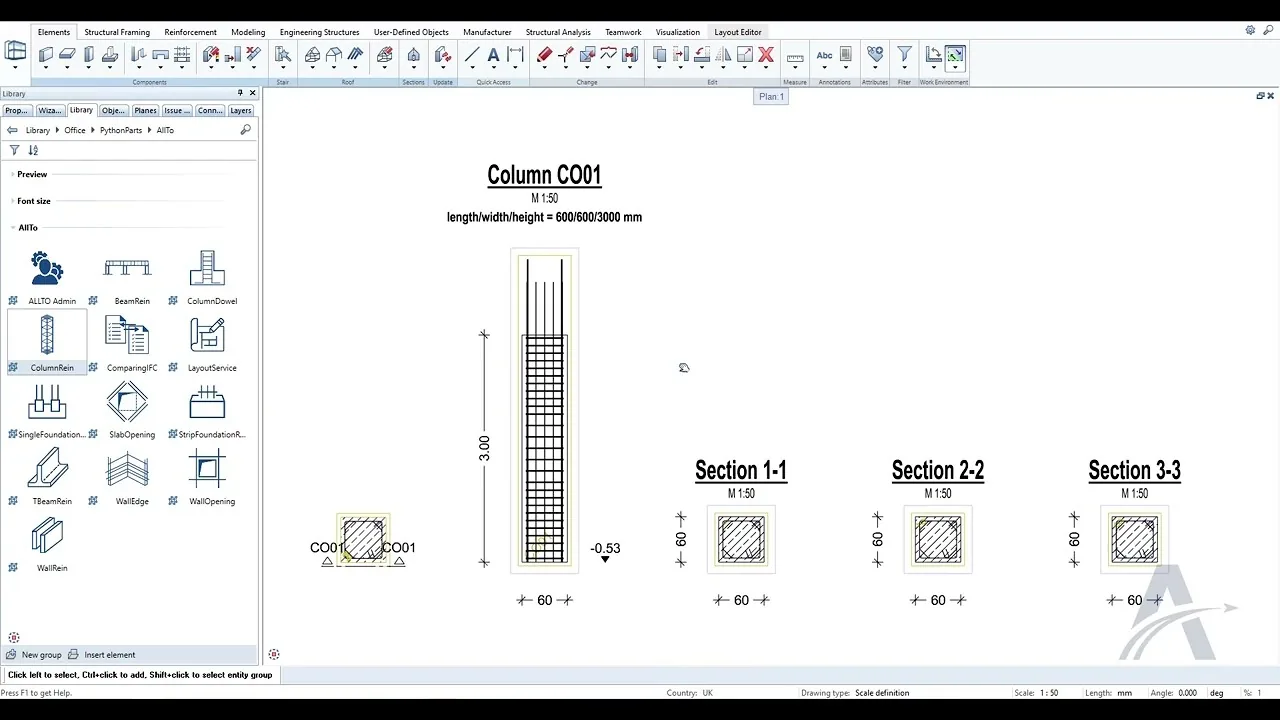
The Section and Labeling tabs produce the column drawings from the data you entered for the reinforcement.
- The Section tab creates an elevation of the column and sections along its height
- Each cross-section is added with one click on the tab
- A click on a point in plan places the sections together with their labels
- Labels cover the bars and stirrups in the elevation and the sections


Editing, saved parameters and settings
The reinforcement stays editable after it is created, and the values you use often are kept in a file.
- The result is created either as reinforcement or as a PythonPart element
- You can edit and update the reinforcement of a column after it has been created
- A favourites file loads all the parameters and creates the reinforcement straight away
- In the settings you change language, units, steel grade, cross-sections and rebar layers
Works with: Allplan


The columns of a commercial project in a minute and a half
Official ALLTO video showing the tool on a real project.

Ten short lessons from ALLTO
From the tool’s lesson series, one video for each main tab.
-
01. Getting started
-
02. Stirrups
-
03. Corner bars
-
04. Side bars
-
07. Geometry from the model
-
08. Connection bars
-
12. Edit and update
-
13. Sections
-
14. Labels
-
17. Overlap calculation


See it in action
The video or demo loads only when you press play.
What it does, stage by stage
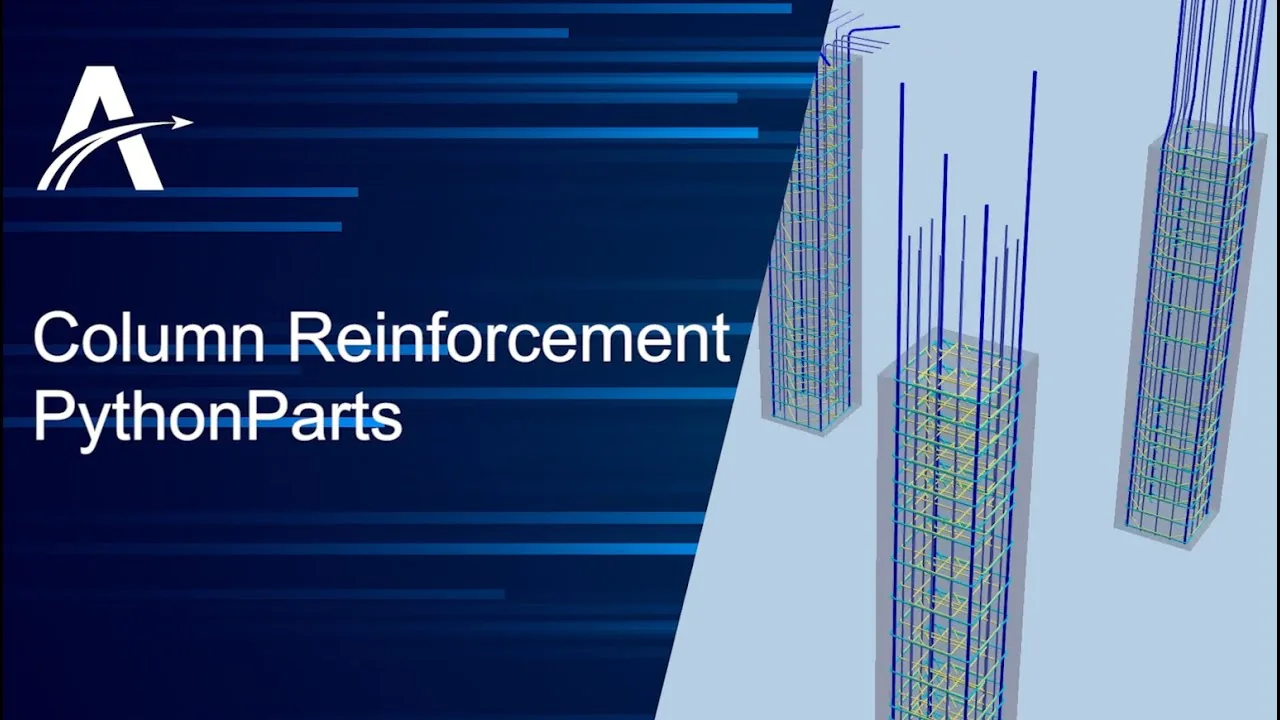
Column Reinforcement is an ALLTO PythonParts tool for column reinforcement inside Allplan. It models main bars, stirrups and side bars, calculates laps and creates sections, work that takes a lot of time by hand.
It covers corner and side bars, different bars per position, direction angle, reading geometry from the model, connection bars, pins, intermediate and generic stirrups, labels and editing with updating. A 2023 update automatically identifies columns of the same size. ALLTO's tools also include column dowels.
It is sold on its own or within the Building Reinforcement package, as a 1-year or 3-year subscription.

Features
Features
- Type
- PythonParts for Allplan
- Reinforcement
- main, corner and side bars
- Stirrups
- intermediate, generic, pins
- Laps
- calculated by the tool
- Geometry
- read from the model, same-size columns identified
- Drawings
- sections and labels
- Subscription
- 1 or 3 years, on its own or in the Building Reinforcement package
System requirements
- An active Allplan licence (the developer states version 2018 or later)
- Each licence key is activated on one computer; the same key works across several Allplan versions
Works well with, and alternatives
Works well with
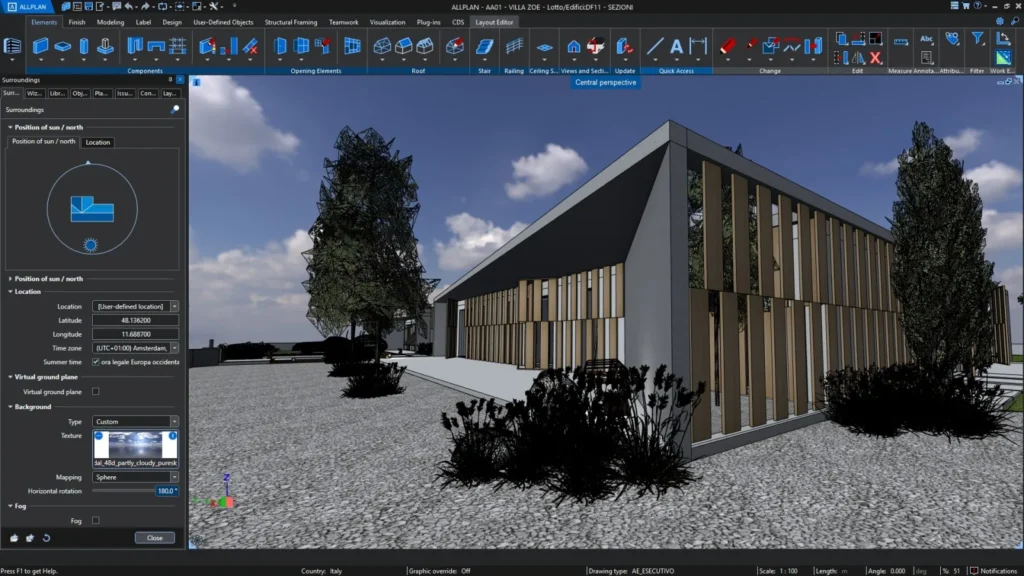

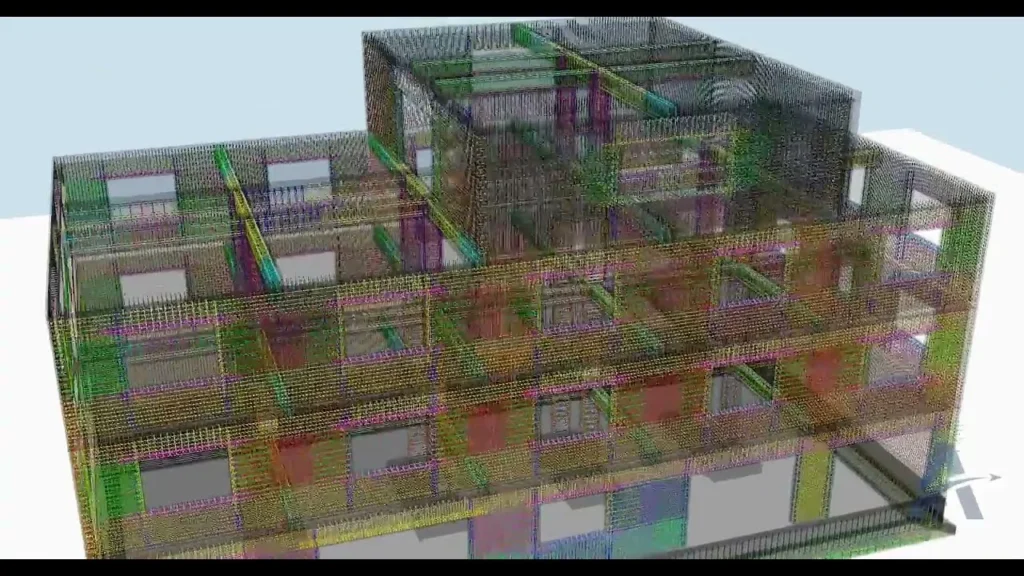
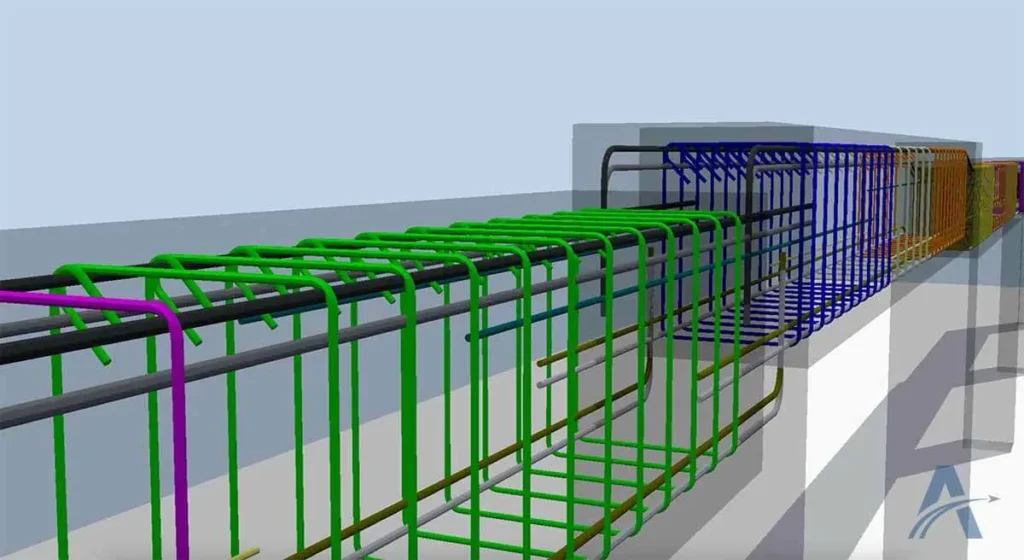
ALLTO APP-Column Reinforcement next to alternatives
Open the full comparisonQuestions, licence and delivery
What licence do I get?
The tool is sold as a 1-year or 3-year subscription, also for teams of 5 users or more. Each key is activated on one computer. The price is given on request.
Can I change the reinforcement after it is created?
Yes. The tool offers editing and updating of the reinforcement, and settings can be saved and loaded again.
Is there a trial version?
Yes. ALLTO emails a trial version after you sign up on its website. Allplan must already be installed.
How do I receive the licence?
After payment we order the licence from the manufacturer and email you its details.
Do the prices include VAT?
Prices exclude VAT. With a valid VAT number from another EU country, VAT is not charged; in Belgium it is charged at 21%. For private customers, VAT is calculated at checkout.