
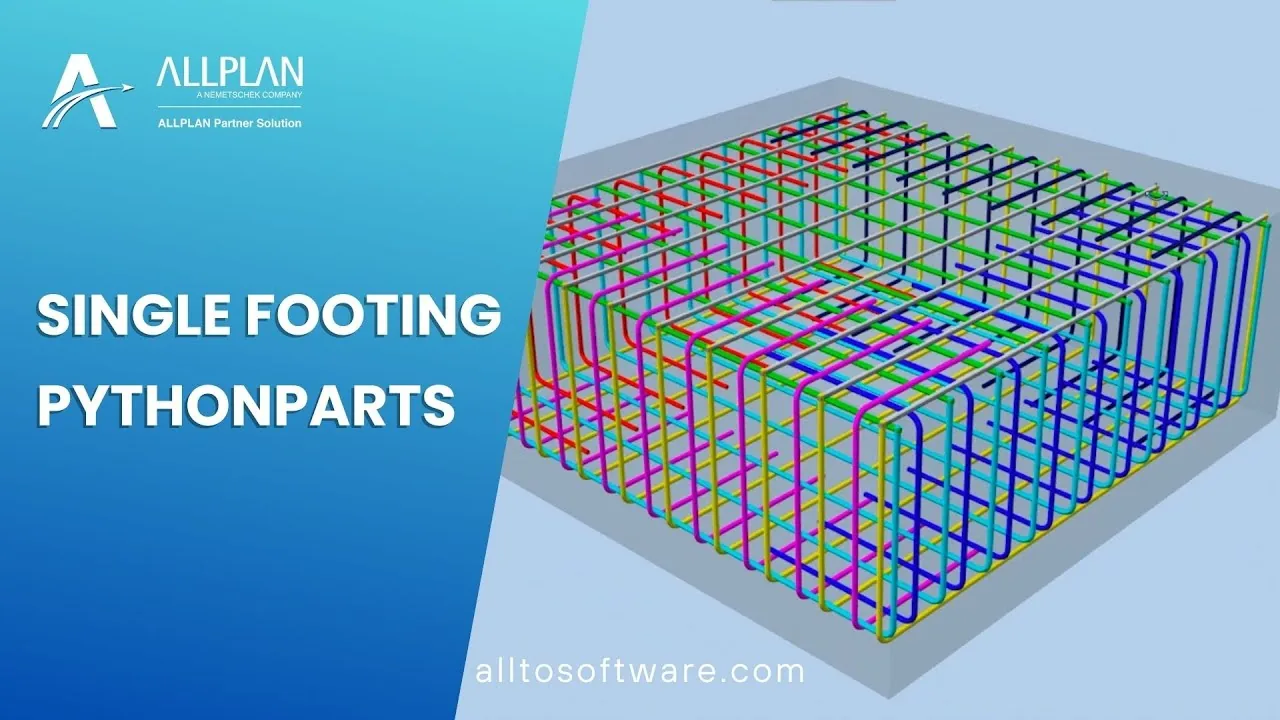
ALLTO APP-Foundation Reinforcement
by ALLTO, Allplan plug-ins
Automated reinforcement of single and strip footings in Allplan, with sections and labels
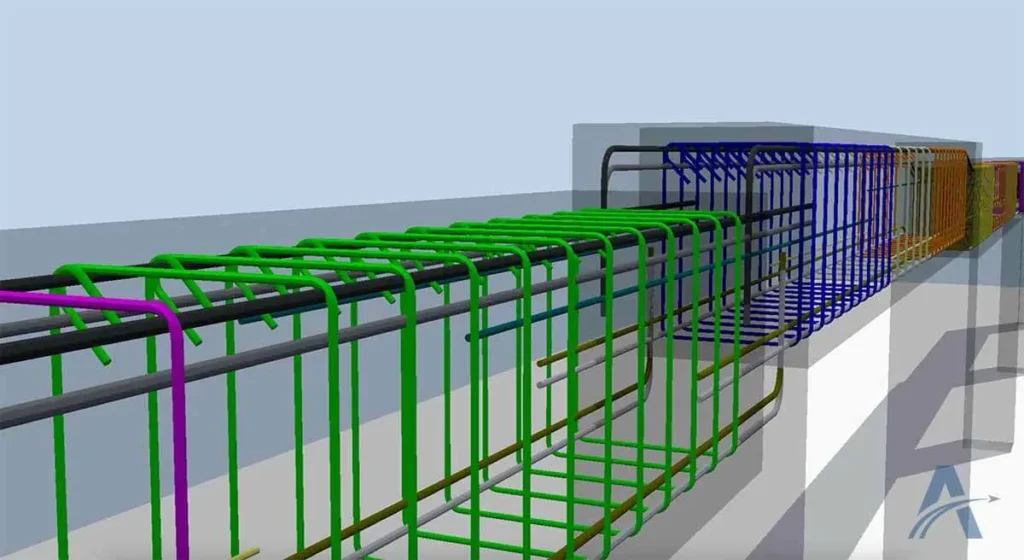
Footing reinforcement in Allplan, single and strip
Two ALLTO tools cover pad footings under columns and strip footings under walls, with sections, labels and updates driven by the same parameters.
Bottom and top bars, also in two layers
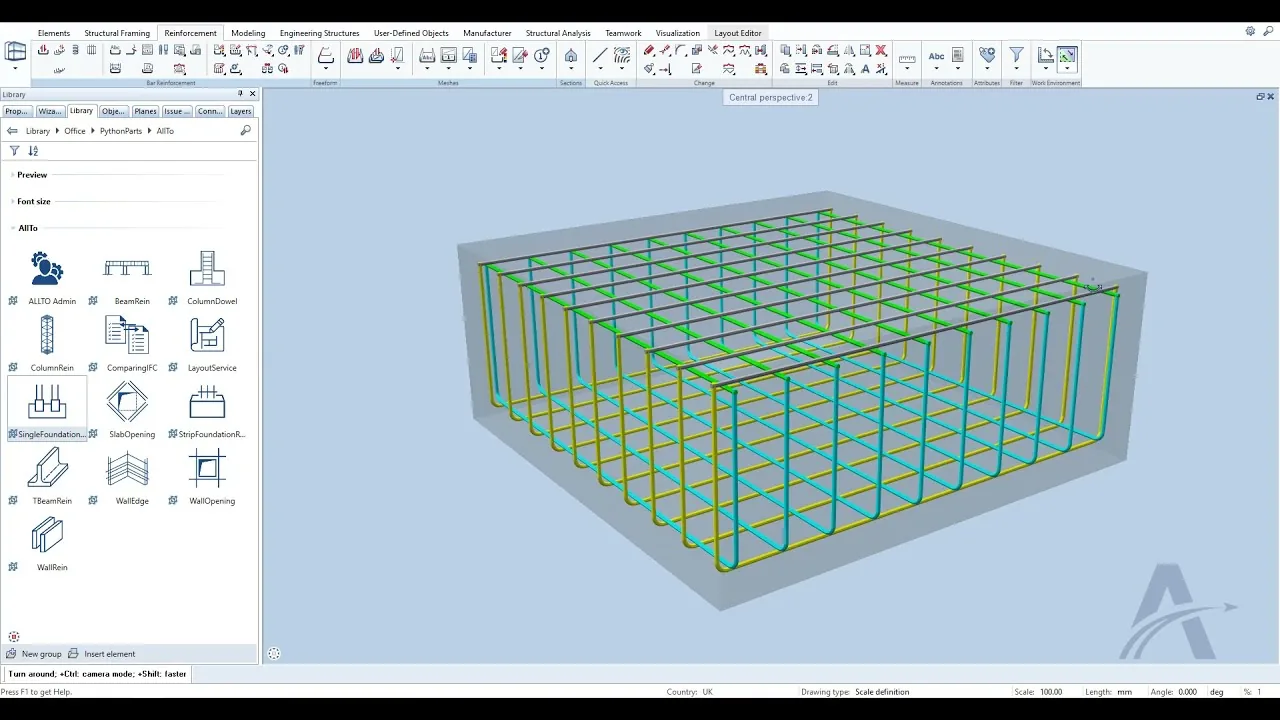
On a single footing the main bars are set separately for the bottom and top faces, in a window with sketches of the cross-section.
- For each face you enter spacing or number of bars, and diameter
- One button copies the bottom face data to the top face
- An option adds a second layer to the top bars
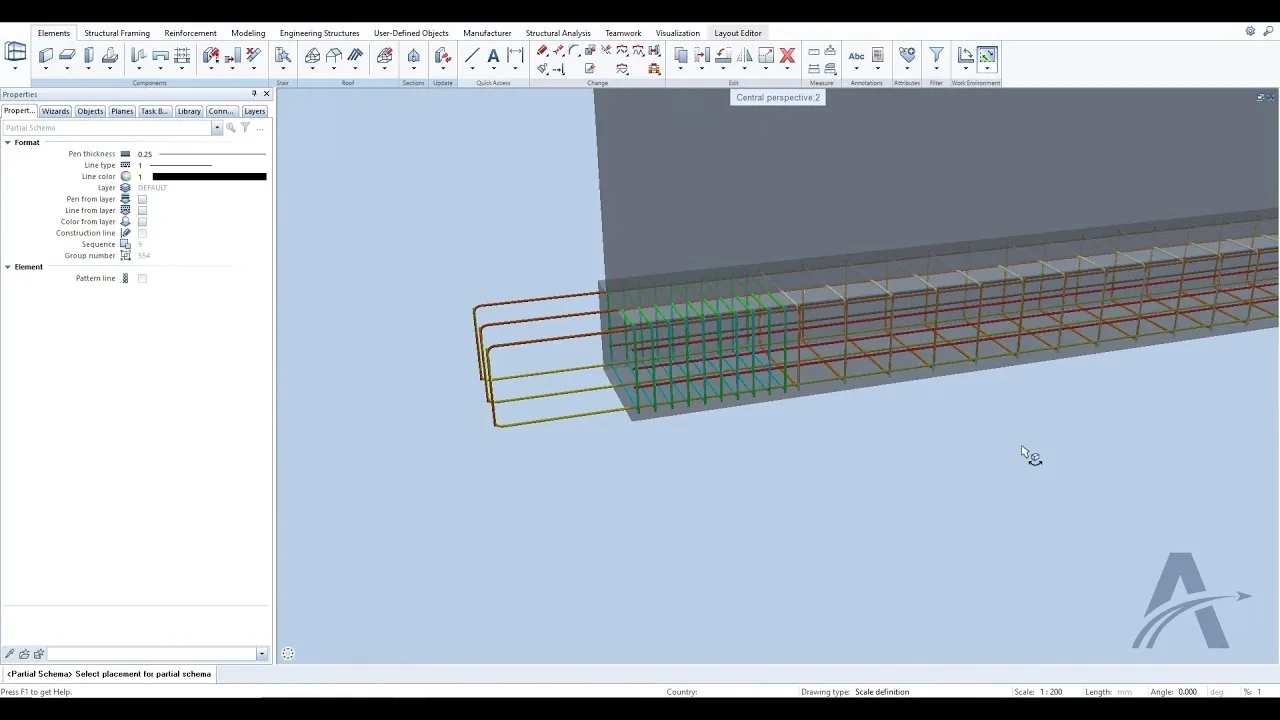
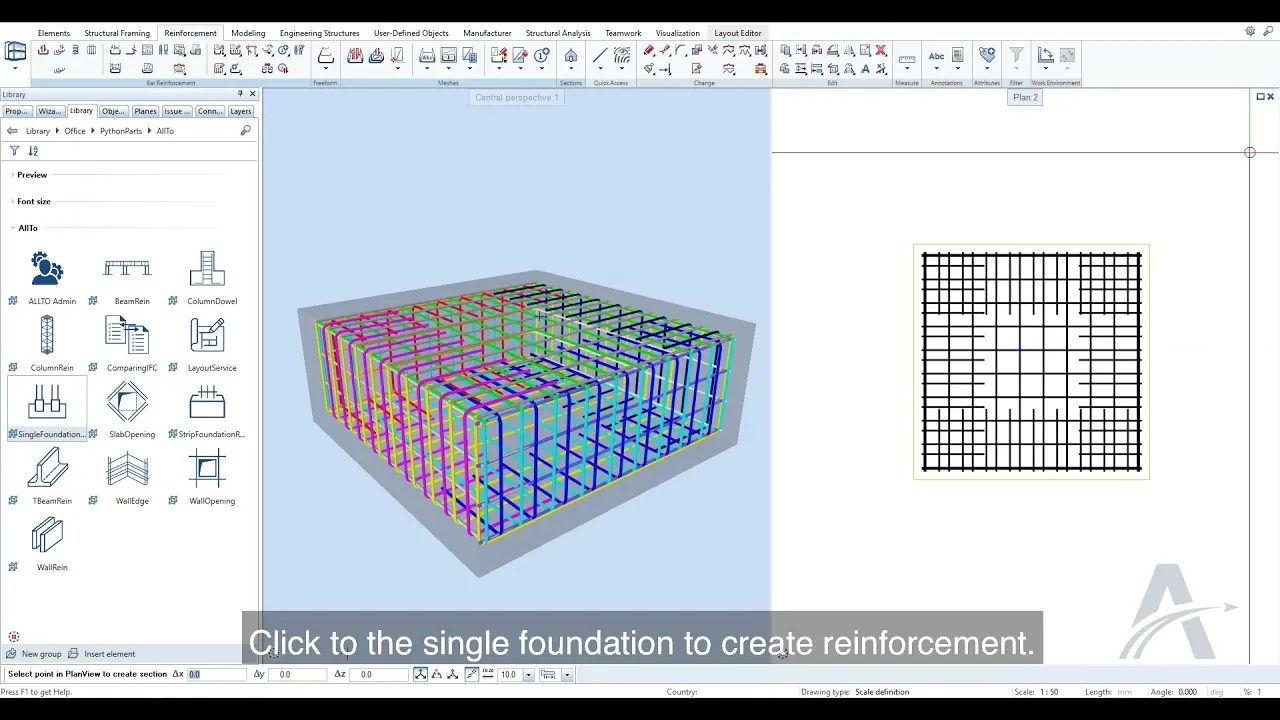
- The bars appear in 3D inside the footing of the model


Stirrups in both directions and side bars
Separate tabs add stirrups and bars along the faces of the footing, on top of the main bars.
- Stirrups are set for the X direction and in the same way for Y
- Side bars run along the faces of the footing
- One option turns the side bars into L shapes


Strip footing with transverse and longitudinal bars
Strip footings under walls or rows of columns have their own tool, which starts from the transverse section.
- In the section you enter cover, height, width and bottom level of the footing
- Transverse bars are pins or closed stirrups, with up to three zones of different spacing
- Longitudinal bars are set by spacing or number, and top longitudinal bars are supported
- On long footings you give a maximum bar length and a lap length, and the bars are split automatically


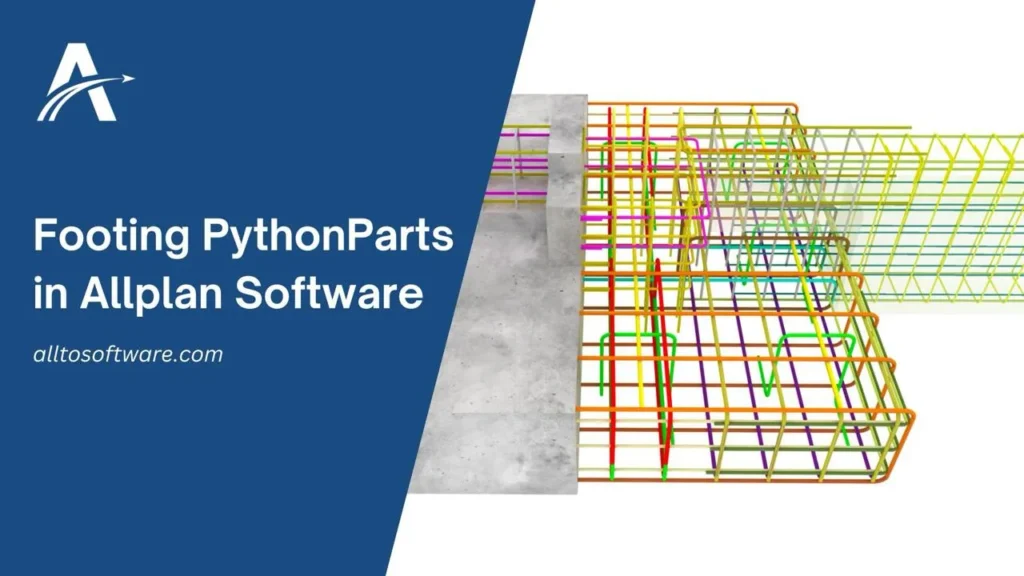
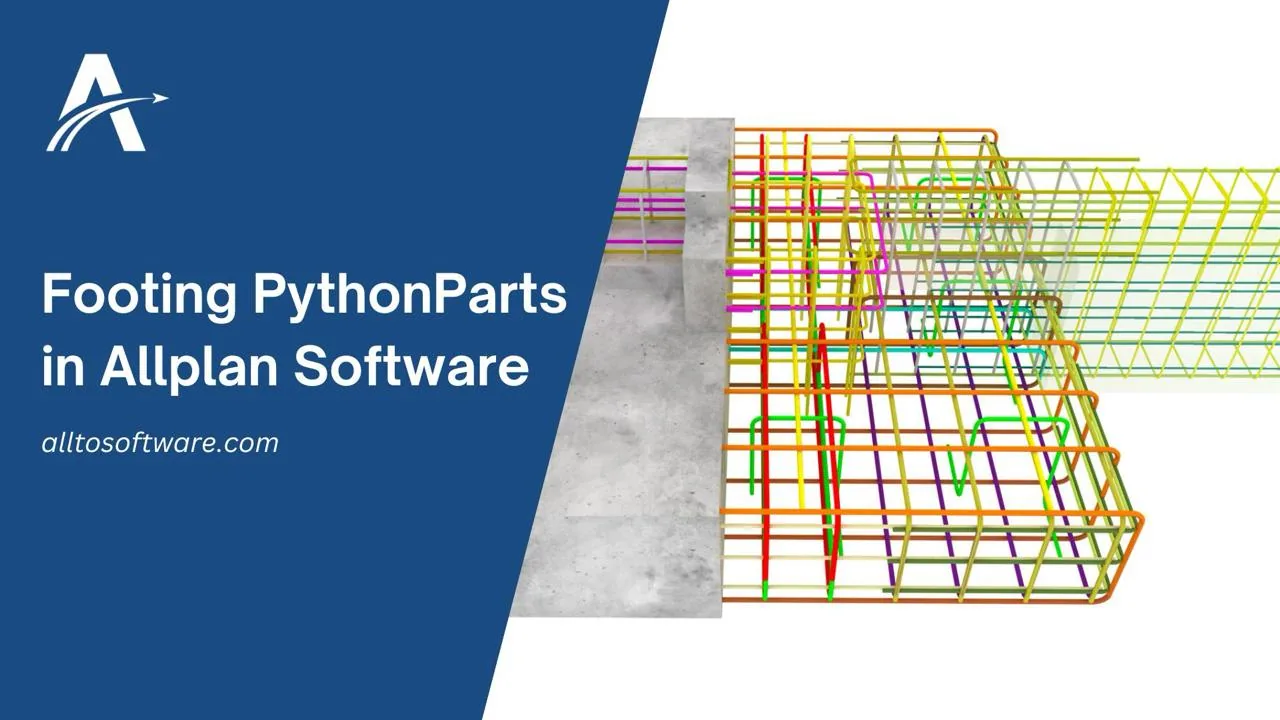
Starter bars for the wall and geometry from the model
On a strip footing the wall starter bars have their own tab, and the dimensions can be read from the model.
- Three starter shapes: pin, single L or double L
- You enter wall width, cover and starter length, and choose whether the starters adapt to the longitudinal bars
- Picking the footing and the wall gives the tool the footing width, length and level, and the wall width
- Side bars can be added here too, from a separate tab


Reinforcement sections and labels across several drawings
Sections and labels come from the same tool and can be spread over different drawings.
- On the Section tab you set the parameters of each section separately
- Double-clicking the PythonPart reopens the tool, so you can add a labelled section
- When the parameters change, the drawings with the sections and labels update together


Changes by double-click or by position name
The bars stay linked to their parameters, so a correction does not mean redrawing from scratch.
- Double-clicking an existing footing reopens the tool so you can change what you need
- A position name updates every PythonPart that carries it in one go
- Settings are saved as favourite files and loaded again whenever you need them
- Language and units of the tool are set in its settings
Works with: Allplan


The single footing tool in one minute
Short official ALLTO video on reinforcing single footings.

ALLTO lessons, one for each tab
Short videos from the lesson series for single and strip footings.
-
Single footing: getting started
-
Single footing: main bars
-
Single footing: stirrups
-
Single footing: side bars
-
Single footing: two layers
-
Single footing: edit and update
-
Single footing: sections
-
Single footing: labels
-
Strip footing: transverse bars
-
Strip footing: starter bars


See it in action
The video or demo loads only when you press play.
What it does, stage by stage
Foundation Reinforcement is an ALLTO PythonParts tool for foundation reinforcement inside Allplan. It covers single footings under columns and strip footings under walls or rows of columns.
For single footings you define main reinforcement, also in two layers, stirrups and side bars, with editing, updating, sections and labels. Sections and rebar labels can sit in several drawings: you change the parameters and the drawings are updated while staying consistent with each other.
It is sold on its own or within the Building Reinforcement package, as a 1-year or 3-year subscription.
Features
Features
- Type
- PythonParts for Allplan
- Single footings
- main reinforcement, also in 2 layers, stirrups, side bars
- Strip footings
- under walls or rows of columns
- Drawings
- sections and labels across several drawings
- Updating
- change parameters and update drawings
- Subscription
- 1 or 3 years, on its own or in the Building Reinforcement package
System requirements
- An active Allplan licence (the developer states version 2018 or later)
- Each licence key is activated on one computer; the same key works across several Allplan versions
Works well with, and alternatives
Works well with

ALLTO APP-Foundation Reinforcement next to alternatives
Open the full comparisonQuestions, licence and delivery
What licence do I get?
The tool is sold as a 1-year or 3-year subscription, also for teams of 5 users or more. Each key is activated on one computer. The price is given on request.
Does it include strip footings?
Yes. The foundation tool covers single and strip footings.
Is there a trial version?
Yes. ALLTO emails a trial version after you sign up on its website. Allplan must already be installed.
How do I receive the licence?
After payment we order the licence from the manufacturer and email you its details.
Do the prices include VAT?
Prices exclude VAT. With a valid VAT number from another EU country, VAT is not charged; in Belgium it is charged at 21%. For private customers, VAT is calculated at checkout.