
Compare programs
Up to four side by side. The rows that differ are highlighted. The link keeps your selection.

Category
AI & extensions
Design & BIM
Vendor
SUAPP
Allplan
Role
AI, Rendering, Add-on
BIM, 2D drawing, 3D modelling
Project stages
Concept, Presentation
Concept, Design development, Construction drawings, Presentation
Level
Beginner
Advanced
Operating system
Windows, macOS
Windows
File formats
—
ifc, dwg, rvt, skp, obj
Inputs
doodle, sketch, linework, massing model, detailed model
—
Generation time
about 20 seconds
—
Styles
more than 500
—
Editing tools
more than 50
—
Plugins
SketchUp, Rhino 7/8, Revit, 3ds Max, Blender, Photoshop, AutoCAD, Archicad
—
Calculation
in the cloud, no powerful graphics card needed
—
BIM
—
yes
Modelling
—
2D, 2.5D and 3D, with the Parasolid kernel
Building elements
—
Concept, Professional and Ultimate
Terrain model
—
from survey points or point clouds (Concept, Professional and Ultimate)
Quantity take-offs and costing
—
Concept, Professional and Ultimate
Image rendering
—
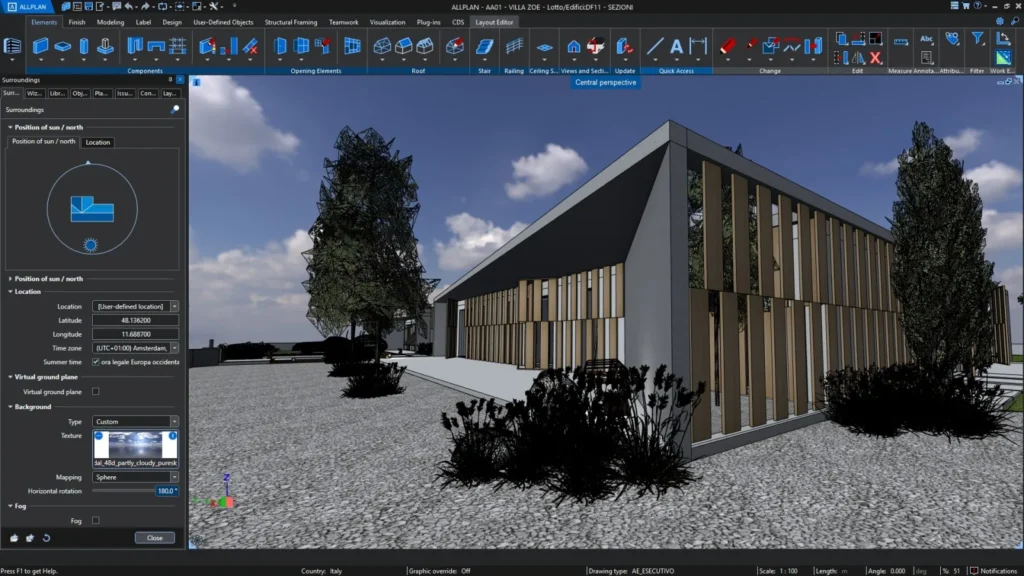
real-time and a link to Lumion and Twinmotion; Redshift and AI rendering from Professional
Reinforcement and steel connections
—
Professional and Ultimate
Road design
—
Professional and Ultimate
Site layout
—
Professional and Ultimate
Precast and element drawings
—
Ultimate only
Excavations and retaining structures
—
Ultimate only
Bridges, tunnels and prestressing
—
Ultimate only
Bridge structural analysis
—
Civil
Cloud collaboration
—
Bimplus, with IFC and BCF
File exchange
—
IFC, BCF, DWG, RVT, SKP, 3DM, OBJ, PDF, LandXML
Greek interface
—
yes (English and one local language; all languages only in Ultimate)