
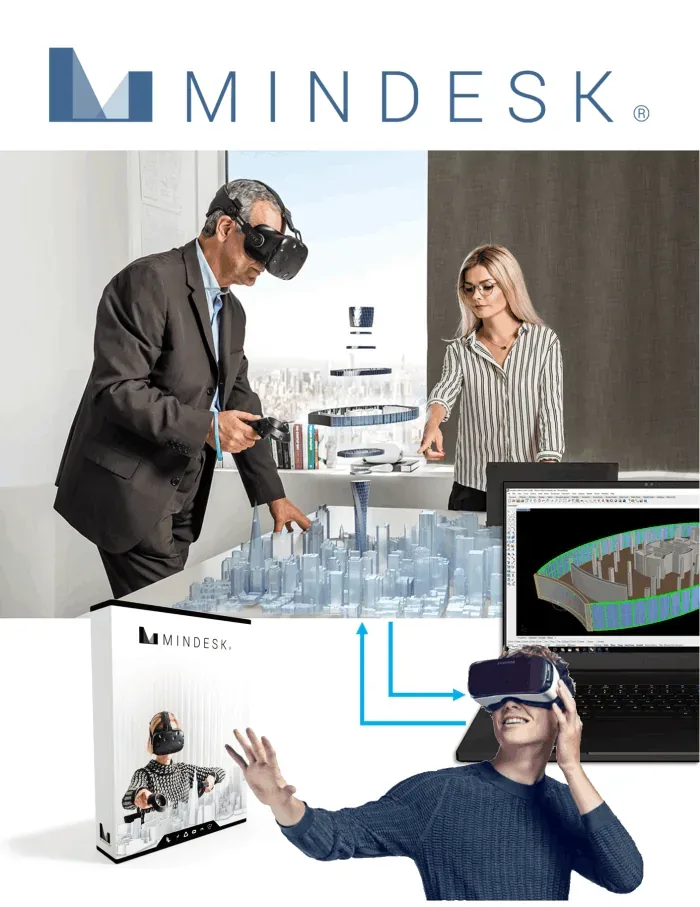
Mindesk Suite VR
by Mindesk (Vection Technologies), Real time & VR
Work on your Rhino or SolidWorks model in VR, with an annual subscription
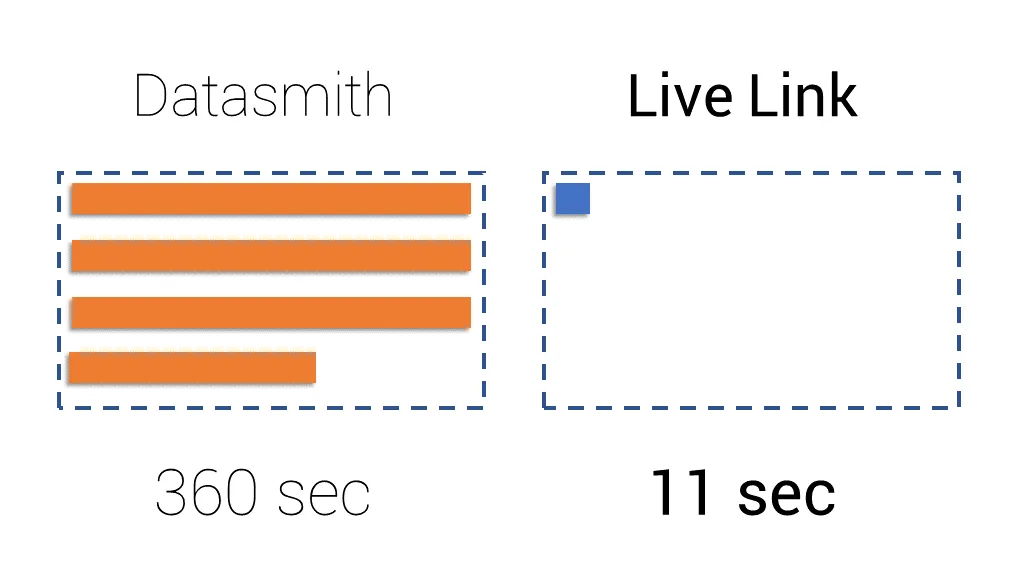
Your CAD model in VR, with no export
Mindesk links the design application live to virtual reality and Unreal Engine. Pick a topic.
Modelling and reviewing the model at real scale
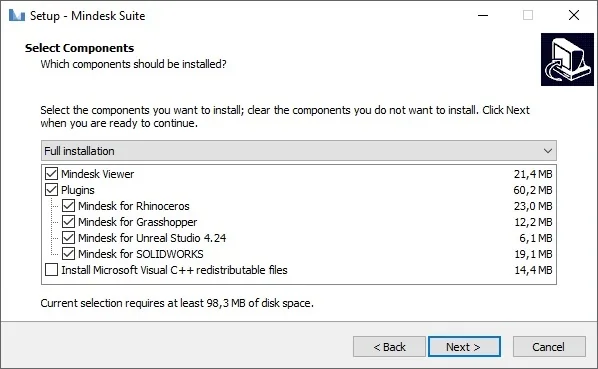
You step into your Rhino or SOLIDWORKS model with one click and work on it by hand, as it is, without any preparation. A single installer sets up all the plug-ins.
- Edit NURBS curves and surfaces inside VR, navigating naturally instead of with a mouse
- Adjust Grasshopper sliders inside VR to compare parametric variants
- SOLIDWORKS assemblies at 1:1 scale, with parts moving according to their mates
- Collision checking: when two parts touch, they turn red
- Review tools such as a pen, an explosion slider and opacity
Works with: Rhino Grasshopper SOLIDWORKS

Realistic visuals while you change the geometry
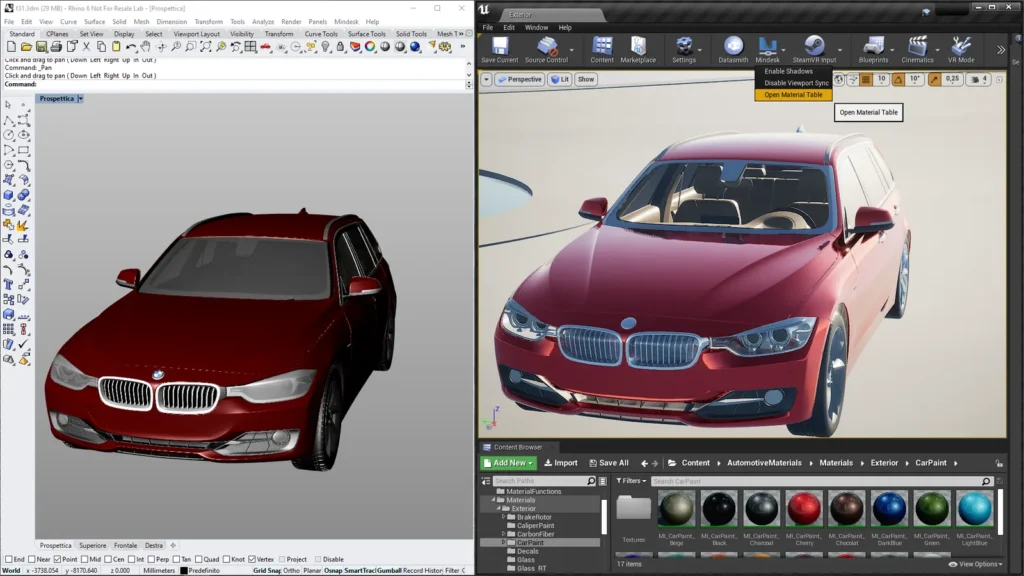
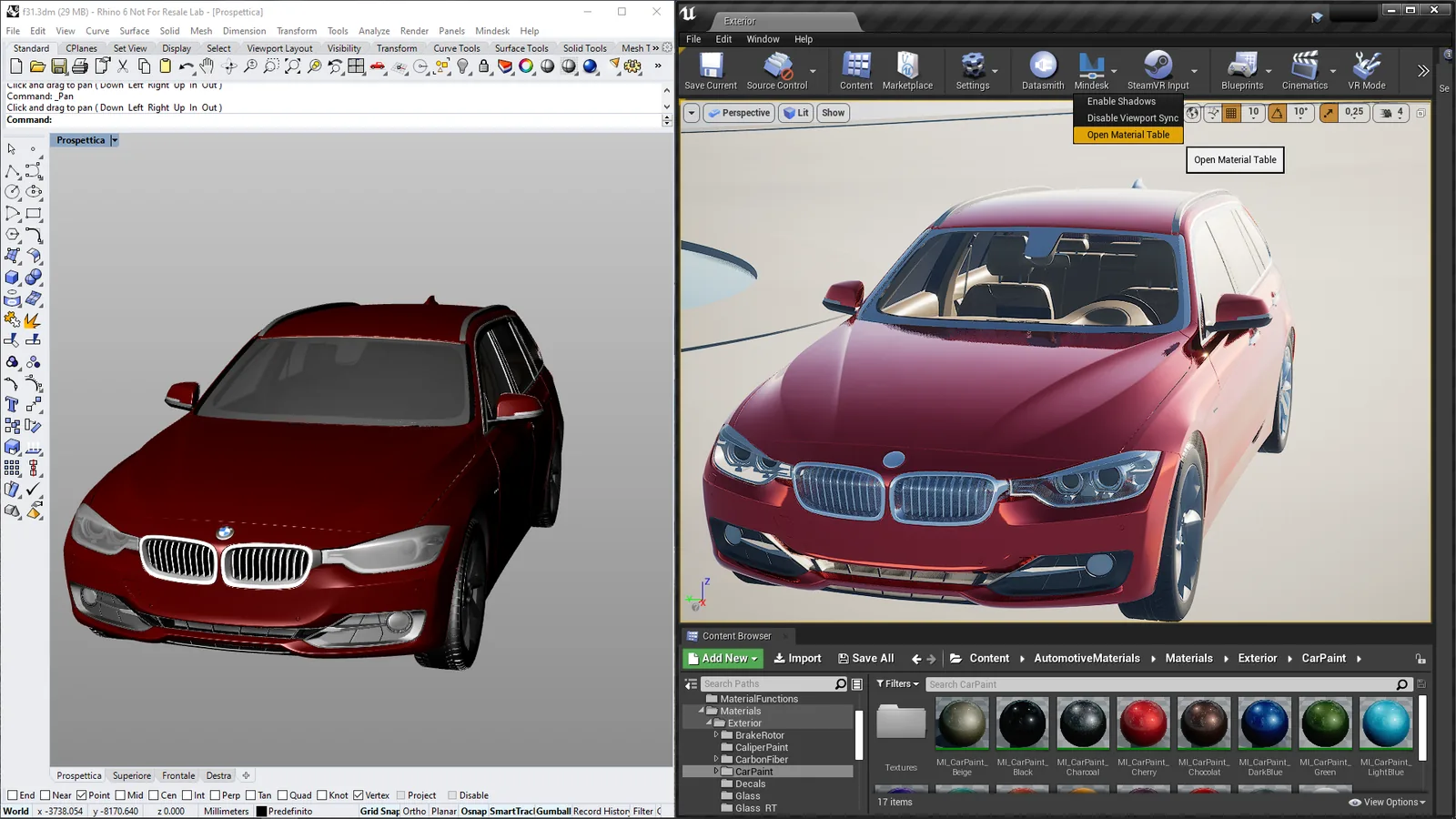
Rhino defines the geometry and Unreal Engine the look, while Mindesk keeps the two in sync in real time.
- The model reaches Unreal Engine without an export after every change
- Unreal materials stay on Rhino or Grasshopper geometry even as you edit it
- Lighting and reflections are visible while you carry on modelling
- When the link session ends, the geometry is saved as Unreal assets, together with a Blueprint for the whole project
Works with: Rhino Grasshopper Unreal Engine


One session for the whole team, on the same CAD file
While one person is in VR, colleagues follow and change the same model from their screen or join the scene themselves.
- Real-time collaboration between VR and desktop on the same model
- Network sessions over a local network (LAN), with the CAD link active for everyone
- The original file stays only on the disk of the computer hosting the session
- Present the design at 1:1 or reduced scale, so that people who do not read drawings understand it more easily
Works with: Rhino SOLIDWORKS

Mindesk on video
A short overview of CAD design in VR from the manufacturer.

See it in action
The video or demo loads only when you press play.
What it does, stage by stage
Mindesk Suite VR brings a 3D model from the design application into virtual reality, so that you can see it at full scale and edit it there. The manufacturer lists links for Rhino, SolidWorks and Unreal Engine 5.
In the workflow of a project it is useful for conceiving and checking form and spaces before the final presentation to the client, without having to prepare a separate model for VR. Two editions of the 2024.1.0 series are available, Freelancer and Professional, with an annual subscription.
Survey
It is not its job.
Concept
It is not its job. Combine it with Rhino.
Design development
The design takes shape: spaces, structure, materials and checks.
Construction drawings
It is not its job. Combine it with 3D Design Studio.
Presentation
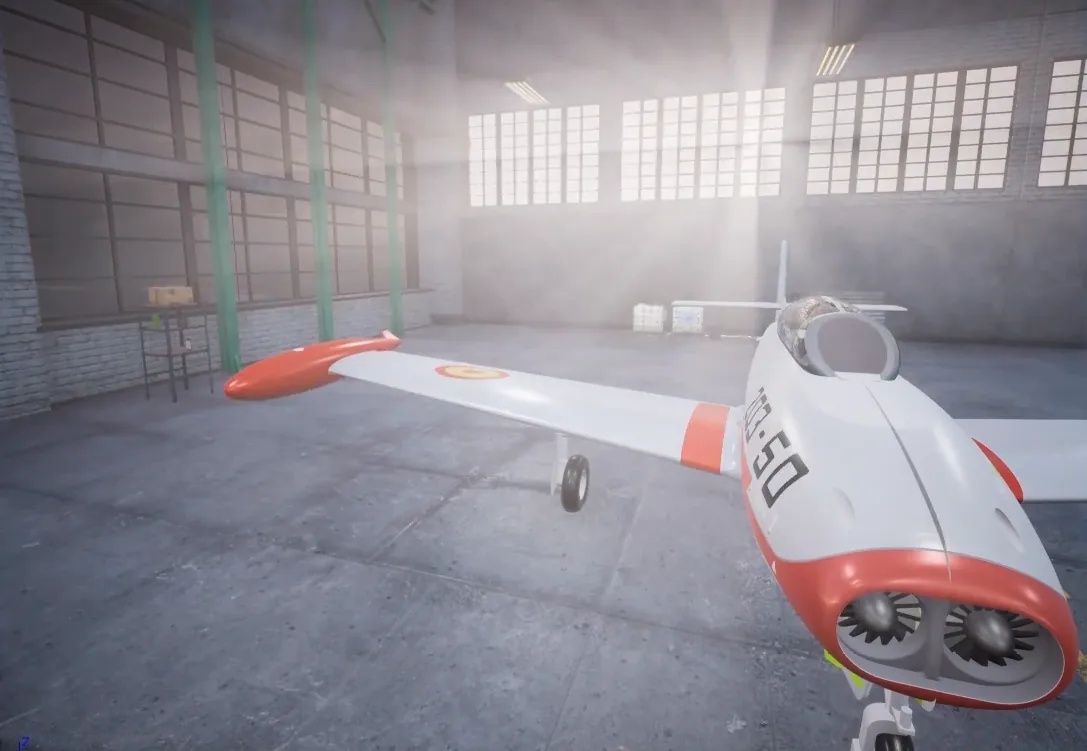
Images, videos and walkthroughs for the client.
Features
Features
- Links
- Rhino, SolidWorks, Unreal Engine 5
- Function
- viewing and editing in VR
- Version
- 2024.1.0
- Editions
- Freelancer, Professional
- Licence
- annual subscription
- Collaboration
- VR and desktop on the same model
System requirements
- Windows 10, a supported design application (Rhino or SOLIDWORKS) and a VR headset
- Minimum for modelling, according to the manufacturer: Intel Core i5-4590 or AMD FX 8350, NVIDIA GeForce GTX 1060 or AMD Radeon RX 480 (or equivalent), 8 GB RAM
- Minimum for presenting with Unreal Editor: Intel Core i9-9900K, NVIDIA GeForce RTX 2070 (or equivalent), 16 GB RAM
- HDMI 1.4 or DisplayPort 1.2 output and two USB 3.0 ports
Works well with, and alternatives
Works well with

Mindesk Suite VR next to alternatives
Open the full comparisonQuestions, licence and delivery
Which applications does it connect?
According to the manufacturer: Rhino, SolidWorks and Unreal Engine 5.
Does the model need to be exported for VR?
No. According to the manufacturer, the model opens in VR directly from Rhino or SOLIDWORKS and changes stay in sync live.
How do I receive the licence?
After payment we order the licence from the manufacturer and email you its details.
Do the prices include VAT?
Prices exclude VAT. With a valid VAT number from another EU country, VAT is not charged; in Belgium it is charged at 21%. For private customers, VAT is calculated at checkout.