
CAD · CAE · CAM · PDM in one program
ZW3D
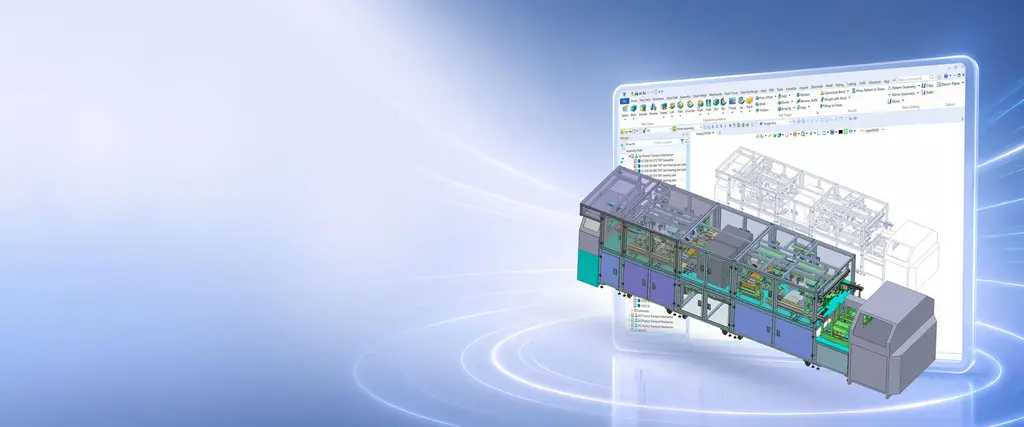
With ZW3D you go from a machine concept to production, with design, validation, manufacturing and engineering data in one connected environment.
from 1.500 € one time, excl. VAT
Why ZW3D
One engineering environment, four advantages
Machinery teams need more than isolated modelling tools. ZW3D connects the decisions, deliverables and know-how that make a design production-ready.
-
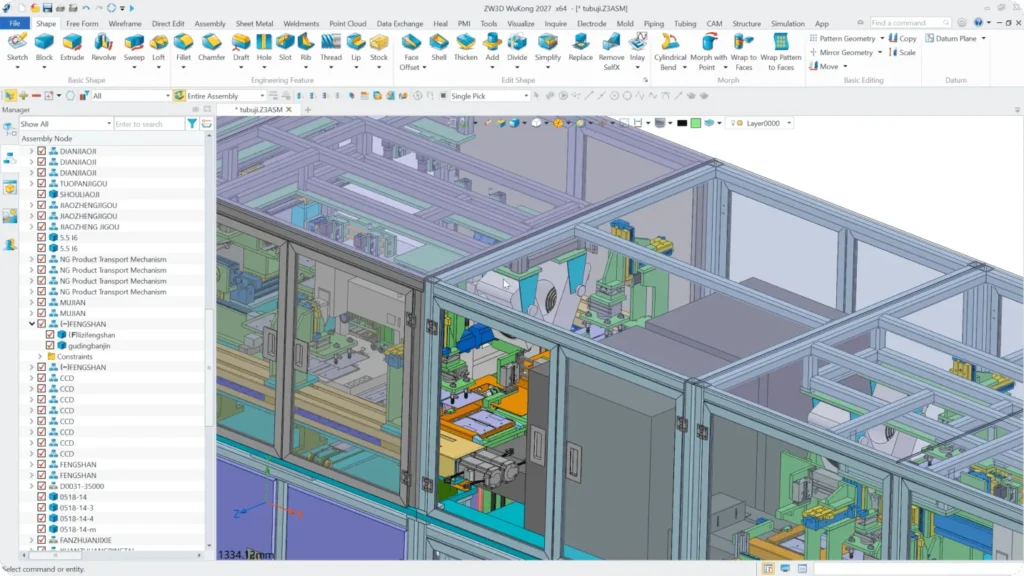
Engineer machinery faster
From concept to complete machine, with professional tools for parts, assemblies, drawings, validation and manufacturing.
-
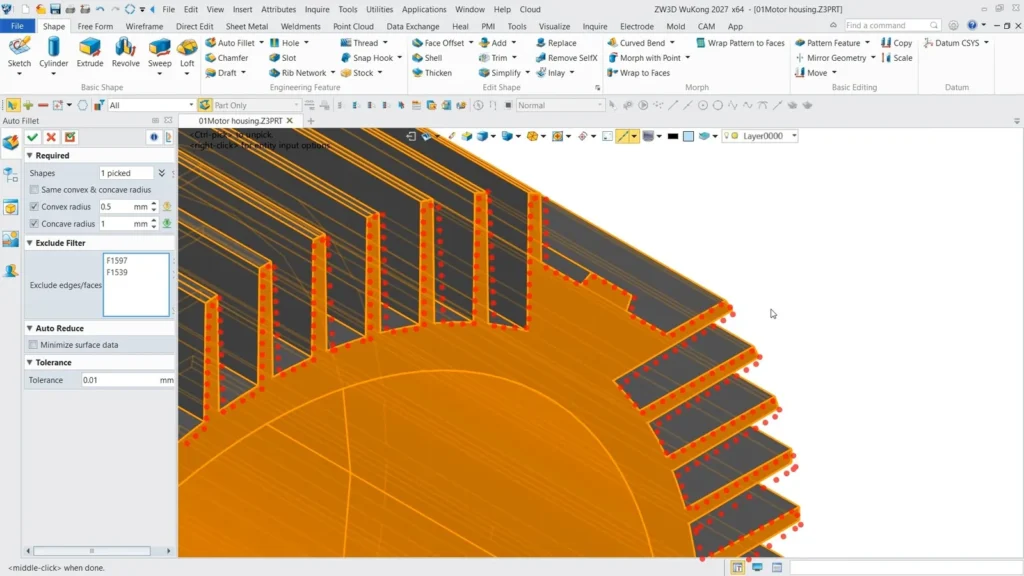
Design tied to production
Drawings, simulation, CAM and product data stay up to date as the design changes.
-
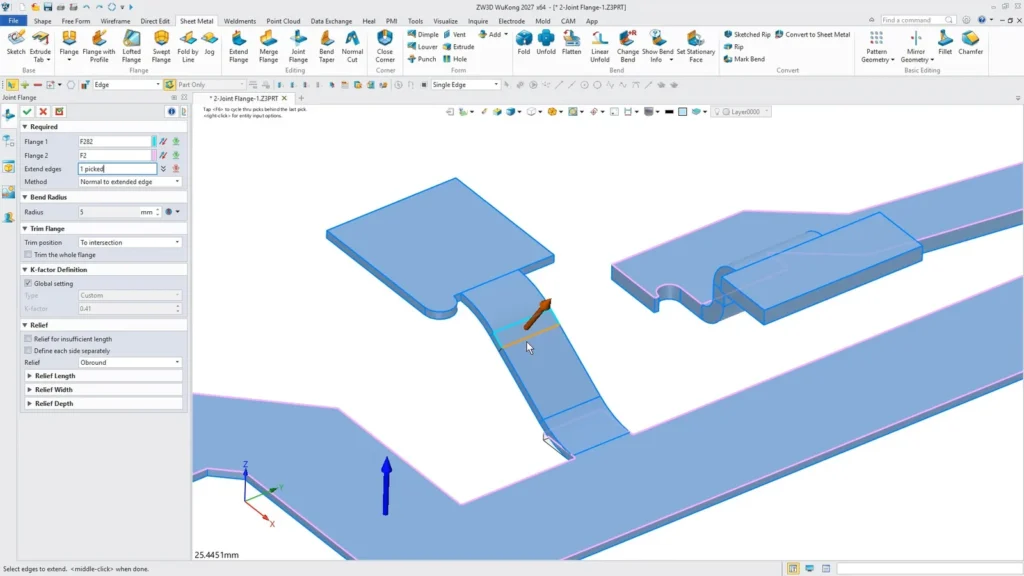
Know-how keeps working
Models, methods, standards and team experience are reused instead of rebuilding proven work.
-
You stay in control
Choose the licensing, deployment, hardware and pace of adoption that fit your business.
Capabilities
Professional tools across the machinery engineering workflow
For every major stage, connected by shared geometry and design intent.
Parts
With hybrid modelling you create and modify complex parts with precision and speed, on the Overdrive™ kernel.
Parametric modelling
Complex models from predefined relationships and constraints.
Direct editing
Quick on-the-spot changes, free from parametric constraints.
Surface modelling
Smooth, precise surfaces, with many ways to create and edit them.
Advanced tools
Sheet metal, structural design and special modules for harness, ECAD/MCAD collaboration and piping.
Design variations
Many variations in one file, by controlling dimensions, features and parameters.
Web viewing
Export to HTML so anyone can view the model in a plain browser.
Assemblies
Complex assemblies with smart tools, precise fit and animations for clear presentation.
Large assemblies
Smooth work with up to 20,000 components, with lightweight loading.
Flexible assembly
Components move and constraints update by themselves.
Smart Fastener
Finds and inserts the right fasteners automatically.
Standard part library
Complete, easy and customizable.
Interference check
Finds and resolves interference, for a proper fit and fewer errors in production.
Associative updates
Changes flow automatically to assemblies, drawings and BOMs.
Exploded views and animations
Show inner structure and assembly sequence.
2D drawings
2D drawings come out fast and stay linked to the 3D model.
2D and 3D in sync
The 3D model links to ZWCAD DWG/DXF drawings with real-time updates.
PMI
Manufacturing data tied to the 3D model.
Annotation and symbol libraries
Standard annotations and symbols, automated.
Batch output and auto-drafting
Fast, accurate documentation.
Advanced projection
Fast, accurate, production-ready views.
Simulation (CAE)
Design and simulation in one environment, for the right decisions before metal is cut.
One environment
Move from design to simulation without manual work and errors.
Data continuity
Accurate data flow from CAD to CAE, for reliable results.
Lower cost
No separate, costly simulation program needed.
Complete tools
Structural, vibration, heat transfer and fatigue.
Data exchange
Over 20 formats, BDF and INP import/export; legacy simulation models come in without conversion.
Multi-physics coupling
Data passes between disciplines, such as structural and thermal.
Manufacturing (CAM)
From design to machining without gaps.
2- to 5-axis machining
Strategies for roughing, finishing and drilling, with high precision.
VoluMill™ CAM (add-on)
Roughing up to 5× more efficient and up to 80% lower tool cost, according to ZWSOFT.
Post-processing
Easily edited posts for the common CNC systems.
Tied to CAD
Toolpaths follow model changes, also on third-party files.
Verification and simulation
Toolpath verification and full machine simulation.
Collaboration (PDM)
Product data management inside ZW3D: collaboration, control and release.
Inside ZW3D
Design, collaboration and release in the same environment.
Web access
Product data in a browser, nothing to install.
Shared workspace
Organised shared folders for the whole team.
Version control
Check-in/check-out, versions, approval with history and comments.
Access rights
Access by project stage and role.
Connected by design
Design tied to production
A design change should move engineering forward, not start a hunt through every deliverable.
-
Associative by default
Drawings, assembly references and CAM update from the design.
-
Less handoff risk
Everyone works from current geometry, validated data and controlled releases.
-
Protects production time
Change impact shows earlier, with no repeat preparation from disconnected files.
Know-how keeps working
Keep what works, don’t start over
-
Your existing CAD data
Exchange over 25 formats, keeping key attributes and PMI.
-
Repair imported geometry
Heal and edit directly without rebuilding the history.
-
Reuse proven engineering
Parts, subassemblies, configurations, templates and libraries in new machines.
-
Familiar workflows
Shortcuts and workflows set up so experienced engineers keep their habits.
-
Training
Structured training, certification and implementation guidance.
-
Support near you
ZWSOFT’s partner network and local technical support.
You stay in control
Engineering on your terms
-
Own the licence
Perpetual licences and flexible upgrades for predictable planning.
-
Share licences
Network licences, and borrowing for those who work off the network.
-
Practical hardware
Runs on ordinary Windows workstations, with higher needs only for simulation and large assemblies.
-
Adopt in phases
Works next to current 3D CAD and grows by team, project or site.
Customer results
Machinery and manufacturing teams report faster design, lower software cost and more connected delivery.
- 65%lower software costNEXT Robotics, machinery, Thailand · 40% faster design
- 40–50%higher design efficiencyAPEX, steel products, Malaysia
- 20%design time savedCyrus, machinery, India
- 2 weeks → 3 daysprototype cycleEngetak, automotive, Brazil · 40% shorter drawing reviews
Results published by ZWSOFT from its customers.
Talk to an expert
We are an authorised ZWSOFT reseller. We help you choose the program and licence that fit your work.
Request a demoSource: the program page on the ZWSOFT site, 27/11/2026. Prices are Elitesoft prices, excl. VAT. AutoCAD is a registered trademark of Autodesk. www.zwsoft.com