
Universe
by Maxon, Rendering & immersion
Library of effects and transitions for video, for editors and motion designers
Universe: effects, transitions and titles inside your editing software
Pick a group of tools and see what Universe adds to your videos and motion graphics.
Moving from shot to shot with light, depth and 3D motion
The transitions range from simple wipes to 3D rotations, so each change of scene can suit the style of the project.
- 3D transitions such as Cube, Blinds and Diamond Wave, where the shot splits into pieces that rotate
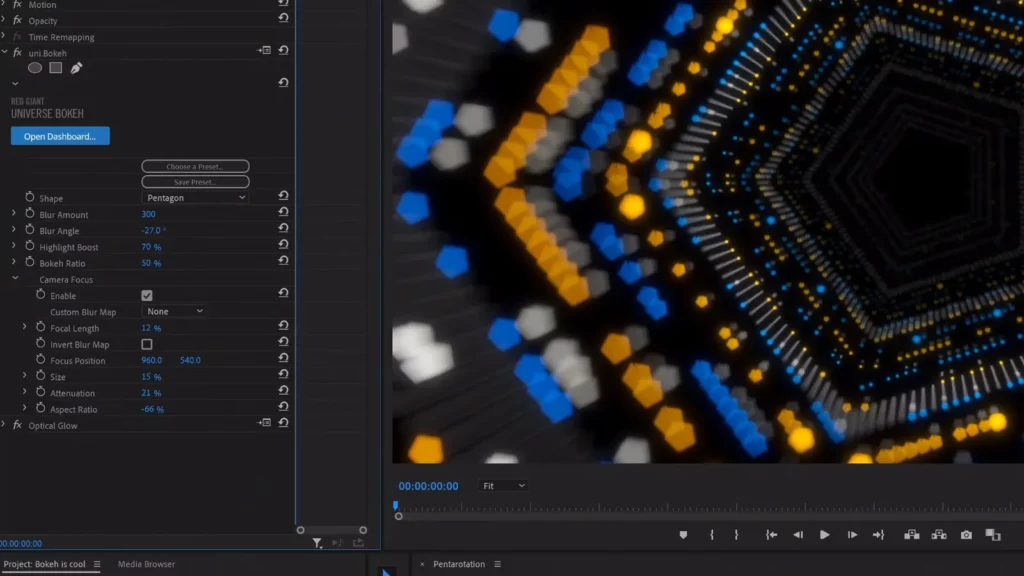
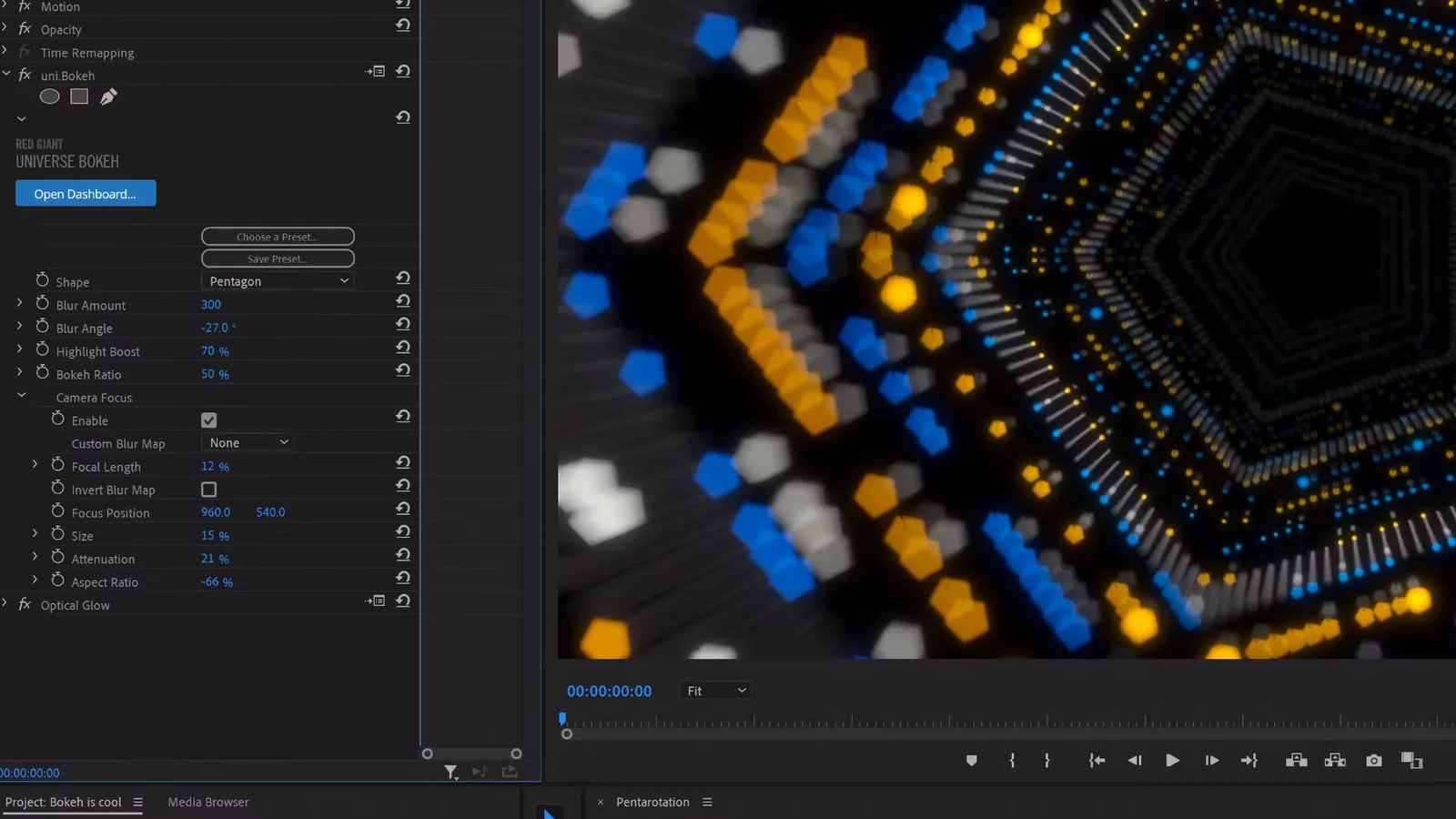
- Defocused light (bokeh) and light-leak (HalfLight) transitions for a more cinematic result
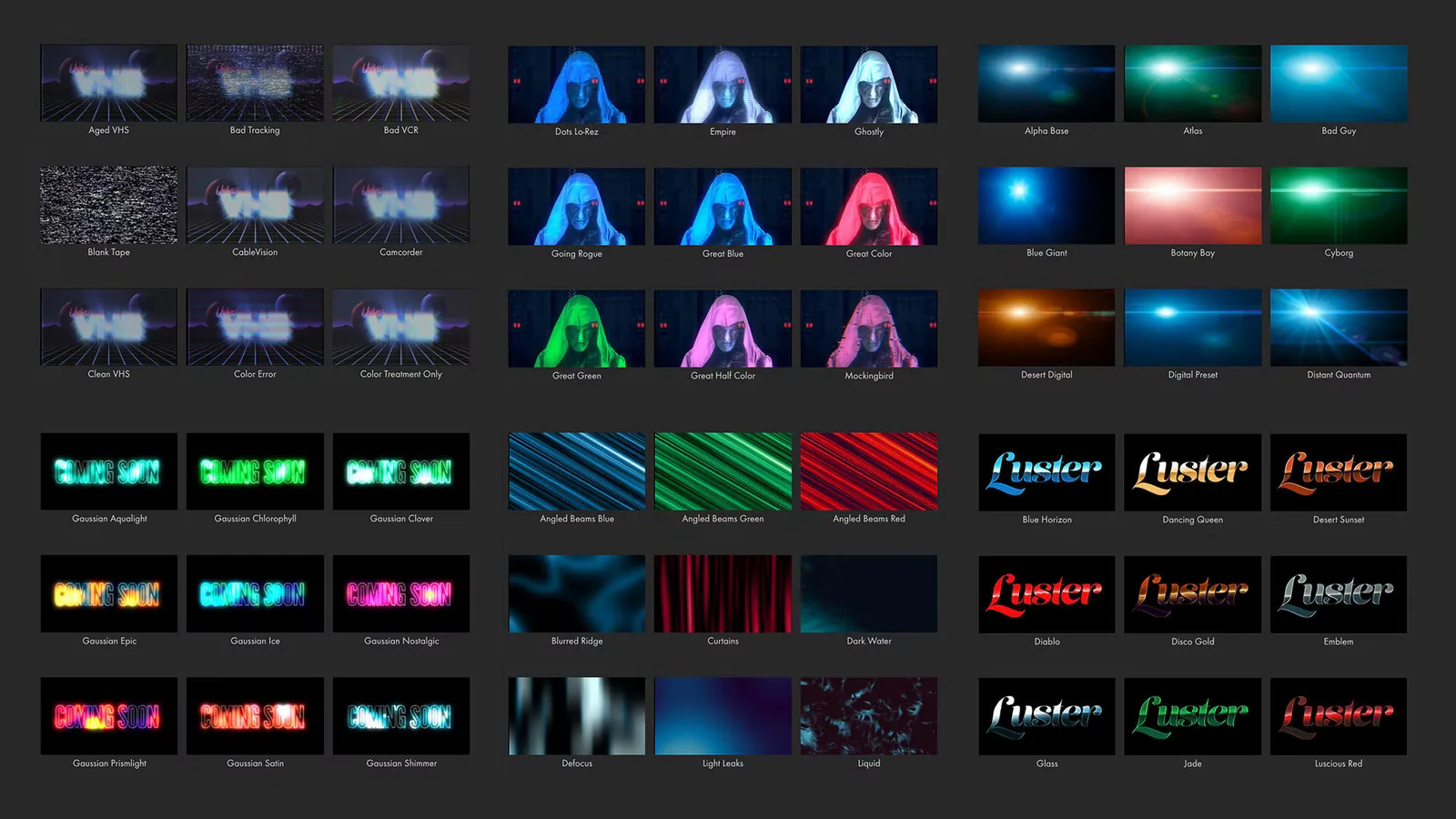
- Effects that recall older technology: changing channel on a cathode ray tube TV, a slide projector, VHS
- Classic wipes such as a feathered radial wipe, plus colour mosaics and camera shake


Animated titles, numbers and computer-screen text
The text tools create animated titles and lettering graphics, from polished captions to terminal screens.
- Title Motion: text and shapes with ready-made in and out animation, for titles and lower thirds
- Type Cast: change colour, opacity, size, position and rotation by line, word or character
- Numbers: animated figures shown as currency, percentage, date or time
- Hacker Text, Screen Text and Type On for scrambled letters, scrolling code and terminal-style typing


A retro or modern look on the same footage
The stylising tools change how a shot looks, giving the video a particular mood.
- Analog, AV Club and Carousel for the look of old video tape, noisy text and faded film
- Glitch and Holomatrix II for digital errors and a hologram-style image
- Luster for a metallic sheen on text with a glassy bevelled edge, and Ecto for glowing fractal titles
- Pixel Dither: six plugins for 8 and 16-bit style pixel art, with custom dithering and colour control


Backgrounds, noise and motion graphics without stock footage
The generators build backgrounds and patterns from scratch, while the motion graphics tools add shapes, lines and screen elements.
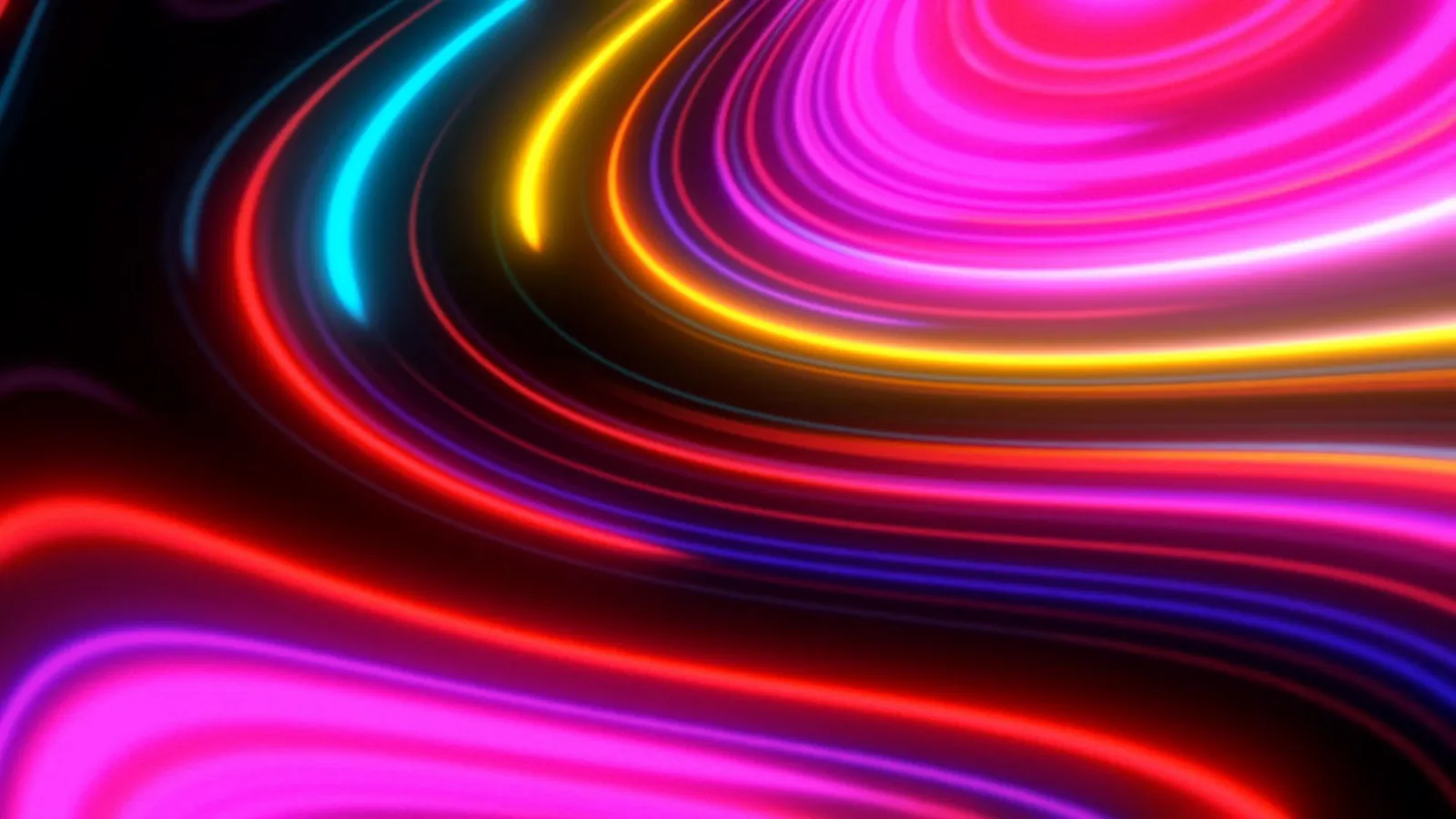
- Maxon Noise: the procedural noise patterns of Cinema 4D for textures, organic motion, animated maps and transitions
- Fractal Background and Soft Gradient Background for backgrounds that loop without a visible seam
- Gradient Ramp, Spectralicious and Turbulence Noise for adjustable colour gradients and fractal noise
- Tools for animated shapes and lines, layer cloning, progress bars and HUD-style screen elements


From a ready preset to fine control, with fast previews
The tools are applied inside the software you already use, and the graphics card does the processing.
- Presets to apply an effect in seconds, and detailed parameters when you want something of your own
- Graphics card acceleration for real-time previews and less waiting
- Runs as a plugin inside editing and compositing applications
- Utility tools for handheld camera shake, fisheye distortion correction and picture in picture


Maxon Noise in Universe
Official Maxon video with animated noise patterns from Maxon Noise.

See it in action
The video or demo loads only when you press play.
What it does, stage by stage
Universe is a Maxon plugin library for video editing and post-production. It includes transitions, stylising effects, animated text, background and noise generators, and tools for motion graphics. The tools are applied inside your editing or compositing software and are accelerated by the graphics card, so previews run in real time.
You can start from ready-made presets and then adjust every detail. With Maxon Noise, Universe also has the procedural noise patterns of Cinema 4D for textures, motion and transitions.
It does not concern building design. It is useful to anyone preparing project presentation videos who wants titles, transitions and effects without making them from scratch. The same tools are also included in Red Giant, which is a larger bundle. The licence is an annual subscription.
Survey
It is not its job.
Concept
It is not its job.
Design development
It is not its job. Combine it with Mindesk Suite VR.
Construction drawings
It is not its job.
Presentation
Images, videos and walkthroughs for the client.
Features
Features
- Type
- video and motion graphics plugins
- Categories
- transitions, text, stylise, generators, motion graphics, blurs and glows, colour, distortions, utilities
- Acceleration
- graphics card (GPU), real-time preview
- Relationship
- included in Red Giant and Maxon One
- Licence
- annual subscription
System requirements
Universe runs as a plugin inside editing and compositing applications. Which applications and versions each tool supports, as well as the system requirements, are listed in the Maxon documentation (help.maxon.net); it is worth checking them before you buy.
Installation is done through the Maxon App and requires a MyMaxon account.
Works well with, and alternatives
Works well with



Universe next to alternatives
Open the full comparisonQuestions, licence and delivery
Is it separate from Red Giant?
Yes as a subscription, but Universe is included in both Red Giant and Maxon One.
What kind of tools does it contain?
Transitions, animated text and titles, stylising effects (retro, glitch, hologram, pixel art), background and noise generators, motion graphics tools, blurs and glows, colour, distortions and utilities. The full list is in the Maxon documentation.
Can I start without experience in effects?
Yes. The tools come with presets that are quick to apply, and you can then change the parameters in detail if you wish.
Which applications does it work in?
It runs as a plugin in editing and compositing applications. Check the Maxon documentation for the applications and versions supported by the tool you are interested in.
How do I receive the licence?
After payment we order the licence from the manufacturer and email you its details.
Do the prices include VAT?
Prices exclude VAT. With a valid VAT number from another EU country, VAT is not charged; in Belgium it is charged at 21%. For private customers, VAT is calculated at checkout.