
Artisan Rendering for Renga
by PICTOREX / ASCON Group, Design & BIM
Photorealistic images directly inside Renga, for Renga users
Artisan Rendering inside Renga
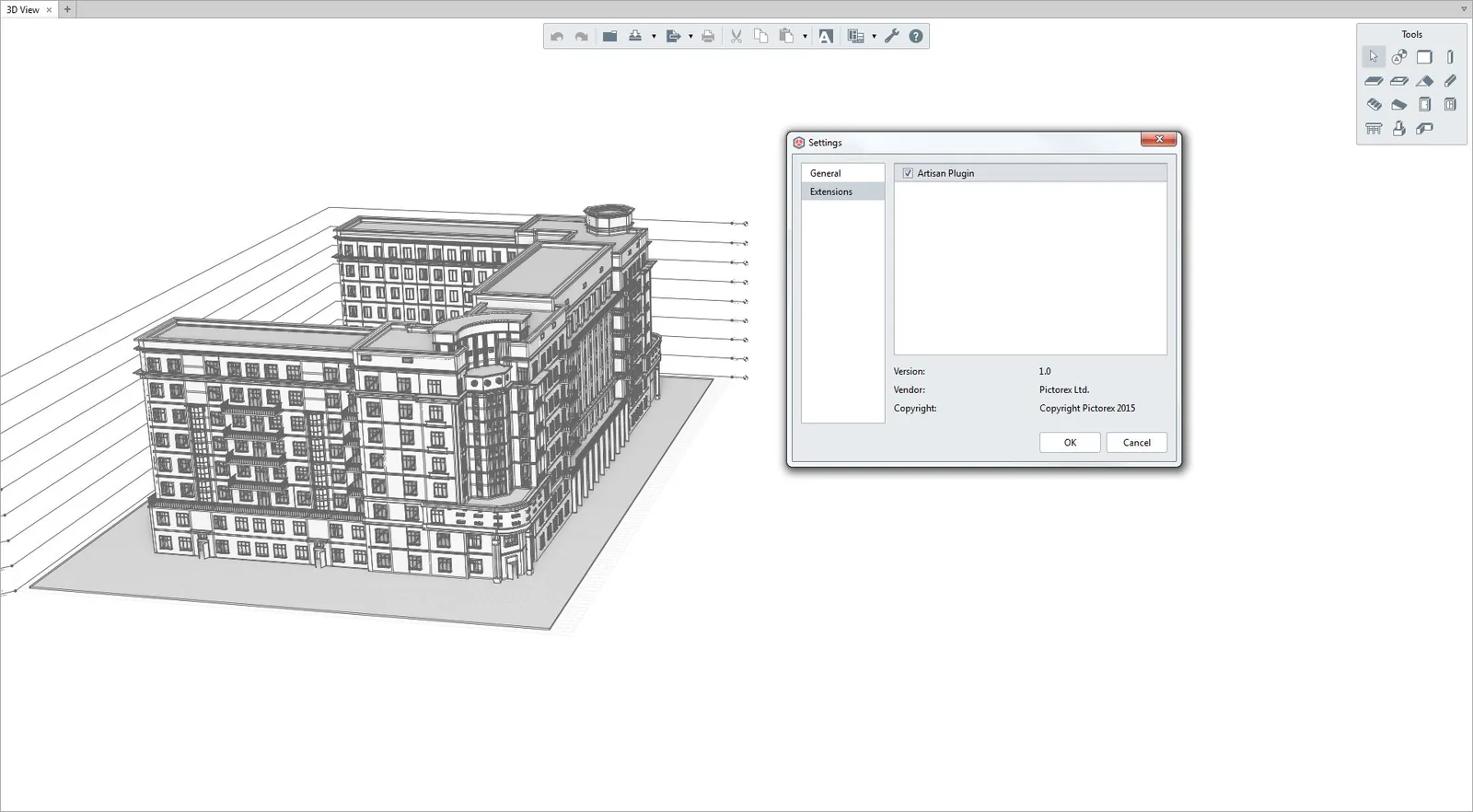
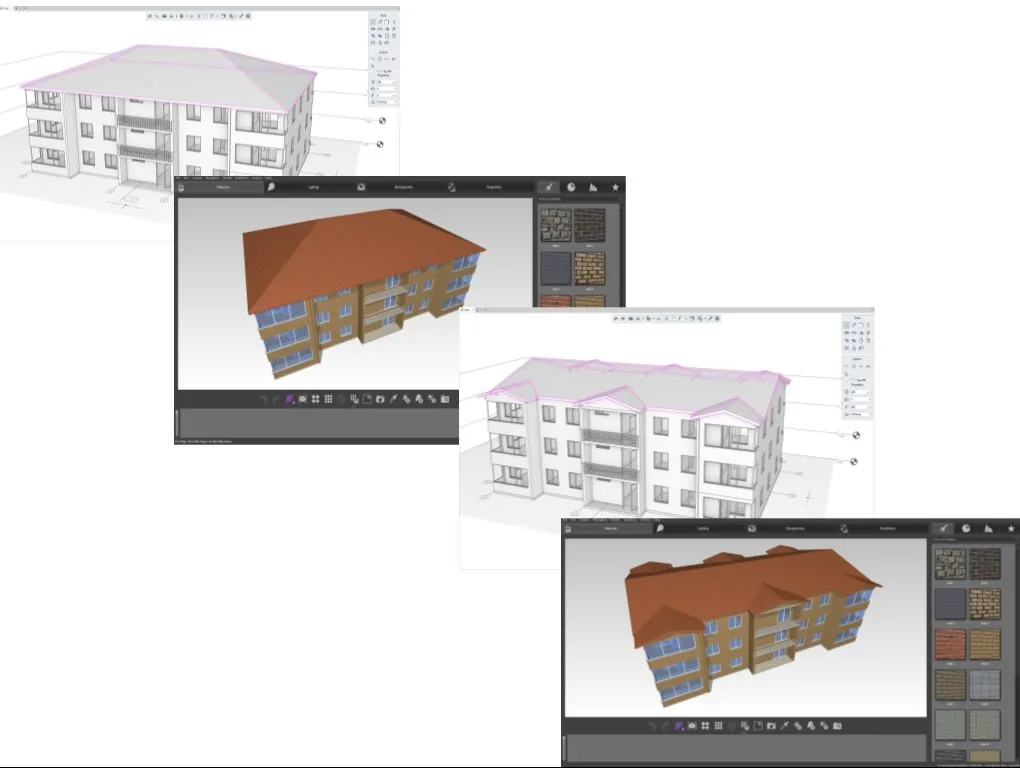
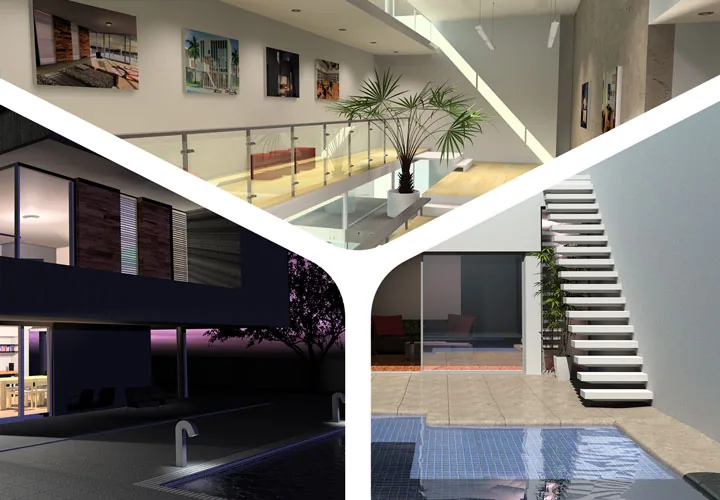
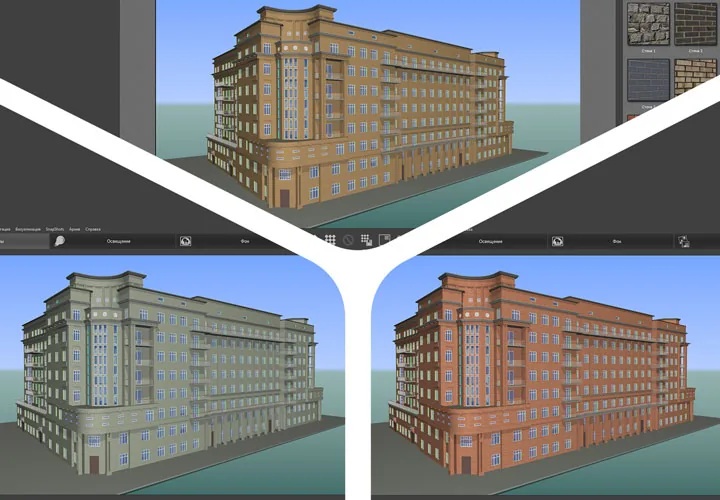
Three tabs show how you get from the model to the image: the link with Renga, the materials and the result.
Rendering without exporting the model
The application works alongside Renga Architecture and reads the model straight from it.
- It connects through Renga's open API, so you do not export and import the model into a separate program.
- You start rendering from Renga itself, with no extra steps in between.
- It was developed specifically for ASCON Group by PICTOREX, a supplier of visualisation solutions.
Works with: Renga Architecture

Textures and backgrounds ready from the start
The application has a large database of materials, lighting sources and backgrounds, so you can begin at once.
- A texture you apply to one object carries over to all objects in the same material group.
- If you change the texture, it changes for the whole group at the same time.
- You can add your own textures and backgrounds as well as those in the library.
- The textures you applied are kept in a cache and return the next time you render the same project.


Photorealistic images and work on two screens
Rendering uses the graphics card, so the building looks realistic before it is built.
- The system uses OpenGL to handle the image.
- The graphics card takes care of ray tracing and global illumination in high-quality images.
- Various lighting settings let you change the mood of the image.
- With two monitors, Renga stays on one and the rendering runs on the other, so you can keep designing.

What it does, stage by stage
Artisan Rendering is a visualisation application that works inside Renga and creates photorealistic images from the building model. It connects to Renga through the API, so there is no need to export and import the model.
It has a library of materials, lighting and backgrounds, allows your own textures and remembers the textures you applied for the next rendering of the same project. You can design on one screen while the rendering runs on the other. The licence is perpetual.
Features
Features
- Connection
- Renga API
- Materials and backgrounds
- built-in library
- Own textures
- yes
- Multiple screens
- yes
- Licence
- perpetual
Works well with, and alternatives
Works well with

Artisan Rendering for Renga next to alternatives
Open the full comparisonQuestions, licence and delivery
Is Renga required?
Yes, it works inside Renga and not as a standalone program.
What licence does it have?
A perpetual licence.
How do I receive the licence?
After payment we order the licence from the manufacturer and email you its details.
Do the prices include VAT?
Prices exclude VAT. With a valid VAT number from another EU country, VAT is not charged; in Belgium it is charged at 21%. For private customers, VAT is calculated at checkout.