

Transmutr
by Lindalë, SketchUp plug-ins
Import FBX, OBJ, GLB, USD and other models into SketchUp, with simplification, materials and proxies for V-Ray and Enscape
Transmutr brings models from other programs cleanly into SketchUp
A separate app where you open the model, adjust geometry and materials, and send it to SketchUp as a .skp file or as a proxy. Pick a topic.
Import from many formats, with the right scale and orientation
You open a file, a zip archive or a folder, and Transmutr turns it into a clean SketchUp file.
- Reads FBX, OBJ, 3DS, DAE, STL, SKP, GLTF, GLB, USD and zip archives
- A dedicated import path for files from Poliigon, Humano, Poly Haven, Quixel Megascans and other sources
- Models arrive at the right size, facing the right way, with a tidy hierarchy
- The finished model is sent straight into an open SketchUp model
- In the settings you choose which SketchUp version the file is written for
Works with: FBX OBJ GLB USD 3DS DAE STL SKP


Fewer faces, the same shape
Dense models such as scans, furniture or plants become light, so SketchUp stays responsive.
- A simplification slider as a percentage, with the face count before and after
- The magic wand suggests a level that balances detail and speed, and you can adjust it
- Options that protect texture coordinates, normals and mesh borders
- A different simplification level for each object, from the Outliner

Render-ready PBR materials for SketchUp, V-Ray and Enscape
Transmutr reads whatever material data the source file holds and builds render materials from it.
- Colour, bump or normal, metalness, roughness, mask, transparency and translucency for each material
- Preview materials in Render mode and change them in a few clicks
- Swap a map by dragging an image from a folder, with each map's resolution shown at a glance
- New materials and assignment to meshes with the paint bucket, in the viewport or the Outliner
Works with: SketchUp V-Ray Enscape


A light object in SketchUp, the full model at render time
One click creates proxies for V-Ray and Enscape: SketchUp shows a simple shape and the engine loads all the detail.
- For V-Ray, a .vrmesh file is written next to the SketchUp file
- For Enscape, the full model is registered in Enscape's local Asset Library
- A single .skp file can link to both a V-Ray and an Enscape proxy
- SketchUp's viewport shows a billboard, a blob, a box or simplified geometry, as you choose
Works with: V-Ray Enscape


Transmutr at a glance
Official Lindalë video about Transmutr.

See it in action
The video or demo loads only when you press play.

What it does, stage by stage
Transmutr by Lindalë converts models from other programs into clean SketchUp files. It opens FBX, GLTF/GLB, USD/USDZ, OBJ, SKP, 3DS, DAE, STL, zip files and folders. You open the model, adjust whatever is needed and send it to SketchUp.
SketchUp struggles with high-polygon objects. Transmutr simplifies a model of millions of faces down to a few thousand or even a few hundred, while keeping its shape. It takes whatever material data the original file contains and creates render-ready materials for SketchUp, V-Ray and Enscape, and in one click it creates proxies for V-Ray and Enscape: the model stays light and the engine gets the whole object.
For files from well-known sources (Poliigon, Humano, Poly Haven, Quixel Megascans and others) it uses a dedicated import path, so that materials, scale and orientation come out right. Models arrive in SketchUp at the right size, facing the right way and with a clean hierarchy.
There are three editions, all with an annual licence. Artist is a standard licence for up to 2 computers. Studio is floating and adds batch conversion of many files and material automations, for offices and libraries. Creator is floating, for those who process models professionally: it adds scripting, server operation and the right to sell the files in online stores.


Features and files
Features
- Type
- Model conversion and import into SketchUp
- Import
- FBX, GLTF/GLB, USD/USDZ, OBJ, SKP, 3DS, DAE, STL, zip
- Simplification
- from millions to thousands of faces
- Materials
- ready for SketchUp, V-Ray, Enscape
- Proxies
- V-Ray and Enscape in one click
- Engines
- V-Ray 7 and later, Enscape 4 and later
- SketchUp files
- open in SketchUp 2021 and later
- Operating system
- Windows 10/11, macOS 26 (Tahoe) and later
- Trial
- 7 days
Opens and saves
- .skp
- .fbx
- .obj
- .gltf
- .glb
- .usd
- .3ds
- .dae
- .stl
System requirements
Operating system Windows, macOS
- Windows 10/11 or macOS 26 (Tahoe) and later
- SketchUp 2021 or later for the files it produces
- Recommended: quad-core processor of 3 GHz or more, 8 GB RAM or more
Works well with, and alternatives

Alternatives
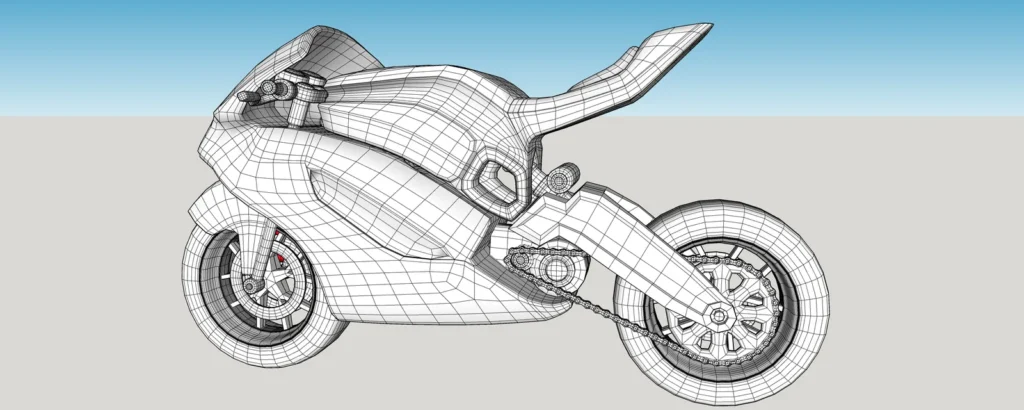
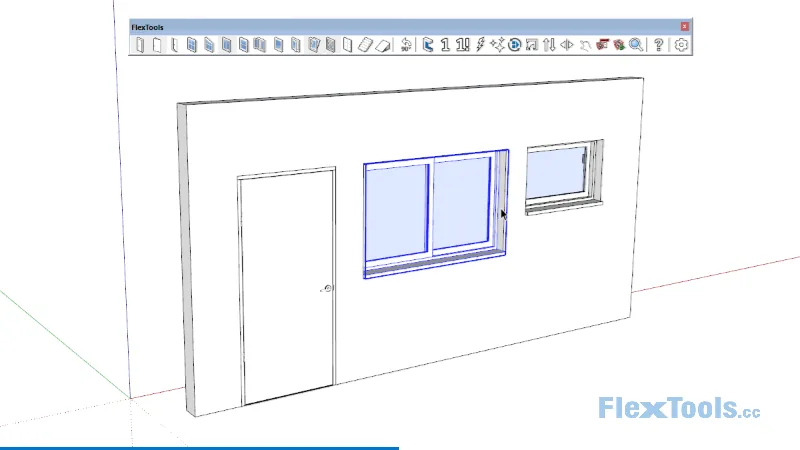
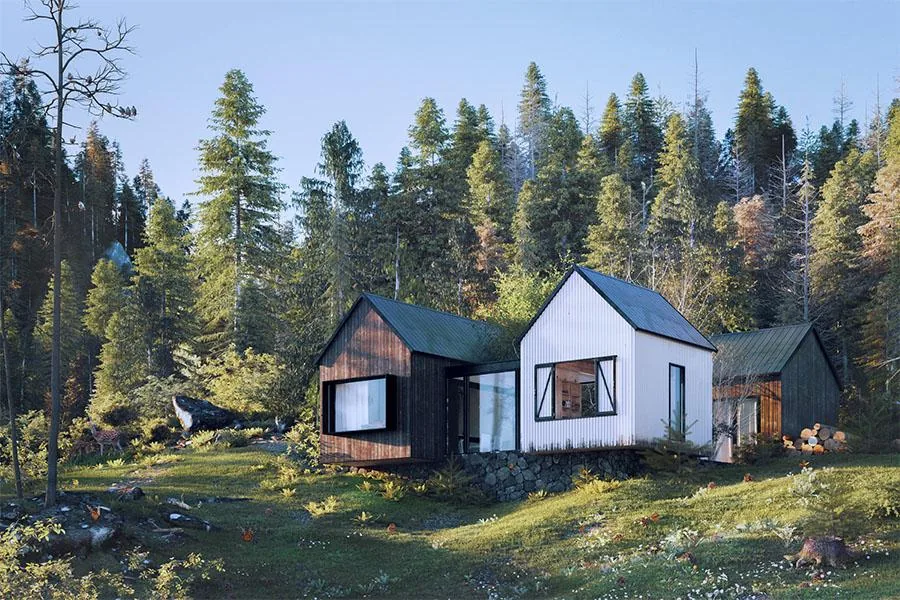
Transmutr next to alternatives
Open the full comparisonQuestions, licence and delivery
Which files does it open?
FBX, GLTF/GLB, USD/USDZ, OBJ, SKP, 3DS, DAE, STL models, PNG, JPG, EXR, HDR, TIFF, BMP, DDS, TGA, GIF images, as well as zip files and folders.
On how many computers can it be installed?
Artist on 2 computers. Studio and Creator are floating: they can be installed on as many computers as you like and used simultaneously on as many as the seats.
Can I sell the files it produces?
In online stores, only with Creator. With Artist or Studio it is allowed only if you make them to order for your client (who does not resell them online) or if you sell them through 3D Bazaar.
Is there a perpetual licence?
The developer now sells subscriptions, but grants a perpetual licence on request. Ask us for a quote.
Is there a trial version?
Yes, for 7 days, from the developer.
How do I receive the licence?
After payment we order the licence from the manufacturer and email you its details.
Do the prices include VAT?
Prices exclude VAT. With a valid VAT number from another EU country, VAT is not charged; in Belgium it is charged at 21%. For private customers, VAT is calculated at checkout.