
Skatter
by Lindalë, SketchUp plug-ins
Scatter vegetation, people and objects in SketchUp, sent straight to the rendering engine
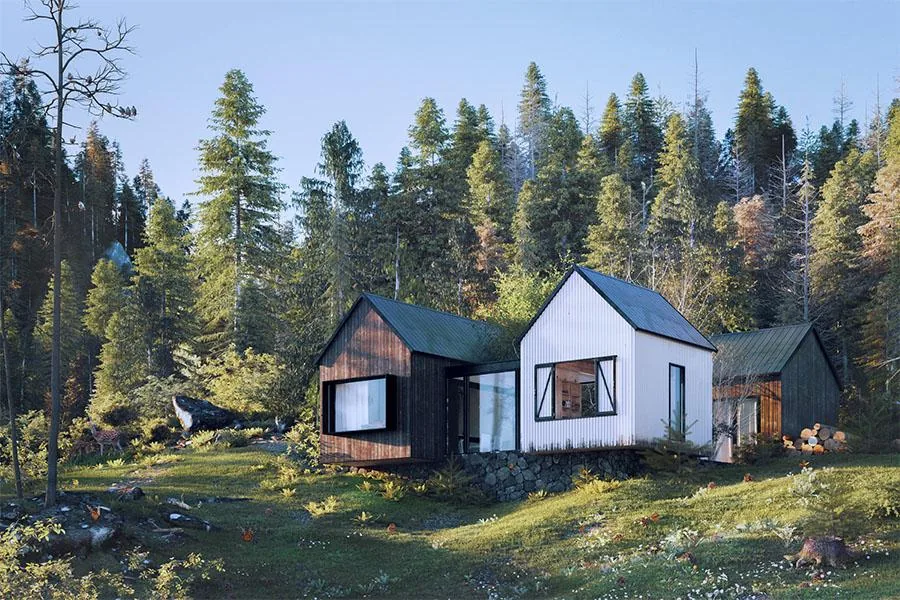
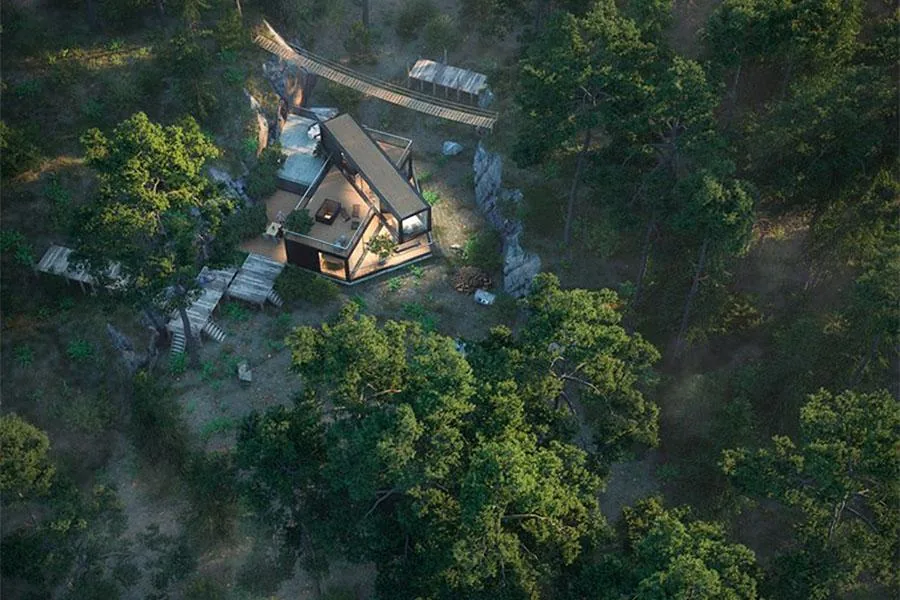
Skatter fills SketchUp scenes with vegetation and objects
Scattering over surfaces and curves, with control over the distribution and output sent straight to the render engine. Pick a topic.
Thousands of objects in the image, a light model in SketchUp
Skatter can create a scatter in two ways: inside the model or for rendering only.
- With In Model, objects become regular SketchUp geometry and show in the viewport without an external engine
- With Render Only, the data goes directly to the render engine and the model stays light
- A preview of the composition in SketchUp while you adjust it, which you can switch off in very heavy scenes
- You can show other compositions of the model at the same time, so they fit together
Works with: V-Ray Enscape Thea Octane Indigo Shaderlight Raylectron Kerkythea


Five distribution types and zones for a natural result
You choose how objects spread over surfaces or curves, depending on the scene.
- Grid for fixed spacing, with random offset (Jitter) and gaps (Holes) for a little variety
- Random for fast computing and Uniform for more even coverage, for example on a lawn
- Vertices and Face centers for one object at each vertex or at the centre of each face
- World, Object or Face space projection, so sloped or curved surfaces such as green walls are covered too
- Zones that group similar objects together, like patches of flowers in a meadow


Masks that set where objects go and where they do not
Each mask either allows or excludes scattering in an area, and masks can be combined.
- Paint: you brush the area onto the surfaces, as in an image editor
- Area and Path: a group or component, or curves with a thickness, for buildings, paths and tyre tracks
- Image: a black and white image that sets where scattering is allowed, for complex patterns
- Composition: one composition limits another, for example fallen leaves only around the trees


Compositions that are saved, reused and come ready-made
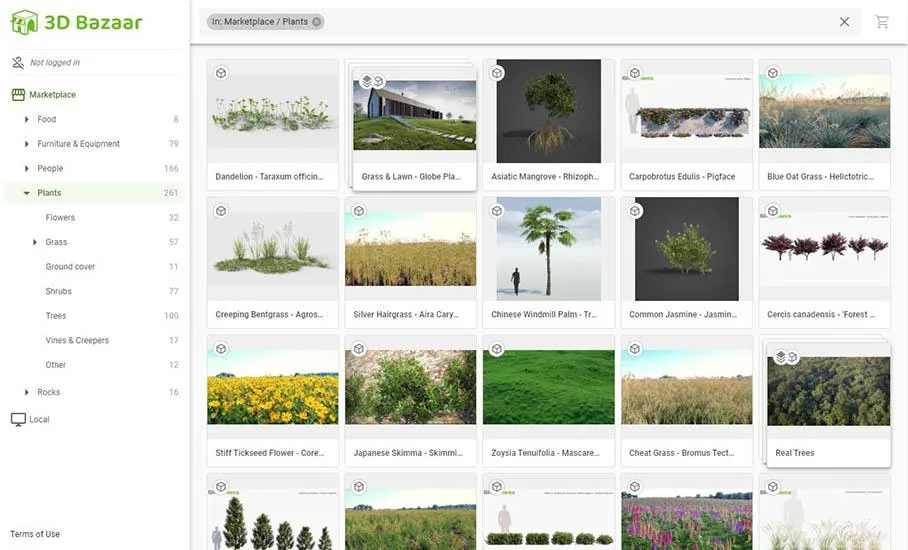
The Composition Manager holds every composition in the model, and 3D Bazaar provides ready assets with settings.
- Show and hide each composition, and link it to SketchUp tags
- Regenerate with one click when a surface or a mask changes
- Export to a .skatter file, with objects and materials, for use in another project
- 3D Bazaar holds render-ready assets, and many of its plants come with Skatter compositions
- Every setting stays saved, so you can revise the work without starting over


First steps in Skatter
Official Lindalë video on getting started with Skatter 2.

See it in action
The video or demo loads only when you press play.
What it does, stage by stage
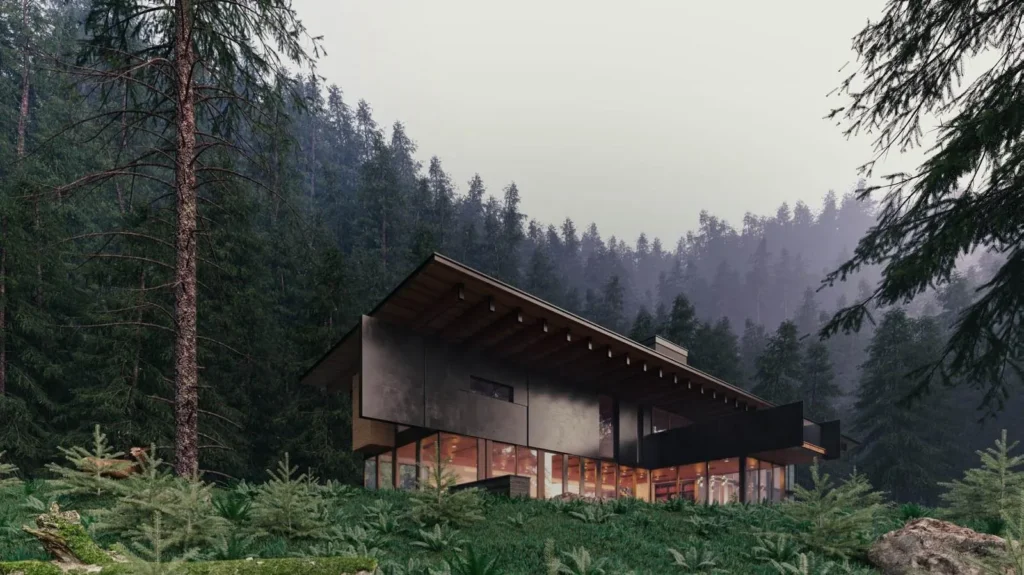
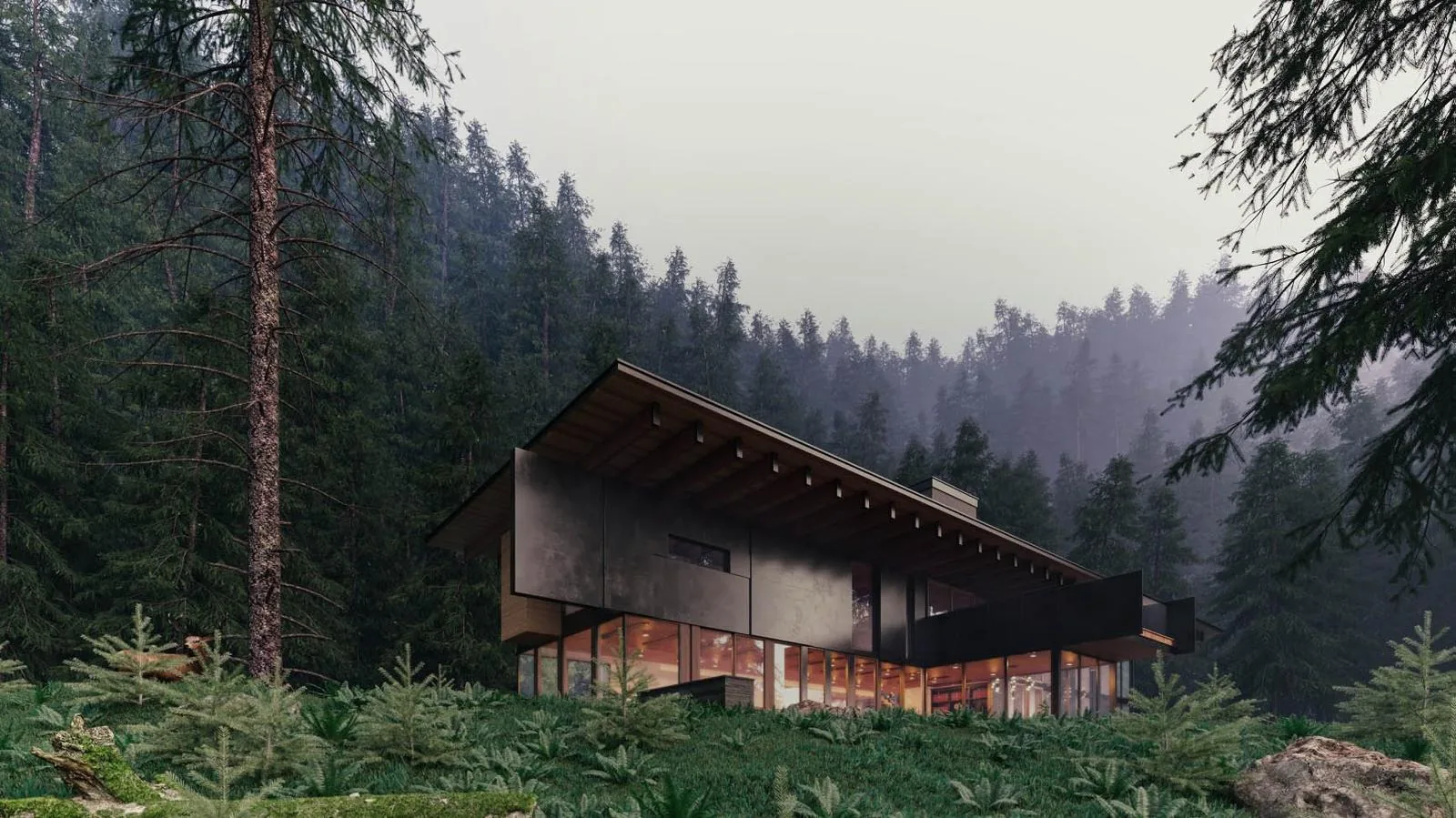
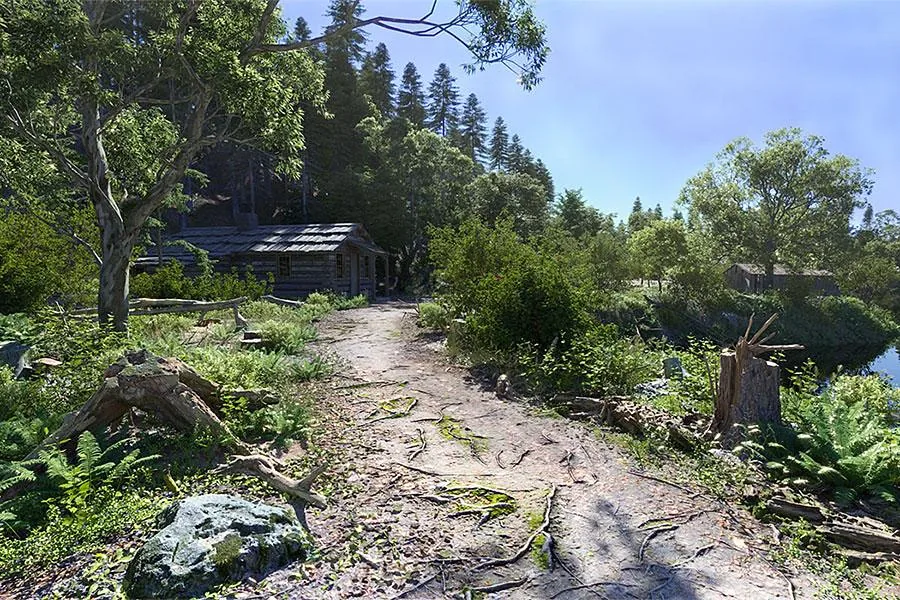
Skatter by Lindalë is a SketchUp extension that scatters objects over the surfaces of your model: trees, plants, rocks, people, cars. It works with ready-made vegetation presets or with your own objects, for landscapes and urban scenes.
With the “Render only” mode, Skatter sends the scattered elements straight to the rendering engine, without passing them through SketchUp. The model stays light and fast, while the image is rendered with a very large number of objects. Without this mode it generates regular SketchUp components that can be used for anything.
The distribution is set manually or parametrically, with masks and other options, so that it looks natural: random and organised at the same time. Nothing is final: every setting is saved and can be changed whenever needed, without starting over.
3D Bazaar comes with it, a library of render-ready objects. Many of its plants have ready-made Skatter compositions that apply to the scene straight away.
The licence is annual. The standard (fixed-seat) licence can be installed on up to 2 computers and used on one at a time. The floating licence can be installed on as many computers as you like and used simultaneously on as many computers as the seats you purchased.
Features and files
Features
- Type
- SketchUp extension for scattering objects
- Use
- vegetation, people, rocks, cars, urban scenes
- Render only
- straight to the rendering engine, light model
- Control
- masks and parametric settings, changeable whenever you like
- Library
- 3D Bazaar with ready-made compositions
- SketchUp versions
- 2022 and later
- Operating system
- Windows 10/11, macOS 12 and later
- Trial
- 15 days
- Licence
- Annual, fixed-seat or floating
Opens and saves
- .skp
System requirements
Operating system Windows, macOS
- SketchUp 2022 or later
- Windows 10/11 or macOS 12 and later
- Recommended: quad-core processor of 3 GHz or more, 8 GB RAM or more
Works well with, and alternatives
Works well with

Alternatives
Skatter next to alternatives
Open the full comparisonQuestions, licence and delivery
Can I use it without rendering?
Yes. If you do not enable the “Render only” mode, Skatter creates regular SketchUp components.
On how many computers can it be installed?
The standard (fixed-seat) licence on up to 2 computers, e.g. a desktop and a laptop, used on one at a time. The floating licence on as many as you like, used simultaneously on as many as the seats.
Which SketchUp versions are supported?
SketchUp 2022 and later, on Windows and macOS.
Is there a trial version?
Yes, for 15 days, from the developer.
What does the Skatter + Transmutr bundle include?
One standard (fixed-seat) licence each of Skatter and Transmutr Artist, at a lower cost than the two separately.
How do I receive the licence?
After payment we order the licence from the manufacturer and email you its details.
Do the prices include VAT?
Prices exclude VAT. With a valid VAT number from another EU country, VAT is not charged; in Belgium it is charged at 21%. For private customers, VAT is calculated at checkout.