
COMOSYS One model from analysis to the CNC file, and the repeat work runs itself.
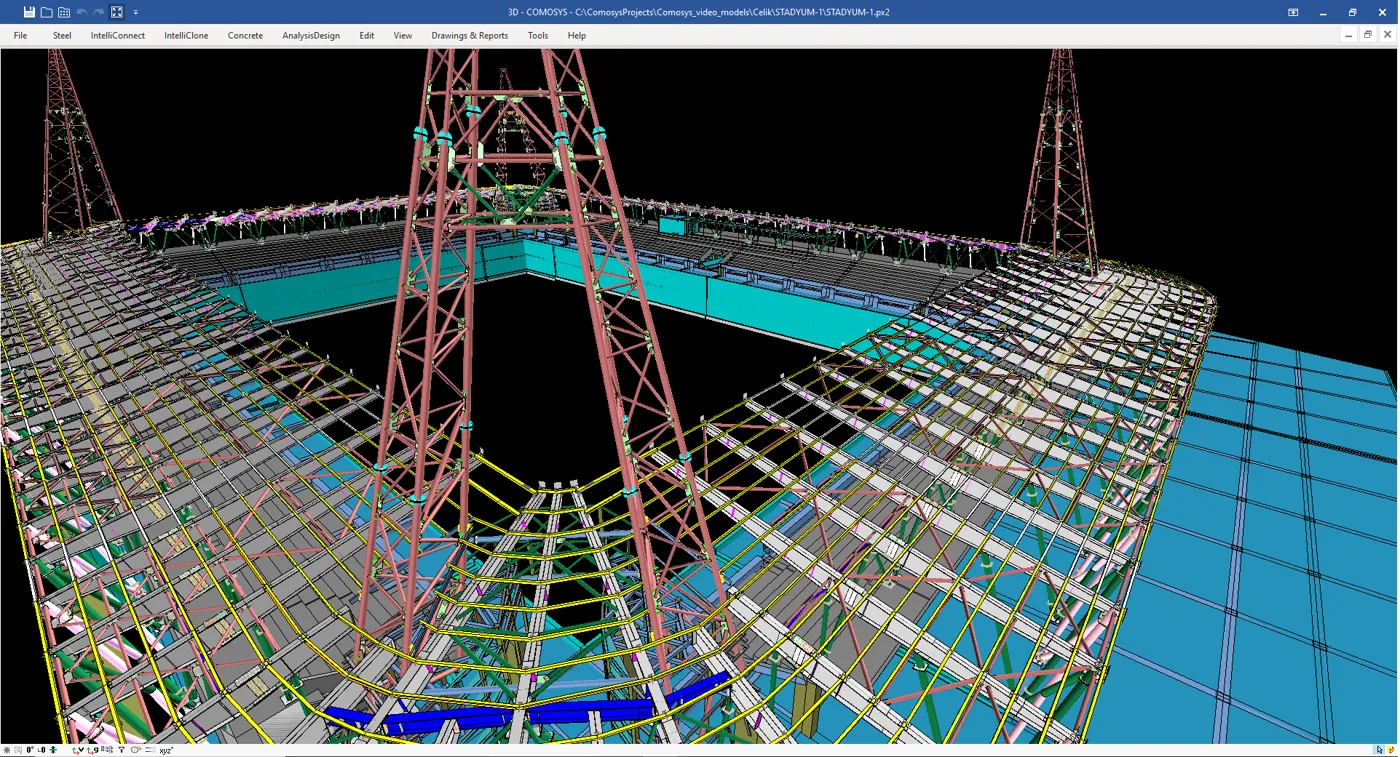
COMOSYS (COMprehensive mOdeling SYStem) brings modelling, structural analysis, steel, rebar and precast detailing, drawings and files for the cutting line into one environment. It exchanges IFC and DXF files.
Demonstration, quote and trial licence from Elitesoft.
Works with
- Tekla Structures (two-way)
- Revit (two-way)
- SAP2000 (import)
- ETABS (import)
- IDEA StatiCa (connections)
- IFC
- DXF / DWG
The automation engines
The repeat work, done for you
Pick an engine, then run it on the frame.
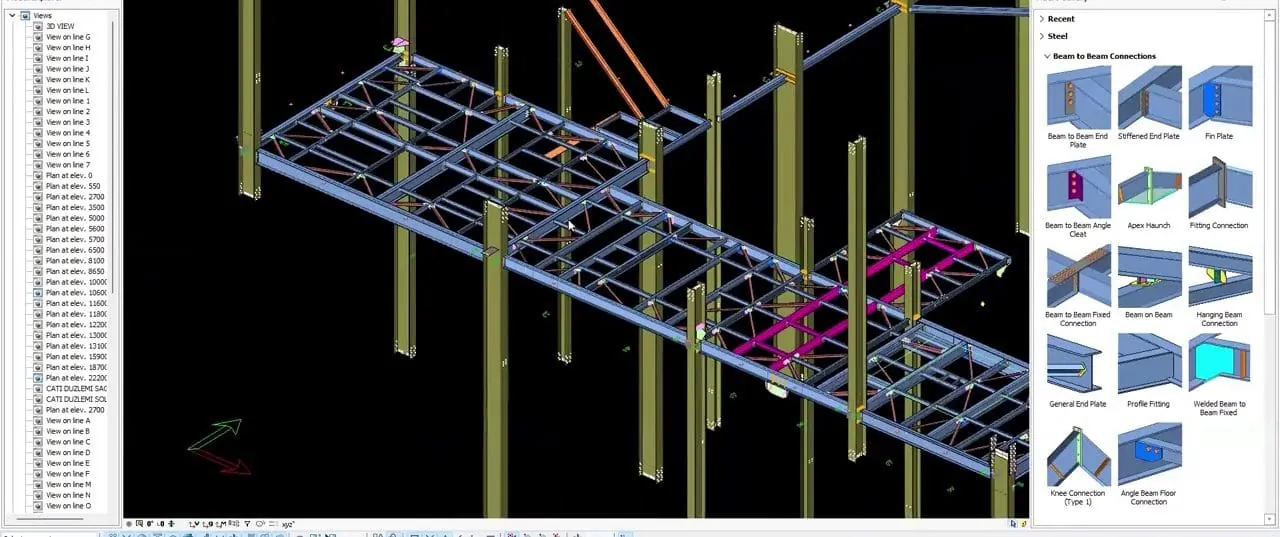
IntelliConnect thousands of joints in one click
It reads how the members meet and puts the right joint on each one: beams, columns, trusses, bracings, purlins, girts, base plates. Bolted or welded, across the whole model in one click. You can still change any joint by hand.
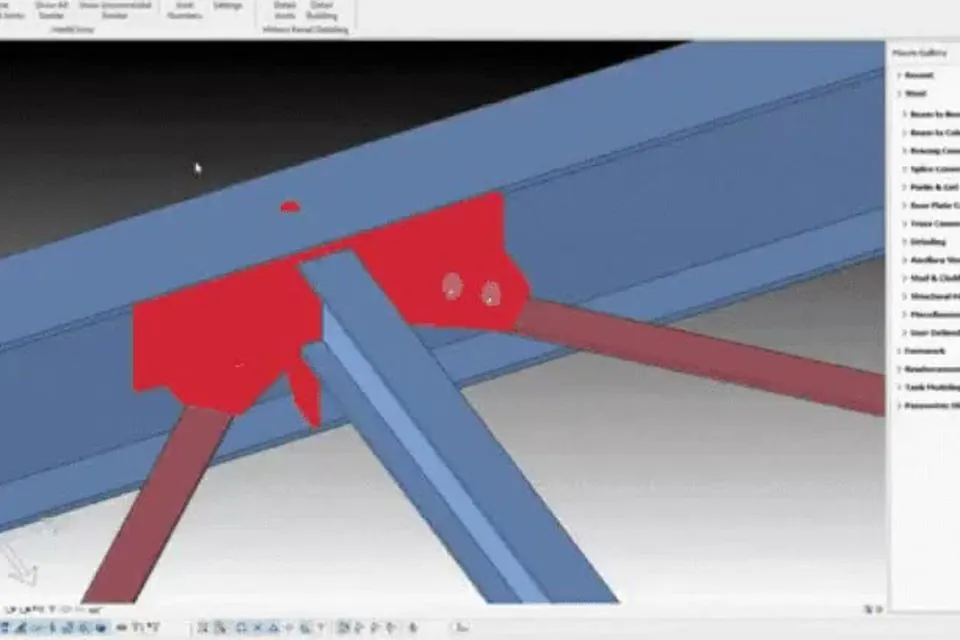
IntelliClone one joint right, everywhere
Detail one joint the way you want it, and IntelliClone copies it to every joint like it, fitting each copy to its own members. It copies whole zones and assemblies too.
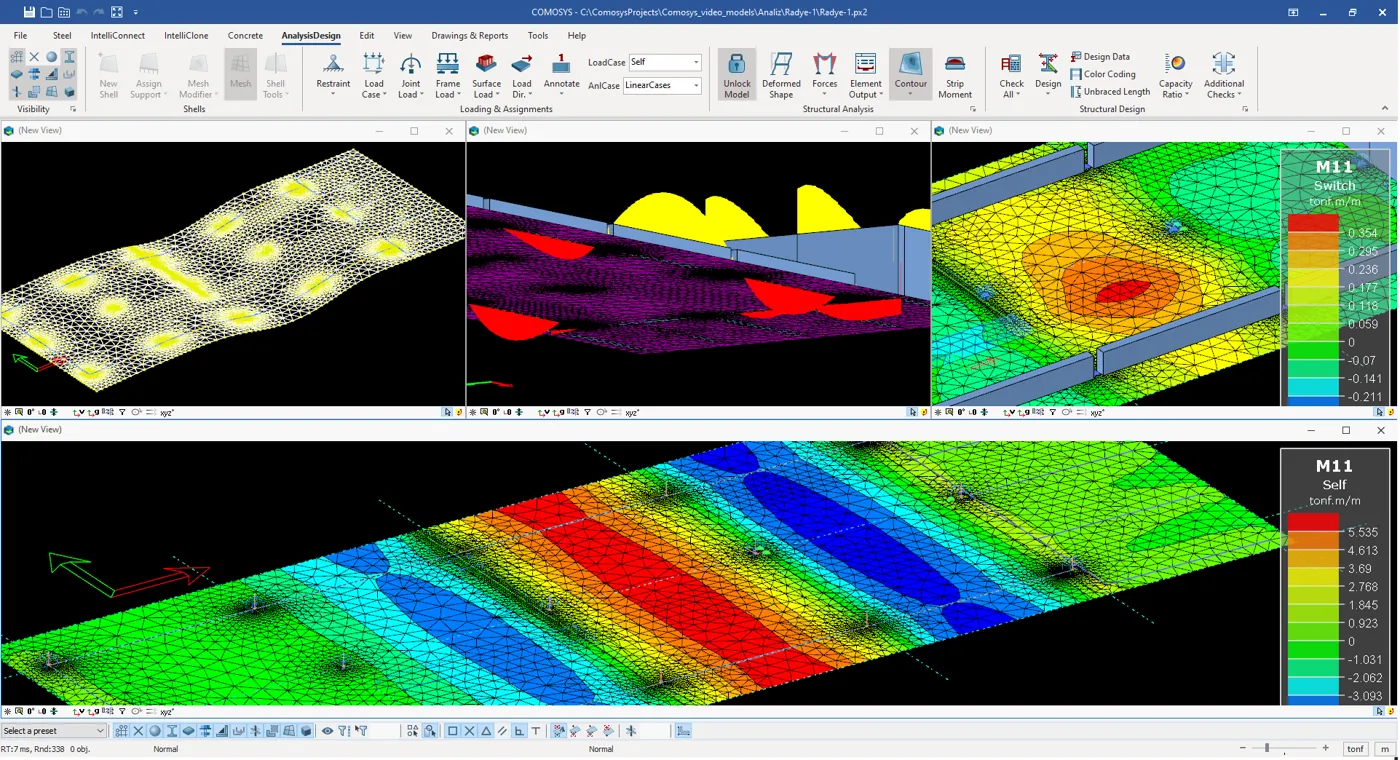
AutoAdjust the model follows the design
It turns the analysis model into a detailing model. When a section or a level changes, member lengths, joint positions and plate sizes move with it, with no hand fixes.
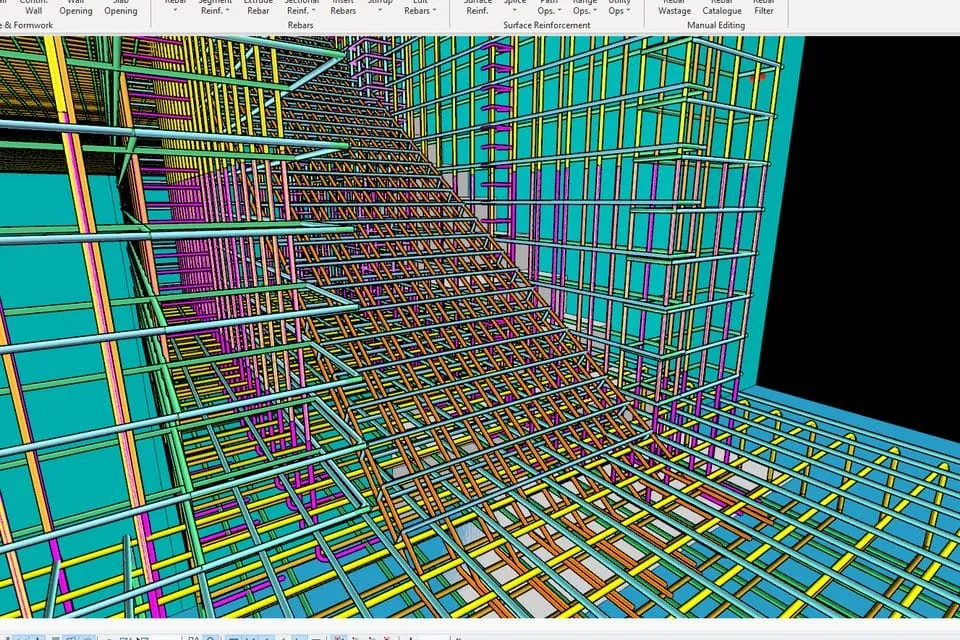
Smart Macros once, then a thousand times
They record a job you do again and again and run it on every member like it: purlin cleats, stiffeners, sag rods. Your own parts too, through the .NET API. Macro-made parts update on their own, with drawings and bar schedules following.
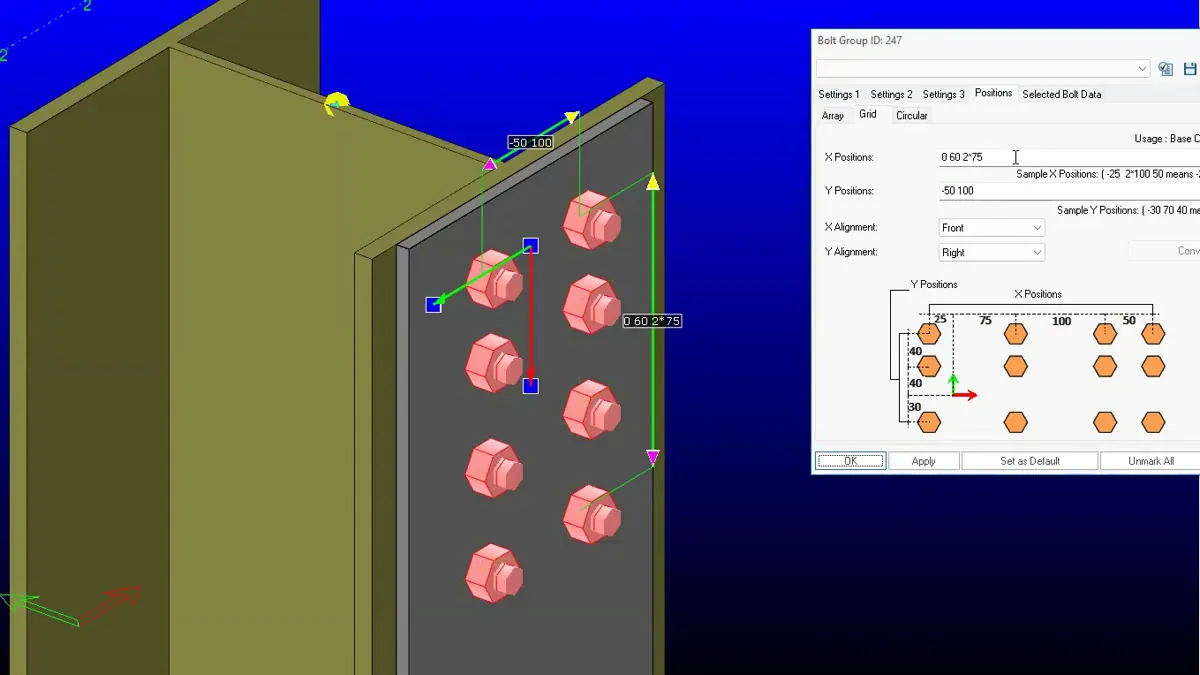
Joint check Joints checked to code
Every joint is checked while you detail it: bolts and welds sized, capacity checked, a report per joint for the engineer. COMCLASH finds member, plate and bolt clashes before the shop does.
Our sketch of what the engine does, then a screen from COMOSYS.
One environment
Four phases in one model
No export, no re-model: the model you design is the model you detail, draw and send to the shop.
-
Model and design
You model the structure once. The finite element engine analyses it in place.
- Finite element analysis Inside the same environment, with no second program.
- Member design To EN 1993 (Eurocode 3), AISC 360 or IS 800, and Turkish codes.
-
Joints
IntelliConnect places the joints, IntelliClone copies one right joint everywhere, COMCLASH finds the clashes and AutoAdjust re-fits members when the geometry moves.
- Still yours Any joint can be changed by hand afterwards: the rule starts it, you finish it.
-
Drawings and bar schedules
GA, shop and assembly drawings come from the model, with marks and dimensions.
- Bar bending schedule (BBS) From the 3D bars, with marks, shapes, lengths, weights and totals, e.g. to IS 2502 / IS 456.
-
Fabrication
DSTV/NC files straight to the cutting line, IFC for Tekla or any BIM platform, DXF for any CAD program.
- Exchange with Tekla Structures Over IFC, with member geometry, sections and assembly data.
Drawings
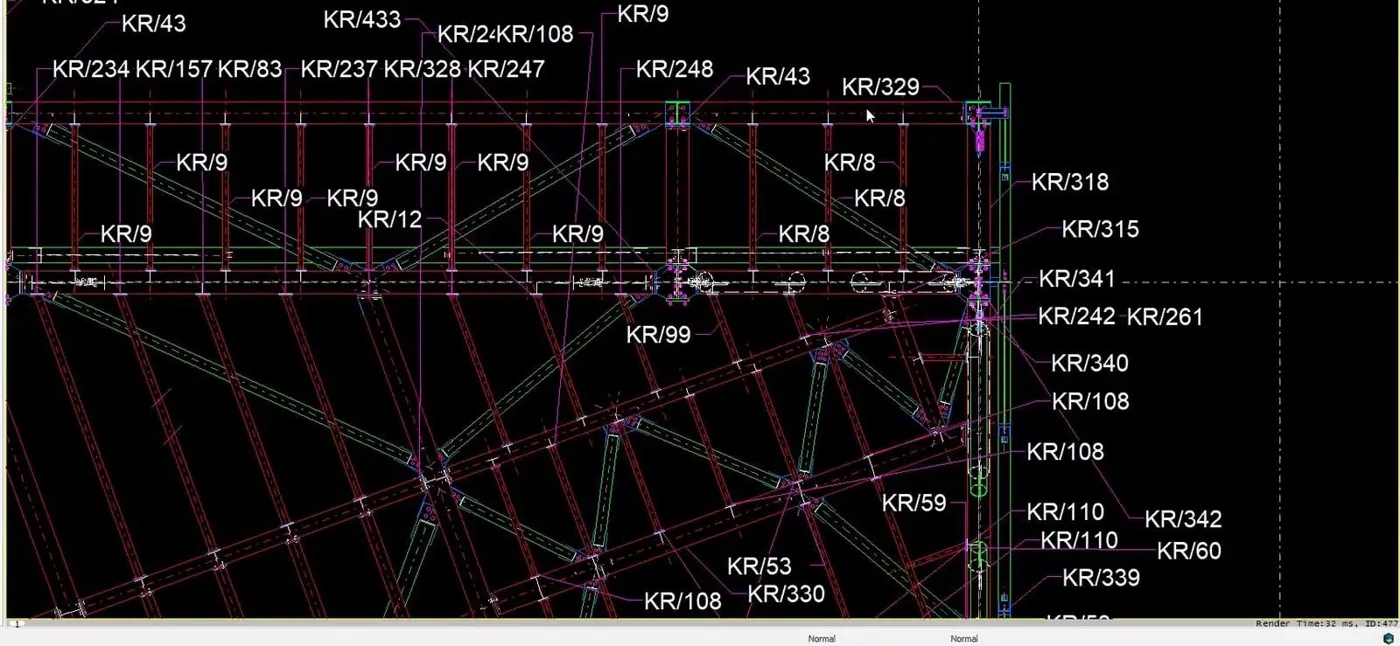
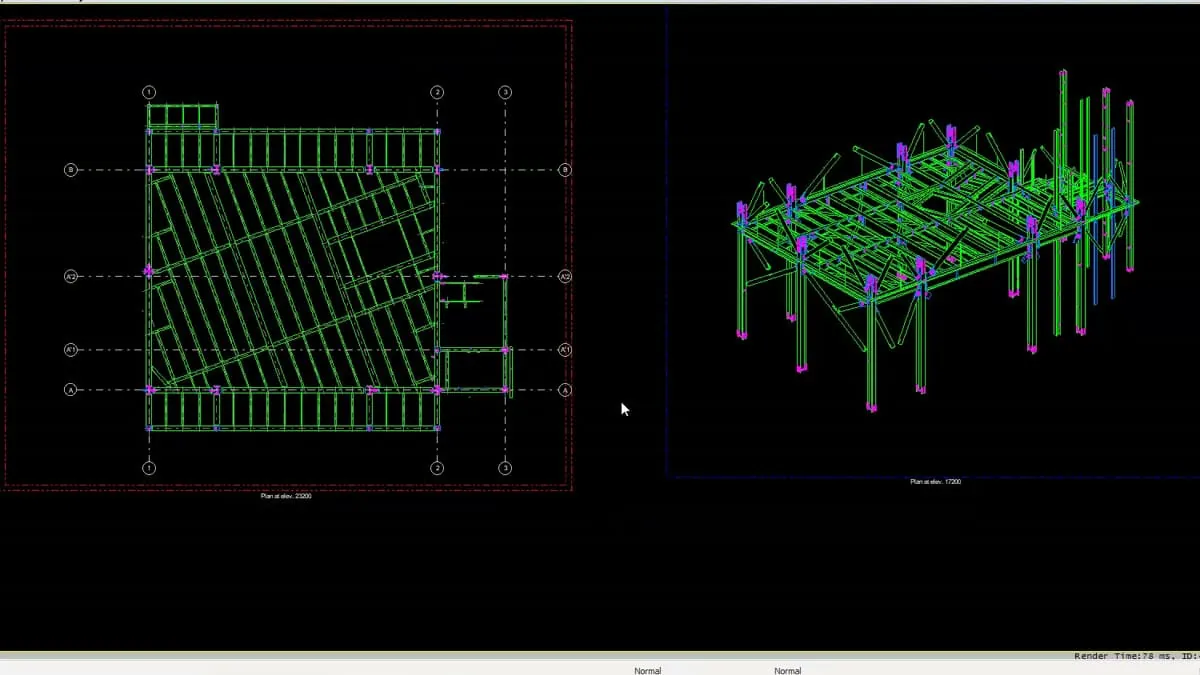
Drawings come out of the model automatically
Shop, assembly and GA drawings: plans, elevations, sections and details, with title block, dimensions and bill of materials. Five of the seven steps are automatic.
| Step | Conventional tools | COMOSYS |
|---|---|---|
| Drawings and views from the model | manual | automatic |
| Marks | manual | automatic |
| Dimensions | manual | automatic |
| Overlapping annotations kept apart | manual | automatic |
| Macro parts redrawn after a change | manual | automatic |
| Sheet size, scale, crop, filters | manual | manual |
| Check and issue | manual | manual |
| Automatic steps | 0 of 7 | 5 of 7 |
Rebar
Rebar and bar schedules from the same model
Rebar of any shape, with the bar schedule taken straight from it, with no round trip through another CAD program.
Every bar detail
Marks, shapes, lengths, weights and totals are done for you.
The same cage across thousands of members
With macros, in slabs, beams, columns and walls.
Steel and rebar together
In one model, for composite jobs. Drawings and schedules update on their own for macro-made rebar; bars you place by hand stay as you drew them.
Fabrication
The shop cuts from your model
No re-drawing for the shop: DSTV, NC and DXF come out of the same model.
-
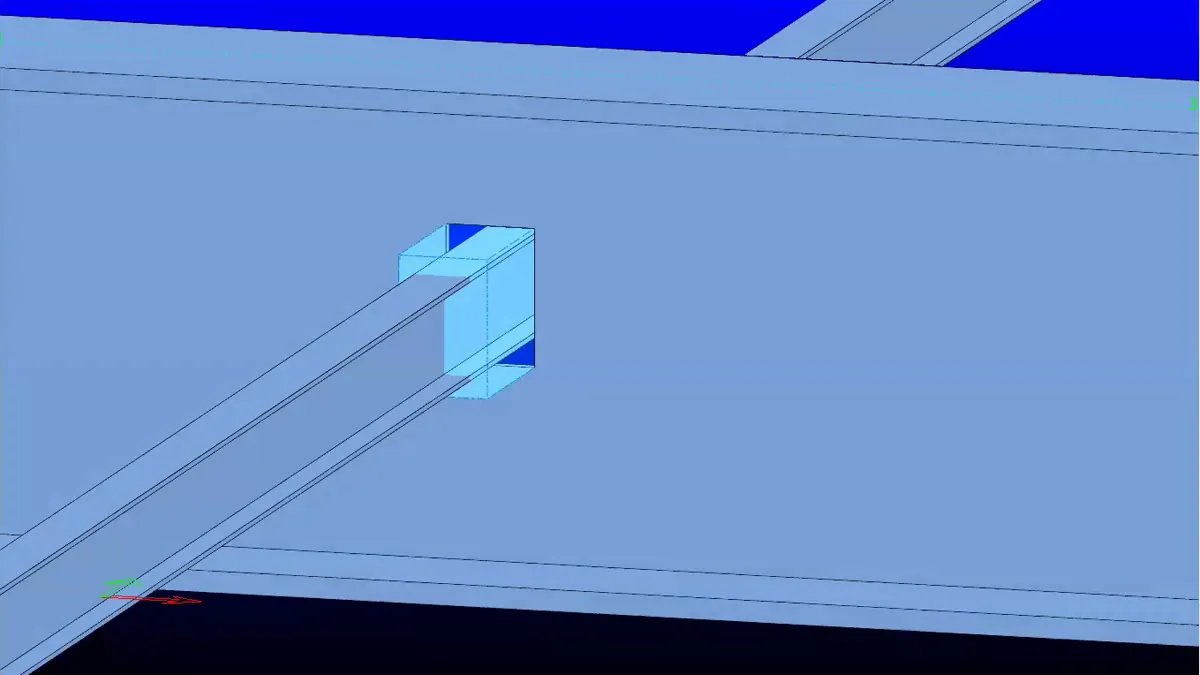
DSTV beam line
Drill, cope and cut straight from the member.
-
NC plates
Plates and their holes, for the plasma and laser table.
-
DXF any CAD program
2D drawings and 3D wireframes for the tools that read DXF.
Integrations
Works with your analysis and BIM stack
Two-way exchange with Tekla Structures and Revit, analysis model import from SAP2000 and ETABS, a direct IDEA StatiCa link for connection design, and IFC / DXF for everything else.
- Tekla Structures (two-way)
- Revit (two-way)
- SAP2000 (import)
- ETABS (import)
- IDEA StatiCa (connections)
- IFC
- DXF / DWG
Design codes
Eurocode, AISC and IS 800
Members are designed to your code.
- EN 1993Europesteel members
- AISC 360USAsteel members
- IS 800:2007Indiasteel members
- TSTürkiyeTurkish standards
Learning
From first login to automatic drawings
The order in which a team coming from Tekla learned it, over seven sessions.
Getting set up
Settings, direct entry, and the rule: never break the analysis model.
Plates and cuts
Plates, cuts, fitting to a face.
Joints and saved presets
One joint by hand, then saved as a one-click preset.
Drawings and views
Model side and drawing side, GA sheets, views and filters.
GA sheets in depth
Sheet sizes, scale, draw modes, cropping, group filters.
Marks and dimensions
Marks, custom fields, units and precision.
Automatic drawings
Tables, layouts, assembly and single-part drawings.
Frequently asked questions
What is COMOSYS?
A 3D platform for structural analysis, design and detailing that brings modelling, analysis, detailing and drawings into one environment. Structural engineers and steel fabricators use it worldwide.
What does COMOSYS stand for?
COMprehensive mOdeling SYStem: a complete environment for modelling the structure, from concept to fabrication.
What is it used for?
Steel, rebar and precast concrete detailing, structural analysis and design, automatic drawings and CNC/NC files for steel fabrication.
Does it produce shop drawings?
Yes. Shop, assembly, GA and erection drawings come automatically from the 3D model and stay in sync with it.
Does it work with Tekla models?
Yes, through IFC (Open BIM) both ways and through DWG/DXF, keeping member geometry, sections and assembly data.
Does it model complex connections?
Yes. It has a large connection library and automatic connection design: framing and moment connections, base plates and complex multi-member nodes.
What licences are there?
Subscription or perpetual. The price depends on the number and type of licences, so we quote for each team.
Is there a free trial?
Yes. Ask us for a trial licence or a demonstration.
See it on your own project
We give you a demonstration and a quote for your team, as a subscription or a perpetual licence.