

CabMaker32
by CabMaker32 (GKWare), SketchUp plug-ins
Cabinet design and export of parts for cutting in SketchUp
CabMaker: System 32 cabinets designed inside SketchUp
A SketchUp extension for kitchen and bathroom cabinets, from layout and 3D views to the parts list for CutMaster. Choose a topic.
Cabinets in 32 mm steps, frameless or face frame
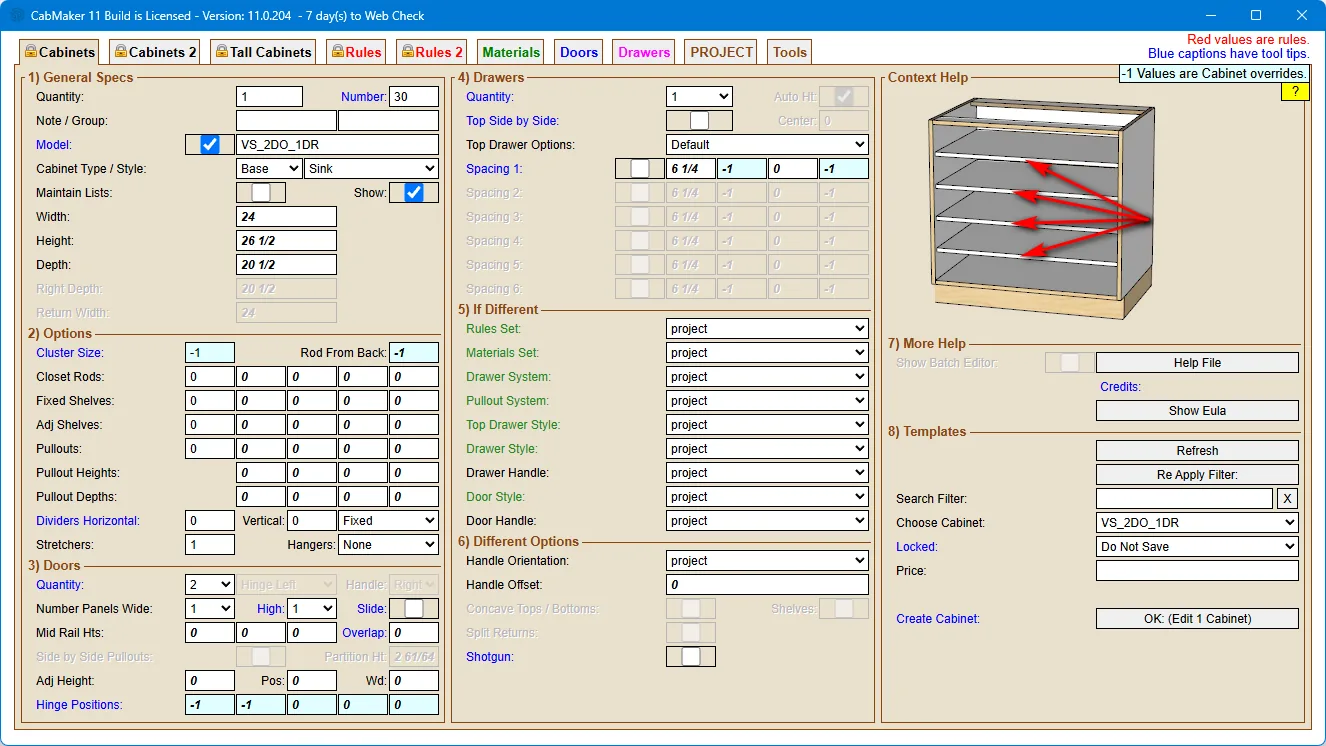
You choose a cabinet type and style and set up doors, drawers and shelves from one form inside SketchUp.
- Follows System 32: heights go up in 32 mm steps, while width and depth are free
- Hinges, drawer runners and shelf supports all use the same 32 mm holes
- Frameless or face frame construction
- Ready-made cabinets from named libraries, where you only enter width and quantity
- Work in inches or millimetres, with free cabinet templates for both systems
Works with: SketchUp


Rules and materials that update the whole job together
Materials, construction rules and door style are set per job, and the lists recalculate on their own after every change.
- Change a material, rule or door style and every list in the job is updated
- Clone jobs, rules and materials to get the next job started quickly
- Rules for shelves, backs, drawers, doors and kicks, with per-cabinet overrides where needed
- Use your own textures or a plain colour for materials such as paint


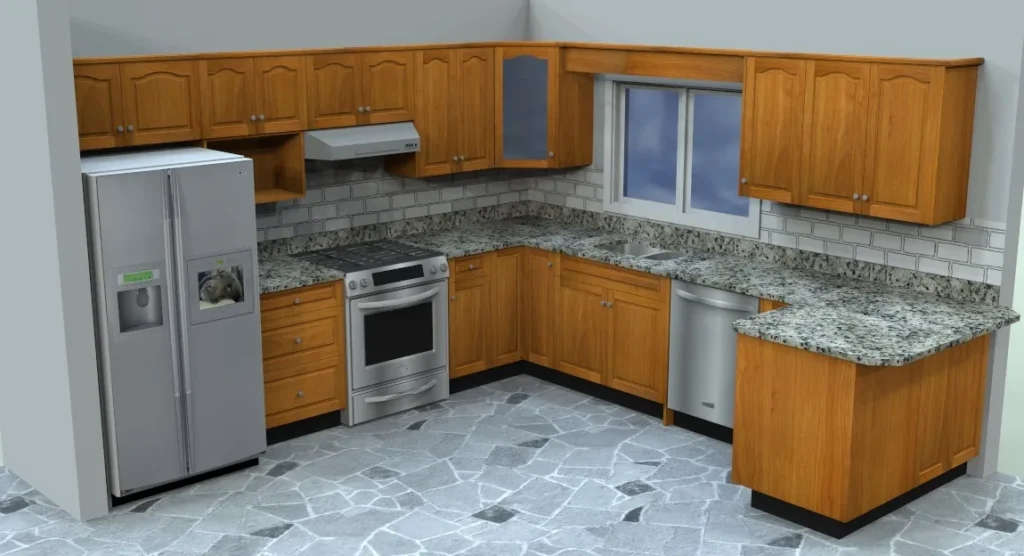
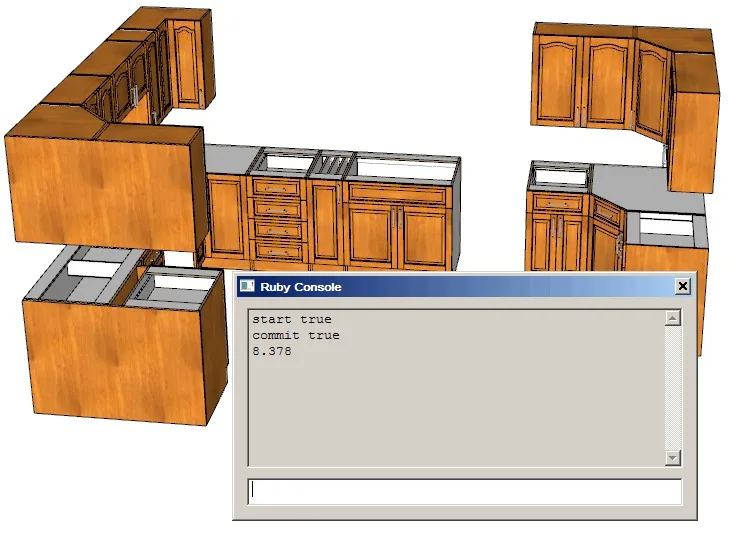
A 3D view of the kitchen inside SketchUp
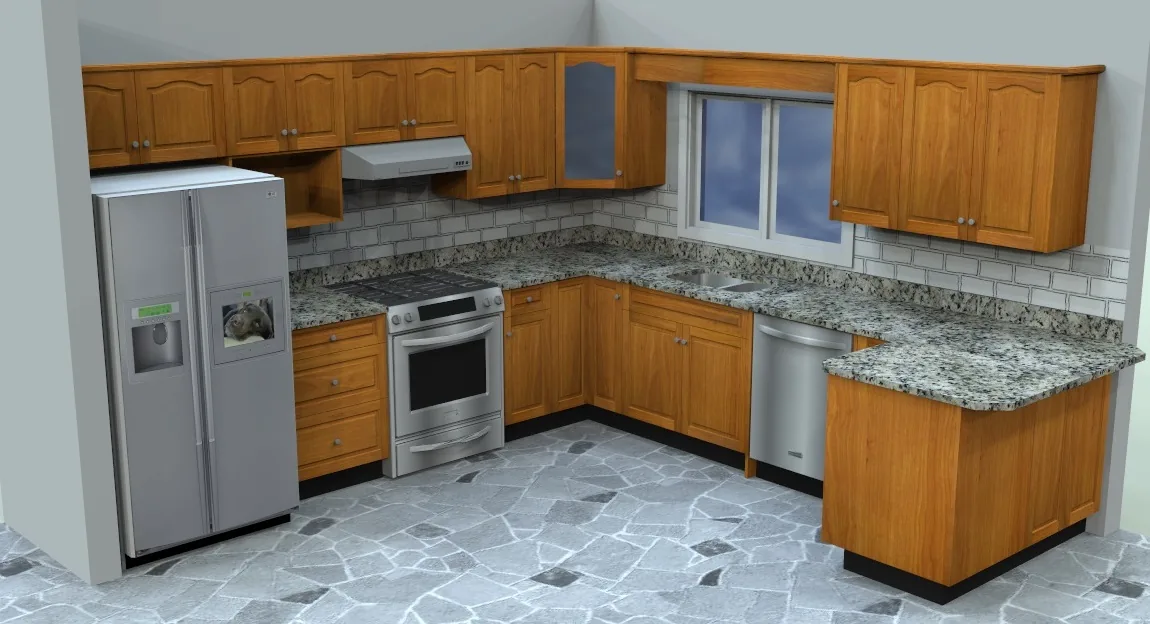
Cabinets become complete 3D models with wood and worktop textures, ready for presentation and drawings.
- SketchUp displays the cabinets almost instantly, with wood and worktop textures
- Drawing accuracy down to a thousandth of a millimetre, with some of the joinery already modelled
- Every part is placed on organised layers
- Perspective, plan and elevation scenes, plus scene images at double resolution
- Dimensions in inches and millimetres together, with one button


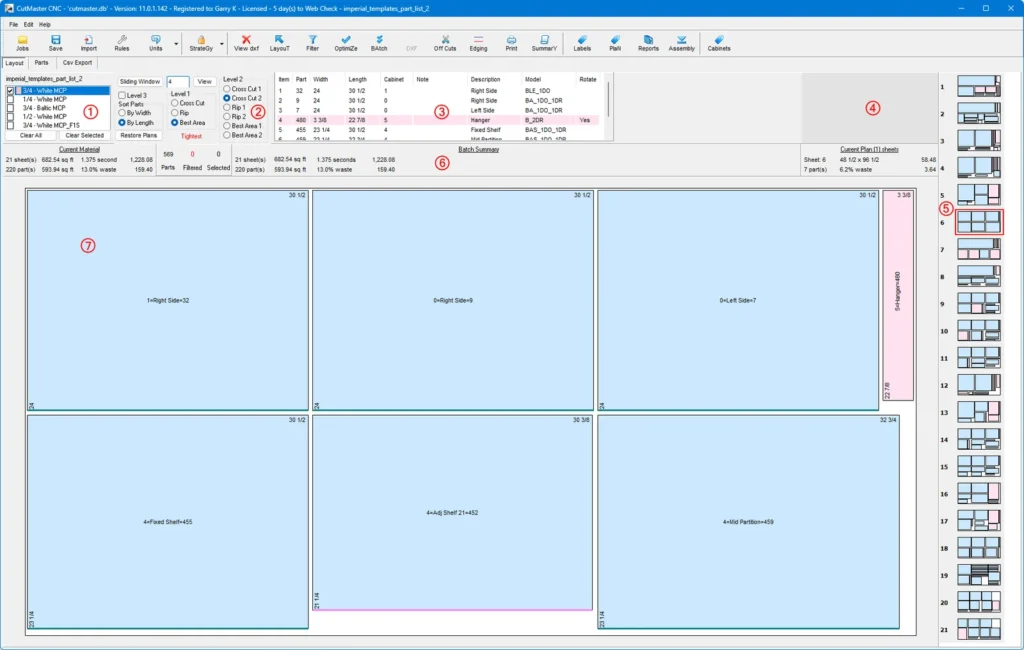
Parts lists that feed CutMaster
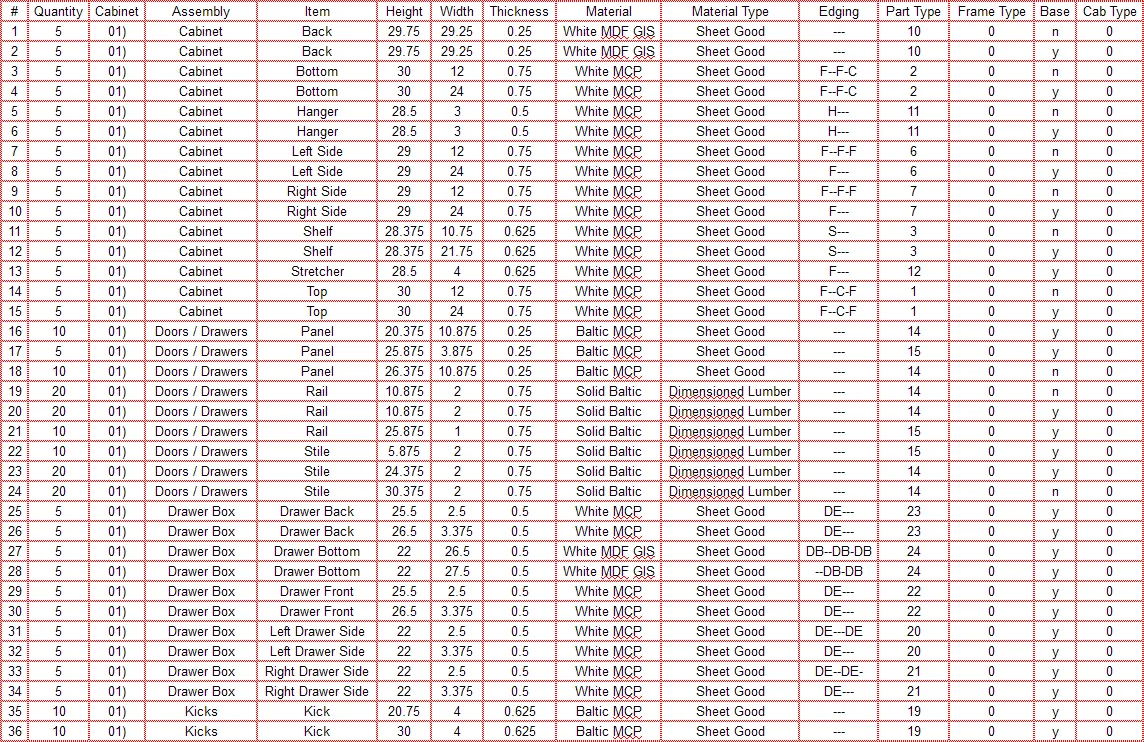
The same design produces reports for cabinets, parts and materials, which update with every change.
- Total parts list, a combined list of identical parts and summaries that recalculate automatically
- Reports for cabinets, hardware, doors and drawer boxes, useful for ordering
- The parts list is the input CutMaster uses for the cutting plan
- You can add your own parts to the lists
- Reports are saved next to the SketchUp file and take its name
Works with: CutMaster CSV


From CabMaker to CutMaster
Official GKWare video showing the assembly report and the cabinet scenes of CabMaker.

See it in action
The video or demo loads only when you press play.
What it does, stage by stage
CabMaker (GKWare) is a SketchUp extension for designing kitchen and bathroom cabinets, in frameless or face frame construction. It follows System 32: heights go up in 32 mm steps and all hardware uses the 32 mm holes, while width and depth are free.
You choose a cabinet type and style or ready-made cabinets from libraries, set up doors, drawers and shelves, and see a textured 3D view in SketchUp straight away. Parts lists and summaries recalculate with every change, and the parts list goes to the companion program CutMaster for the cutting plan. You can work in inches or millimetres.
Features and files
Features
- Type
- SketchUp extension
- Use
- Kitchen and bathroom cabinets
- System
- System 32, frameless or face frame
- Units
- Inches or millimetres
- Works with
- CutMaster
- Operating system
- Windows, macOS
- SketchUp versions
- 2016 to 2026
Opens and saves
- .skp
System requirements
Operating system Windows
- SketchUp 2016 to 2026
- Windows or macOS
- A user account on cabmaker32.com to activate the licence
- An internet connection for the licence check; after a check it works for at least one week offline
Works well with, and alternatives
Works well with


CabMaker32 next to alternatives
Open the full comparisonQuestions, licence and delivery
Is the licence a subscription?
No. The licence is perpetual, tied to one computer and one user name, and includes free updates within the same major version.
Does it work on a Mac?
Yes, CabMaker works on Windows and macOS. The companion CutMaster runs on Windows only.
Do I also need CutMaster?
Not for designing the cabinets. CutMaster takes the parts list from CabMaker and prepares cutting plans, labels and files for CNC.
Are there ready-made cabinet templates?
Yes, the maker provides free cabinet templates in metric and imperial units.
How do I receive the licence?
After payment we order the licence from the manufacturer and email you its details.
Do the prices include VAT?
Prices exclude VAT. With a valid VAT number from another EU country, VAT is not charged; in Belgium it is charged at 21%. For private customers, VAT is calculated at checkout.