
Compare programs
Up to four side by side. The rows that differ are highlighted. The link keeps your selection.
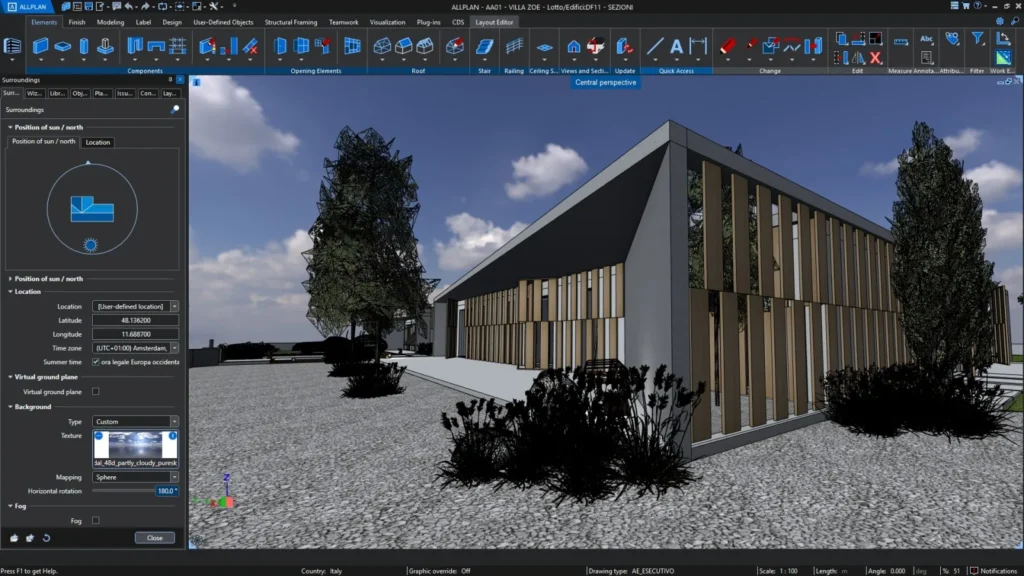

Category
Design & BIM
AI & extensions
Vendor
Allplan
SUAPP
Role
BIM, 2D drawing, 3D modelling
AI
Project stages
Concept, Design development, Construction drawings, Presentation
Concept
Level
Advanced
Beginner
Operating system
Windows
Windows, macOS
File formats
ifc, dwg, rvt, skp, obj
—
BIM
yes
—
Modelling
2D, 2.5D and 3D, with the Parasolid kernel
—
Building elements
Concept, Professional and Ultimate
—
Terrain model
from survey points or point clouds (Concept, Professional and Ultimate)
—
Quantity take-offs and costing
Concept, Professional and Ultimate
—
Image rendering
real-time and a link to Lumion and Twinmotion; Redshift and AI rendering from Professional
—
Reinforcement and steel connections
Professional and Ultimate
—
Road design
Professional and Ultimate
—
Site layout
Professional and Ultimate
—
Precast and element drawings
Ultimate only
—
Excavations and retaining structures
Ultimate only
—
Bridges, tunnels and prestressing
Ultimate only
—
Bridge structural analysis
Civil
—
Cloud collaboration
Bimplus, with IFC and BCF
—
File exchange
IFC, BCF, DWG, RVT, SKP, 3DM, OBJ, PDF, LandXML
—
Greek interface
yes (English and one local language; all languages only in Ultimate)
—
Function
—
text to concept image
Library of options
—
more than 1,000, in 14 categories
Aspect ratios
—
1:1, 2:3, 3:4, 9:16, 16:9, 4:3, 3:2
Generation modes
—
Lingxi, Extreme, ExtremeV2
Enhancement
—
HD and lossless upscaling
Follow-on
—
send to SUAPP AIR (rendering) or SUAPP AIA (video)
Packages
—
from Pro upwards