
ALLTO APP-Wall Reinforcement
by ALLTO, Allplan plug-ins
Automated wall reinforcement in Allplan, from simple to sloped walls with several openings
Wall reinforcement in Allplan, also with openings or slopes
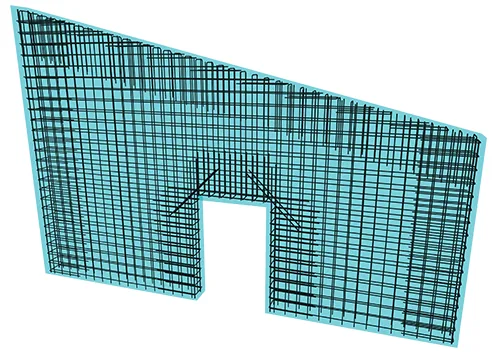
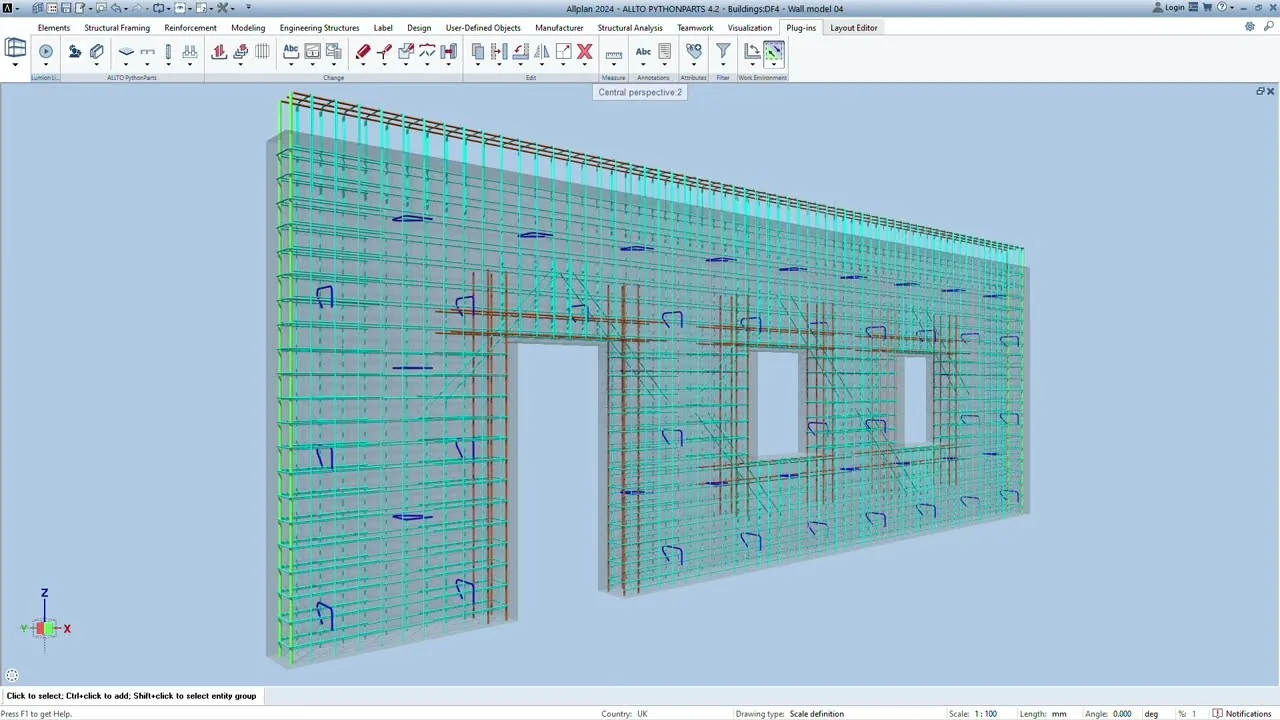
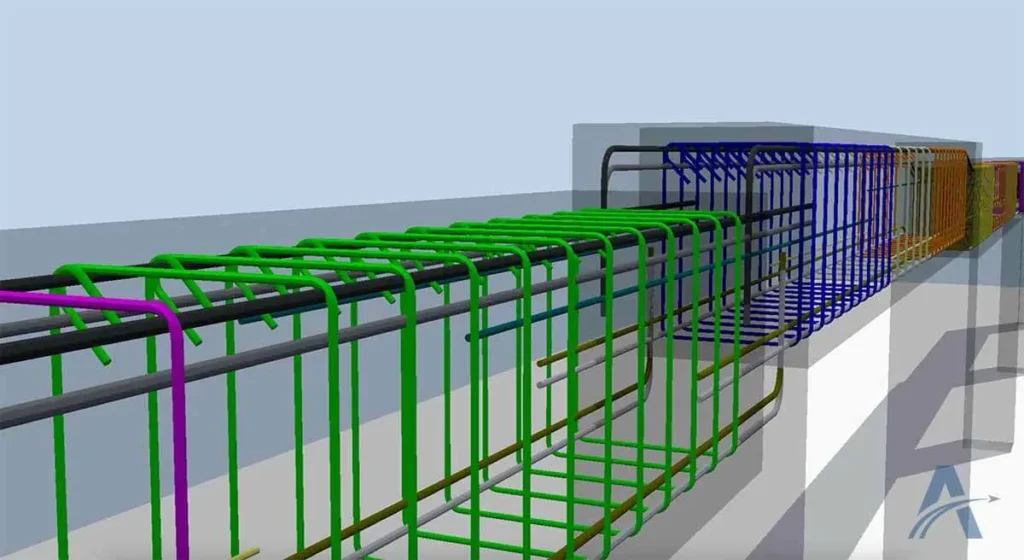
The tool recognises the shape of the wall and distributes the main bars and the opening reinforcement, from simple walls to sloped ones.
Bars that follow the shape of the wall
You pick walls in the model and the tool distributes the main bars over their outline.
- The wall shape is recognised from the Allplan model
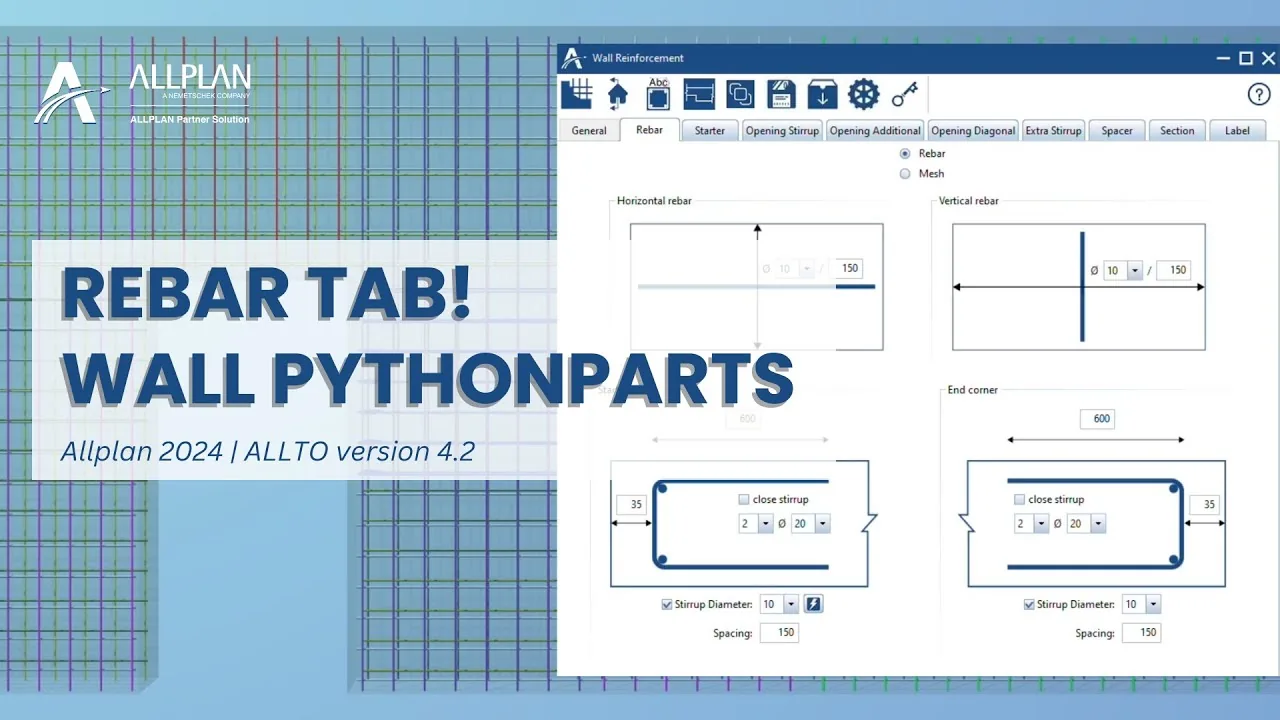
- General settings and bars are set on separate tabs (General, Rebar)
- In the settings you choose steel grade, mesh type and diameters
- In an official video ALLTO shows the tool on a residential development


Additional bars and lintels at openings
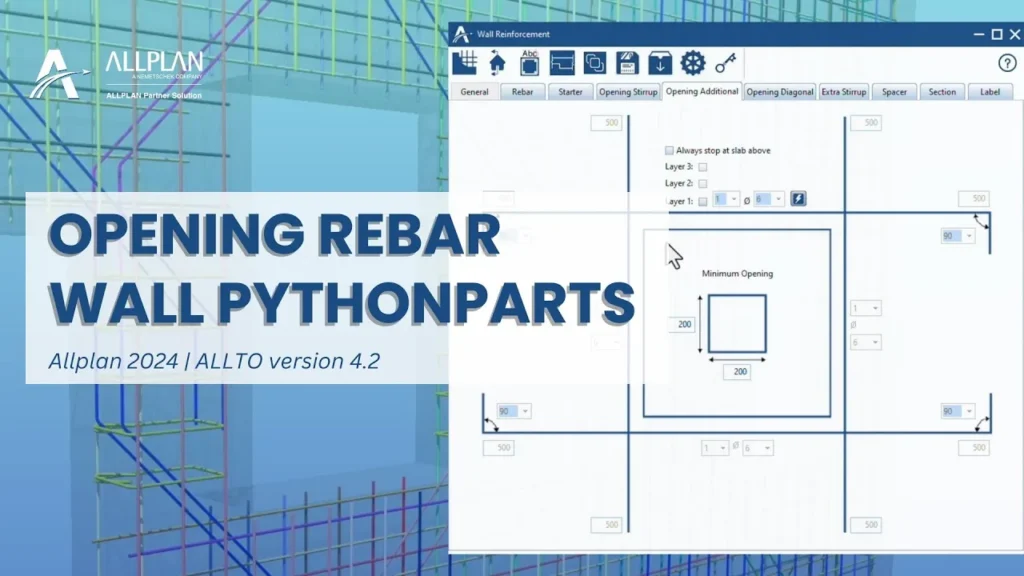
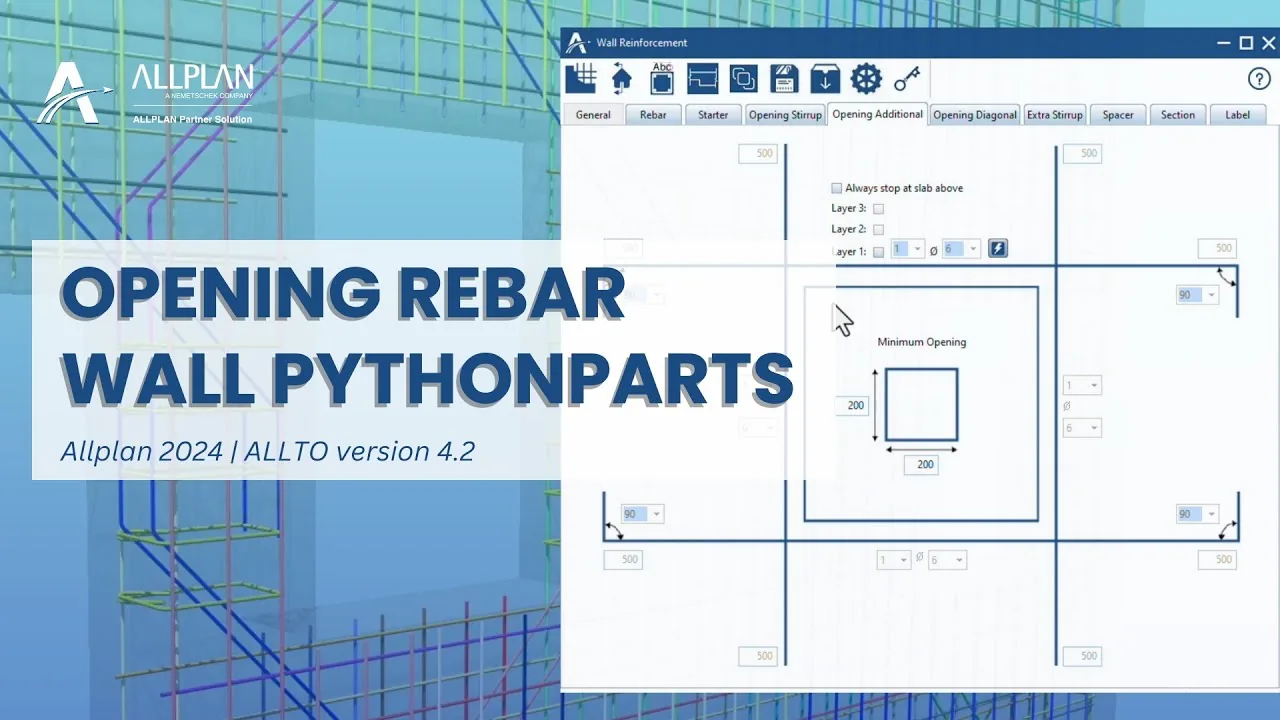
Around doors and windows the tool adds trimming bars, also when a wall has many openings.
- Opening bars are distributed together with the main bars
- Lintel bars are available for openings
- Walls with many openings are supported


Starter bars, stirrups, niches and spacers
The smaller parts of the reinforcement are set in the same window, without separate drawing work.
- Starter bars on their own tab
- Closed and extra stirrups
- Bars around niches in the wall
- Spacers for the meshes


Sloped walls and 3D elements
Reinforcement is not limited to rectangular walls.
- Sloped walls are reinforced by the same tool
- Bars can also be placed in Allplan 3D objects, not only in walls
- The bars follow the outline of the element


Sections, labels and favourite settings
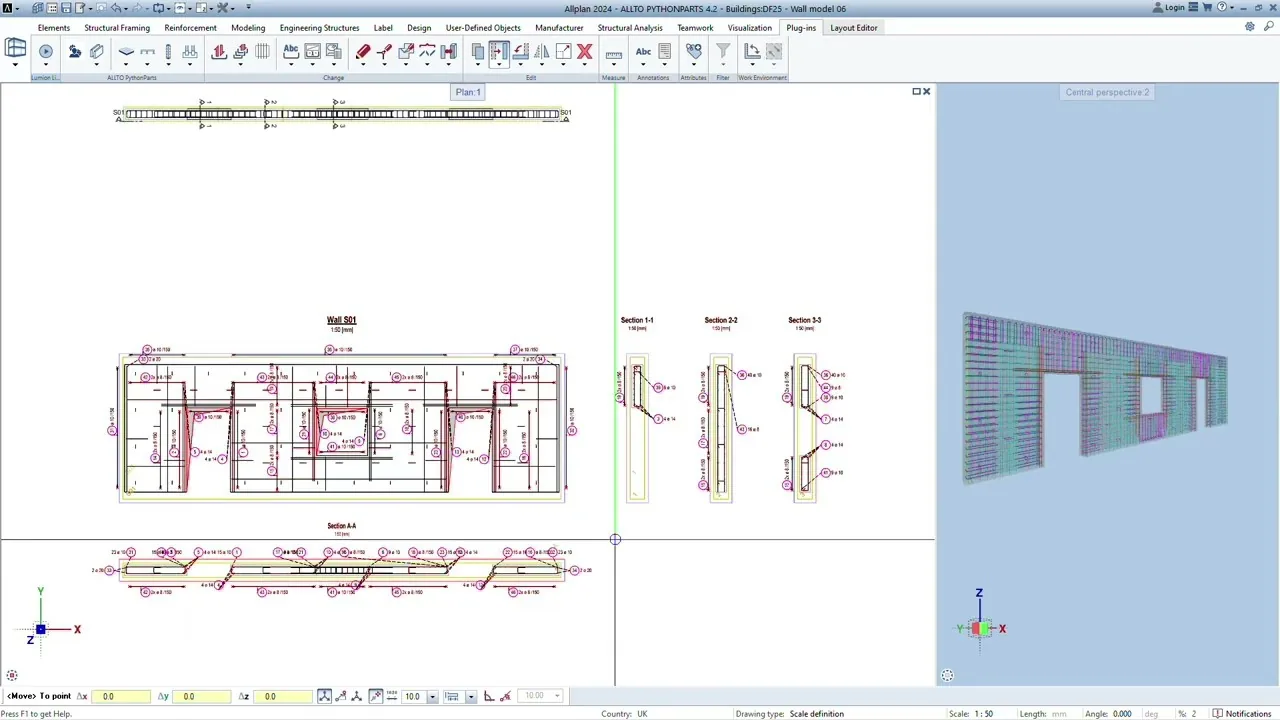
The bars produce labelled sections, and bars and section can sit on different drawings.
- Wall sections with bar labels
- Bars and section can be placed on separate drawings
- Settings are saved as favourites and loaded for the next wall
- Existing bars are updated and modified without redrawing from scratch
Works with: Allplan


Wall reinforcement in two and a half minutes
Official ALLTO video showing the tool in use.

ALLTO lessons, one per topic
From the Wall Reinforcement lesson series in Allplan.
-
Getting started
-
Rebar tab
-
Starter bars
-
Opening bars
-
Niches
-
Sloped wall
-
Sections
-
Labels
-
Bars and section in separate drawings
-
Bars for 3D elements


See it in action
The video or demo loads only when you press play.
What it does, stage by stage
Wall Reinforcement is an ALLTO PythonParts tool that creates, updates and modifies wall reinforcement inside Allplan. It recognises the shape of the wall panel and distributes the main reinforcement as well as the additional reinforcement around openings, even on sloped walls.
It handles starter bars, extra stirrups, niches, spacers, lintels and walls with several openings. It produces sections and rebar labels, can reinforce 3D elements too, and places reinforcement and section in separate drawings. Settings can be saved as favourites for later use.
It is aimed at structural engineers and rebar detailers. It is sold on its own or within the Building Reinforcement package, as a 1-year or 3-year subscription.
Features
Features
- Type
- PythonParts for Allplan
- Element
- walls, sloped ones too
- Openings
- additional reinforcement and lintels, also for several openings
- Other
- starter bars, stirrups, niches, spacers
- Drawings
- sections and labels, also in a separate drawing
- Subscription
- 1 or 3 years, on its own or in the Building Reinforcement package
System requirements
- An active Allplan licence (the developer states version 2018 or later)
- Each licence key is activated on one computer; the same key works across several Allplan versions
Works well with, and alternatives
Works well with

ALLTO APP-Wall Reinforcement next to alternatives
Open the full comparisonQuestions, licence and delivery
What licence do I get?
The tool is sold as a 1-year or 3-year subscription, also for teams of 5 users or more. Each key is activated on one computer. The price is given on request.
What if the bars run through an opening?
According to ALLTO's FAQ, this happens when the model contains duplicate openings. Once the duplicates are deleted, the reinforcement is created correctly.
How do I receive the licence?
After payment we order the licence from the manufacturer and email you its details.
Do the prices include VAT?
Prices exclude VAT. With a valid VAT number from another EU country, VAT is not charged; in Belgium it is charged at 21%. For private customers, VAT is calculated at checkout.