
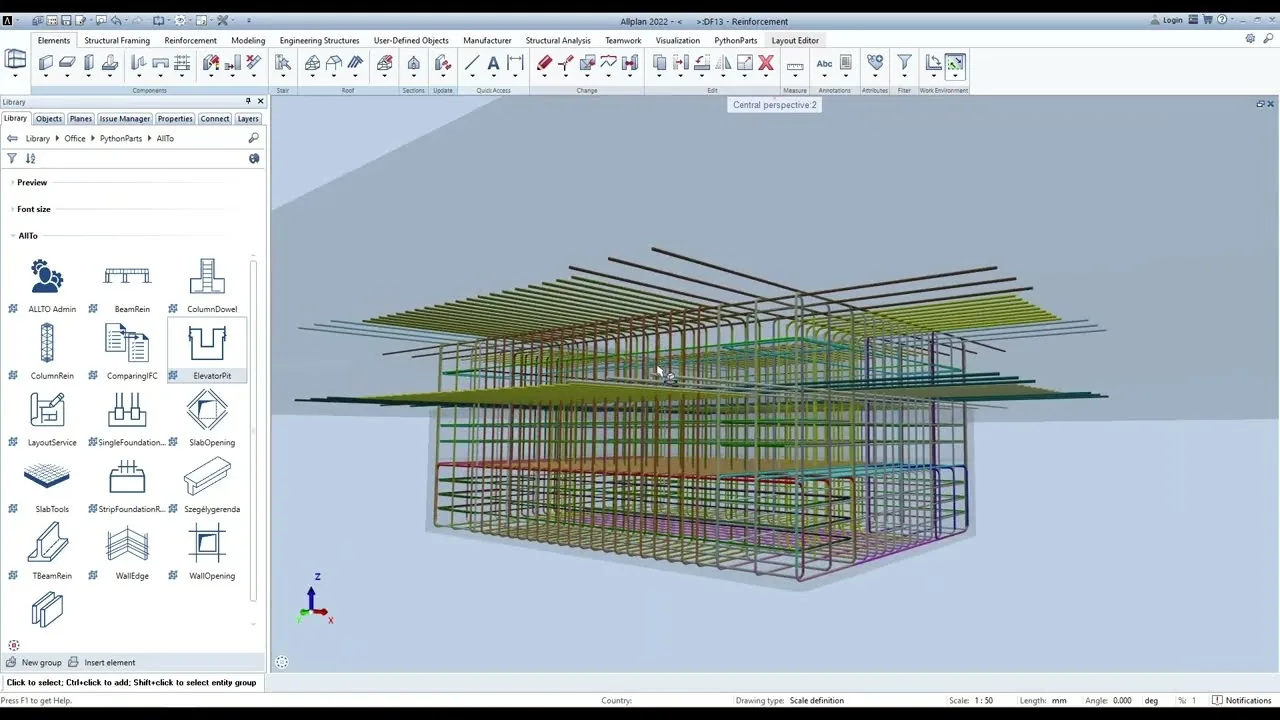
ALLTO APP-Elevator Pit Reinforcement
by ALLTO, Allplan plug-ins
New ALLTO tool for automated elevator pit reinforcement inside Allplan
An elevator pit in Allplan, from dimensions to sections
The tool has one tab for each part of the pit. You fill them in order and the reinforcement is placed on the model.
Plan, section and angle of the pit on one tab
On the Dimension tab you set the shape of the pit in plan and in section, before any reinforcement.
- Enter the size of the opening and the thickness of the walls around it
- In section you fill in the vertical sizes of the pit
- An angle value rotates the pit relative to the drawing axes
- Choose whether the result is plain reinforcement or a PythonPart with its own position name


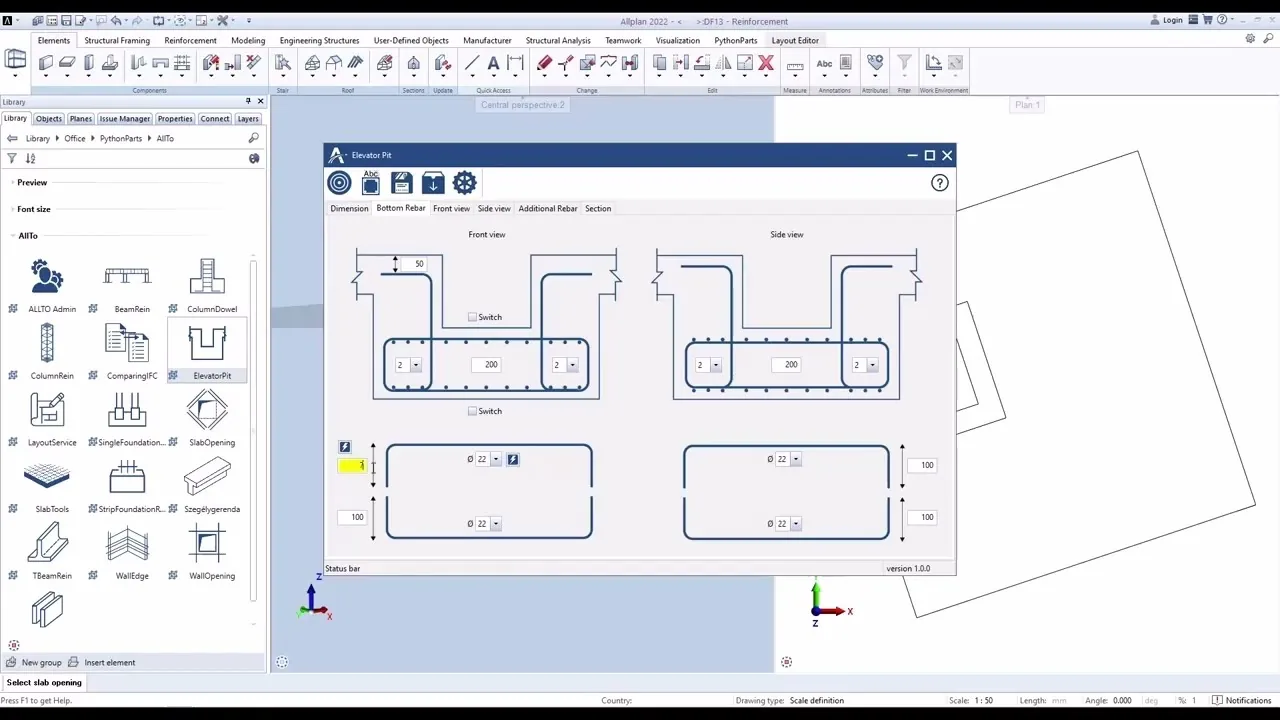
The bottom reinforcement, seen from two sides
The Bottom Rebar tab shows the base in front and side view, so you can set the bars in each direction.
- The top and bottom layers each have their own diameter
- For each direction you enter the number of bars and the spacing on the sketch in the tab
- The distance of each layer is set separately


The pit walls in front and side view
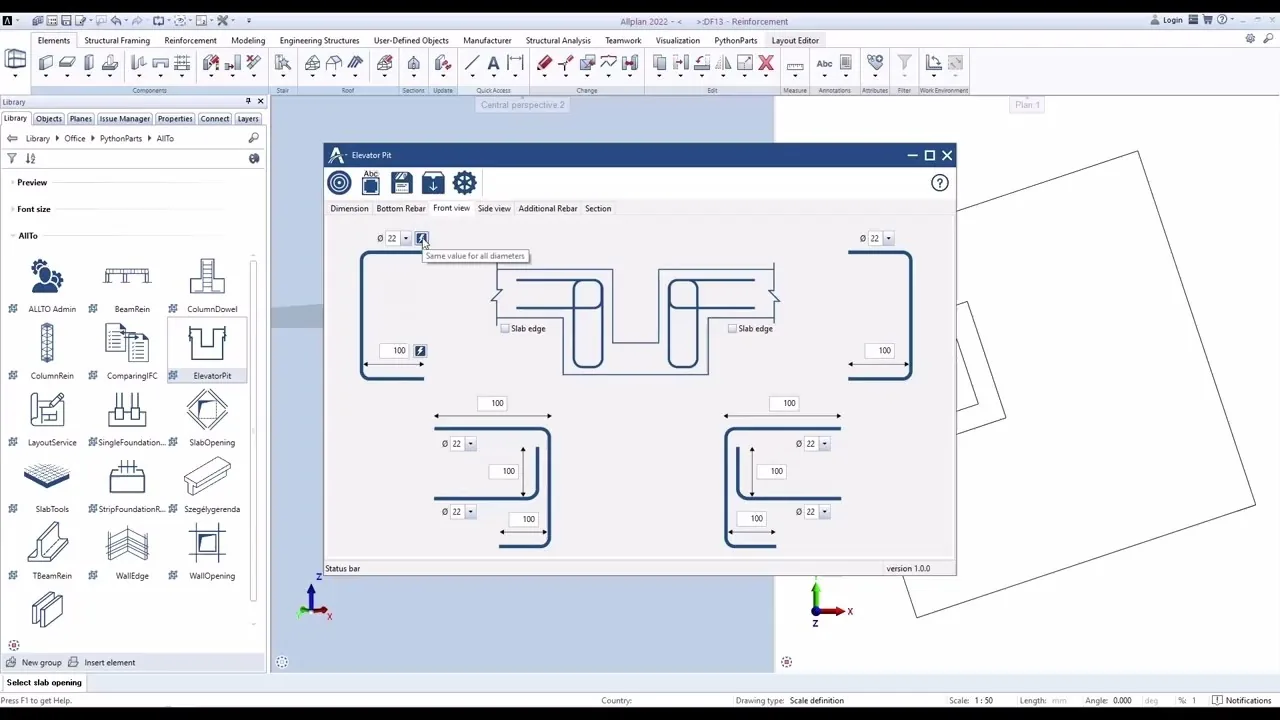
The Front view and Side view tabs define the reinforcement of the walls, each one for its own side.
- Every bar in the sketch has its own diameter field and leg lengths
- One button applies the same value to all diameters at once
- The L-shaped bars at the corners have their own diameters and lengths
- A Slab edge option is available for each side of the pit


Extra bars around the pit and at its corners
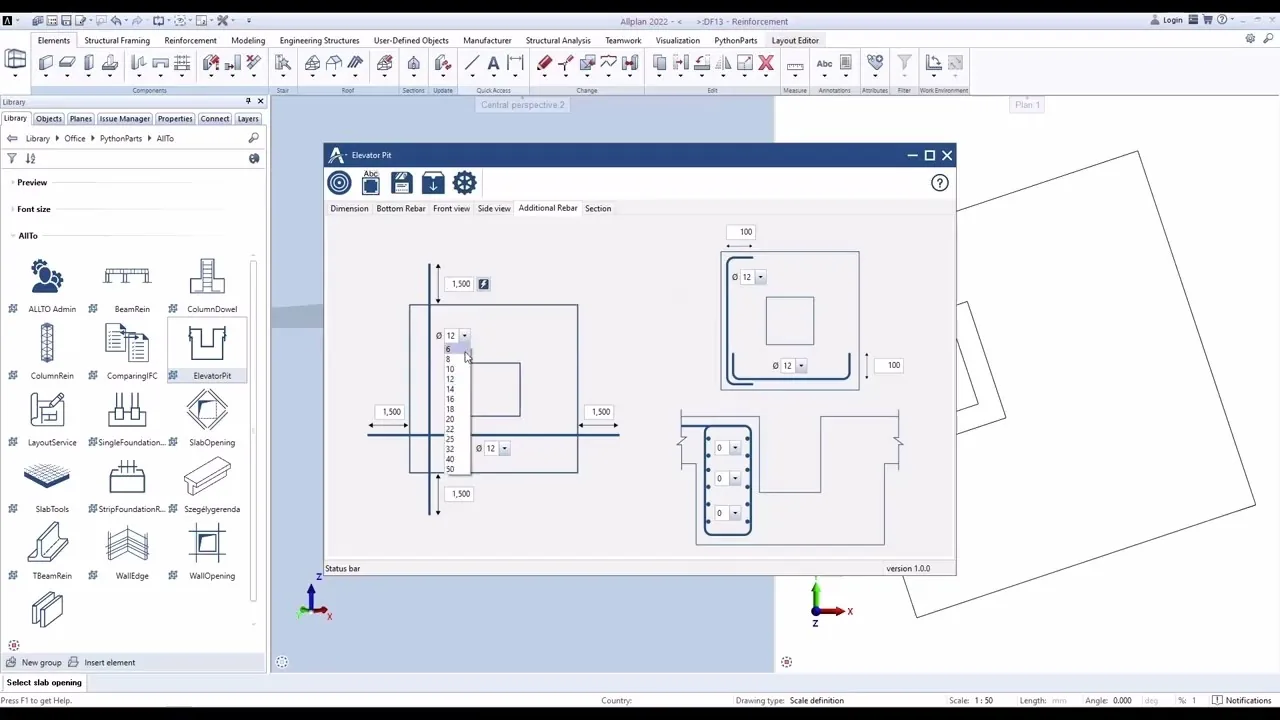
On the Additional Rebar tab you add bars beyond the main reinforcement of the base and walls.
- Straight bars around the pit in plan, each with its own length and diameter
- The diameter is picked from a list of the usual sizes
- Corner bars with their own shape, diameter and length
- In section you set how many extra bars go in each position


The reinforcement in the model and the pit sections
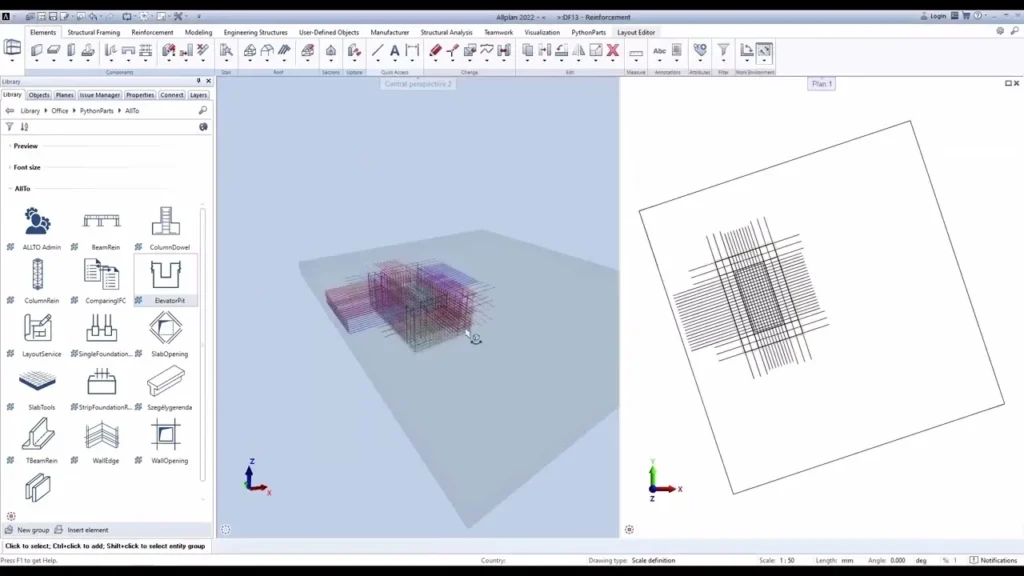
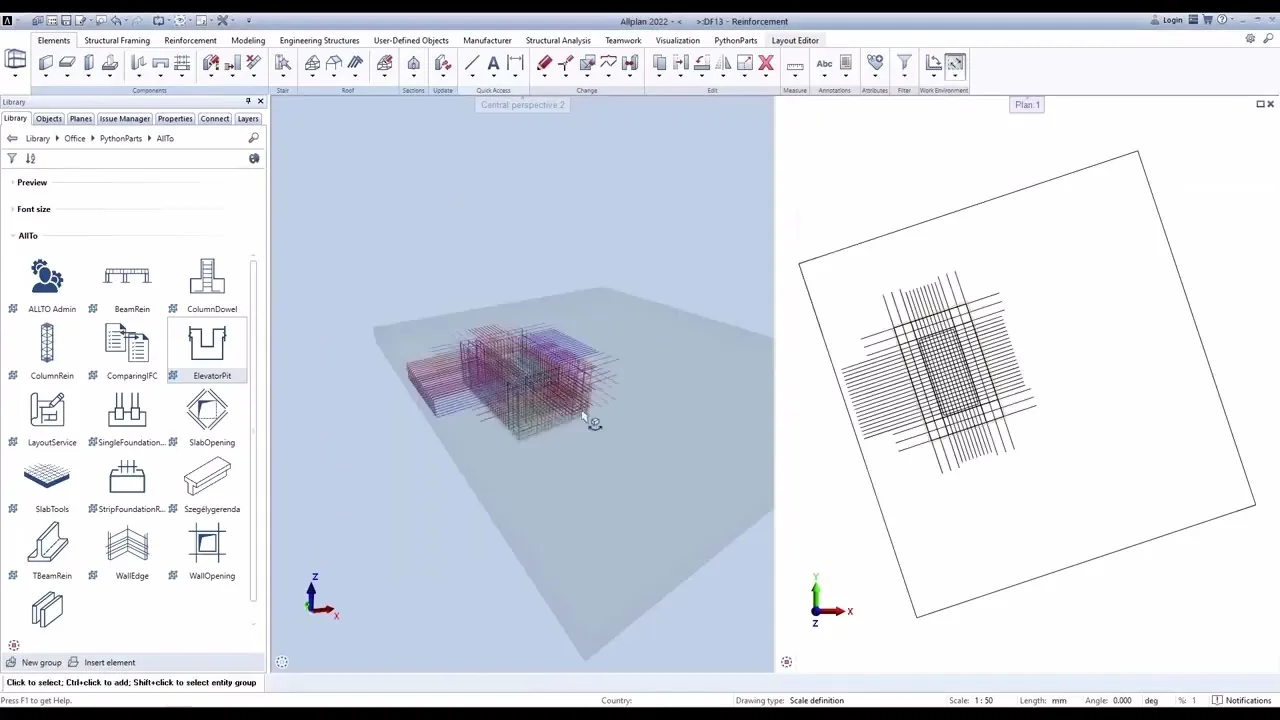
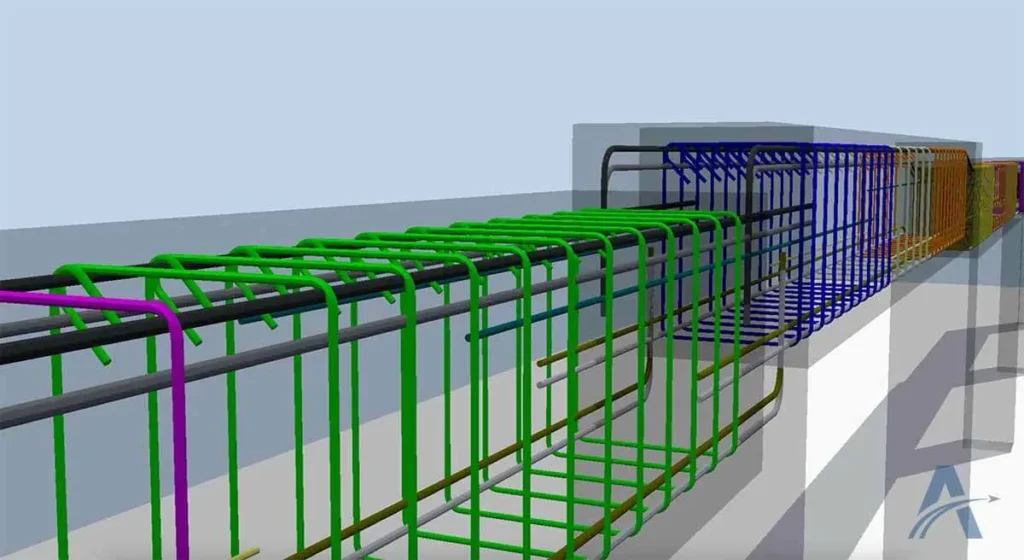
Once the tabs are filled in, the reinforcement appears in the 3D model and in plan, and you can modify it.
- The pit is created as a parametric object inside Allplan
- The reinforcement is shown in a 3D view and in plan side by side
- After it is created you can change the values and modify it
- The Section tab takes an element name, a title for each section and their position on the drawing
Works with: Allplan


Seven short lessons from ALLTO
One video per tab of the tool, in the order you fill them in.
-
01. Getting started
-
02. Dimensions
-
03. Bottom reinforcement
-
04. Front and side view
-
05. Additional reinforcement
-
06. Generate and modify
-
07. Sections


See it in action
The video or demo loads only when you press play.
What it does, stage by stage
Elevator Pit Reinforcement is ALLTO's newest PythonParts tool for Allplan and deals with elevator pits. It models main bars, stirrups and side bars and creates sections.
You define the pit dimensions, the bottom reinforcement, the front and side views and the additional reinforcement. The tool then generates the reinforcement, which you can modify, and produces sections. In ALLTO's menu it appears as «APP-Elevation Pit Reinforcement».
It is included in the Building Reinforcement package.
Features
Features
- Type
- PythonParts for Allplan
- Element
- elevator pits
- Reinforcement
- bottom, views, additional reinforcement
- Drawings
- sections
- Package
- included in Building Reinforcement
System requirements
- An active Allplan licence (the developer states version 2018 or later)
- Each licence key is activated on one computer; the same key works across several Allplan versions
Works well with, and alternatives
Works well with

ALLTO APP-Elevator Pit Reinforcement next to alternatives
Open the full comparisonQuestions, licence and delivery
Is there a trial version?
Yes. ALLTO emails a trial version after you sign up on its website. Allplan must already be installed.
How do I receive the licence?
After payment we order the licence from the manufacturer and email you its details.
Do the prices include VAT?
Prices exclude VAT. With a valid VAT number from another EU country, VAT is not charged; in Belgium it is charged at 21%. For private customers, VAT is calculated at checkout.