
SUAPP AIA
by SUAPP, AI & extensions
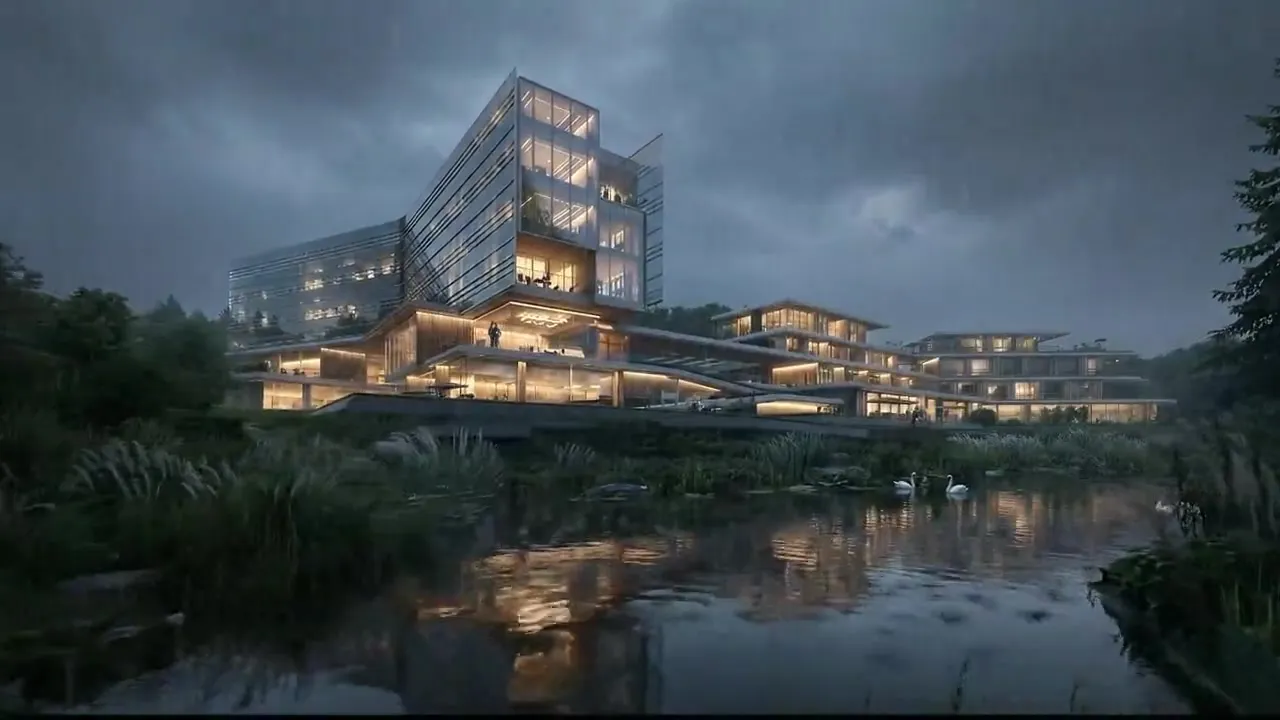
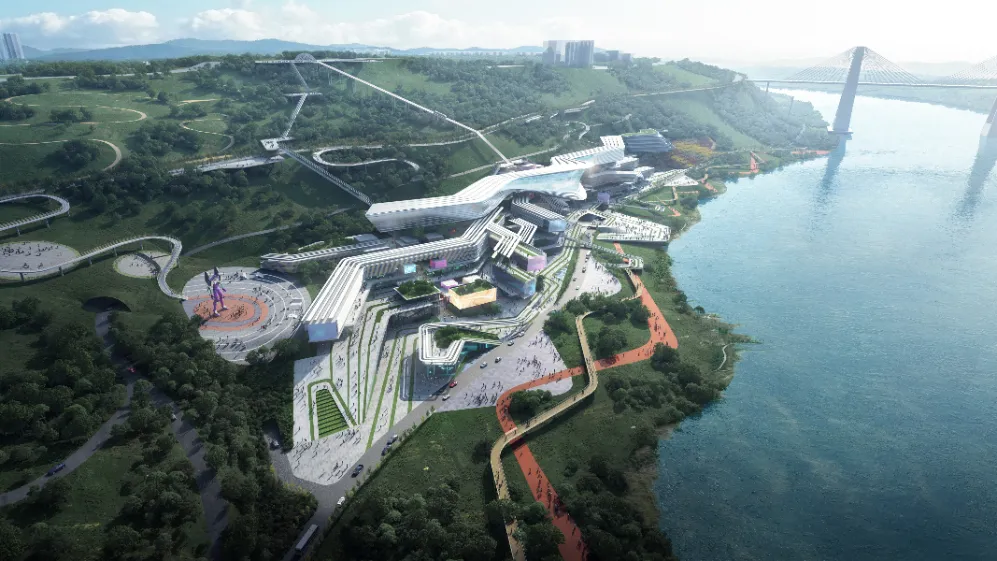
From one design image to video: camera movement, light and weather for architecture, interior and landscape presentations, with the SUAPP AI tool (price on request)
From one image to a video
AIA animates a design image in about three minutes and shows how the space, the light and the weather change.
A rendering or photograph becomes motion
You upload the image, choose the settings and get a video for presentation, without animation software.
- You work with renderings, site photographs or sketches
- The motion mode adapts to the content of the image
- You can also guide the motion with a written prompt
- From a sketch: first an image with SUAPP AIR, then a video


A new style for existing footage in one click
Your material gets a different atmosphere, while the composition of the shot stays the same.
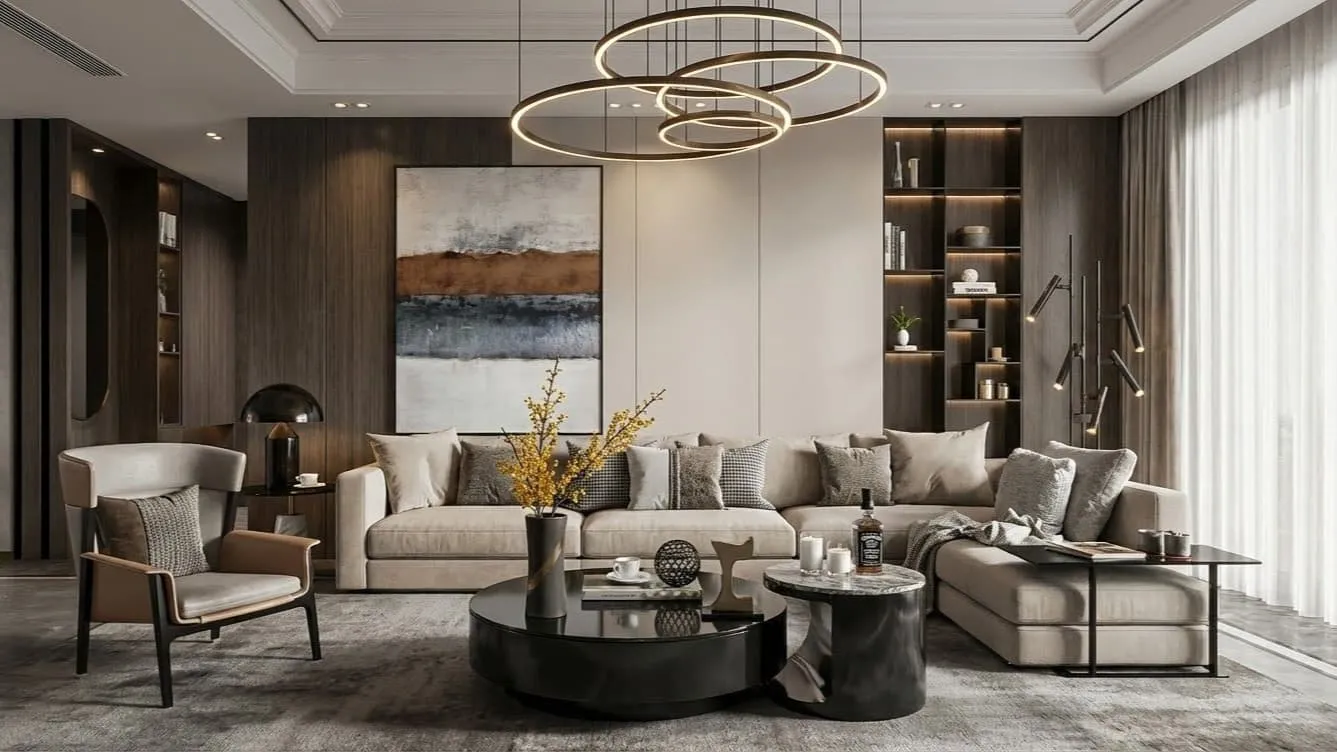
- More than 1,000 ready-made styles for architecture, planning, landscape and interiors
- You see the result straight away
- Switch from day to night with full control of the lighting
- Only the appearance changes, not the composition

A study of the time of day, the season and the weather
The change of light and weather appears in a single sequence, without setting up each scenario separately.
- Time-lapse from day to night and change of seasons
- Sun, rain, fog and snow in the same project
- Movement of foliage, water and cloud shadows
- Warm and cool light to study mood and the night-time image


Camera movement and transitions between shots
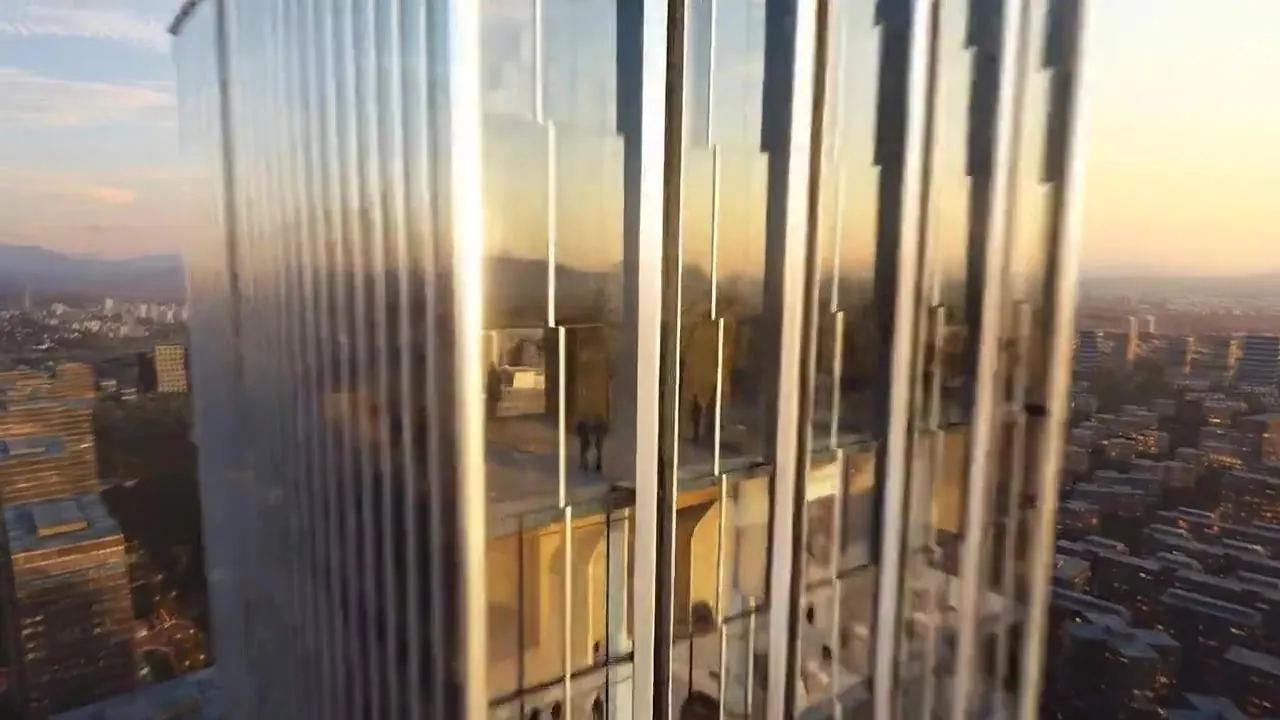
You define how the shot moves and how it passes from the outside to the inside.
- Preset camera movements to compose your own
- Start and end frame for a smooth transition
- From the building facade to the interior in one shot
- From one image, a sequence of elevation, aerial and eye-level views

What it does, stage by stage
SUAPP AIA is an artificial intelligence tool that turns a design image into a video in about three minutes. You can animate a rendering, a photograph of the site or a sketch and show how light, weather and seasons change, without specialist animation software.
It works with two main workflows: Image to Video, where you set the mode, style, camera movement and a written prompt, and Video Filter, where you give existing footage a new style in one click, from more than 1,000 ready-made styles. For early stages, an image from SUAPP AIR can then be turned into a video.
Processing is done in the cloud, so a powerful graphics card is not required. The tool is included in the Pro and Max packages of SUAPP AI.

Features
Features
- Tool
- AIA, video from an image (Image to Video)
- Time
- about three minutes per video
- Video Filter
- more than 1,000 styles in one click
- Motion control
- mode, style, camera movement, motion strength and a written prompt
- Start and end frame
- smooth transition between two images
- Processing
- in the cloud, no powerful graphics card needed
- Packages
- Pro and Max of SUAPP AI
System requirements
Operating system Windows, macOS
- Internet connection; processing is done in the cloud
- SUAPP AI account with a Pro or Max package
- An image to animate: a rendering, a site photograph or a sketch
Works well with, and alternatives
Works well with

SUAPP AIA next to alternatives
Open the full comparisonQuestions, licence and delivery
How long does it take to create a video?
About three minutes from the image to the video, without a long render queue.
Do I need a powerful graphics card?
No. The video is generated in the cloud, from any computer with an internet connection.
What can I start from?
From a finished rendering, a photograph of the space or a sketch. With a sketch, or an image from a model, you first go through SUAPP AIR and then make the video.
Which SUAPP AI packages include AIA?
The Pro and Max packages.
How do I receive the licence?
After payment we order the licence from the manufacturer and email you its details.
Do the prices include VAT?
Prices exclude VAT. With a valid VAT number from another EU country, VAT is not charged; in Belgium it is charged at 21%. For private customers, VAT is calculated at checkout.