
SUAPP ELF
by SUAPP, SketchUp plug-ins
Eight plugins for SketchUp with one subscription: roads, materials, surfaces from DWG, clean-up, sunlight, selections, floor plans and AI (price on request)

Eight plugins for everyday work in SketchUp
Roads, materials, surfaces from DWG, model clean-up, sunlight, selections, floor plans and AI. One subscription unlocks them all.
Request a quoteThe ELF series plugins
Each one opens as a small window inside SketchUp and works on your model.
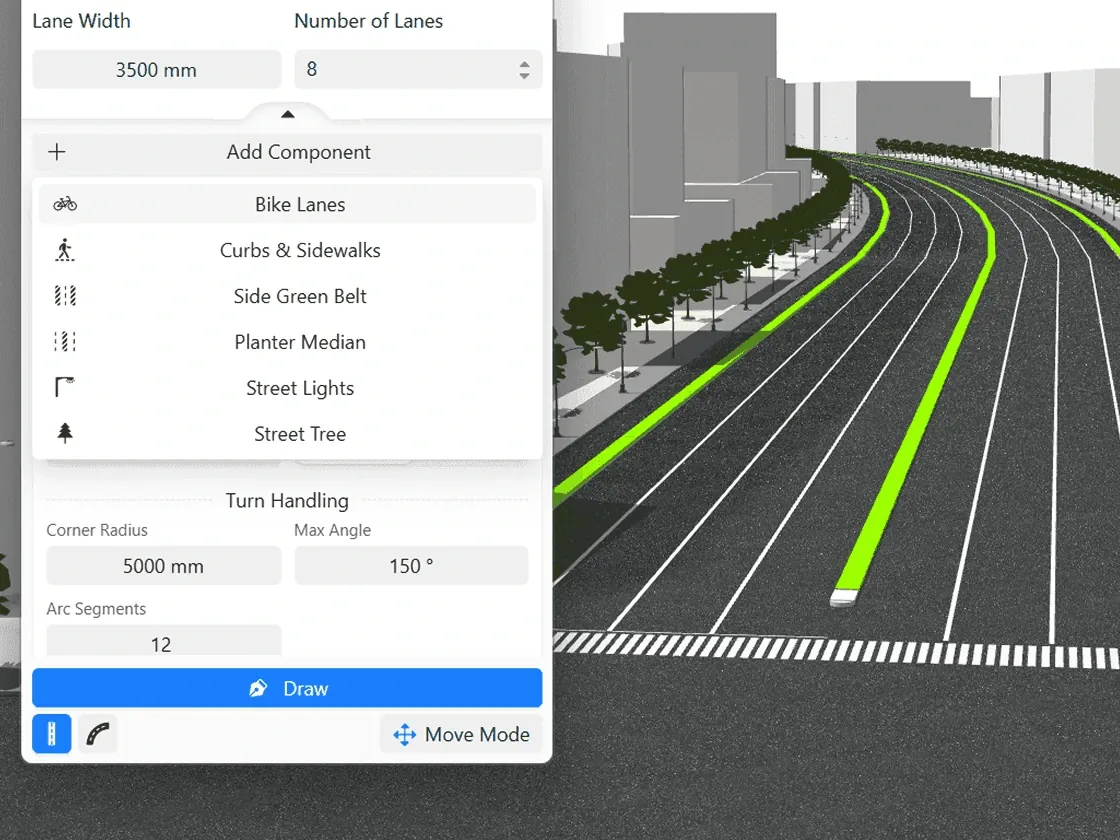
Road Elf: roads from a single line
You draw the route by hand and the road builds itself, with the parameters you set: width, lanes, curves.
- Ready-made elements: cycle paths, kerbs and pavements, islands, lighting, trees
- Centreline and lane markings, bends with a radius you define
- Change parameters or drag the road without rebuilding it


Material Elf: materials and textures in order
You build your own material library from colours or texture images, and set precisely how the texture spreads over each surface.
- Colour palettes that build themselves
- UV editing: texture offset, scale and rotation
- A list of all the materials in the model for optimisation


MakeFace Elf: from DWG to surfaces
CAD drawings imported into SketchUp rarely close properly. MakeFace Elf cleans them up and creates the surfaces automatically.
- Import DXF/DWG directly from the plugin window
- Removes duplicate lines, rebuilds arcs and closes gaps within a tolerance you set
- Create surfaces with one click after clean-up


CleanUp Elf: a lighter model, with no lag
It scans the whole model in very little time and removes whatever is not used, so SketchUp runs fast again.
- Counts lines, surfaces, groups, components, materials, layers and styles
- Your own rules for what to keep and what to delete
- Does not change the structure of the model


Sunlight Elf: sunlight analysis in the model
You set the location, hours and accuracy, and the sunlight appears as a colour map over the buildings and the ground. The map updates when the model changes.
- Analysis on planes, elevations, points and windows
- Shadows, sunlight curves and export of the analysis
- Quick setup of simple building masses for the study

Selection Elf: selection in large models
In a complex model, selecting takes time. Selection Elf finds and selects what you need with one click.
- Selection by type: lines, surfaces, groups, components, text, images
- Selection by window, circle or brush stroke, and by layer, material or angle
- Save selections to reuse them


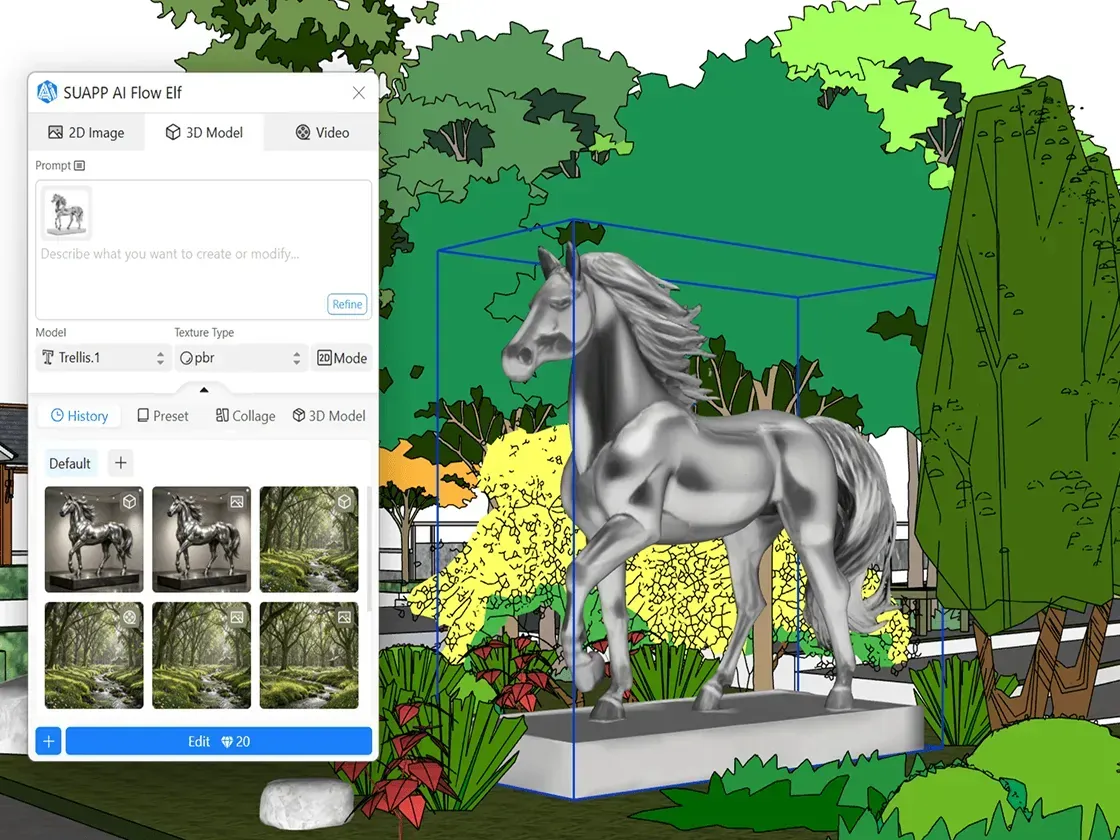
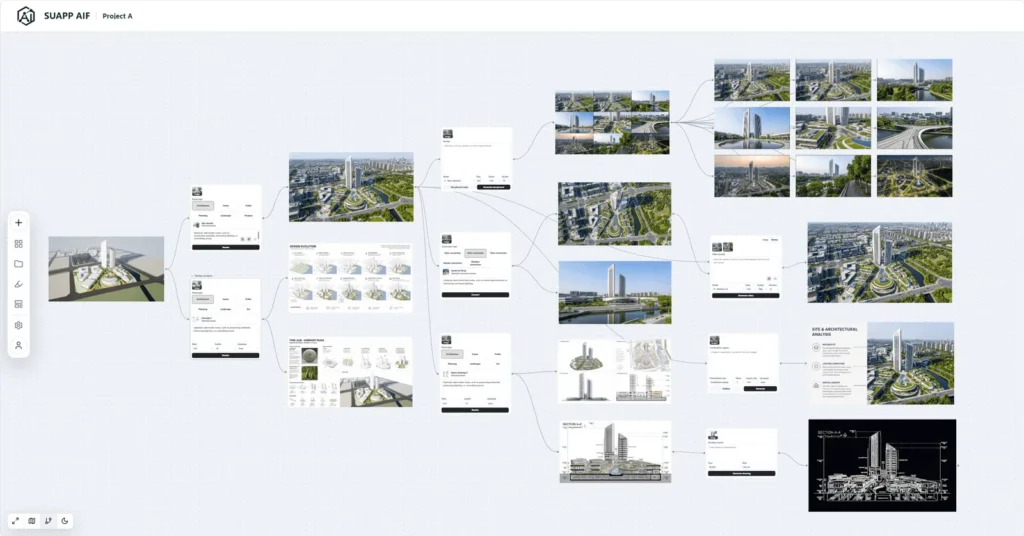
AIFlow Elf: AI inside SketchUp
You write a description and get an image, video or 3D model without leaving SketchUp.
- Text to image, to video and to 3D model
- The resulting model goes straight into the scene
- Requires SketchUp 2023 or later


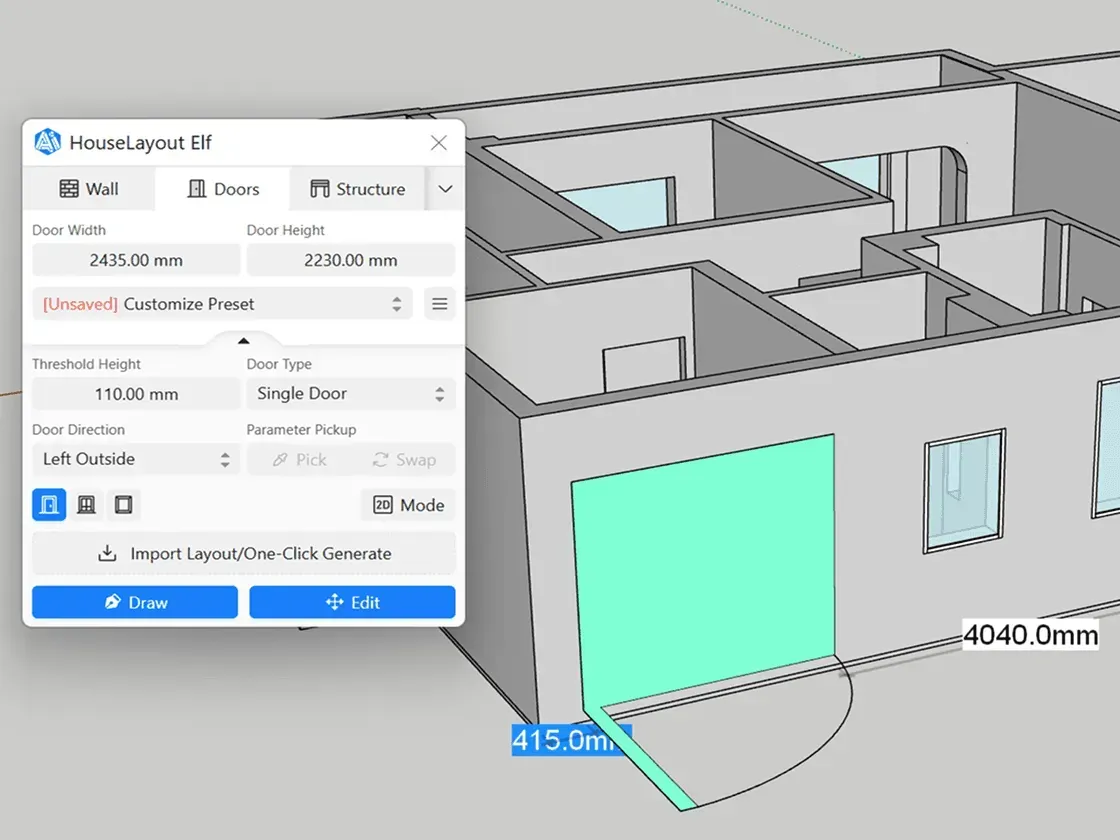
HouseLayout Elf: floor plan to walls
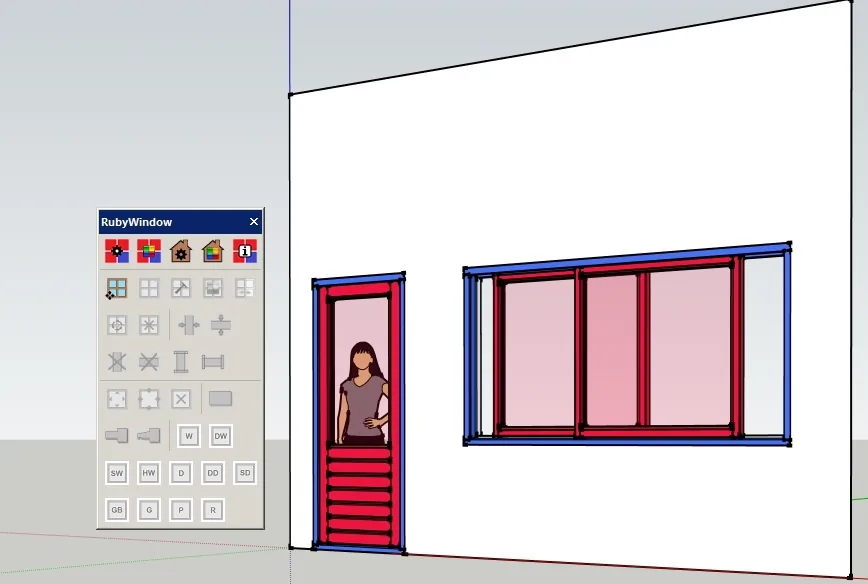
On the floor plan you draw walls with one click, with the thickness, height and offset you set, and add doors, windows, beams and columns.
- Your own wall types, opening dimensions and opening direction
- Everything stays editable and the change shows immediately


One subscription for all the plugins
- What it includes
- and all eight plugins in the ELF series
- Duration
- monthly or annual subscription
- SketchUp
- 2019 or later (AIFlow Elf 2023 or later)
- Installation
- .rbz file from the SketchUp Extension Manager
What it does, stage by stage
SUAPP ELF is a series of eight plugins for SketchUp, each for a specific job. Road Elf builds roads from a single line, Material Elf organises materials and textures, MakeFace Elf cleans up DWG/DXF drawings and creates surfaces, CleanUp Elf lightens the model and Sunlight Elf carries out sunlight analysis.
Selection Elf makes quick selections in large models, HouseLayout Elf draws walls, openings and columns on the floor plan, and AIFlow Elf brings SUAPP's AI tools into SketchUp: an image, video or 3D model from a description.
One subscription, monthly or annual, unlocks all eight. SketchUp 2019 or later is required, and SketchUp 2023 or later for AIFlow Elf.
Survey
It is not its job.
Concept
First massing and alternatives, quickly, so the idea can stand.
Design development
The design takes shape: spaces, structure, materials and checks.
Construction drawings
It is not its job. Combine it with SketchUp.
Presentation
It is not its job. Combine it with SketchUp.


Features and files
Features
- Plugins
- Road, Material, MakeFace, CleanUp, Sunlight, Selection, AIFlow, HouseLayout
- Subscription
- one for all plugins, monthly or annual
- SketchUp
- 2019 or later (AIFlow Elf: 2023 or later)
- Installation
- .rbz file from the Extension Manager
Opens and saves
- .skp
- .dwg
- .dxf
System requirements
- SketchUp 2019 or later; SketchUp 2023 or later for AIFlow Elf
- SUAPP ELF account for the subscription
- For AIFlow Elf: internet connection
Works well with, and alternatives
Works well with


SUAPP ELF next to alternatives
Open the full comparisonQuestions, licence and delivery
Do I buy each plugin separately?
No. One subscription unlocks all eight plugins in the series.
Which version of SketchUp do I need?
SketchUp 2019 or later. AIFlow Elf requires SketchUp 2023 or later.
How is it installed?
You download the plugin's .rbz file and install it from the SketchUp Extension Manager.
How do I receive the licence?
After payment we order the licence from the manufacturer and email you its details.
Do the prices include VAT?
Prices exclude VAT. With a valid VAT number from another EU country, VAT is not charged; in Belgium it is charged at 21%. For private customers, VAT is calculated at checkout.