
PlanRadar
by PlanRadar, Design & BIM
Site documentation, defects, tasks and plans/BIM on mobile, for construction and real estate
Versions Basic, Starter, Pro, Enterprise
Price on request
Request a quoteOr call us: +30 210 440 0071 saleselitesoft.eu
PlanRadar from the site to the office
Tasks on the plan, plan versions, documents with approvals, BIM models and reports in one platform: choose a topic.
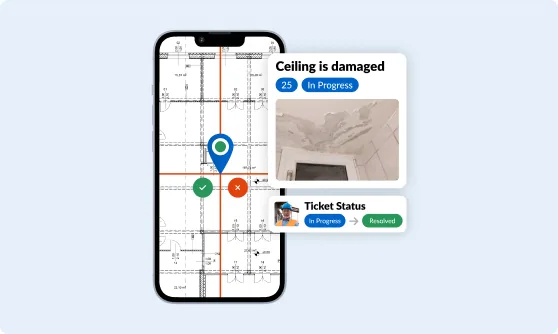
Every open item pinned to its spot on the plan
Whatever is recorded on site becomes a ticket at a specific location on the digital plan, with an owner, a deadline and a chat.
- Record on site with the mobile app or in the browser, with no paperwork
- Assign tasks, set deadlines and discuss them inside the app
- Used for site diaries, health and safety audits, quality assurance, inspections and defects
- Also covers evidence collection, project handover and compliance


The whole team works from the latest plan version
New versions reach everyone automatically, and every change and approval stays on record.
- Automatic versioning: a new version is sent straight to every team member
- Compare versions and add markups on the plan to gather feedback
- Open plans and BIM models on desktop or mobile, in the office or on site
- A full audit trail of every update and change to each plan


Documents in folders, with multi-step approvals
Project documents are stored and organised in one place, with approval workflows that adapt to your own process.
- Folder filing and cloud storage, with access from mobile and desktop
- Approvals with date and time stamps in multi-step workflows, also for submittals and transmittals
- User permissions, so each member sees what concerns them
- AI-powered search to find documents and information quickly
- Collaborate on documents through the Microsoft 365 integration
Works with: Microsoft 365


The BIM model on site, on phone and tablet
The BIM viewer accepts IFC files (openBIM), so the whole team can see the model without extra software.
- Drag-and-drop upload of IFC files from Revit, ArchiCAD, Allplan, Navisworks and other programs
- Move around the model from any angle, with properties such as dimensions and materials
- Tickets linked to model geometry, so the spot is found faster on site
- Plans and models are available offline too
- Data from PlanRadar can be exported back into CAD software for the next project
Works with: IFC Revit ArchiCAD Allplan Navisworks


Reports and dashboards showing project status
Site data turns into reports and statistics without waiting, from the office or from your phone.
- Export reports in seconds, creating PDF and Excel documents within the platform
- Real-time dashboards with task status, open high-priority items and who is responsible
- Every entry carries a date and time, giving a reliable project record
- The AI Assistant searches project data and surfaces documents, figures and photos
Works with: PDF Excel


Explore PlanRadar
Official PlanRadar video showing the platform's main workflows.

What it does, stage by stage
PlanRadar is a platform for managing construction and real-estate projects, from the build through handover to the operation of the building. On site, the team records site diaries, inspections and checklists, safety audits, defects and snagging items, with every entry pinned to the digital plan. From there it assigns tasks with deadlines, chats in the app and exports reports.
Plans and BIM models are uploaded to one place, with automatic versioning, markups on the plan, approvals and a complete history of changes. Everyone always works from the latest version, on a computer or on a mobile device on site. It also offers document management, Gantt schedules, reports and analytics, an AI assistant for searching the project data, 360° capture (SiteView) and connections to more than 200 applications through PlanRadar Connect.
There are four plans: Basic (up to 1 user), Starter, Pro and Enterprise, billed per user, monthly or annually. Subcontractors and watchers join free of charge and without limit on every plan. A free 30-day trial is available, no credit card required.
Survey
It is not its job.
Concept
It is not its job.
Design development
It is not its job. Combine it with RFEM 6.
Construction drawings
Drawings, schedules and information for construction.
Presentation
It is not its job.


Features
Features
- Scope
- site documentation, defects, tasks, handovers
- Plans and BIM
- 2D plans and BIM models, versions, markups, approvals
- Platforms
- web and iOS/Android app
- Collaborators
- unlimited subcontractors and watchers, free
- Plans
- Basic, Starter, Pro, Enterprise
- Billing
- per user, monthly or annual
- Trial
- 30 days
System requirements
- Access from a browser (web) and apps for iOS and Android
- Minimum iOS/Android and browser versions: UNCONFIRMED (not stated on the pages we read)
Works well with, and alternatives
Works well with

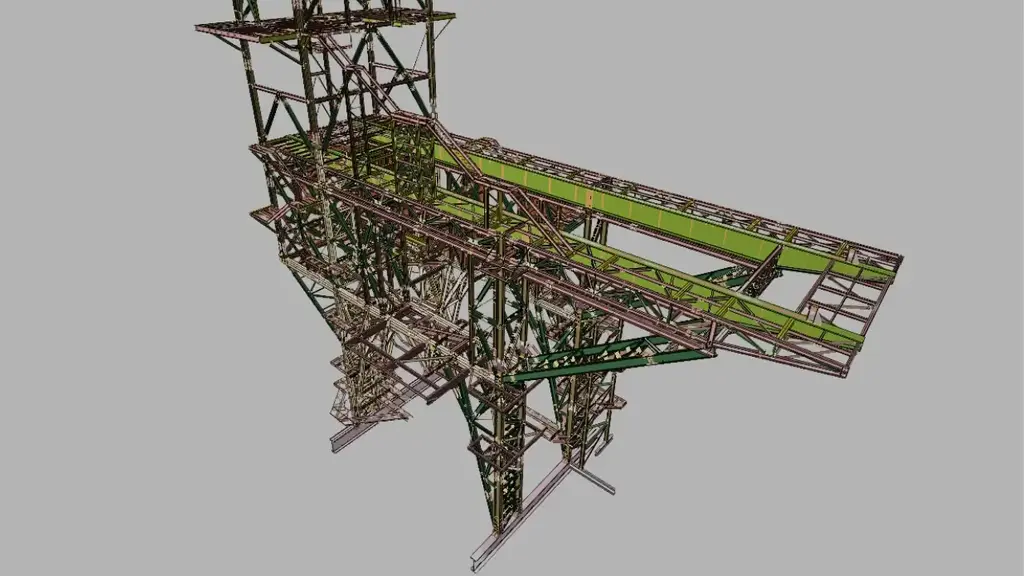
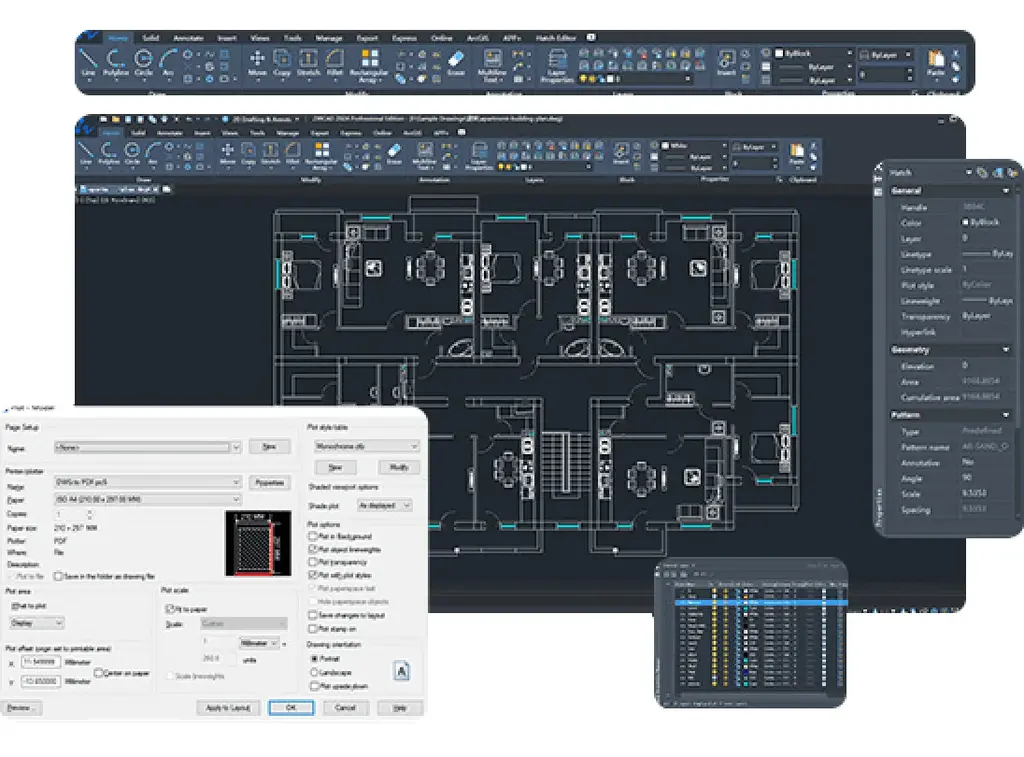
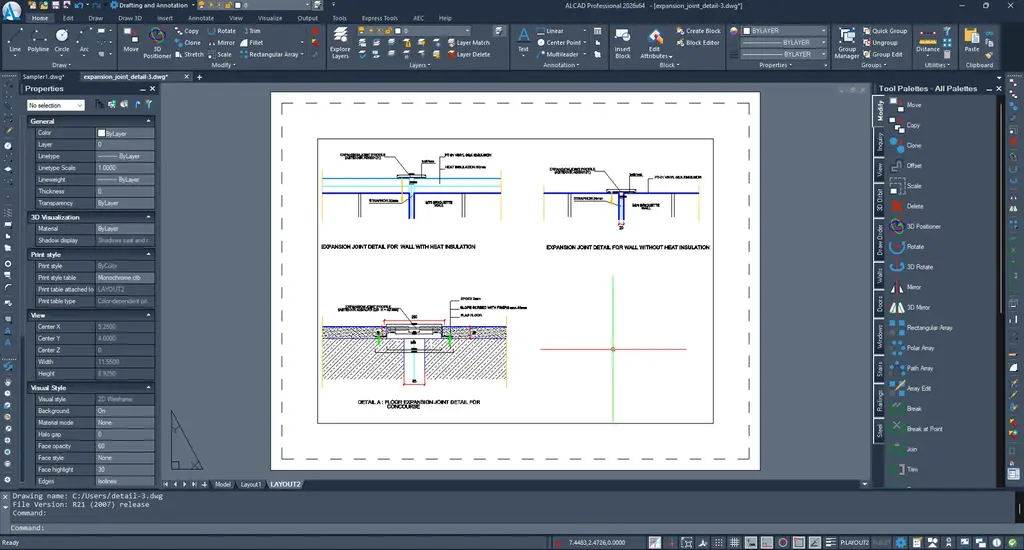
PlanRadar next to alternatives
Open the full comparisonQuestions, licence and delivery
Do I need a licence for every subcontractor?
No. You pay per user for your core team; subcontractors and watchers are added free of charge and without limit on every plan.
Does it open BIM models?
Yes. It supports 2D plans and BIM models, viewed on a computer or a mobile device. Which plans include BIM models we confirm with the quote.
Which plan should I choose?
Basic is for one user, Starter and Pro are for teams, and Enterprise is a custom solution. What each one includes exactly we confirm with the quote.
Is there a trial?
Yes, 30 days with no obligation and no credit card. If you do not continue, you can still download your project data.
How do I receive the licence?
After payment we order the licence from the manufacturer and email you its details.
Do the prices include VAT?
Prices exclude VAT. With a valid VAT number from another EU country, VAT is not charged; in Belgium it is charged at 21%. For private customers, VAT is calculated at checkout.