
Double-Cut
by mind.sight.studios, SketchUp plug-ins
Windows and doors that automatically cut the opening in walls with thickness in SketchUp
Openings in thick walls
Double-Cut works behind the standard SketchUp tools and keeps the openings up to date.
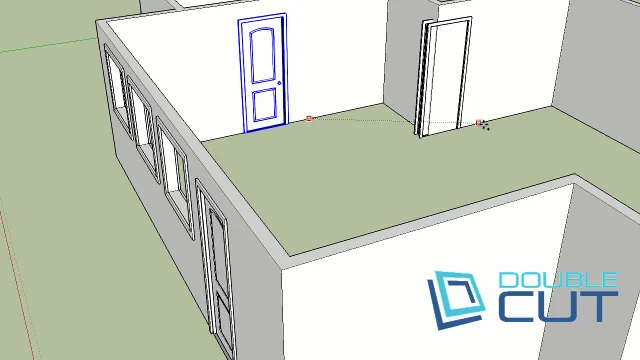
The hole in the wall makes itself
Place a window or a door and Double-Cut cuts the opening through a thick wall for you.
- SketchUp windows and doors cut the wall automatically
- Move the component and the opening follows it
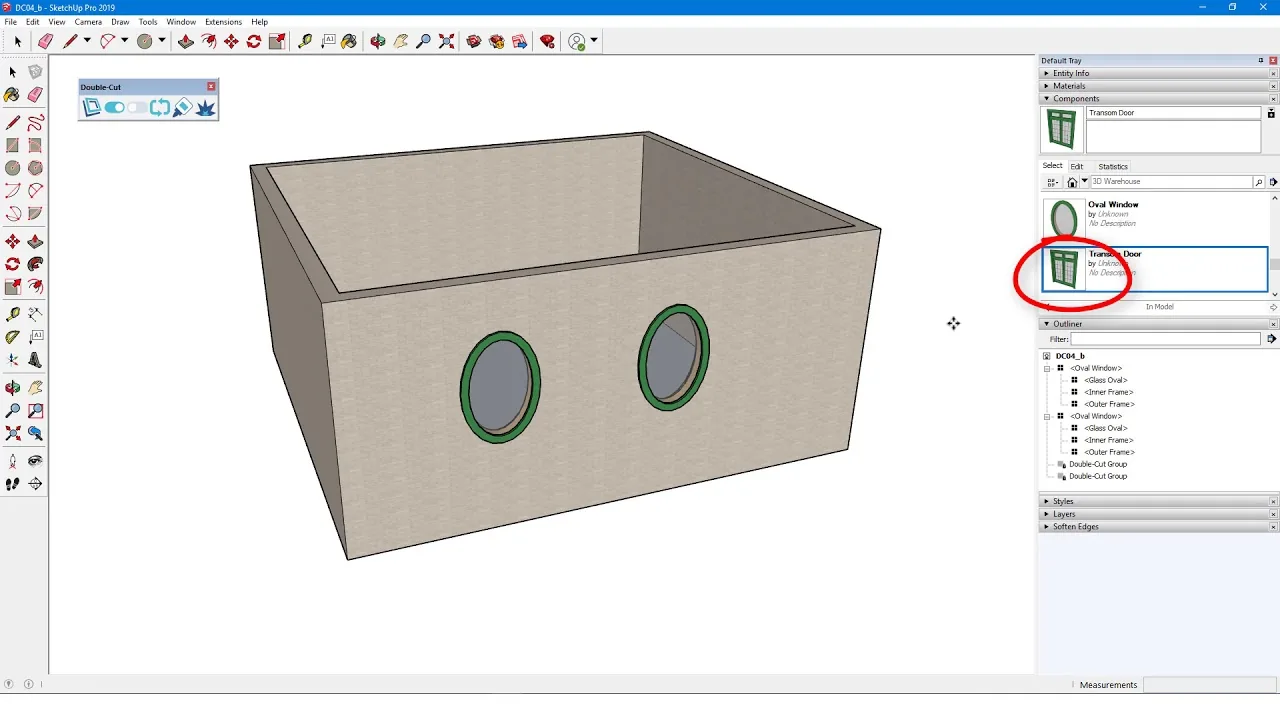
- Scale a dynamic window and the opening resizes
Works with: SketchUp

Editing the faces of the opening
When you need section cuts, the explode function unlocks the Double-Cut group so you can work on the faces.
- One toolbar button unlocks and explodes the selected groups
- The faces of the opening become editable
- Section cuts fill correctly

Getting started with Double-Cut
Official video from the manufacturer covering the basics of the extension.

See it in action
The video or demo loads only when you press play.
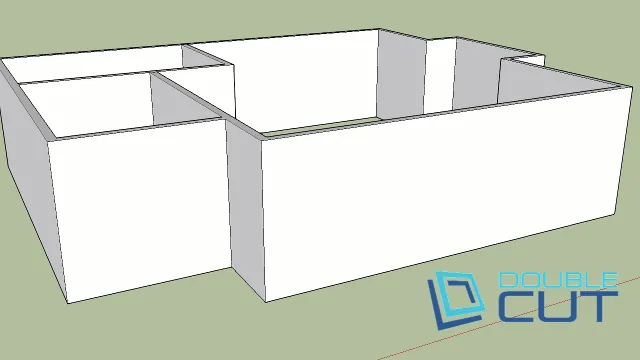
What it does, stage by stage
Double-Cut is a SketchUp extension that makes cutting components, such as windows and doors, automatically cut the opening through the full thickness of the wall. It is aimed at architects and interior designers.
It works in the background and responds to the standard SketchUp tools: when you move a door, the opening moves with it; when you scale a dynamic window, the opening changes size.
With the explode function, the faces of the opening are unlocked for editing, so that sections passing through the openings are filled correctly, for example with SketchUp’s section fills or with Skalp. Components from 3D Warehouse can be converted to work with Double-Cut.
The licence is perpetual, and there is a free 15-day trial licence.


Features and files
Features
- Type
- SketchUp extension
- Use
- openings through the full thickness of the wall
- Updating
- automatic, when moving or scaling
- Dynamic components
- yes
- Sections
- explode for correct section fills
- SketchUp versions
- 2017 or later
- Operating system
- Windows and macOS
- Licence
- Perpetual
- Trial
- 15 days
Opens and saves
- .skp
System requirements
Operating system Windows, macOS
- SketchUp 2017 or later
- Windows or macOS
Works well with, and alternatives
Works well with



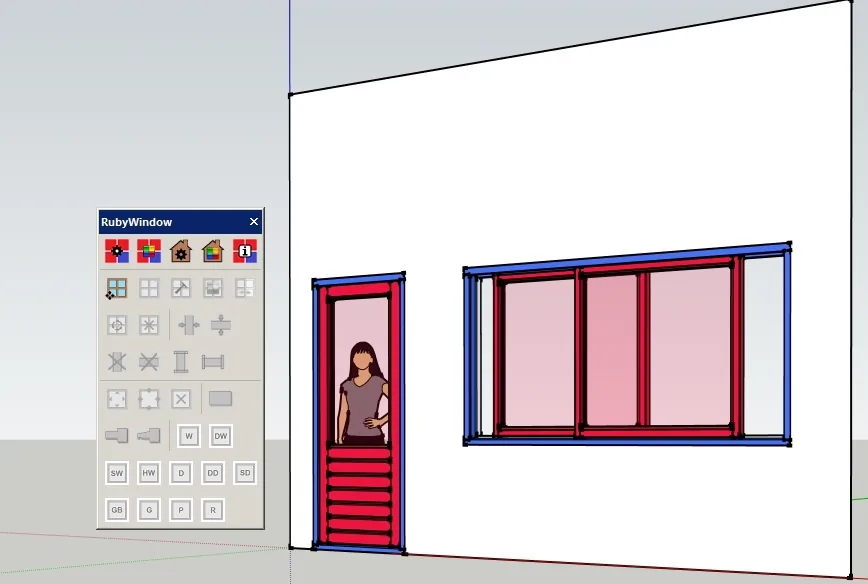
Double-Cut next to alternatives
Open the full comparisonQuestions, licence and delivery
Which SketchUp versions are supported?
SketchUp 2017 or later, on Windows and macOS.
What kind of licence is it?
A perpetual licence.
Is there a trial version?
Yes, a free 15-day trial licence.
Does it work with components from 3D Warehouse?
Yes, once they have been converted to work with Double-Cut.
Are sections through the openings filled correctly?
Yes, once the opening has been exploded, which unlocks its faces for editing.
How do I receive the licence?
After payment we order the licence from the manufacturer and email you its details.
Do the prices include VAT?
Prices exclude VAT. With a valid VAT number from another EU country, VAT is not charged; in Belgium it is charged at 21%. For private customers, VAT is calculated at checkout.