
CabWriter Pro 2 (minimum 2 licences)
by CabWriter, SketchUp plug-ins
SketchUp extension for furniture makers: cabinets, production drawings and cutting lists
Cabinets in SketchUp, from the walls to the cut list
CabWriter Pro draws every cabinet part by part, the way you build it, and produces drawings and production documents from the same model. Follow the stages in order.
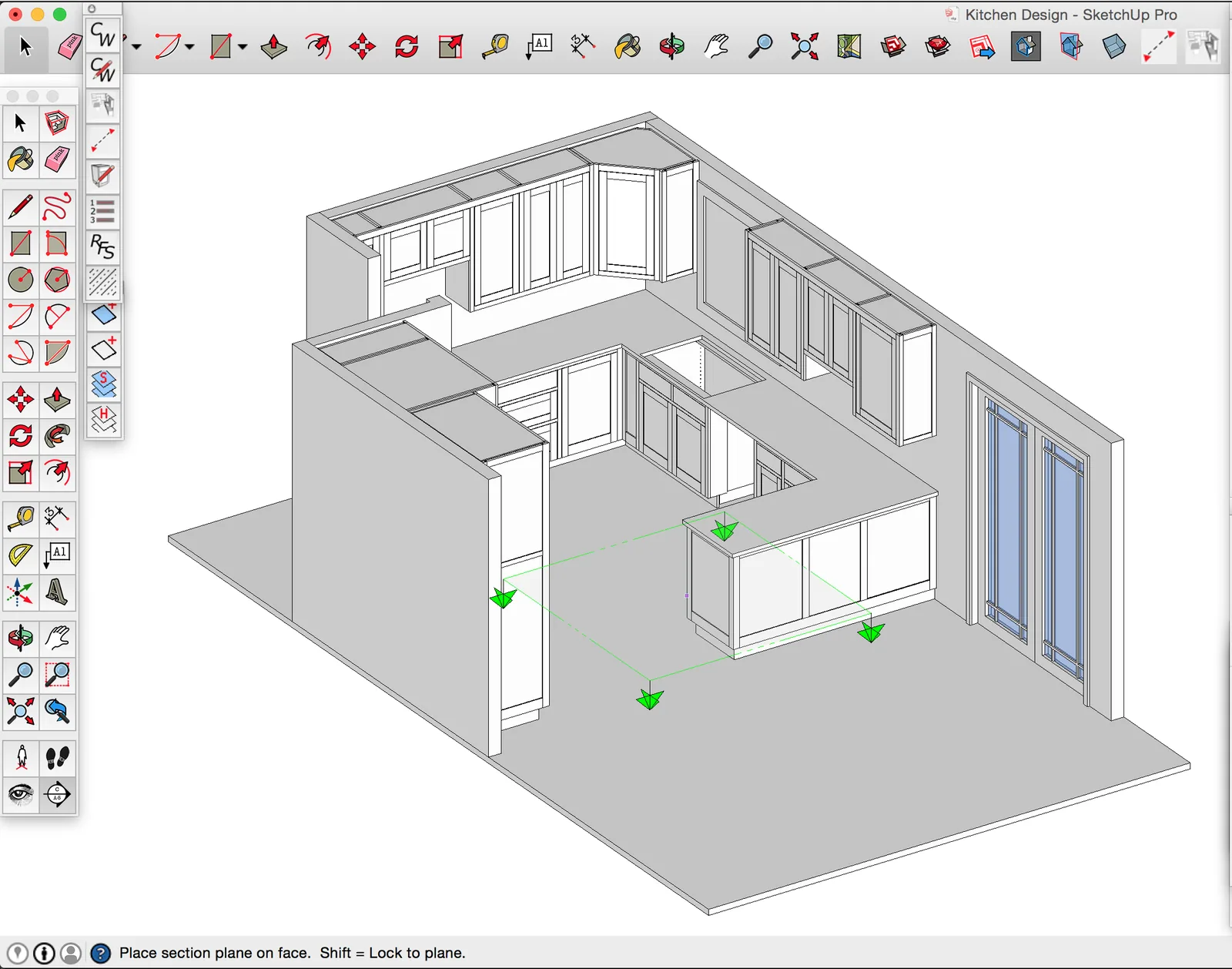
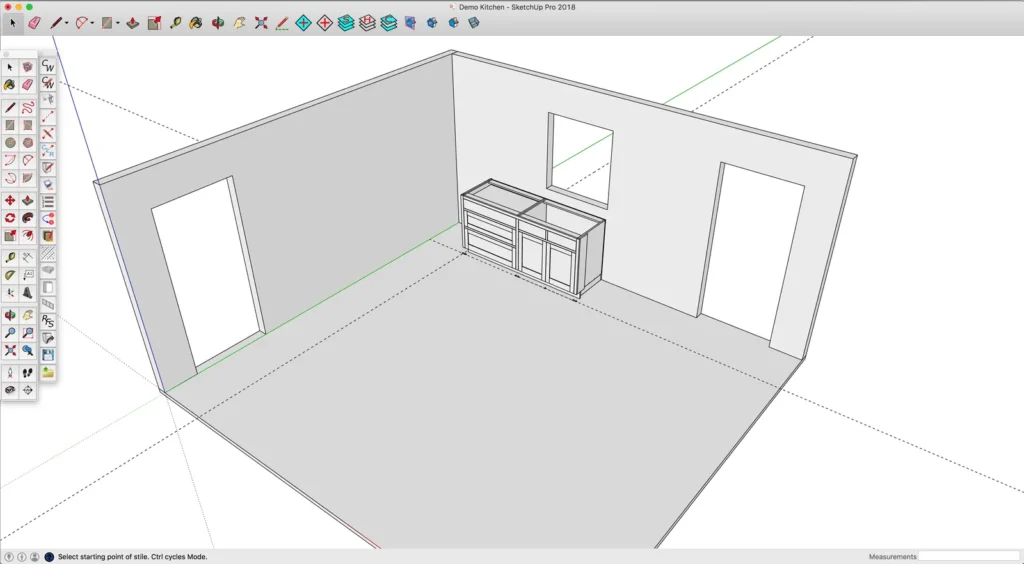
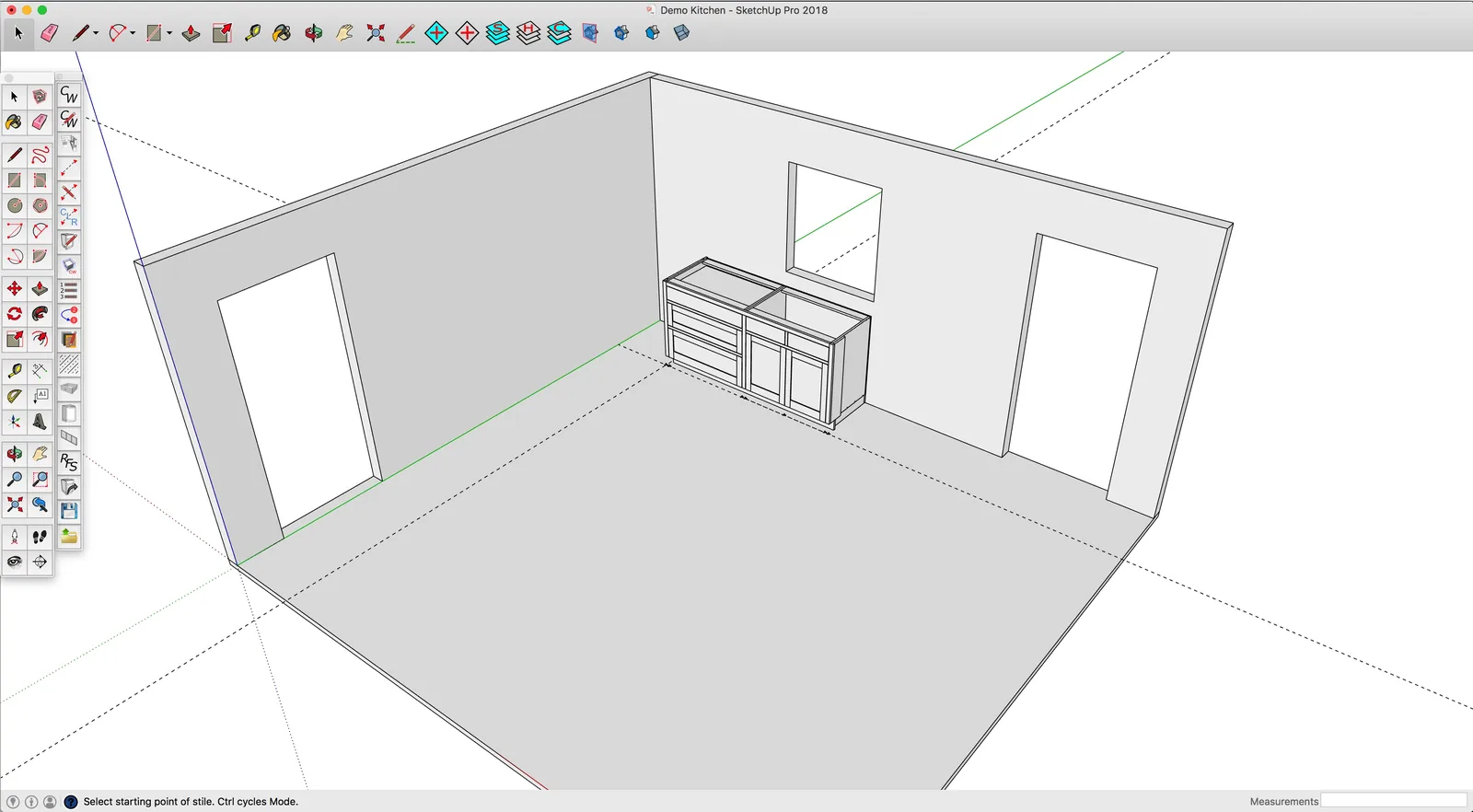
Walls and room before the cabinets go in
You set thickness and height and place the walls with the CabWriter wall tool. The rest of the room is finished with the usual SketchUp tools.
- The wall tool sets up the room from the dimensions you enter
- Floor and openings for doors and windows are drawn with the standard SketchUp tools
- Appliances, furniture, doors and windows from the 3D Warehouse make the scene more realistic
- Colours and textures can be applied to walls, objects and cabinets


Parametric cabinets built your way
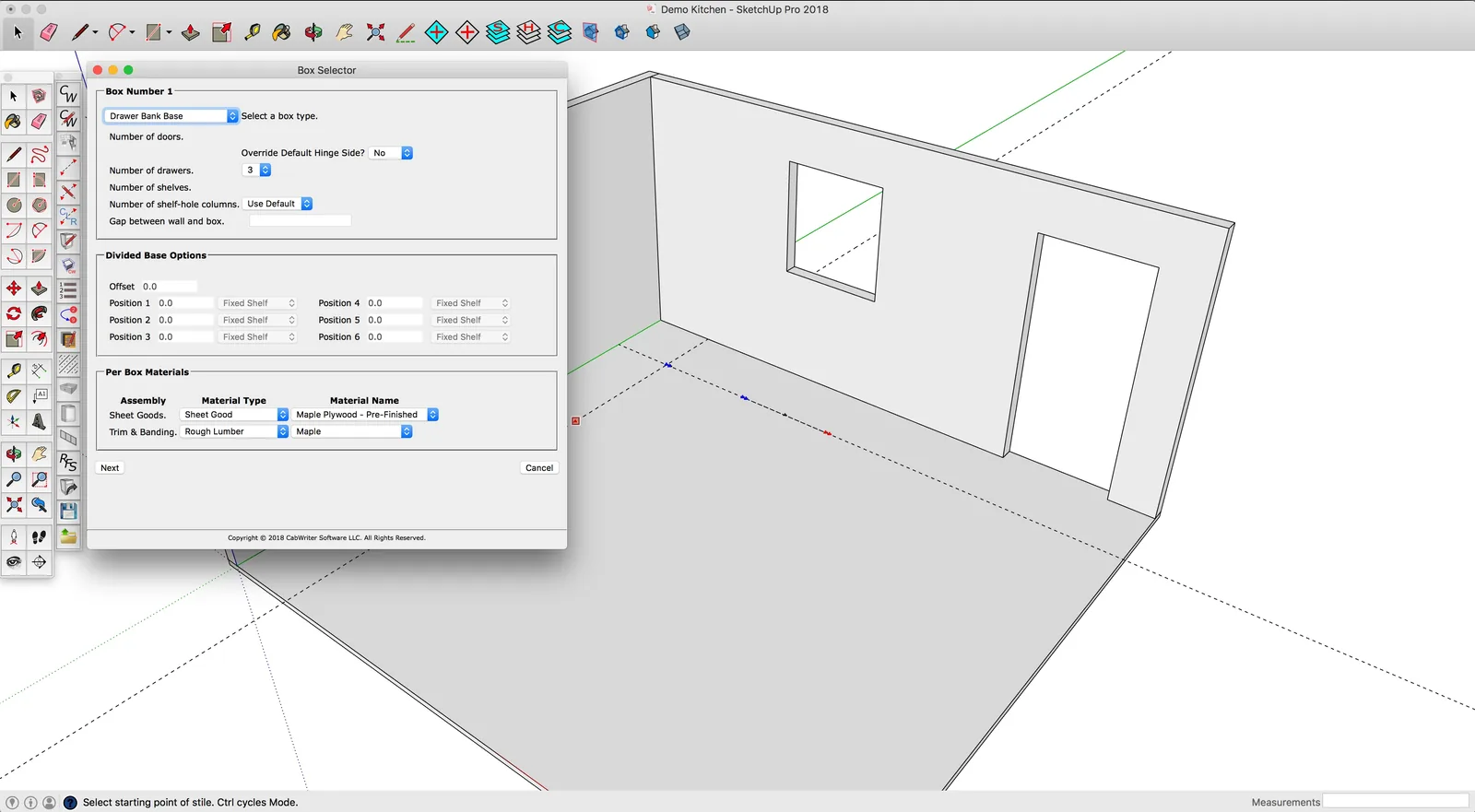
You describe once how you build, from the carcass to the doors, and use the Story Stick to mark where each cabinet starts and ends. CabWriter then draws it, joinery included.
- Face frame, frameless or hybrid construction, with support for the 32 mm system
- Carcass joinery with butt joints, through or blind dados, rabbets, captured backs and qualified tenons
- Upper and base units, drawer banks, corner units, islands, refrigerator cabinets and divided cabinets
- The settings of each cabinet are stored inside it, so anything you have drawn becomes a starting point for the next job
- Change the size, type or options of a cabinet without redrawing it


Plans, elevations and sections for the workshop
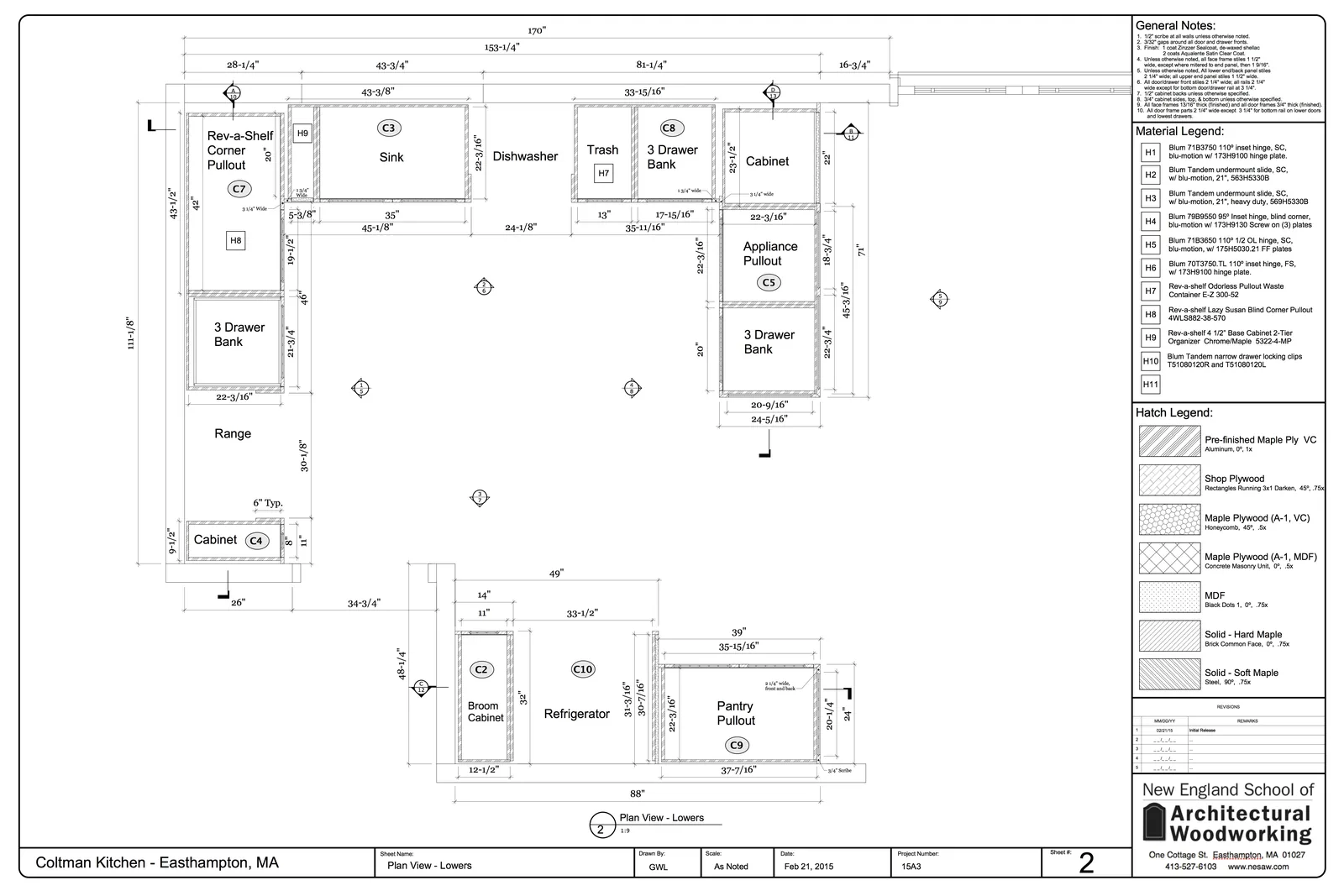
Plan, elevation and section scenes are created from the model and sent to LayOut in SketchUp Pro for the final shop drawings.
- Automatic plan, elevation and section scenes from the 3D model
- Scenes sent to a new LayOut document with one button, in SketchUp 2018 and later
- Optional automatic hatching in sections, based on the material
- Cabinets textured automatically as they are drawn, with the same or different textures per part, for a 3D presentation of the design
Works with: SketchUp Pro LayOut


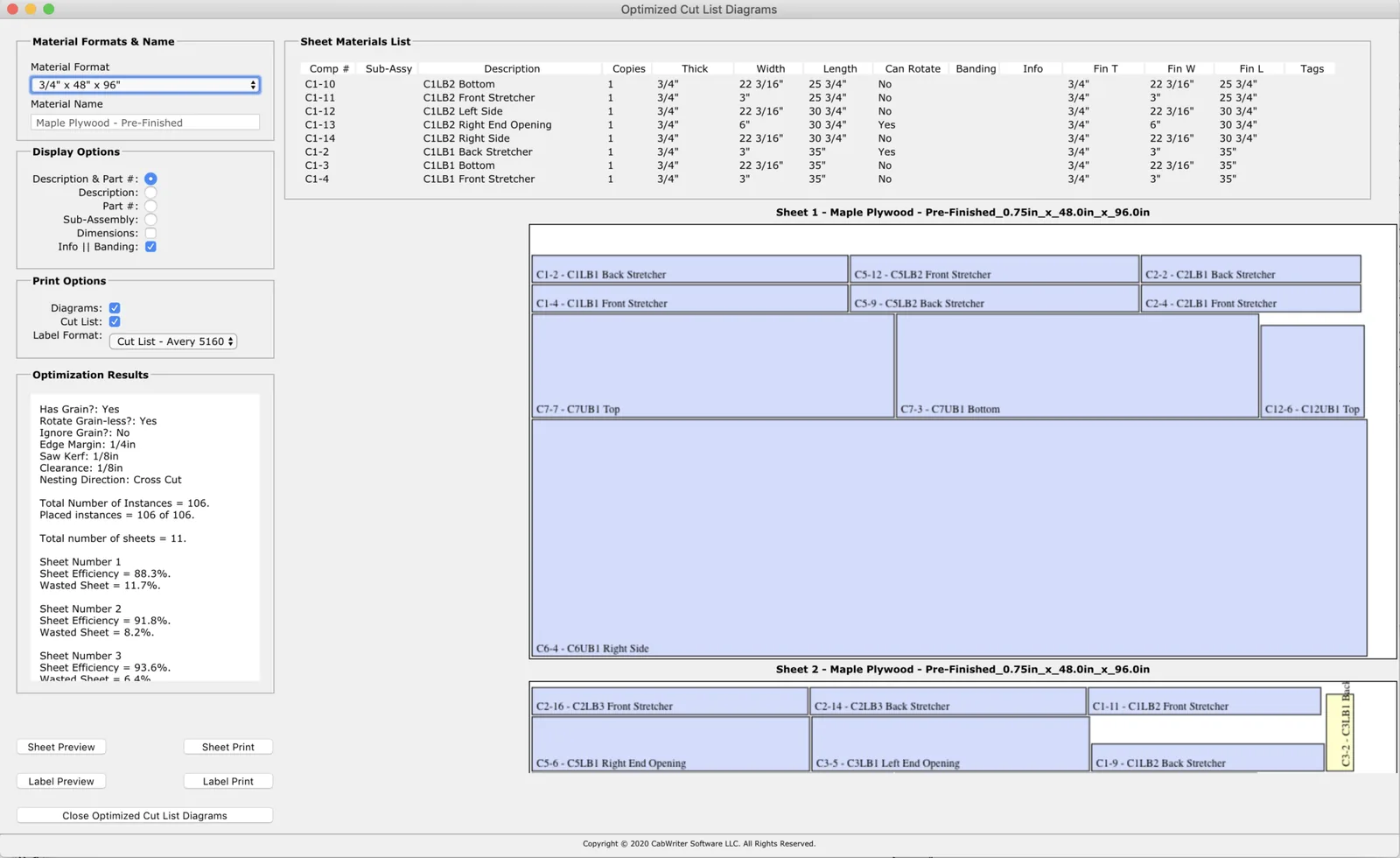
Cut list, labels and sheet diagrams
Production documents come from the same file, so cutting can start shortly after the design is finished.
- Cut list for Excel (.csv or tab-delimited) or a file for Cutlist Plus fx
- Reports for doors, drawers and stile and rail parts
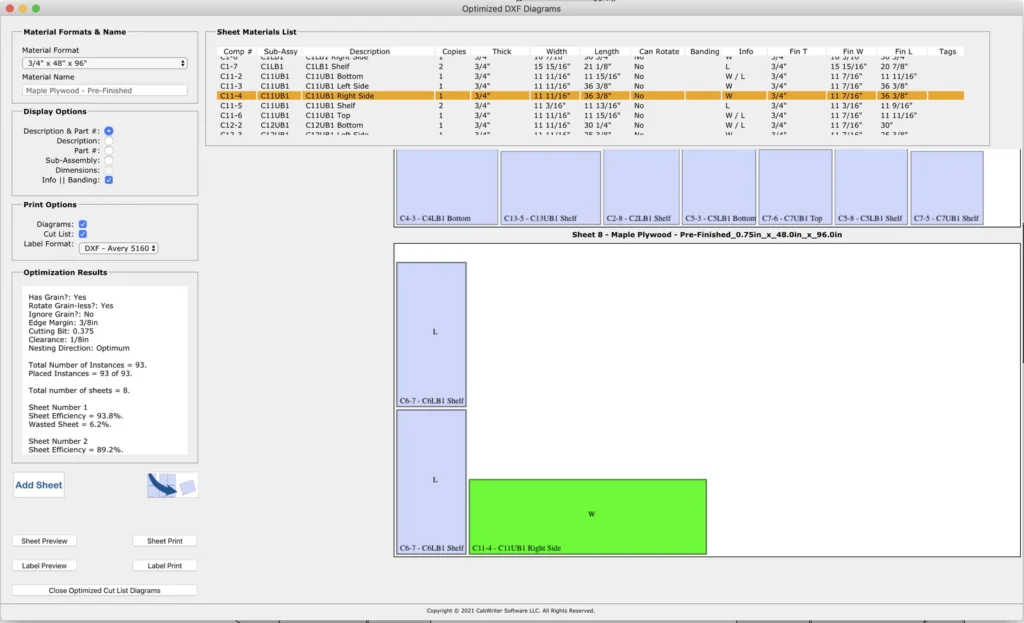
- Sheet cutting diagrams for the saw, optimised for rips, crosscuts or best yield, with control over part spacing
- Part labels on Avery 5160 or 5163 stock, in the order the parts sit on the sheet
Works with: CSV Cutlist Plus fx


A short introduction to CabWriter
Official CabWriter video: drawing and editing cabinets, production documents, sheet optimisation and DXF export.

See it in action
The video or demo loads only when you press play.
What it does, stage by stage
CabWriter Pro is a SketchUp extension for cabinet makers. It adds cabinet construction rules, adjustable joints, door and drawer types and materials, and produces cabinet models, production drawings, component tables and cutting lists from the same file. The order is placed for a minimum of 2 licences.
Features and files
Features
- Type
- SketchUp extension
- Outputs
- Drawings, tables, cutting lists
- SketchUp
- Pro 2018 or later
- Minimum order
- 2 licences
- Operating system
- Windows and macOS (wherever SketchUp runs)
Opens and saves
- .skp
System requirements
- SketchUp Pro 2018 or later, purchased separately
- Windows or macOS, with the hardware requirements of SketchUp
Works well with, and alternatives
Works well with


CabWriter Pro 2 (minimum 2 licences) next to alternatives
Open the full comparisonQuestions, licence and delivery
How many licences are needed?
The order is placed for a minimum of 2 licences.
Does it work with the free version of SketchUp?
No. CabWriter Pro needs SketchUp Pro 2018 or later. The free browser-based version of SketchUp is not compatible.
Can it send parts to a CNC?
Yes, with the CabWriter CNC add-on, which exports the parts as DXF for your CAM software.
How do I receive the licence?
After payment we order the licence from the manufacturer and email you its details.
Do the prices include VAT?
Prices exclude VAT. With a valid VAT number from another EU country, VAT is not charged; in Belgium it is charged at 21%. For private customers, VAT is calculated at checkout.