
BoolTools 2
by mind.sight.studios, SketchUp plug-ins
Boolean operations (union, difference, intersection, trim, split) between solids in SketchUp
Boolean operations on solids with BoolTools 2
See the operations it adds to SketchUp, how it handles small parts for printing and nested solids, and why the accuracy of intersections matters.
Union, Difference, Intersection, Trim and Split
BoolTools 2 adds five boolean operations between solids to SketchUp, in both Make and Pro.
- Union, Difference and Intersection of solids
- Trim and Split on the same toolbar
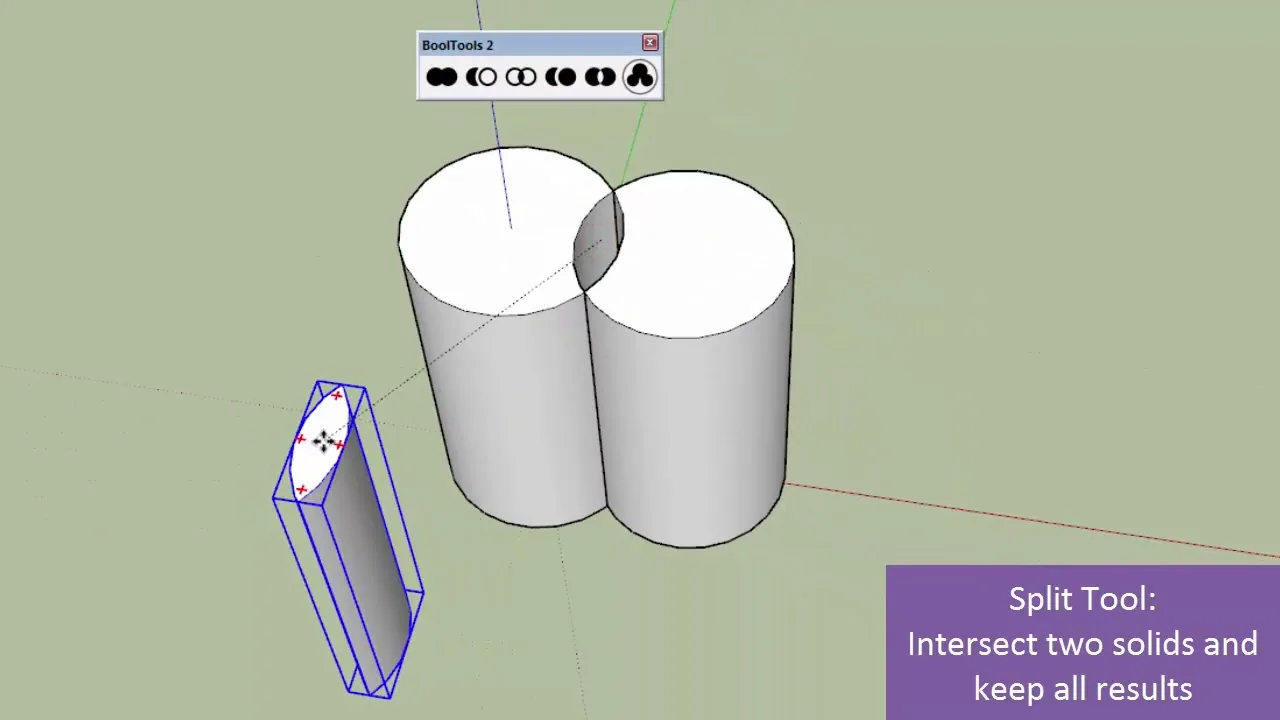
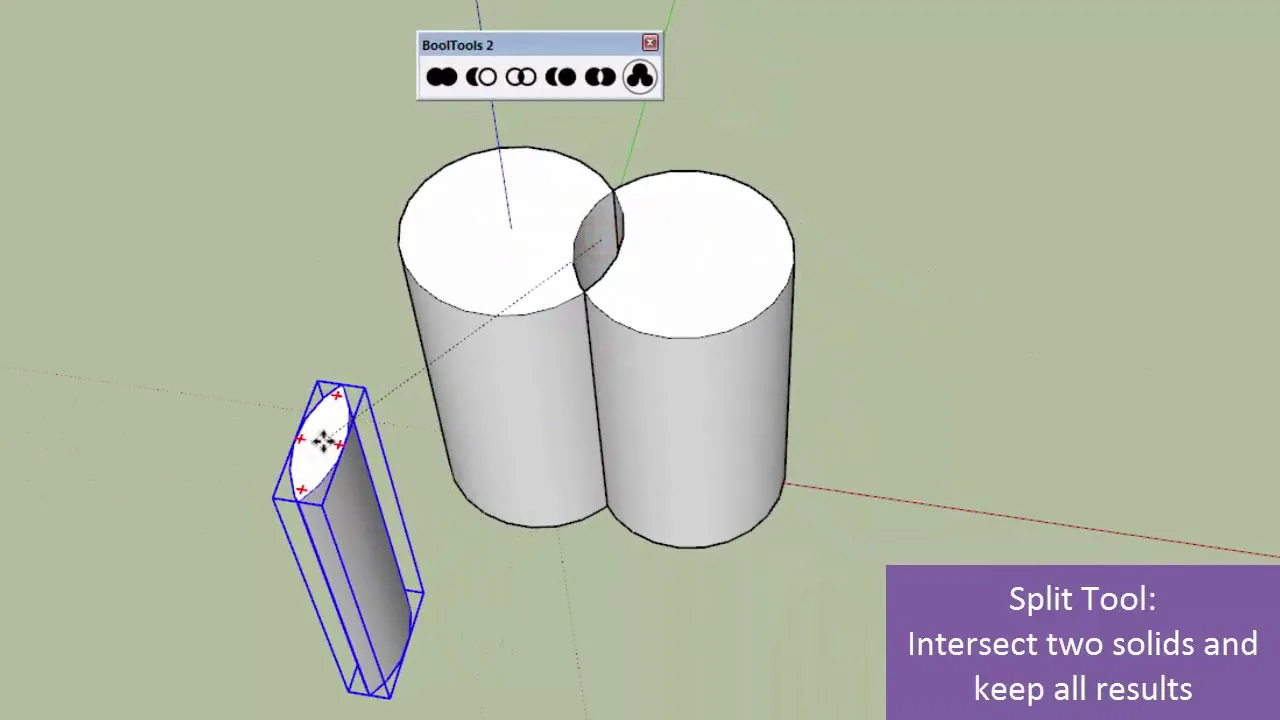
- Split intersects two solids and keeps every resulting piece
- The objects involved must be solids, either a group or a component
- For SketchUp 2017 or newer
Works with: SketchUp Make SketchUp Pro


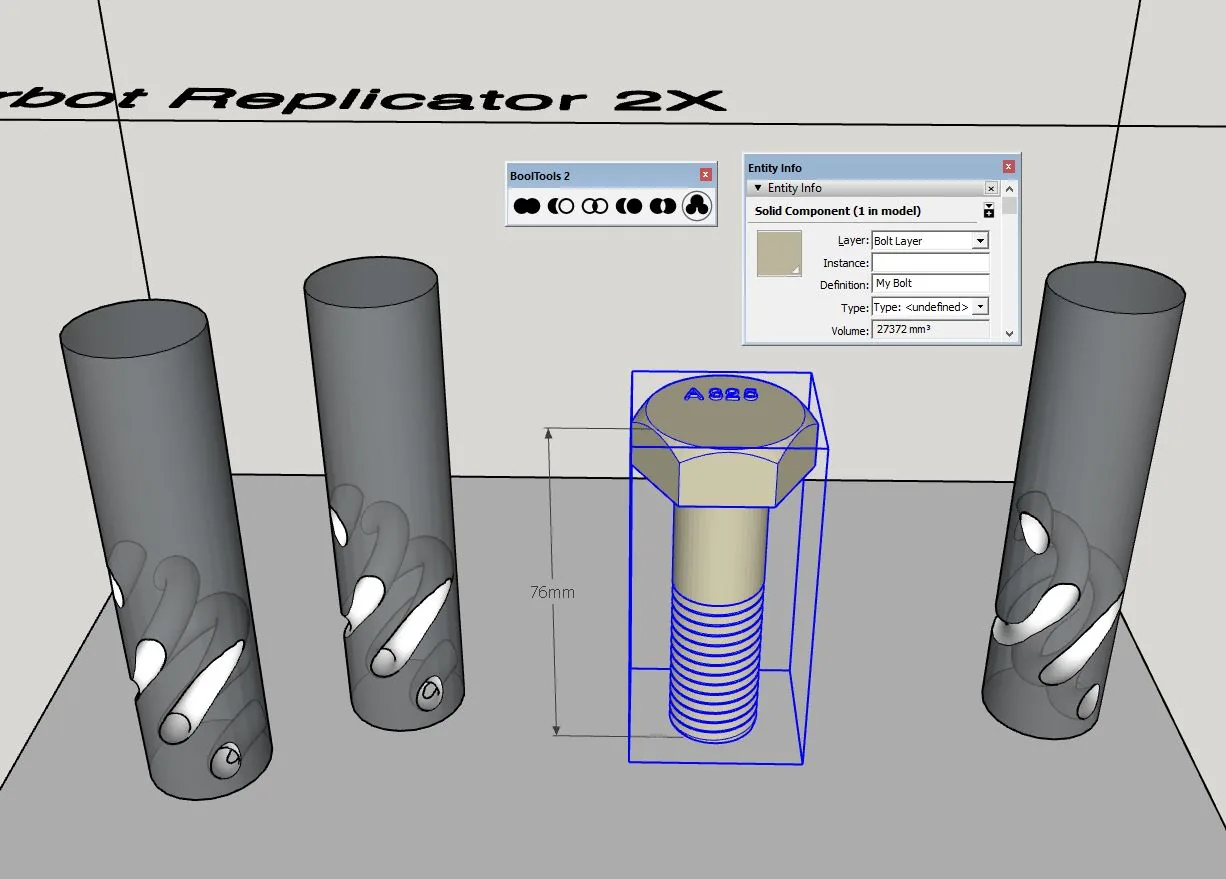
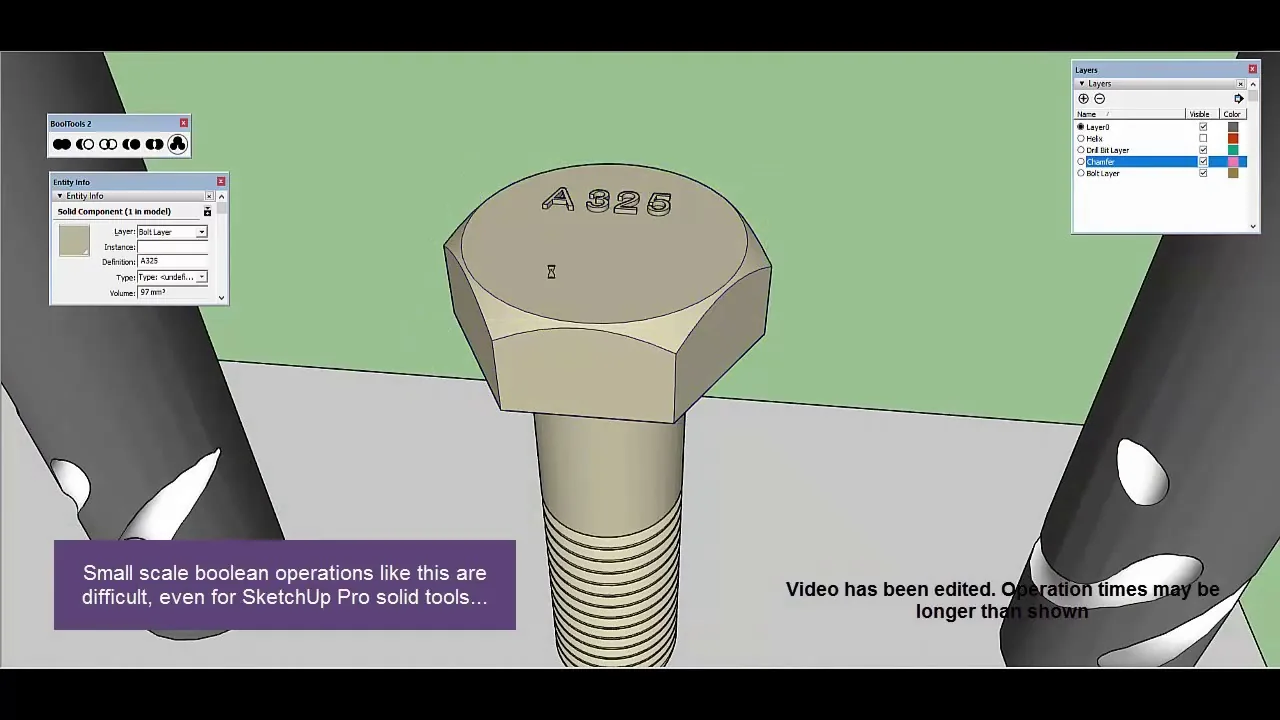
Small, complex parts for printing
The extension was designed with 3D printing in mind, where objects are often small and full of detail.
- Operations on small objects without scaling the model up first
- An almost always solid, print-ready result when the original objects were solids too
- Useful for details such as threads, bolts and threaded holes


Nested solids, names and layers kept in place
BoolTools 2 also works with solids inside other groups or components, and changes the original object itself.
- Operations on nested solids as well
- No new components are created; the original is modified
- The result keeps the layer and name of the first object you selected
- Single Object Union: one click on a group or component merges all of its nested solids


High-precision intersections inside SketchUp
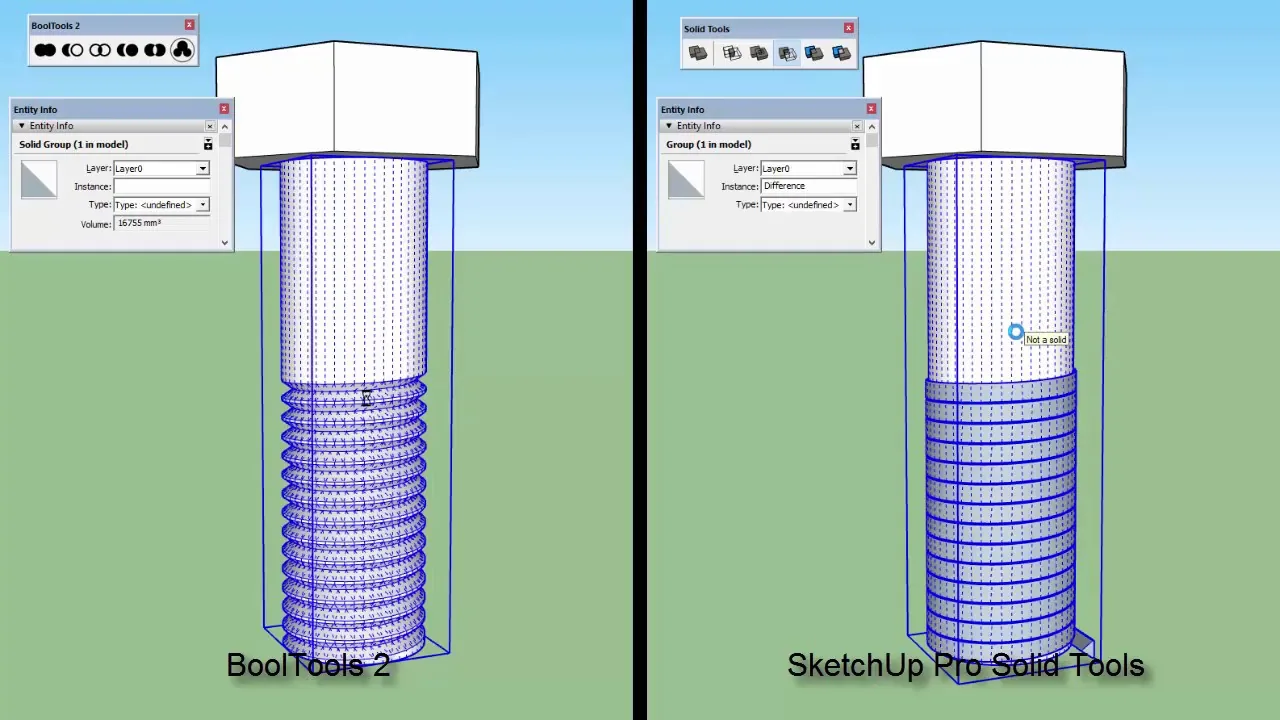
A boolean operation only succeeds when the 3D intersections are calculated very precisely, something SketchUp's geometry engine does not always manage.
- No need for the familiar copy and scale-up workaround before an operation
- In its videos the developer compares it with the SketchUp Pro Solid Tools on pipes, bolts and curved shapes
- The first BoolTools was released in December 2008, before the Solid Tools of SketchUp Pro 8


BoolTools 2 at work
Official video from the developer about BoolTools 2.

See it in action
The video or demo loads only when you press play.

What it does, stage by stage
BoolTools 2 is a SketchUp extension with Boolean operations between solids: Union, Difference, Intersection, Trim and Split. It works in both SketchUp Make and Pro.
It was designed with 3D printing and small, complex objects in mind, without the familiar workaround of scaling the model up before the operation. It works with nested solids, and the result is almost always a solid suitable for printing, when the original objects were solids too.
It does not create new components: it modifies the original component, and keeps the layer and name of the first object you selected. The Single Object Union tool merges all nested solids inside a group or component with one click.
The licence is perpetual, and there is a free 15-day trial licence. For multiple licences, ask us for a quote.
Features and files
Features
- Type
- SketchUp extension
- Operations
- Union, Difference, Intersection, Trim, Split
- Nested solids
- yes
- 3D printing
- for small, complex objects
- Components
- modifies the original, keeps layer and name
- Single Object Union
- merges the nested solids of an object
- SketchUp versions
- 2017 or later (Make or Pro)
- Licence
- Perpetual
- Trial
- 15 days
Opens and saves
- .skp
System requirements
- SketchUp 2017 or later (Make or Pro)
Works well with, and alternatives
Works well with



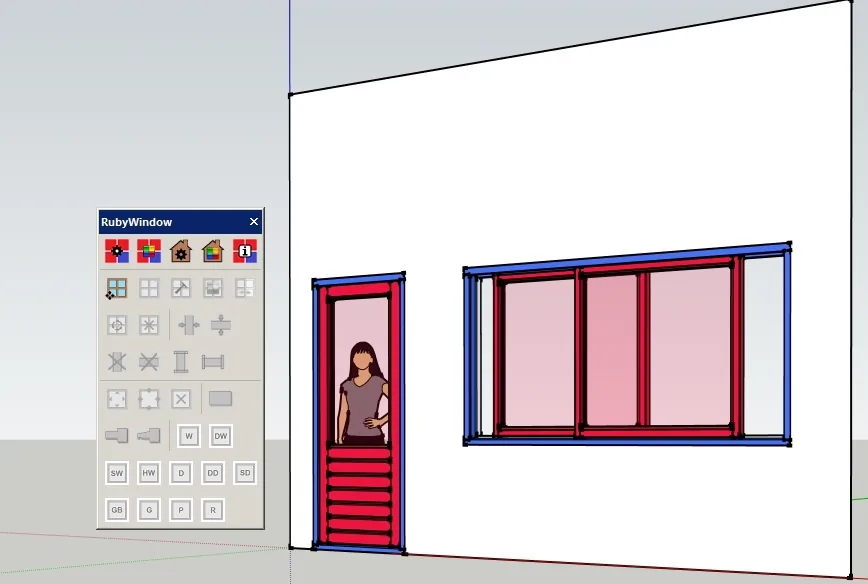
BoolTools 2 next to alternatives
Open the full comparisonQuestions, licence and delivery
Which SketchUp versions are supported?
SketchUp 2017 or later, Make or Pro.
What kind of licence is it?
A perpetual licence.
Is there a trial version?
Yes, a free 15-day trial licence.
Does it create new components after the operation?
No. It modifies the original component and keeps the layer and name of the first selected object.
Are there licences for several computers?
Yes, the developer offers volume licences. Ask us for a quote for the number you need.
How do I receive the licence?
After payment we order the licence from the manufacturer and email you its details.
Do the prices include VAT?
Prices exclude VAT. With a valid VAT number from another EU country, VAT is not charged; in Belgium it is charged at 21%. For private customers, VAT is calculated at checkout.