
Bluebeam Revu
by Bluebeam, Design & BIM
Create, mark up, measure and collaborate on PDF drawings, with an annual subscription
Bluebeam Revu at work on your drawings
Pick a topic to see how Revu helps a team mark up, measure and collaborate on PDF drawings.
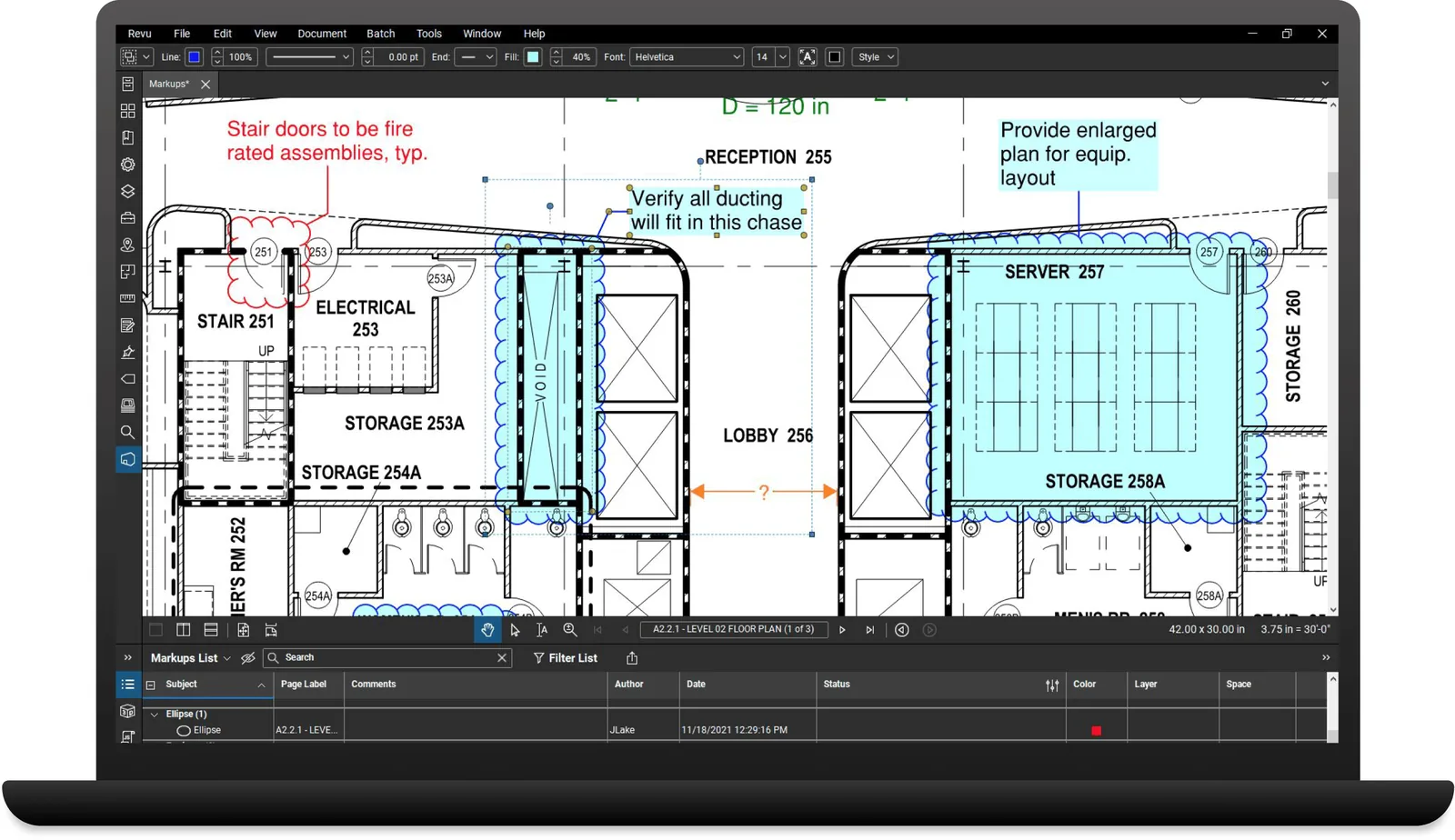
Markups on the drawing, at drawing scale
What you need to say, you show directly on the drawing, using ready-made or customised markup tools.
- Text, highlights, clouds, callouts and stamps, adjustable to your needs
- Save your favourite markups for reuse and share tool sets with project partners
- Snapshots and extra data (metadata) attached to each markup, for a fuller picture
- Sort, filter and group the markup list so you only see what concerns you


Lengths, areas and volumes measured on the PDF
Measurements are taken at the drawing scale and recorded in a list next to the markups.
- Measure length, depth, volume and more, referenced to the drawing scale
- Quick, accurate measurements for takeoffs and bids
- Results appear in a table with columns such as length, area and volume

The whole team in the same file at the same time
Studio is Bluebeam's collaboration environment, where project documents stay in one shared point of reference.
- Check in and check out, so that changes by different people do not overlap
- Real-time sessions for faster feedback
- Markups assigned to specific people, with status reports
- A detailed record of each collaborator's actions
- Project documents and drawings organised in folders in one central place


The same drawings on computer, tablet and phone
Bluebeam is built on open standards, so internal and external teams can work securely on the same material.
- Create, annotate and share documents on any device
- Every markup and edit is tracked automatically, from the start of the project to the end
- Export project data to the reporting tool you prefer
- Connect to other applications through ready-made integrations or the Studio APIs

What it does, stage by stage
Bluebeam Revu is an application for creating, editing, marking up and organising PDF files. Through Studio, teams collaborate in real time from computer, web and mobile.
On a project it is mainly used for reviewing and circulating drawings: comments and markups on drawings, measurements, reports and batch processing of documents. There are add-ins for Microsoft Office, AutoCAD, Revit, Navisworks and SolidWorks that create PDFs, depending on the plan and edition. Other applications connect through the Bluebeam PDF printer.
There are four plans: Basics, Core, Complete and Max, with progressively more features (Max includes AI functions). All are charged annually per user.
Revu is a Windows application; on a Mac it is used from a browser or inside virtual Windows. A free 14-day trial is available for Max.
Survey
It is not its job.
Concept
It is not its job.
Design development
The design takes shape: spaces, structure, materials and checks.
Construction drawings
Drawings, schedules and information for construction.
Presentation
It is not its job.
Images from the program
From the official material of Bluebeam. Click an image to see it larger.

Features
Features
- Subject
- PDF drawings and documents
- Collaboration
- Studio, desktop, web, mobile
- Plans
- Basics, Core, Complete, Max
- Add-ins
- Office, AutoCAD, Revit, Navisworks, SolidWorks
- Measurements
- Core and above
- AI
- Max
- Billing
- annual per user
- Trial
- 14 days (Max)
System requirements
Operating system Windows
- Windows 11 or Windows 10, 64-bit
- At least 8 GB RAM, approximately 5 GB free space
- 1024×768 display; for large drawing sets a dual-core Intel i5 or better is recommended
- Microsoft .NET Framework 4.8 (installed by the program)
Works well with, and alternatives
Works well with


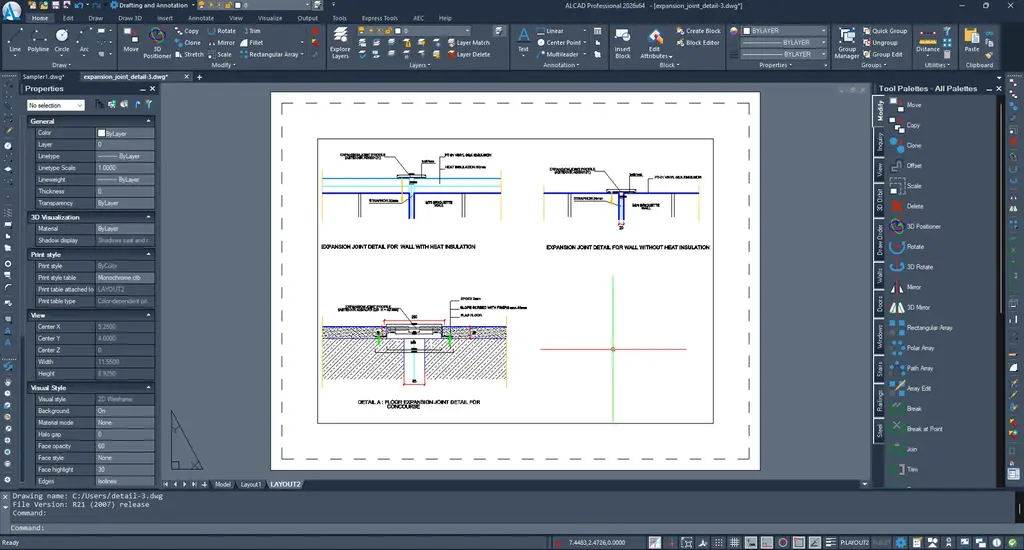
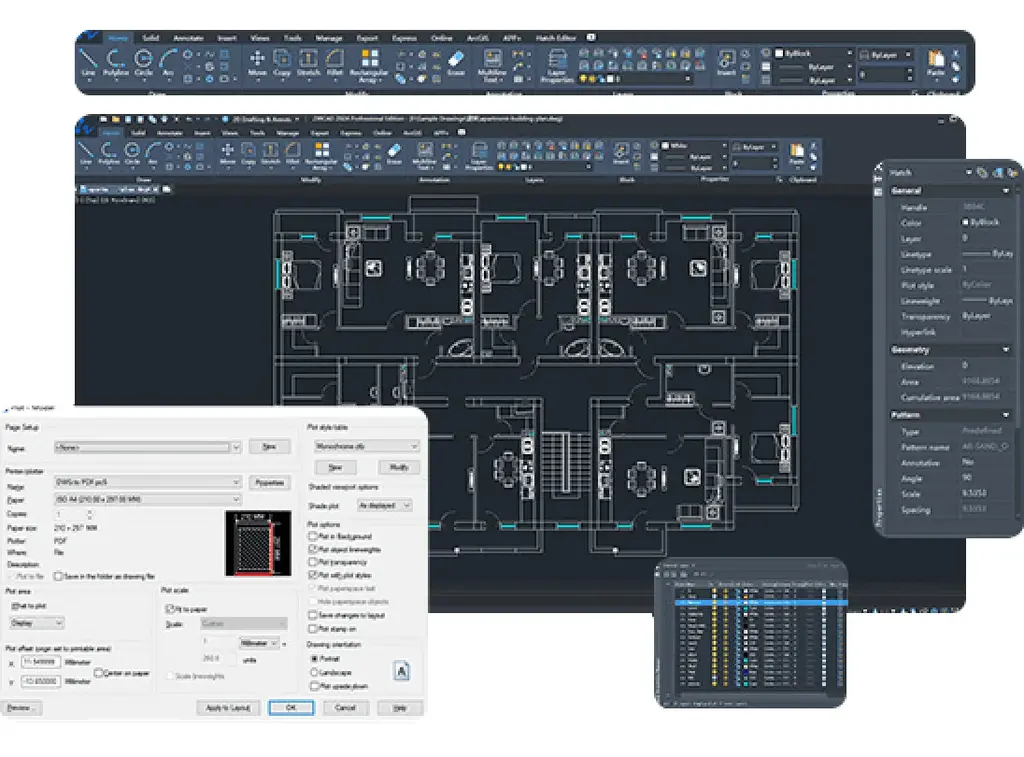
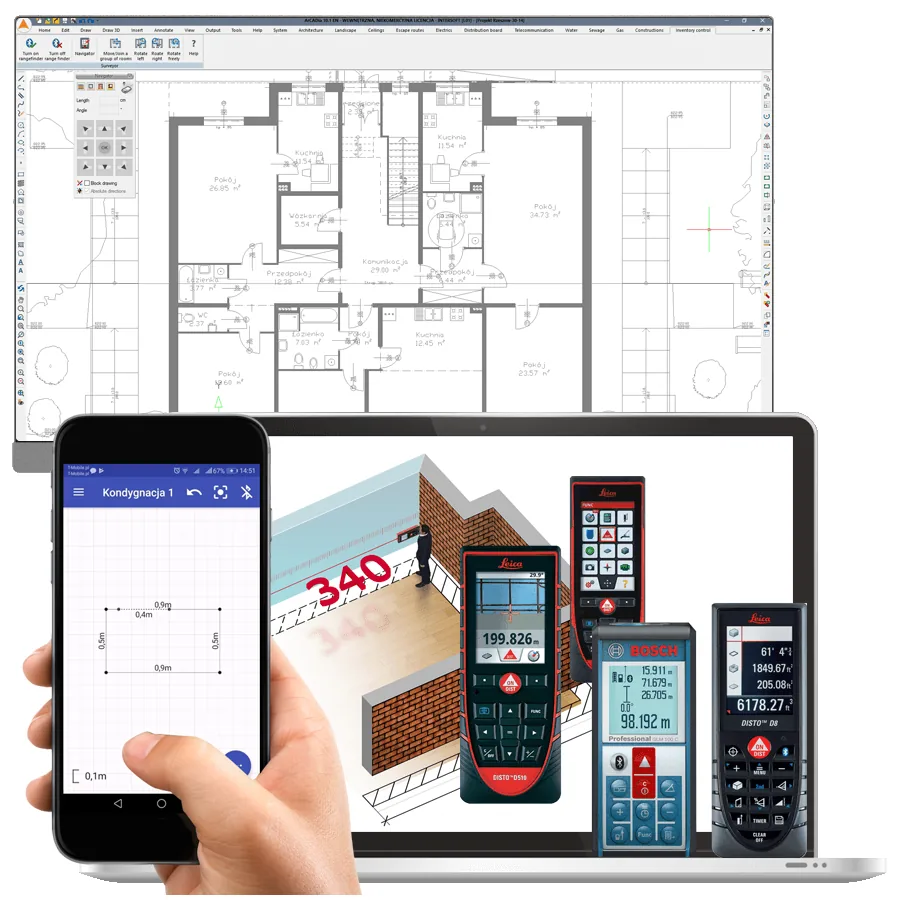
Bluebeam Revu next to alternatives
Open the full comparisonQuestions, licence and delivery
Which plan should I choose?
Basics is enough for simple comments and document management, Core adds measurements and collaboration, Complete adds reports and batch processing, Max adds automation and AI.
Does it run on a Mac?
Not as a native application. The manufacturer suggests using it from a browser or the full Revu inside virtual Windows.
Is there a perpetual licence or monthly billing?
The prices are annual charges per user.
Does it work with Revit and AutoCAD?
Yes, with add-ins that create PDFs from AutoCAD, Revit and Navisworks, depending on the Revu edition.
How do I receive the licence?
After payment we order the licence from the manufacturer and email you its details.
Do the prices include VAT?
Prices exclude VAT. With a valid VAT number from another EU country, VAT is not charged; in Belgium it is charged at 21%. For private customers, VAT is calculated at checkout.