
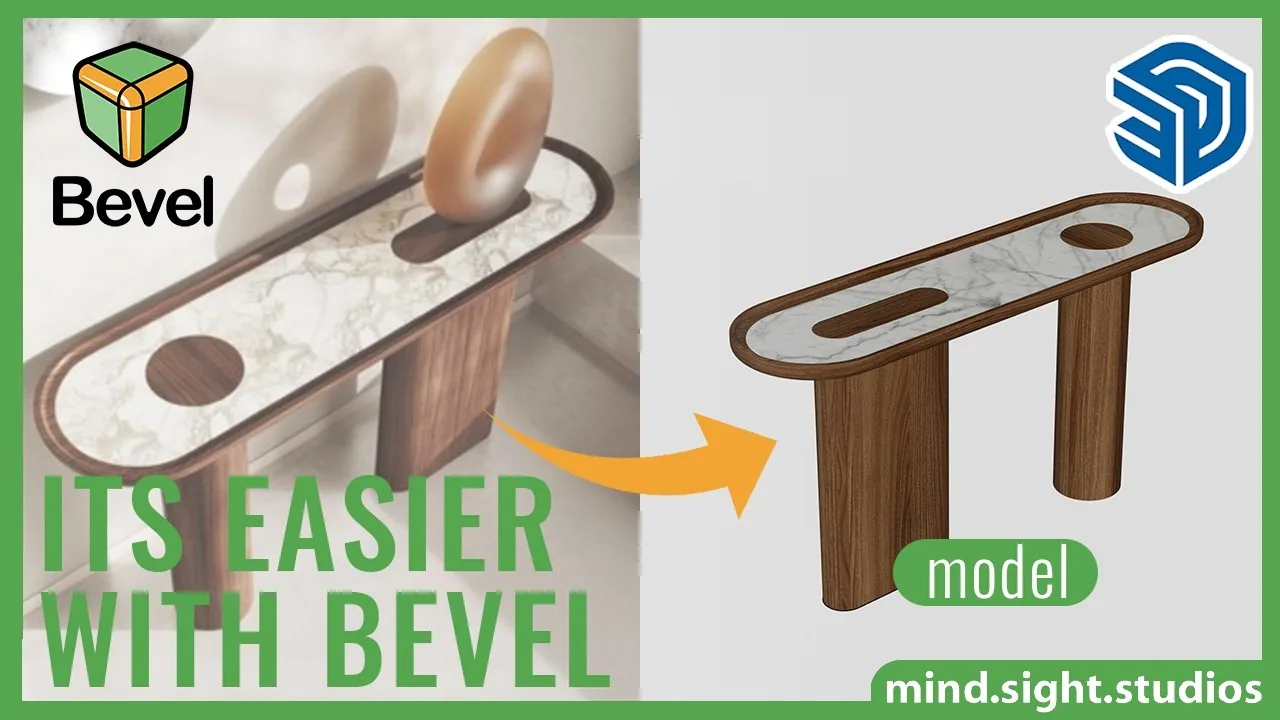
Bevel
by mind.sight.studios, SketchUp plug-ins
Rounding and chamfering edges in SketchUp, with “live” bevels that update with the model
Rounded edges in SketchUp with Bevel
See how the extension makes fillets and chamfers, keeps bevels live as the model changes and tidies up the edges around them.
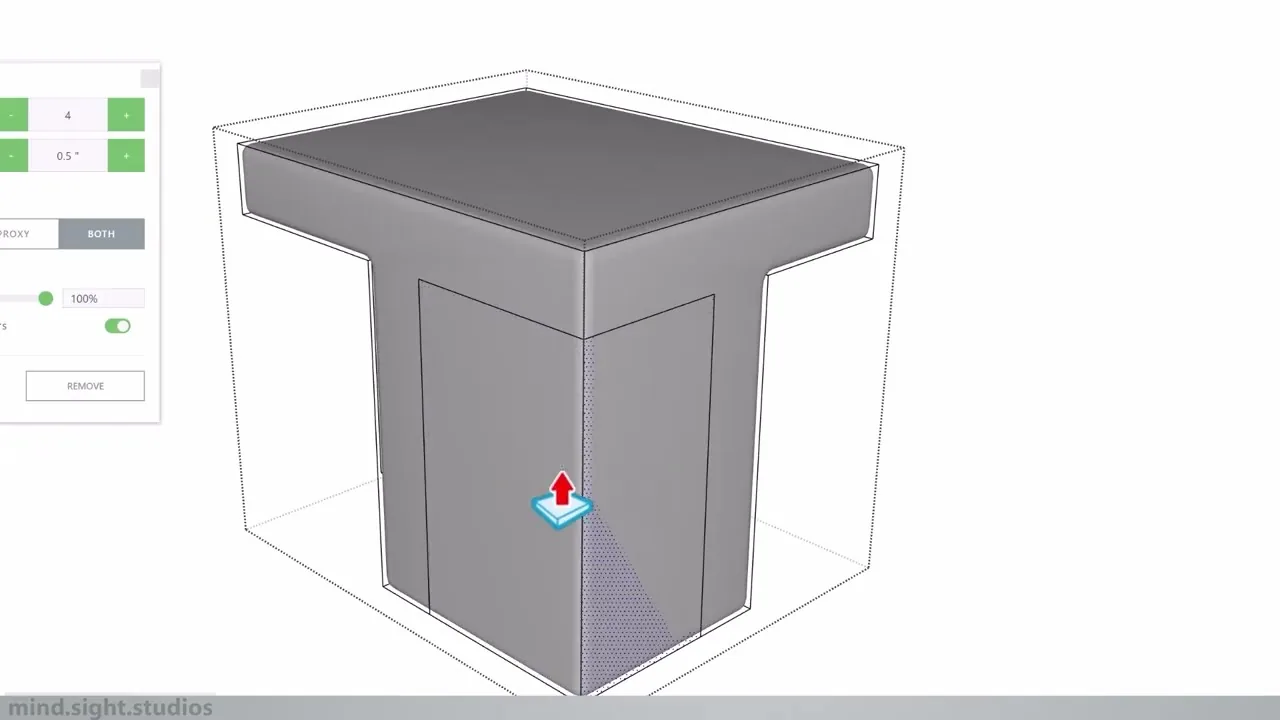
Fillets, chamfers and bevels without Follow Me
Bevel rounds or chamfers the edges you select, with no need to draw paths and profiles for Follow Me.
- Fillets, chamfers and bevels from the same tool
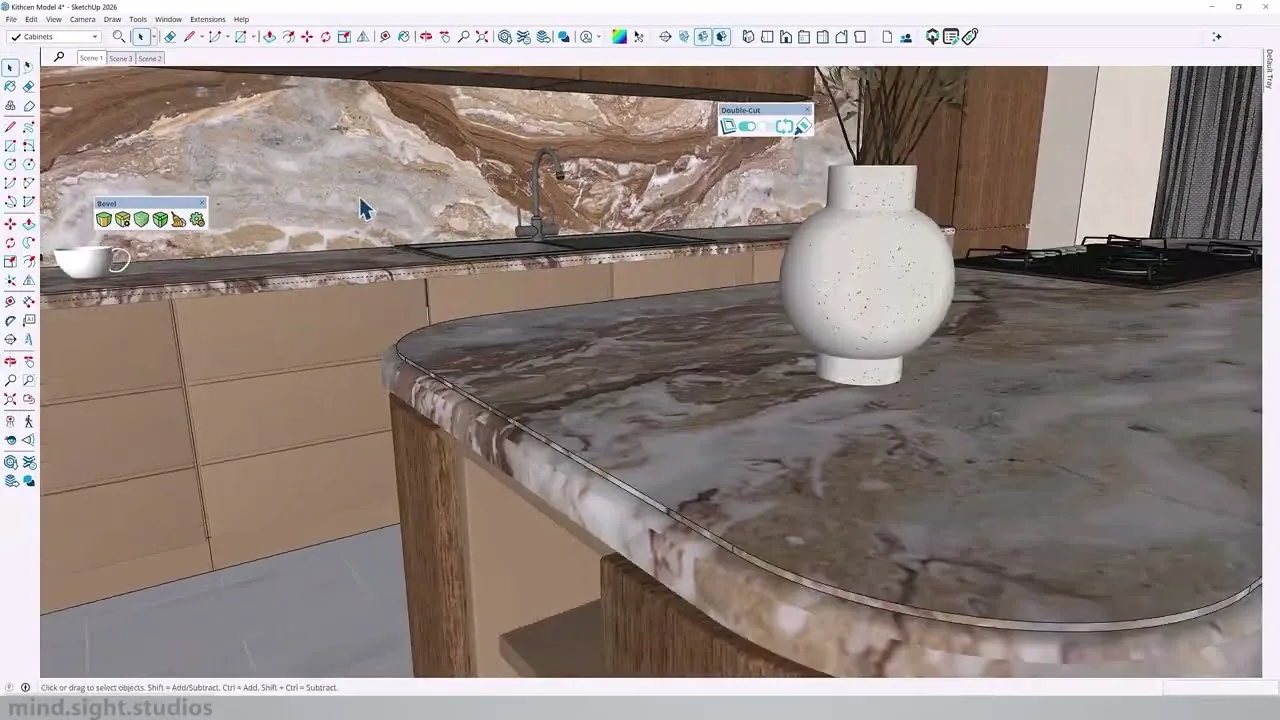
- Handles much like SketchUp's own tools
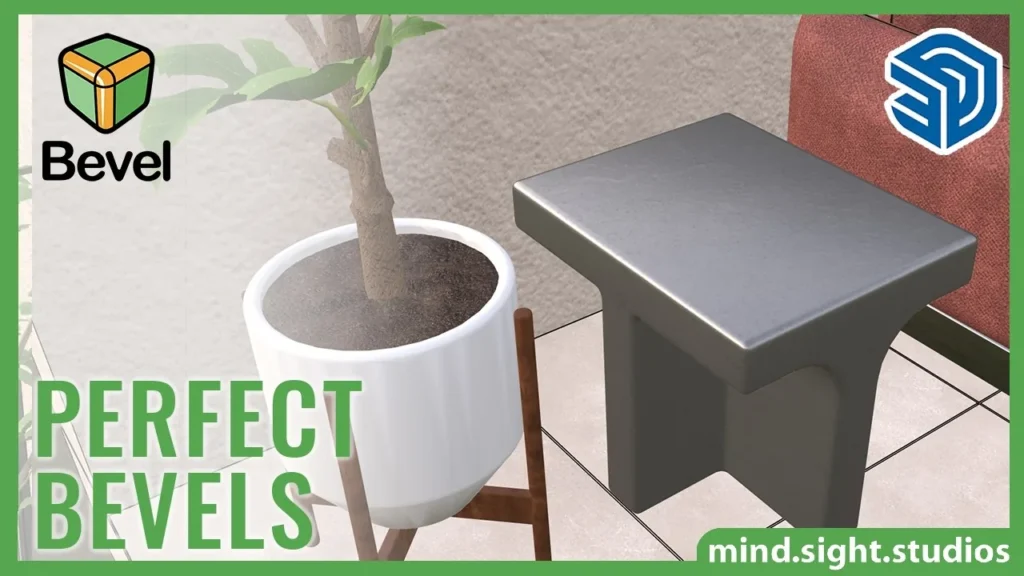
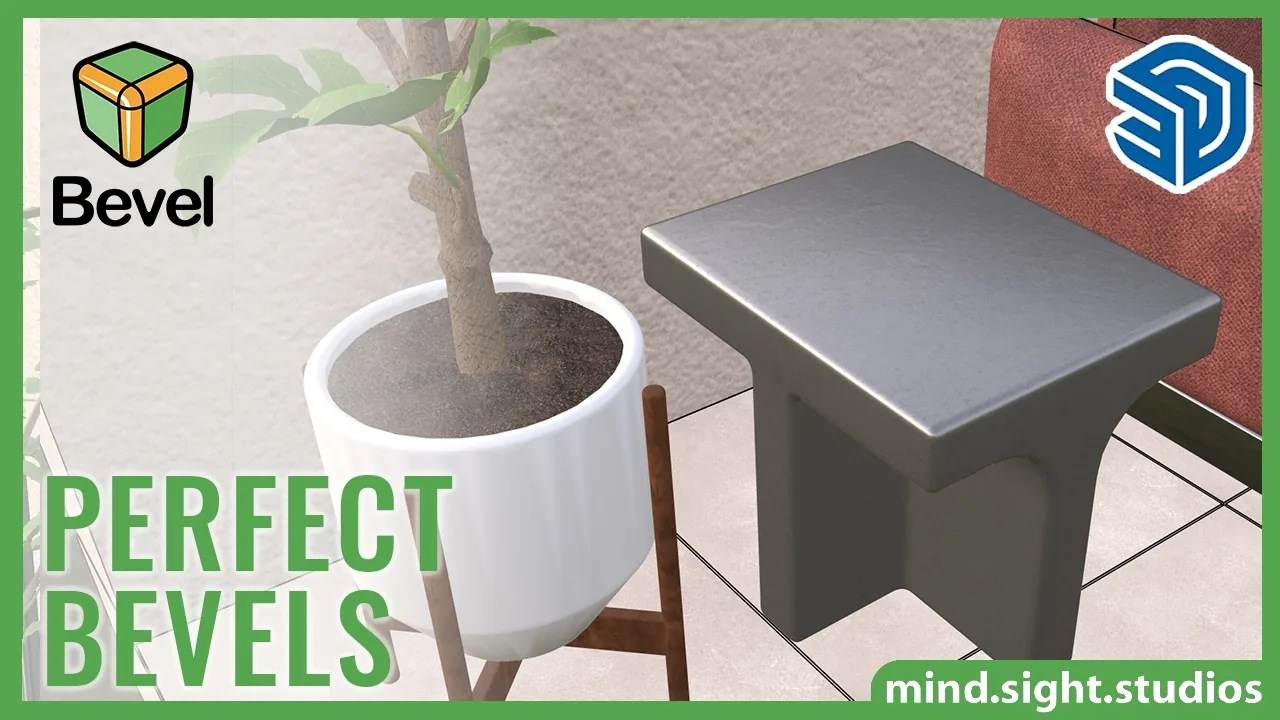
- A more realistic look for furniture, worktops and other details, as the developer's videos show
- For SketchUp 2017 or newer, on Windows and macOS
Works with: SketchUp


Bevels that follow changes to the model
With Live bevels the rounding is applied to a whole group or component and the original geometry stays untouched.
- Applied to a whole group or component
- Change the shape and the bevel updates automatically
- Works much like a Bevel Modifier in other 3D programs

Soften, harden and geometry clean-up
A good bevel needs tidy geometry, so the extension also includes its own tools for edges.
- Quickly soften or harden edges
- Clean up messy geometry before rounding
- Hard edges along the bevel borders, so the model is easier to dimension and edit
- Also works with non-planar quads, like Artisan 2
Works with: Artisan 2

Bevel at work
Official video from the developer about Bevel.

See it in action
The video or demo loads only when you press play.
What it does, stage by stage
Bevel is a SketchUp extension that rounds and chamfers edges: it creates fillets, chamfers and bevels without Follow Me. It is used much like SketchUp's own tools.
With Live bevels, the bevel is applied to an entire group or component and does not destroy the geometry: when you change the shape, the bevel updates automatically, like a Bevel Modifier in other 3D programs.
It includes tools for quickly softening and hardening edges and for cleaning up messy geometry, which help achieve a better result. The edges on the bevel boundaries can be hardened, so the model is easier to dimension and edit.
Bevel also works with non-planar quads, like Artisan 2 by the same developer. The licence is perpetual, and there is a free 15-day trial licence.

Features and files
Features
- Type
- SketchUp extension
- Edges
- fillets, chamfers, bevels
- Live Bevel
- non-destructive, updates with the geometry
- Clean-up
- automatic soften/harden and geometry clean-up
- Non-planar quads
- yes, like Artisan 2
- SketchUp versions
- 2017 or later
- Operating system
- Windows and macOS
- Licence
- Perpetual
- Trial
- 15 days
Opens and saves
- .skp
System requirements
Operating system Windows, macOS
- SketchUp 2017 or later
- Windows or macOS
Works well with, and alternatives
Works well with



Bevel next to alternatives
Open the full comparisonQuestions, licence and delivery
Which SketchUp versions are supported?
SketchUp 2017 or later, on Windows and macOS.
What kind of licence is it?
A perpetual licence.
Is there a trial version?
Yes, a free 15-day trial licence.
What is Live Bevel?
A bevel applied to an entire group or component that updates automatically when the geometry changes.
How do I receive the licence?
After payment we order the licence from the manufacturer and email you its details.
Do the prices include VAT?
Prices exclude VAT. With a valid VAT number from another EU country, VAT is not charged; in Belgium it is charged at 21%. For private customers, VAT is calculated at checkout.