
SeismoArtif
by Seismosoft, Structural analysis
Generation of artificial seismic accelerograms compatible with a target spectrum
Artificial ground motions, one step at a time
From choosing a method to checking the spectrum, SeismoArtif produces suites of accelerograms for nonlinear dynamic analysis of new or existing structures.
Four ways to build an accelerogram
The method is chosen first and decides which inputs the program asks for next.
- The default is a synthetic record after Halldorsson & Papageorgiou, which is then corrected in the frequency domain.
- Two methods start from a random process shaped by an envelope: one recalculates the PSDF, the other corrects with a Fourier transform at each iteration.
- The fourth method takes a real record and changes its frequency content so that it moves towards the target spectrum.
- For adjusting real records the maker points to SeismoMatch, a tool built specifically for that job.


A spectrum from a code, a record or a file
The target spectrum is shared by all methods and is set on its own tab in the program.
- Code spectra, among them Eurocode 8 with national annexes, ASCE 41-17, ASCE 7-16, NTC-18, KANEPE and TBDY 2018.
- For Eurocode 8 you give the spectrum type, ground class, PGA and importance class, plus an optional q factor for a design spectrum.
- The response spectrum of a record in a text file can serve as the target, including ESM, SMC and PEER NGA formats.
- Spectra saved from SeismoSignal, SeismoMatch or SeismoSpect load without any reformatting.
Works with: ESM SMC PEER NGA SeismoSignal SeismoMatch SeismoSpect

Intensity over time, from a function or a record
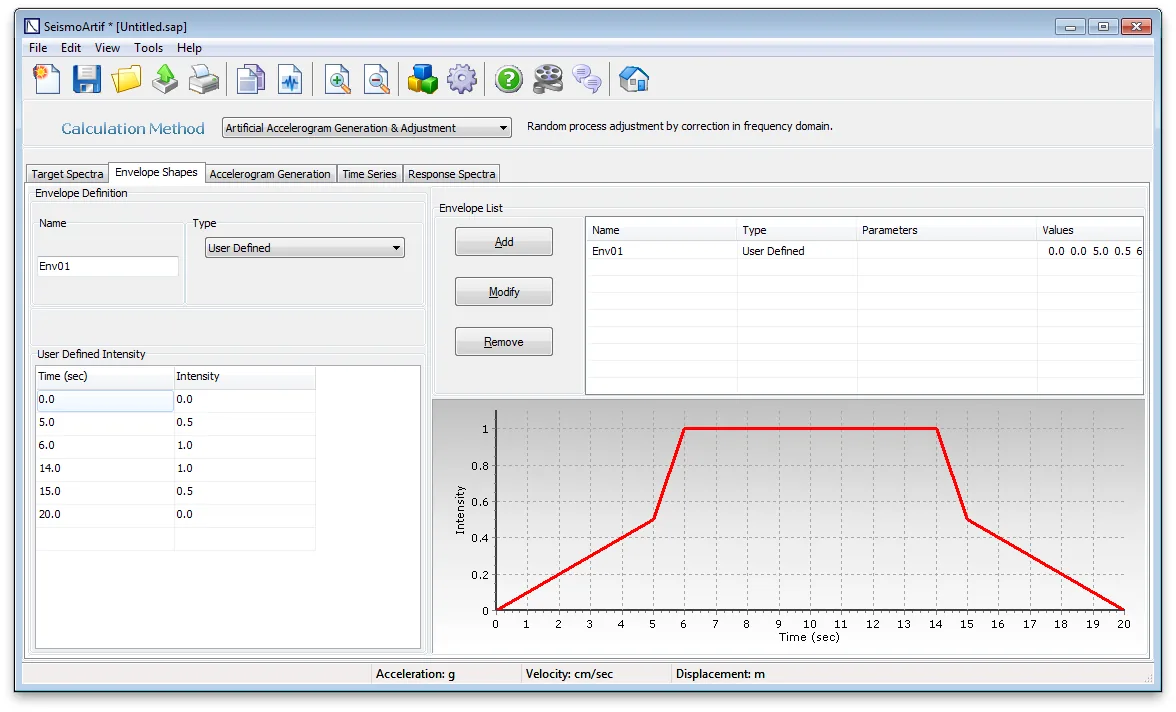
In the random-process methods, the envelope gives the motion the build-up, peak and gradual decay of an earthquake.
- Six function-based envelopes: stationary, trapezoidal, exponential, compound, Saragoni & Hart and trigonometric.
- Your own envelope from a table of time and intensity, with the plot updating alongside.
- An envelope derived from an accelerogram of your choice.
- Envelopes are kept in a list, so each generated motion can use a different one.


Earthquake, ground and settings before generating
In the synthetic method you describe the seismic scenario; in every method you then set the period range and the duration.
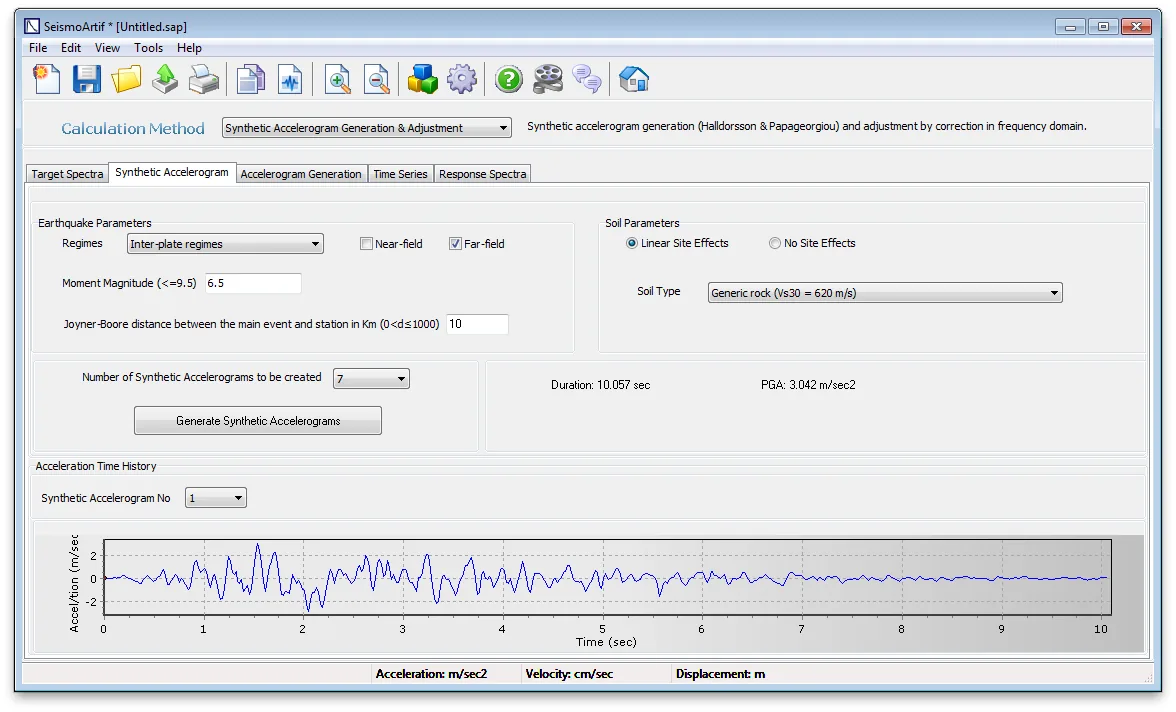
- Tectonic regime, near or far field, distance to the fault and moment magnitude Mw.
- Ground type based on Vs30 shear-wave velocity, or no site effects at all.
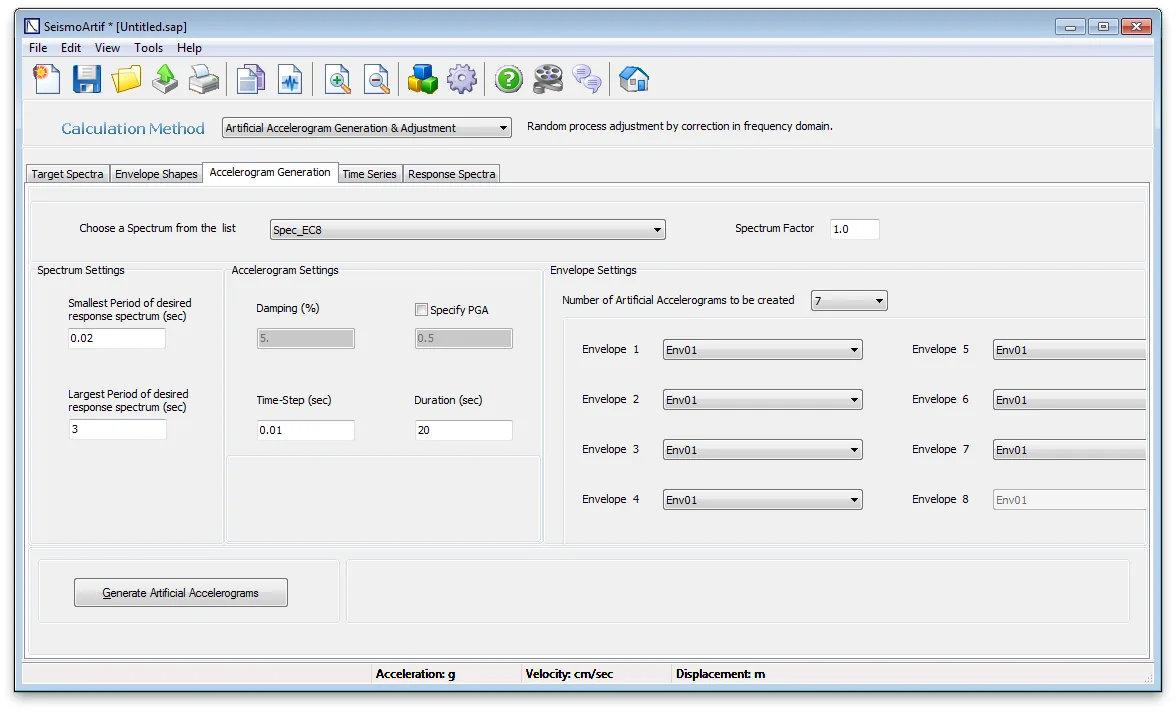
- Smallest and largest periods of interest, which also bound the range where the error against the target is measured.
- Scale factor on the spectrum, optional PGA enforcement, time step and duration of the motion.


Comparison with the target and statistics for each motion
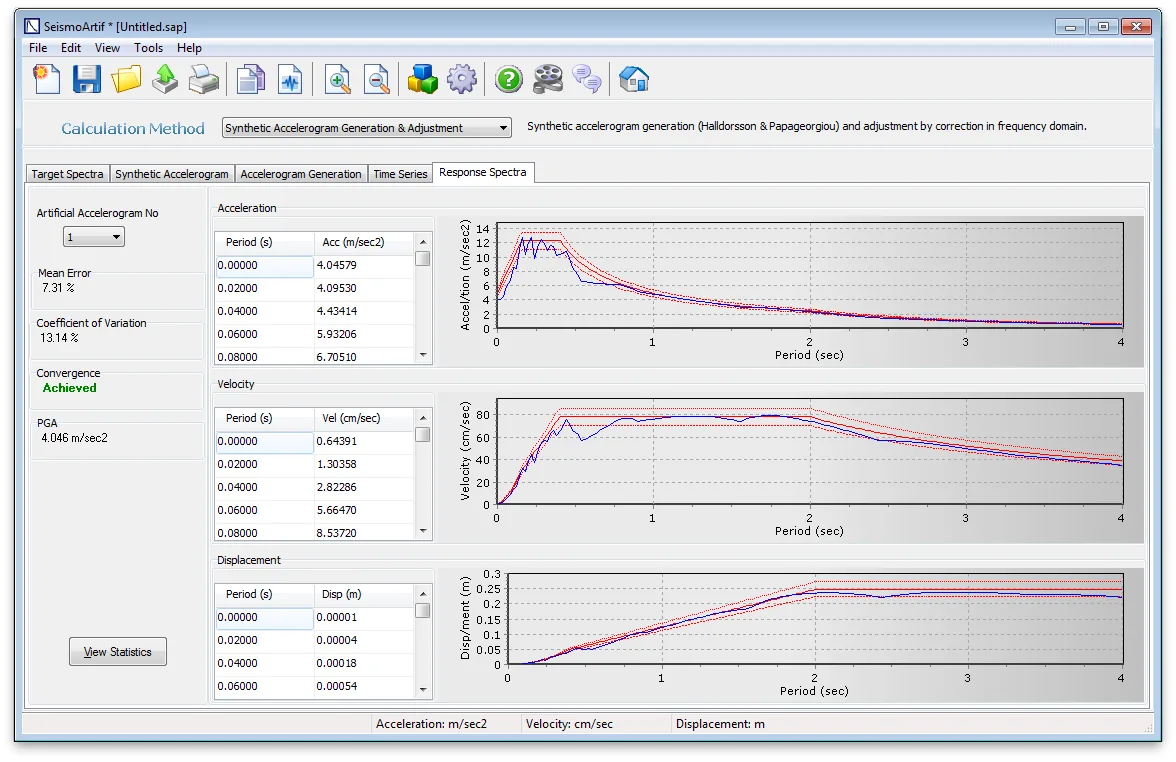
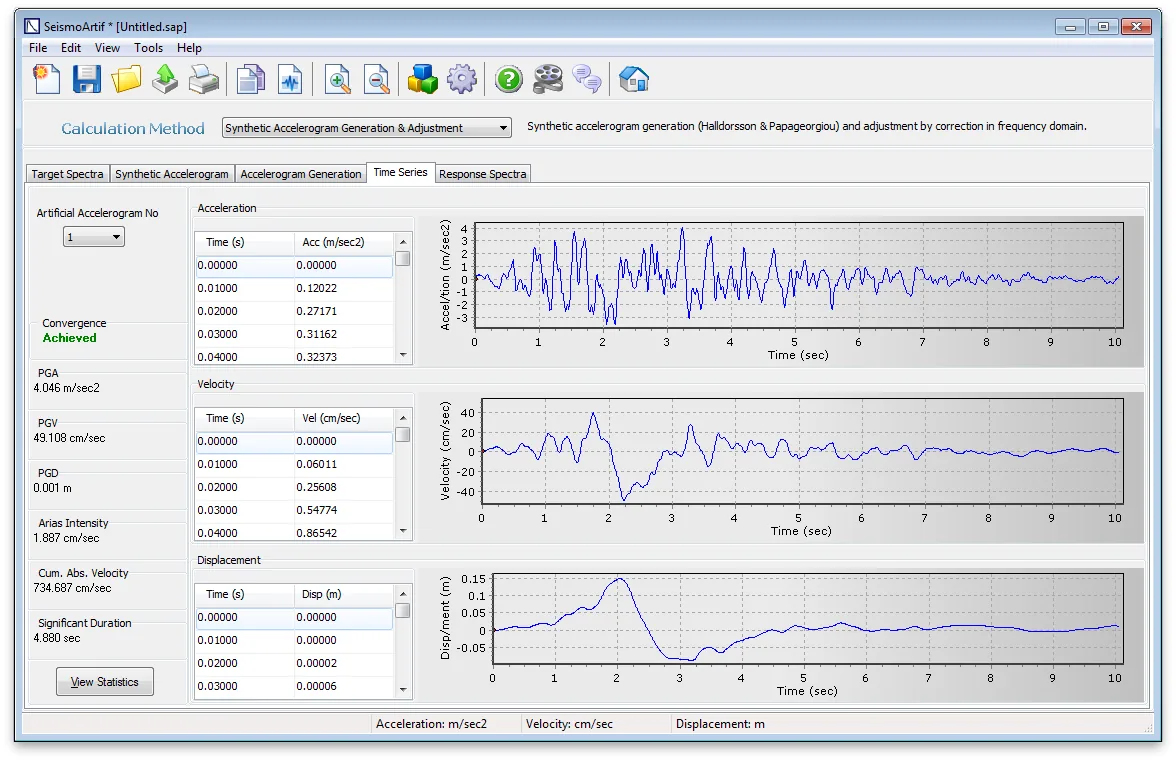
After generation you see the time histories and spectra of every accelerogram, and whether it converged.
- Acceleration, velocity and displacement over time, with PGA, PGV, PGD, Arias intensity, CAV and significant duration.
- Response spectra over the target spectrum with tolerance bounds, together with mean error and coefficient of variation.
- A summary table of statistics for all generated motions.
- Tables and charts copy into Excel or Word, and time histories can be saved to a text file.
Works with: Excel Word


What it does, stage by stage
SeismoArtif creates artificial and synthetic accelerograms that match a target spectrum, when real records are few or do not match the code.
In design it is used for parametric analyses and code-based design. It offers different generation approaches: synthetic generation, random phases, adjustments in the frequency domain and matching of a real record.
Envelopes from real records can be imported so that the synthetic motions have realistic characteristics, a spectrum can be defined by the user and many accelerograms can be generated at the same time.
Features
Features
- Purpose
- artificial accelerograms
- Methods
- synthetic, random phases, frequency domain
- Envelopes
- from real records
- Target spectrum
- defined by the user
- Generation
- many at once
- Licences
- computer, USB dongle, network
System requirements
Operating system Windows
- Windows application (integration with the Windows environment, e.g. copying results to Excel and Word)
Works well with, and alternatives
Works well with
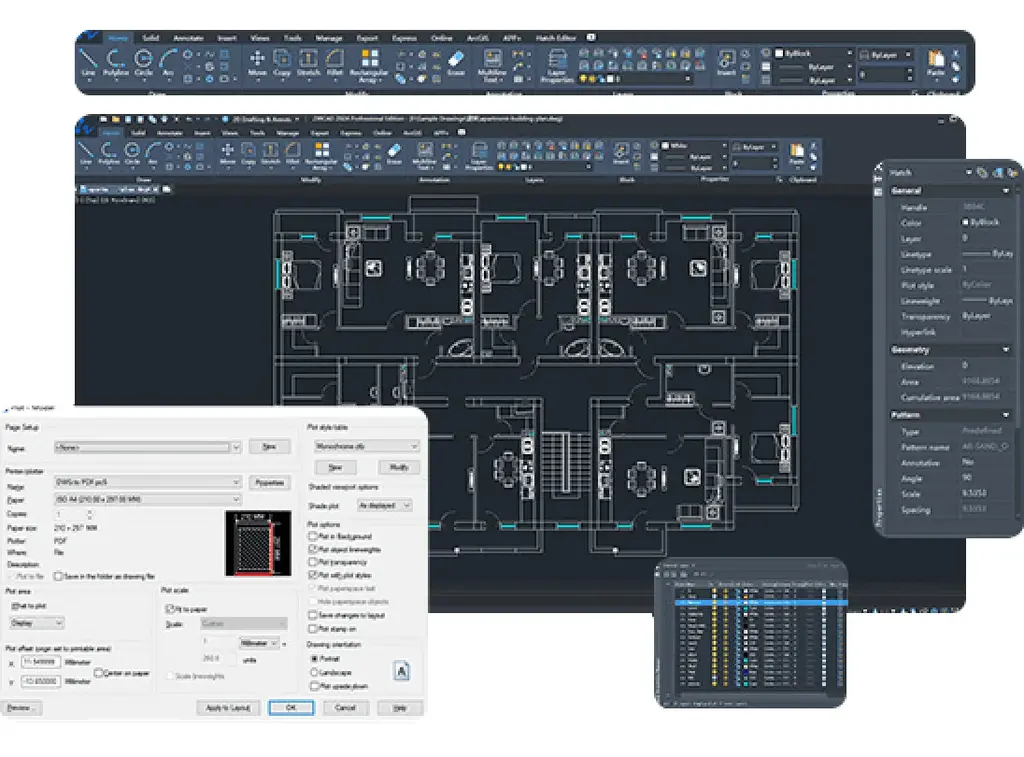
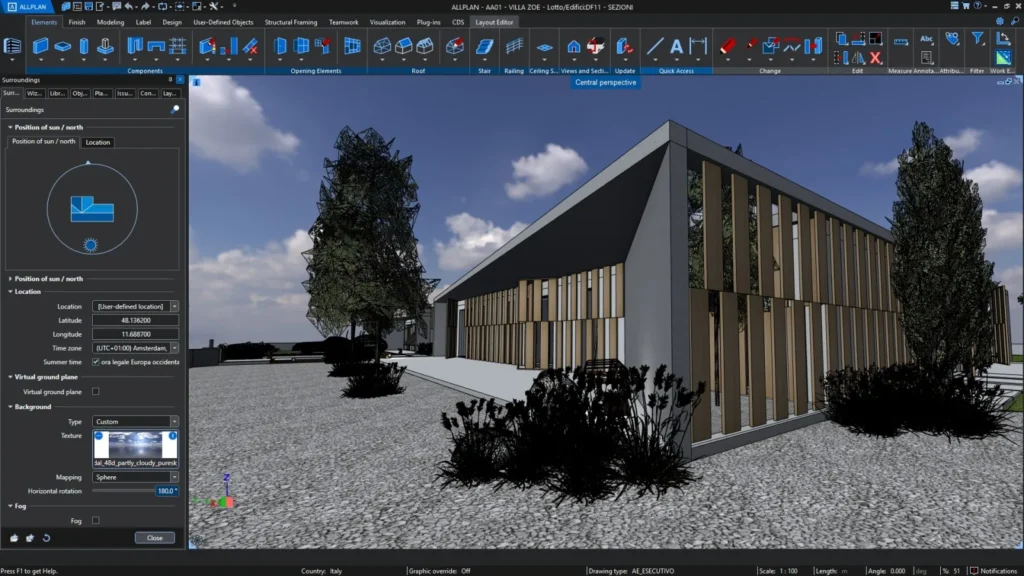
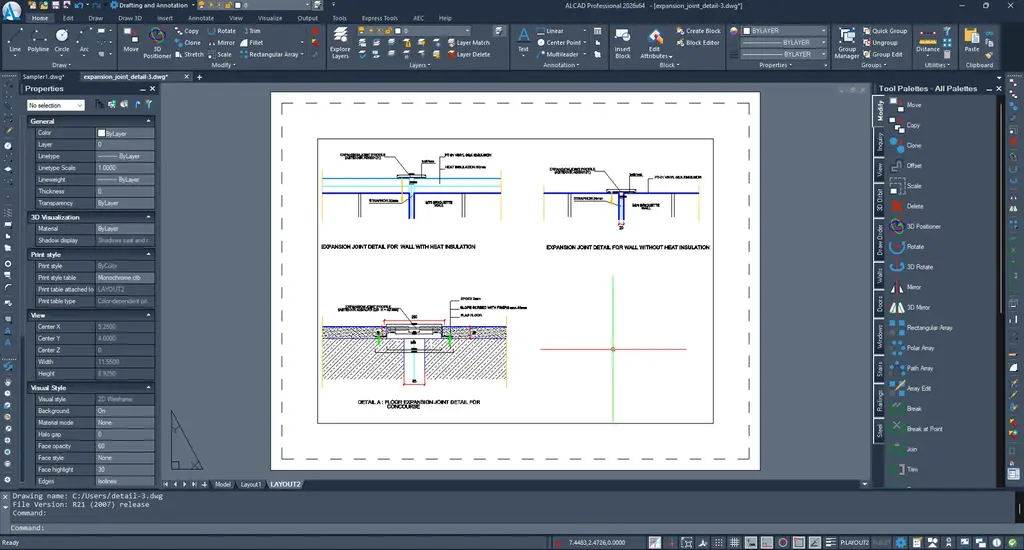

SeismoArtif next to alternatives
Open the full comparisonQuestions, licence and delivery
When is it preferred over real records?
According to the manufacturer, when data are few or incompatible with the code, and for theoretical or parametric studies.
Does it generate many accelerograms together?
Yes, the manufacturer states simultaneous generation of sets.
What licence is there?
The manufacturer offers a licence tied to one computer, a USB dongle or a network licence.
Is there a trial and an academic licence?
Yes, the manufacturer states a one-month trial version and academic licences for students and researchers.
How do I receive the licence?
After payment we order the licence from the manufacturer and email you its details.
Do the prices include VAT?
Prices exclude VAT. With a valid VAT number from another EU country, VAT is not charged; in Belgium it is charged at 21%. For private customers, VAT is calculated at checkout.