
CabWriter CNC 2 (minimum 2 licences)
by CabWriter, SketchUp plug-ins
DXF export for CNC from CabWriter designs
From the CabWriter Pro model to the CNC
CabWriter CNC is an add-on for CabWriter Pro: it takes the cabinet parts and hands them as DXF to the CAM software you already use. Follow the workflow in order.
Cabinet parts as DXF files
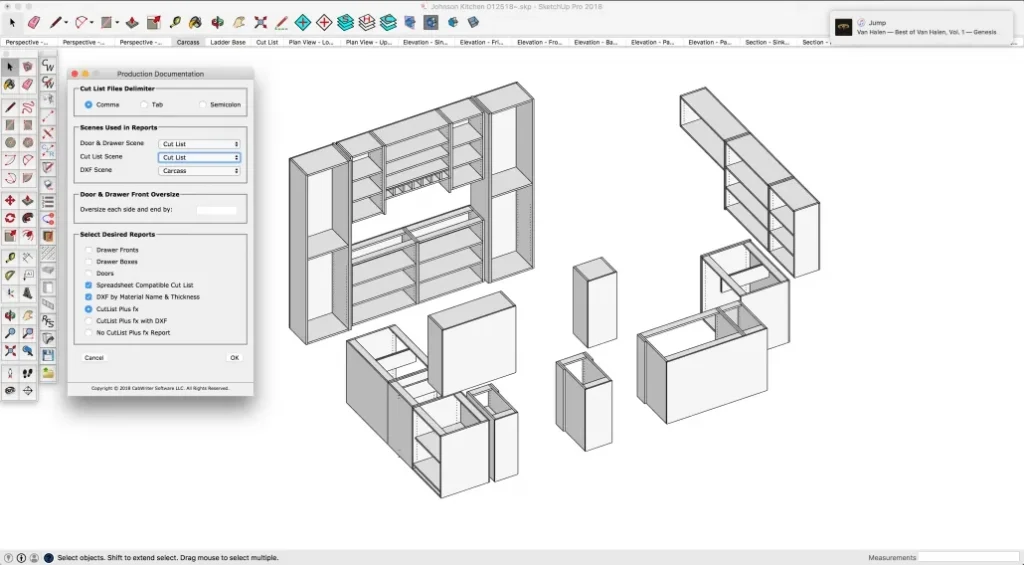
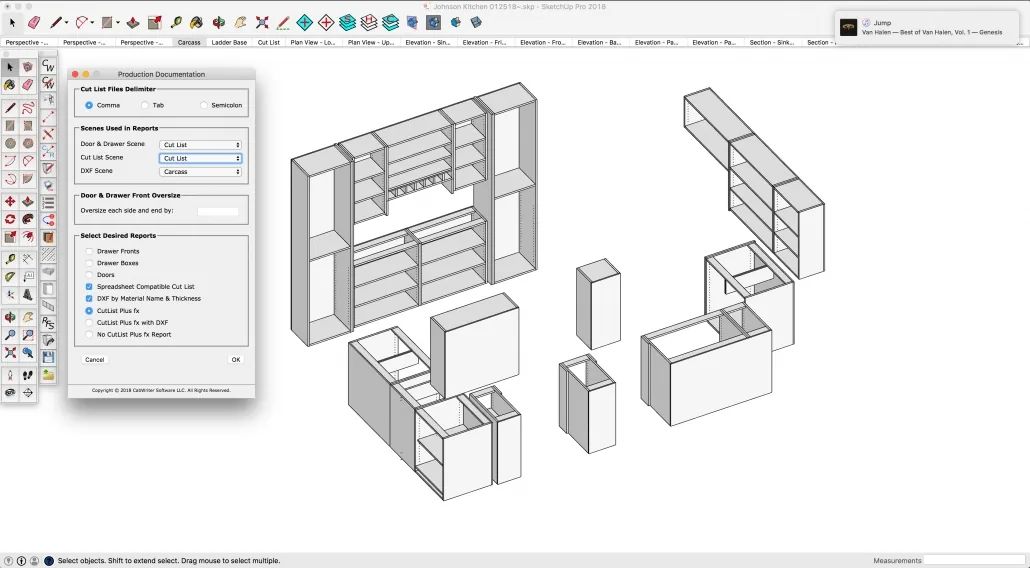
You choose the parts to be cut and export them as DXF, a format read by nearly every CAM package. A valid CabWriter Pro licence is required; it does not work with CabWriter Home.
- One DXF per part, one file per material and thickness, or one file per optimised sheet
- Export all parts or only the ones you select, drawer boxes included
- Carcass joinery comes along: drill holes, rabbets, dados and qualified tenons
- Circular or rectangular cutouts and pockets are recognised, whether CabWriter or you added them
Works with: DXF


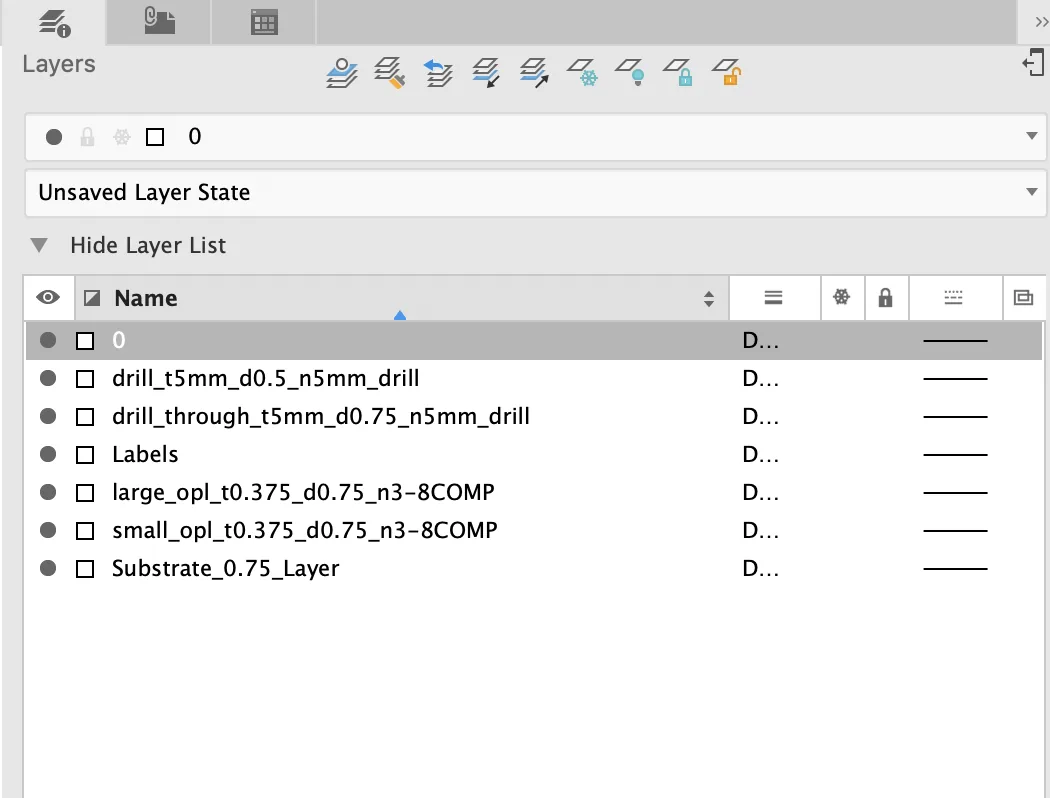
A separate layer for each machining operation
Each type of operation goes on its own layer in the DXF, so toolpaths can be assigned per layer.
- Holes of the same diameter and depth, pockets with the same bit and perimeter cuts share a layer
- Layer names can carry the operation type, tool, diameter and depth, for automatic toolpaths in CAM
- Layer naming can also follow the style read by machines such as Biesse
- Support for CAM software that takes depth from the DXF Z-Depth parameter
- Separate layers for small and large parts, so small parts can be held with an onion skin or tabs when cutting


Optimised sheets ready for CAM
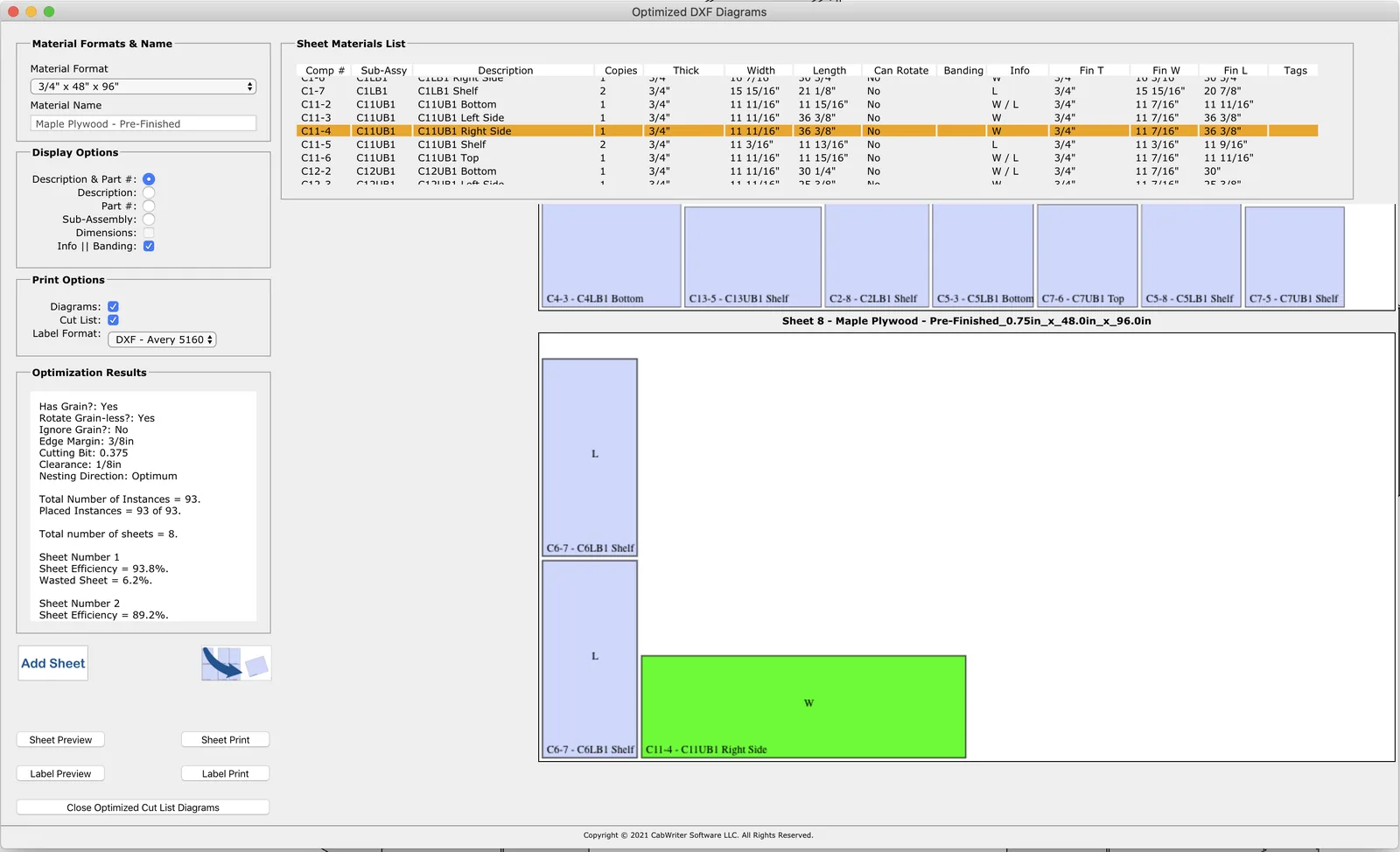
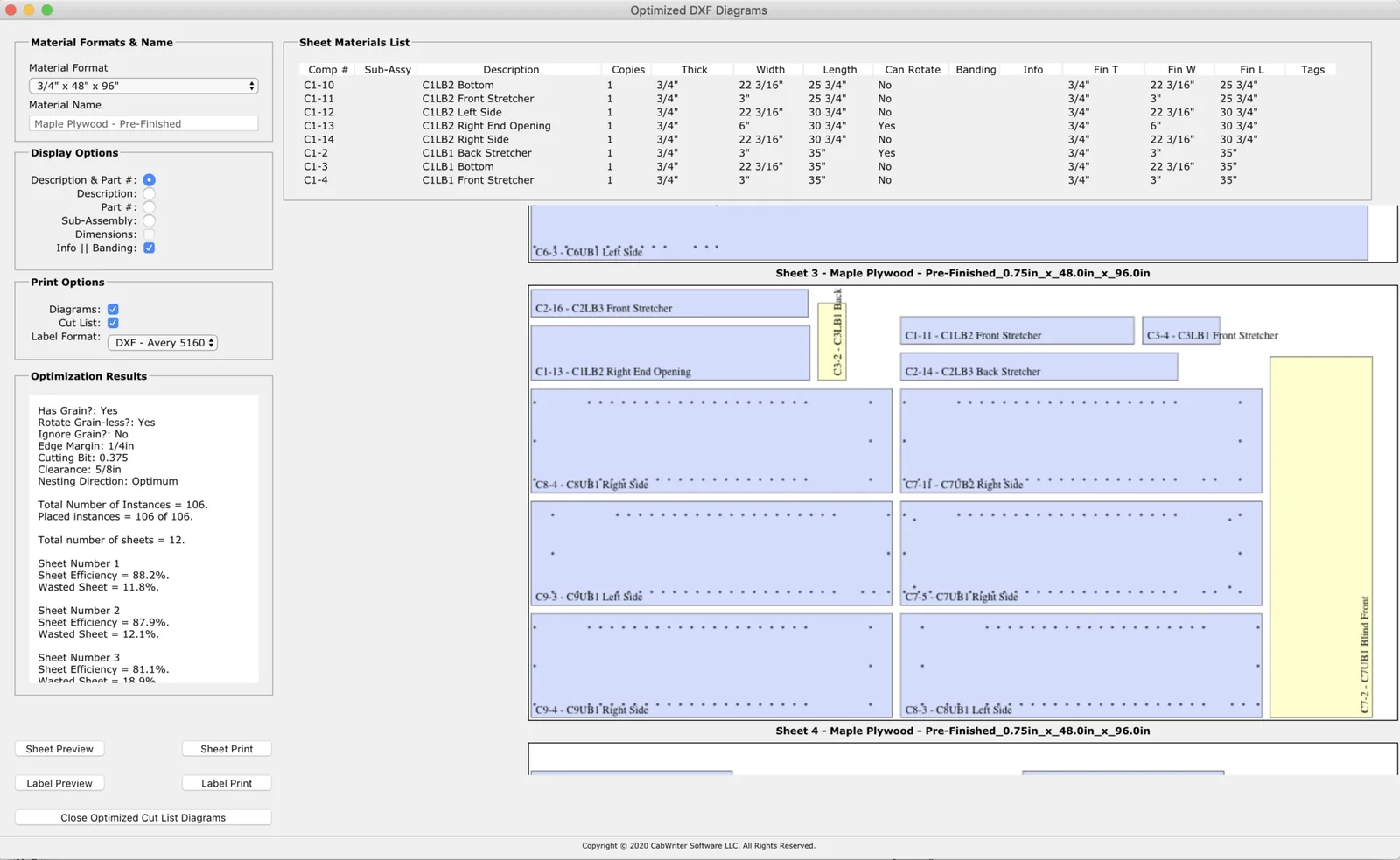
You enter sheet sizes, bit diameter and clearances, and CabWriter writes one DXF per sheet with the parts already laid out.
- One file per sheet, sorted by material
- Sheet size, bit and clearances are all adjustable
- Labels for the parts on each sheet on Avery 5160 or 5163 stock
- Sheets go to CAM ready for toolpaths


Nesting and toolpaths in the CAM of your choice
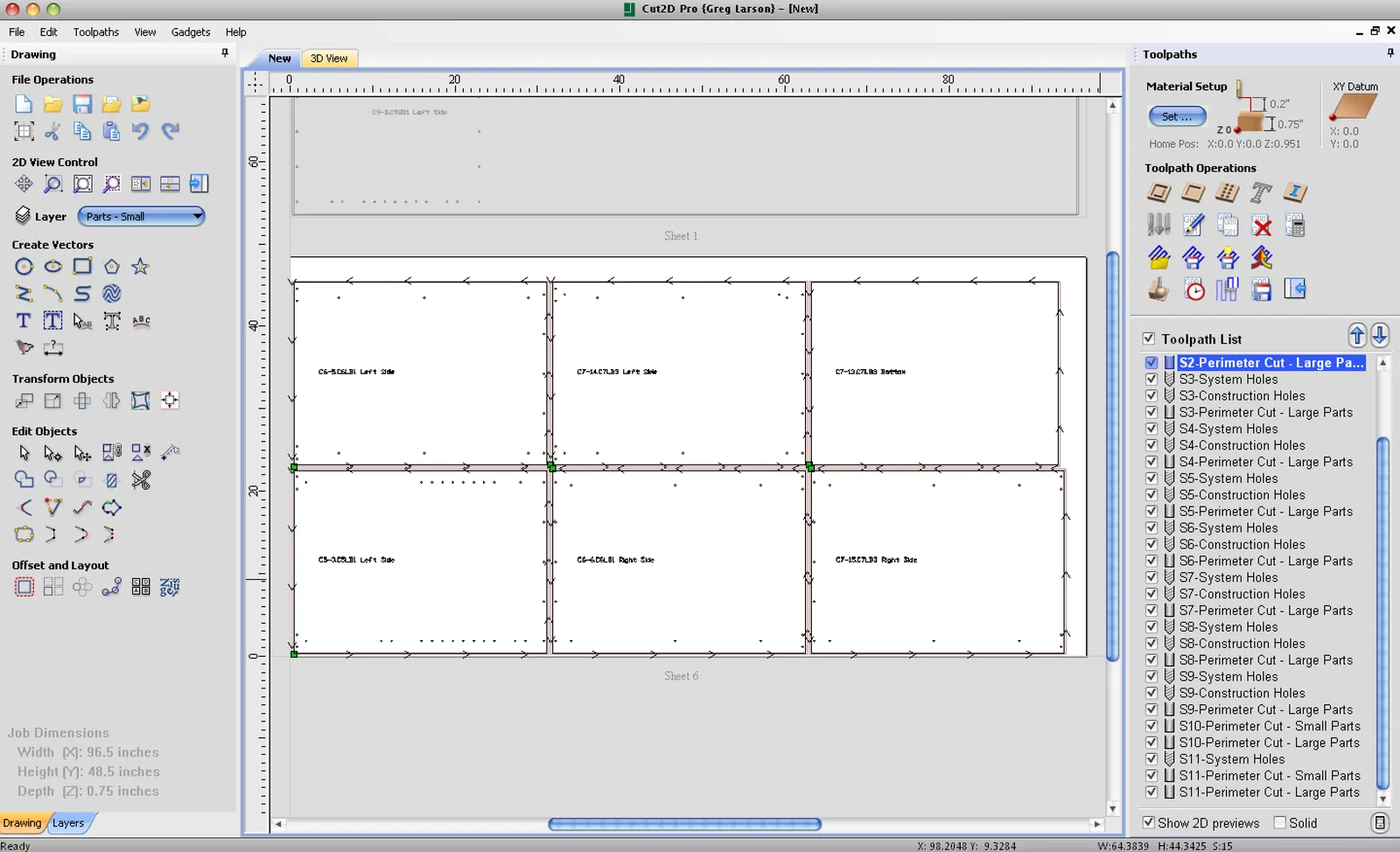
CabWriter does not write G-code itself; nesting and toolpaths are left to your CAM. The official examples use Vectric Cut2D Pro.
- Parts of each material and thickness are loaded into one CAM job and nested onto sheets
- Because the same geometry always lands on the same layer, a toolpath template is made once and reused
- All Vectric products are compatible with CabWriter, according to the developer
- One-piece shaker doors, drawer fronts and end panels from a single MDF sheet, with the field recessed by the CNC
Works with: Vectric Cut2D Pro


CabWriter overview, up to the CNC export
Official CabWriter video: walls and cabinets, drawings, cut list, sheet optimisation and export to CNC software for nesting and toolpaths.

See it in action
The video or demo loads only when you press play.
What it does, stage by stage
CabWriter CNC is an add-on for CabWriter Pro for shops that cut cabinet parts on a CNC. It exports carcass parts, or whole optimised sheets, as DXF files that nearly every CAM package can read, including drill holes, rabbets, dados, pockets and cutouts.
Each machining operation goes on its own layer, and layer names can carry the tool, diameter and depth so that the CAM software can assign toolpaths automatically. No separate installation is needed: it is activated with its own licence inside CabWriter Pro. The order is placed for a minimum of 2 licences.
Features and files
Features
- Type
- CabWriter Pro add-on (SketchUp extension)
- Output
- DXF for CAM
- Minimum order
- 2 licences
- SketchUp versions
- SketchUp Pro 2018 or later
- Operating system
- Windows and macOS (wherever SketchUp runs)
Opens and saves
- .dxf
System requirements
- A valid CabWriter Pro licence (it does not work with CabWriter Home)
- SketchUp Pro 2018 or later, purchased separately
- Windows or macOS, with the hardware requirements of SketchUp
Works well with, and alternatives
Works well with


CabWriter CNC 2 (minimum 2 licences) next to alternatives
Open the full comparisonQuestions, licence and delivery
How many licences are needed?
The order is for a minimum of 2 licences.
Is CabWriter Pro required?
Yes. CabWriter CNC is an add-on and can only be activated with a valid CabWriter Pro licence. It does not work with CabWriter Home.
Does it produce G-code for the machine?
No. It writes DXF files; nesting and toolpaths are done in the CAM software you use.
How do I receive the licence?
After payment we order the licence from the manufacturer and email you its details.
Do the prices include VAT?
Prices exclude VAT. With a valid VAT number from another EU country, VAT is not charged; in Belgium it is charged at 21%. For private customers, VAT is calculated at checkout.