
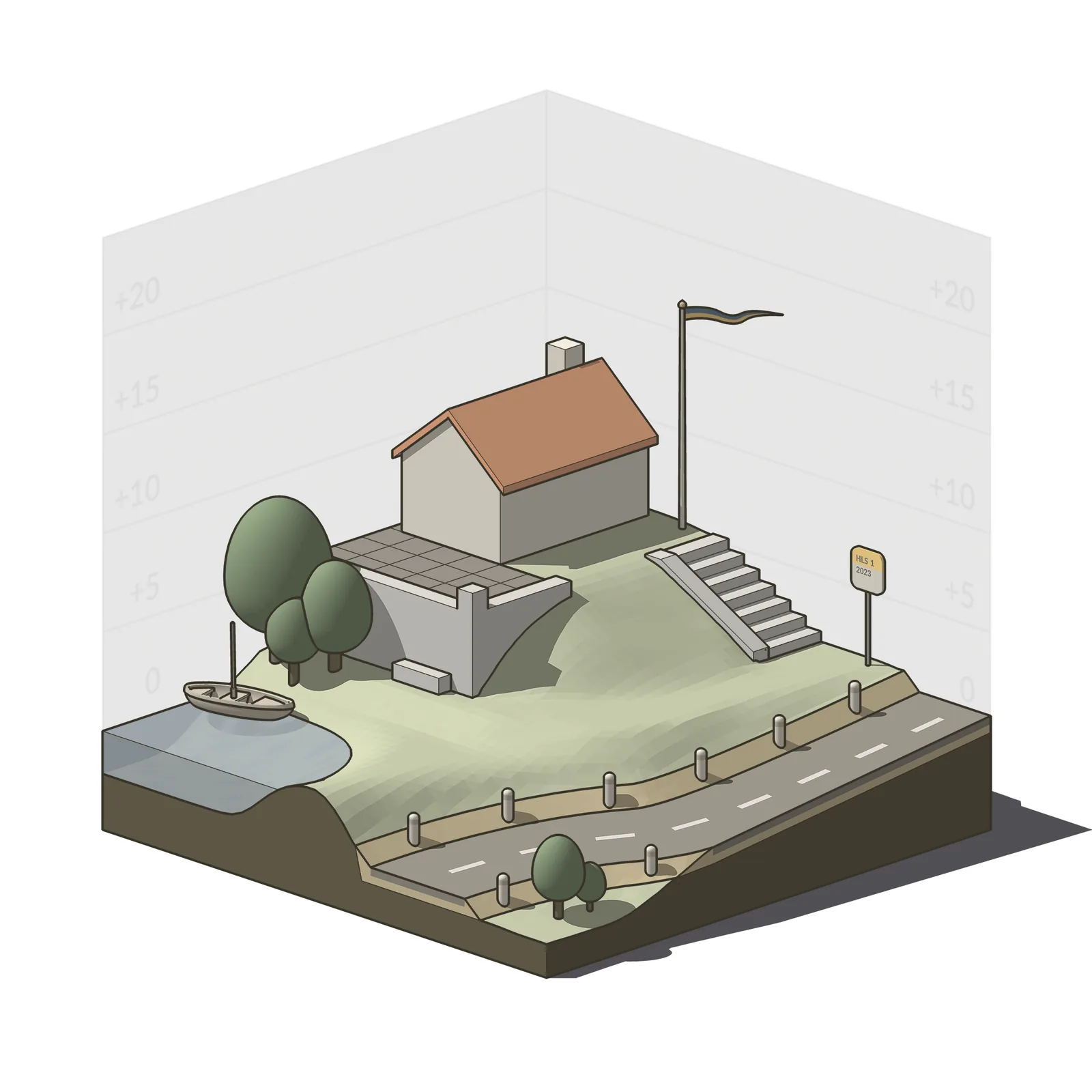
Landshape
by Holygon, SketchUp plug-ins
SketchUp extension for terrain modelling and checking, for architects and landscape architects, by subscription
Landshape for terrain in SketchUp, from creation to review
Pick a topic and see what the extension does for it.
Terrain from what is already in your model, or from scratch
The extension turns SketchUp geometry into new terrain, for small plots as well as very large areas.
- Terrain from surfaces, isocurves, point clouds, Add Location output or an older terrain
- You can also start from nothing, with no geometry at all
- From tightly controlled plots to freeform landscapes with millions of faces
- Millimetre precision in plan and in elevation, where you need it
Works with: SketchUp

Shape the terrain and check the result
Terrain becomes pliable: you sculpt it by hand or drive it with groups of edges and faces, and then review it.
- Quick concept sketching with brushes, or precise control with reusable groups of edges and faces
- Both approaches can be mixed on the same terrain
- The designer fits the terrain to buildings, retaining walls and other built features
- View elevation, slope and ground-type distribution per spot, area or volume
- Calculation of cut and fill

Landshape on video
An official video from the manufacturer covering the key concepts of the extension.

See it in action
The video or demo loads only when you press play.
What it does, stage by stage
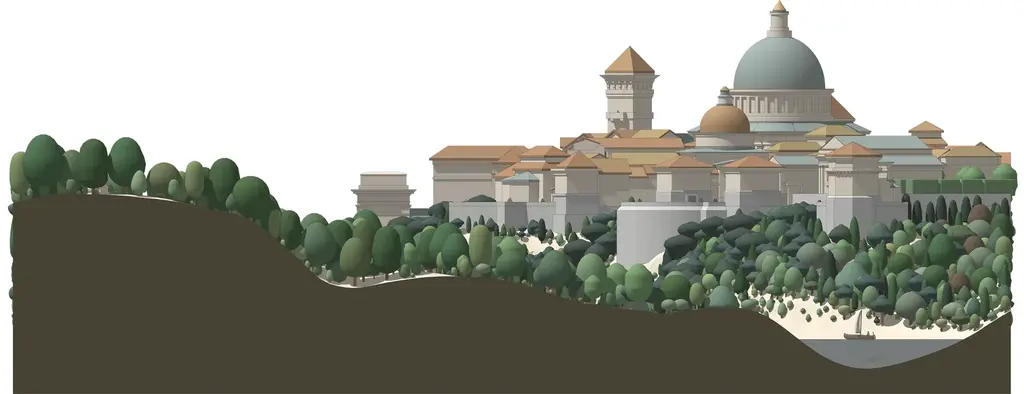
Landshape is a SketchUp extension that creates, edits and controls 3D terrain. It can create new terrain from existing geometry, or from scratch, and works from small plots to large areas.
The designer shapes the terrain with brushes or with reusable groups of edges and surfaces, and controls elevations, slopes, ground types, and excavation and fill (cut and fill). The result can be made into a solid, suitable also for 3D printing.
It is not a standalone program; it needs SketchUp installed. It is sold by subscription in three editions (Go, Plus, Pro), which differ in the commands and in the number of terrain surfaces, and there is a 30-day trial. Direct import of point cloud and mesh files is mentioned as planned, not as available.
Survey
The existing condition is measured and becomes a digital model.
Concept
First massing and alternatives, quickly, so the idea can stand.
Design development
The design takes shape: spaces, structure, materials and checks.
Construction drawings
It is not its job. Combine it with SketchUp.
Presentation
It is not its job. Combine it with SketchUp.
Images from the program
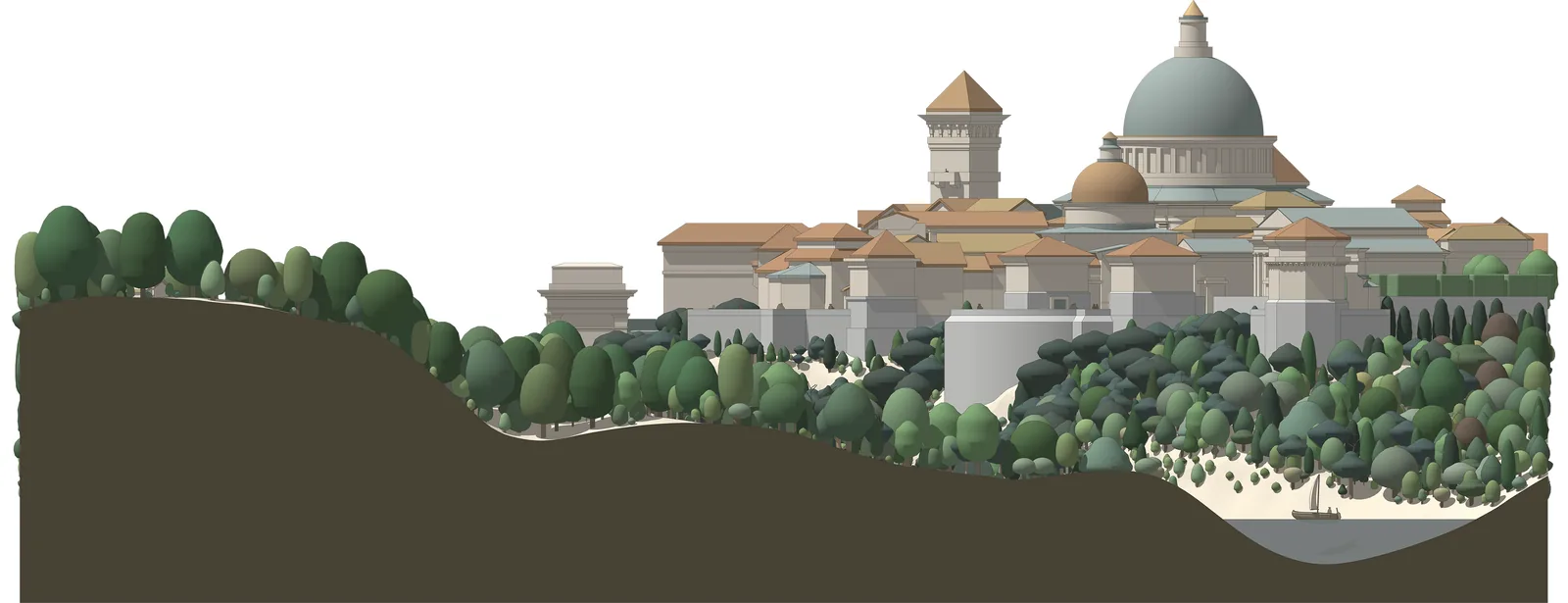
From the official material of Holygon. Click an image to see it larger.
Features and files
Features
- Program
- SketchUp (extension)
- Creation
- from geometry, point cloud or from scratch
- Editing
- brushes and control groups
- Control
- elevations, slopes, cut and fill
- Output
- solid, for 3D printing
- Editions
- Go, Plus, Pro
- Trial
- 30 days, no commercial use
- Representation
- ELITESOFT is the exclusive agent
Opens and saves
- .skp
System requirements
Operating system Windows, macOS
- Windows and macOS, with SketchUp installed (the latest version is recommended)
Works well with, and alternatives

Alternatives
Landshape next to alternatives
Open the full comparisonQuestions, licence and delivery
Do I need SketchUp?
Yes, it is a SketchUp extension and does not run on its own.
How do the editions differ?
The higher editions have more powerful commands, allow more terrain surfaces and include priority support.
Can I import a point cloud?
Direct import of files such as LAS and E57 is mentioned as planned, not as available. It works with SketchUp geometry.
Is there a trial?
Yes, a 30-day trial with full Pro capabilities, for non-commercial use only.
How much does it cost?
With annual billing: Go 8, Plus 32, Pro 80 USD per month (96, 384, 960 USD per year), excl. VAT.
Who is the representative in Greece?
ELITESOFT is the exclusive agent.
How do I receive the licence?
After payment we order the licence from the manufacturer and email you its details.
Do the prices include VAT?
Prices exclude VAT. With a valid VAT number from another EU country, VAT is not charged; in Belgium it is charged at 21%. For private customers, VAT is calculated at checkout.