
ZWCAD
by ZWSOFT, Design & BIM
Authorised ZWSOFT reseller for Greece and Cyprus
2D and 3D drawing compatible with DWG, with a perpetual licence, for engineers and architects
All ZWCAD 2026 prices
Every combination at a glance: edition, licence for one computer or for a network, perpetual or for one year, and upgrade from an older version. You choose the combination in the purchase form on the page of each edition.
ZWCAD Standard
| Licence | Standalone | Network |
|---|---|---|
| Perpetual licence | 799 € | 899 € |
| 1-year licence | 180 € | 200 € |
| Upgrade from 2024 or 2025 | 240 € | 270 € |
| Upgrade from 2023 or earlier | 360 € | 405 € |
ZWCAD PRO
| Licence | Standalone | Network |
|---|---|---|
| Perpetual licence | 1.299 € | 1.449 € |
| 1-year licence | 280 € | 310 € |
| Upgrade from 2024 or 2025 | 390 € | 435 € |
| Upgrade from 2023 or earlier | 585 € | 653 € |
ZWCAD MFG
| Licence | Standalone | Network |
|---|---|---|
| Perpetual licence | 1.599 € | 1.749 € |
| 1-year licence | 340 € | 370 € |
| Upgrade from 2024 or 2025 | 480 € | 525 € |
| Upgrade from 2023 or earlier | 720 € | 788 € |
Standalone: licence for one computer. Network: network licence shared by the computers of the office. Prices for Greece and Cyprus, excluding VAT. An upgrade is from a licence of the same edition.
ZWCAD in the daily work of an office
Pick a topic and see what the program offers for it.
It opens and saves the drawings you already have
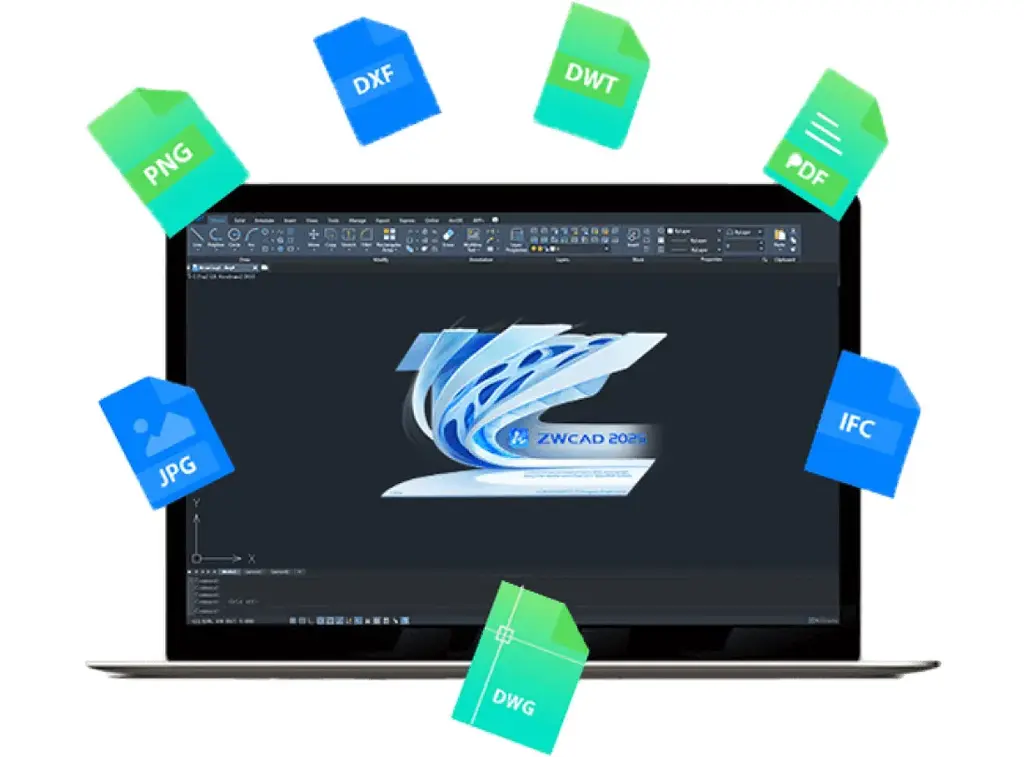
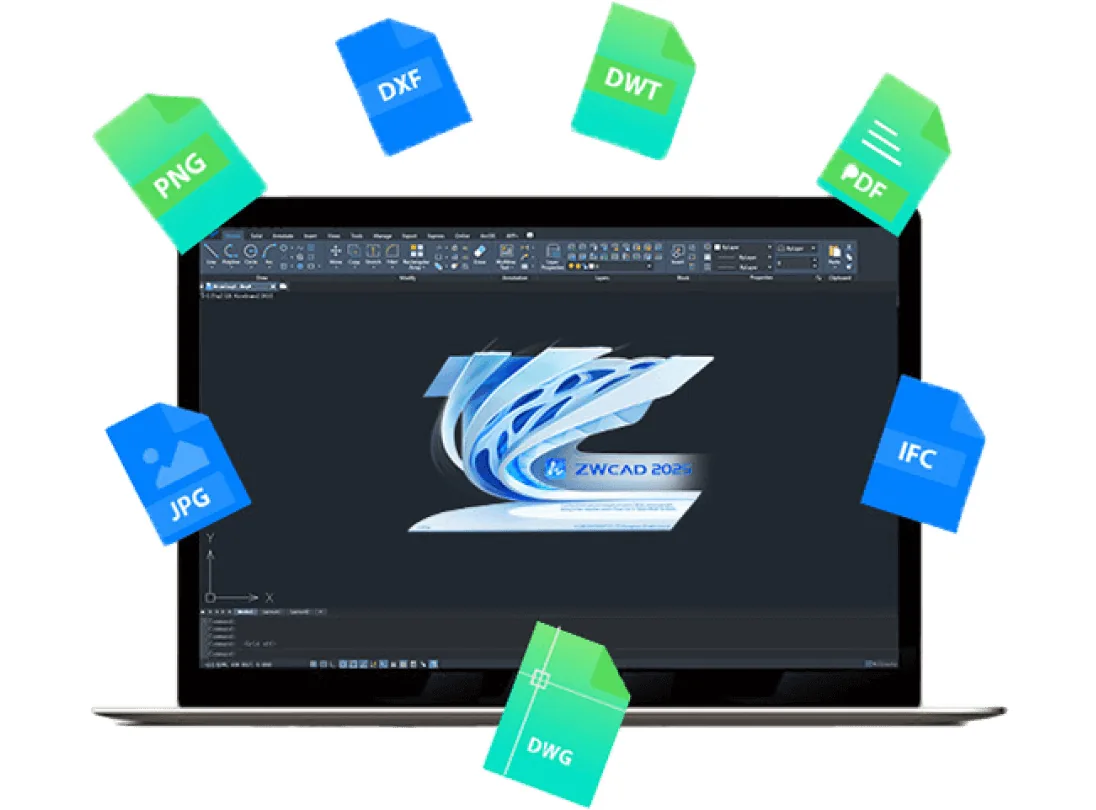
ZWCAD works with DWG and the other common formats, so exchanging files with partners is easy.
- Exchange of DWG and DXF files and DWT templates with other CAD programs
- Large drawings, even over 100 MB, open and move smoothly
- Compatibility with other widespread file formats too, for collaboration across different disciplines
- Light system requirements for smoother operation
Works with: DWG DXF DWT

An environment that anyone who has used CAD will recognise
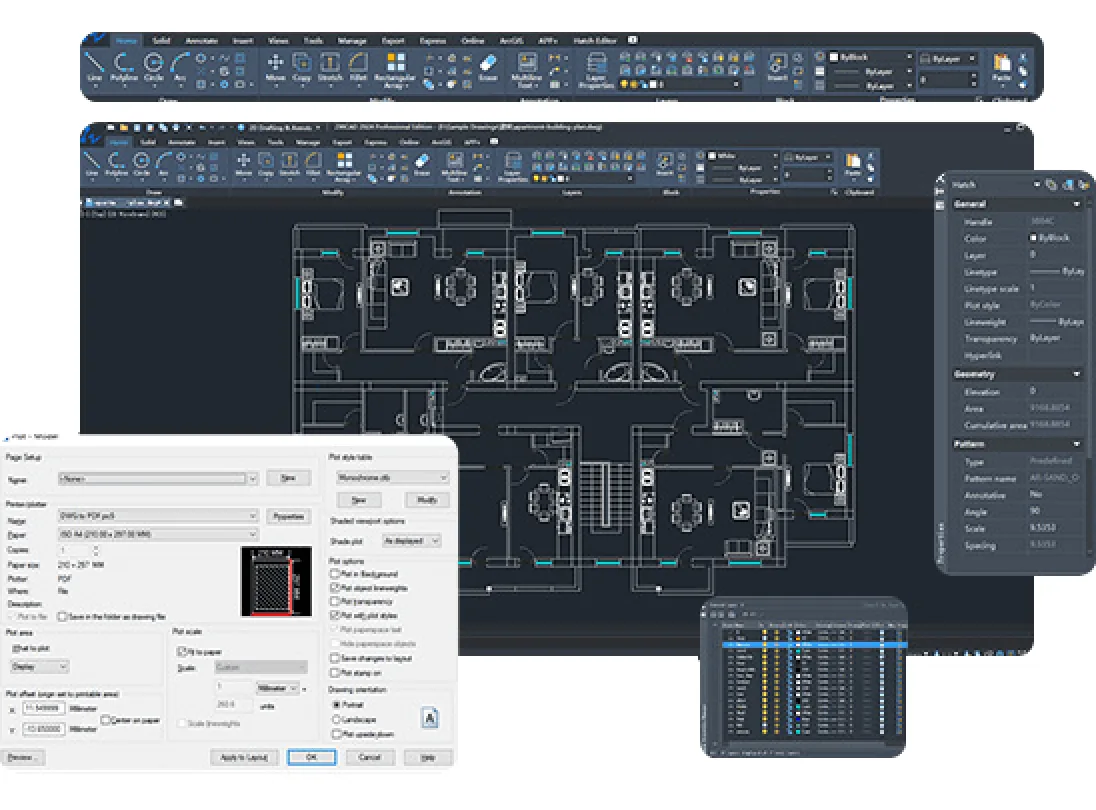
The layout and commands resemble the familiar CAD programs, and your settings can be carried over from the old program.
- Classic interface or ribbon, in a dark or light theme, to suit each person's habits
- Tool and properties palettes, Design Center and dynamic command input
- Your existing settings, workflows and drawings carried over from the previous program
- Installation, migration and user guides from the manufacturer


Tools that cut down repetitive work
From plotting many drawings to extracting tables, ZWCAD takes care of the tedious steps of documentation.
- Sheet Set Manager: view, manage and plot many drawings from one panel
- Smart Plot: batch plotting from different files, with the paper size recognised automatically
- Data Extraction: tables built from objects in many files, with templates you can reuse
- File Compare: finds the differences between two drawings
- PDF pages imported as CAD objects, and an automatic area table


LISP routines and third-party applications for many fields
Applications can be migrated or written from scratch, and the catalogue of third-party applications covers many specialities.
- LISP, VBA, ZRX and .NET programming interfaces for migrating or developing applications
- Over 400 third-party applications for different industries
- Specialised solutions for surveying, civil engineering, architecture, structural work, MEP and plant design
- Support from the manufacturer for those who develop their own applications
Works with: LISP

See it in action
The video or demo loads only when you press play.
What it does, stage by stage
ZWCAD is a CAD program that works directly on DWG files, with an interface and commands that anyone who has worked with AutoCAD will recognise. It also supports LISP routines, so many existing office tools can be carried over.
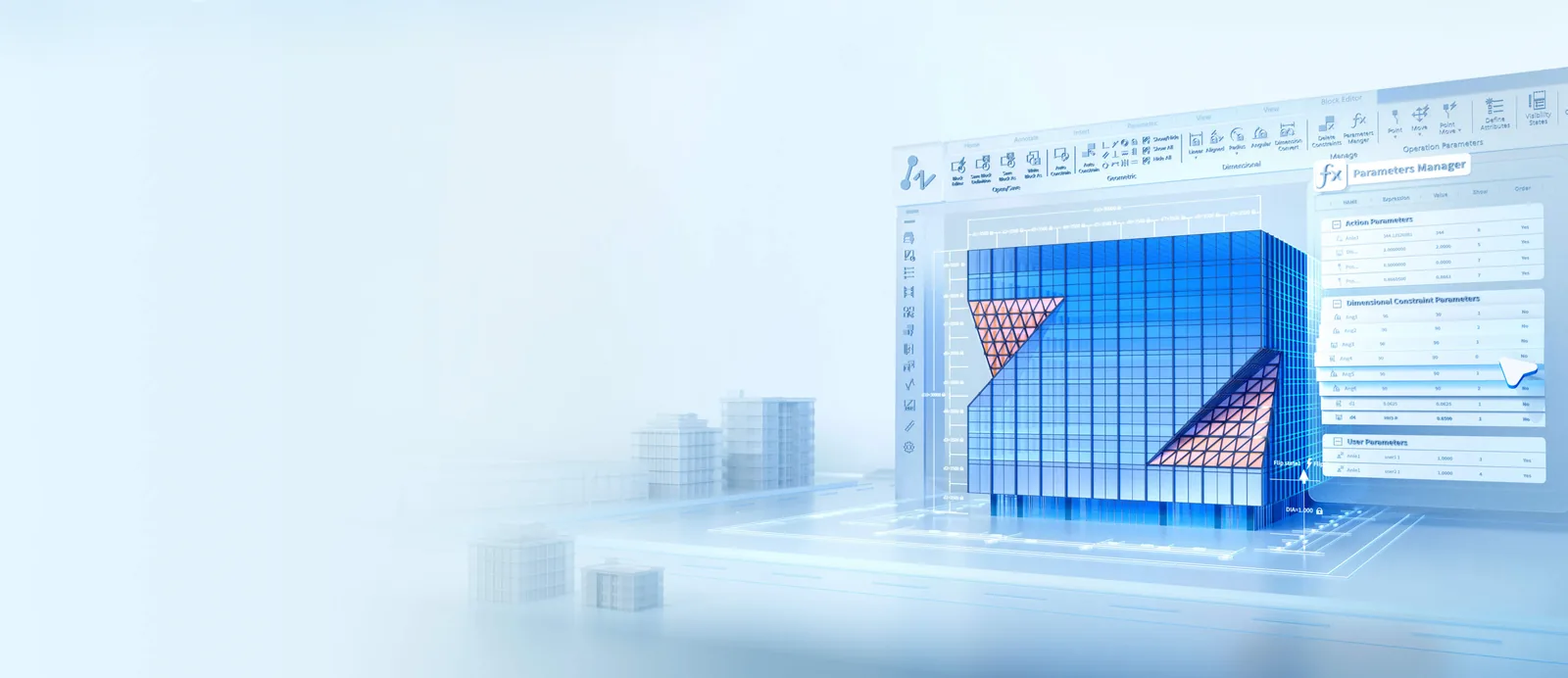
For drafting and documentation, the Standard edition covers plans, sections, elevations and details in two dimensions. Professional adds 3D modelling, point clouds, GIS, raster-to-vector conversion, the full API, IFC functions and import of Revit (RVT) files, which is useful when drawings come from a team working in BIM.
The licence is perpetual: it is paid once and the program stays with the user. Annual maintenance for upgrades is optional. There is a licence for one computer and a network licence for shared use in the office. The program runs on Windows and has a free 30-day trial.
Survey
It is not its job. Combine it with TcpMDT.
Concept
It is not its job.
Design development
The design takes shape: spaces, structure, materials and checks.
Construction drawings
Drawings, schedules and information for construction.
Presentation
It is not its job.
Features and files
Features
- Native DWG
- yes
- 2D drafting
- all editions
- 3D modelling
- Professional
- IFC and RVT import
- Professional
- Point clouds and GIS
- Professional
- LISP
- yes
- Network licence
- yes
- Trial
- 30 days
Opens and saves
- .dwg
- .dxf
- .ifc
- .rvt
System requirements
Operating system Windows
- Windows 11, 10, 8.1 or 7 SP1 (and Windows Server 2008 R2 SP1 to 2019)
- Minimum: 2 GB RAM, 1 GB graphics card with OpenGL 4.2, 1024×768 display
- Recommended: 8 GB RAM, 2 GB graphics card, 1920×1080 display
Works well with, and alternatives
Works well with
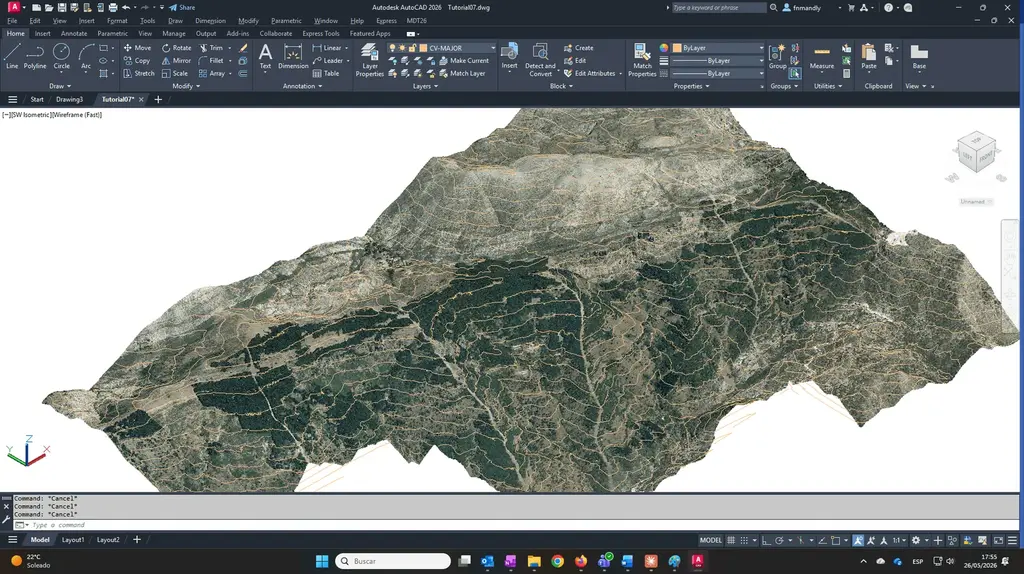
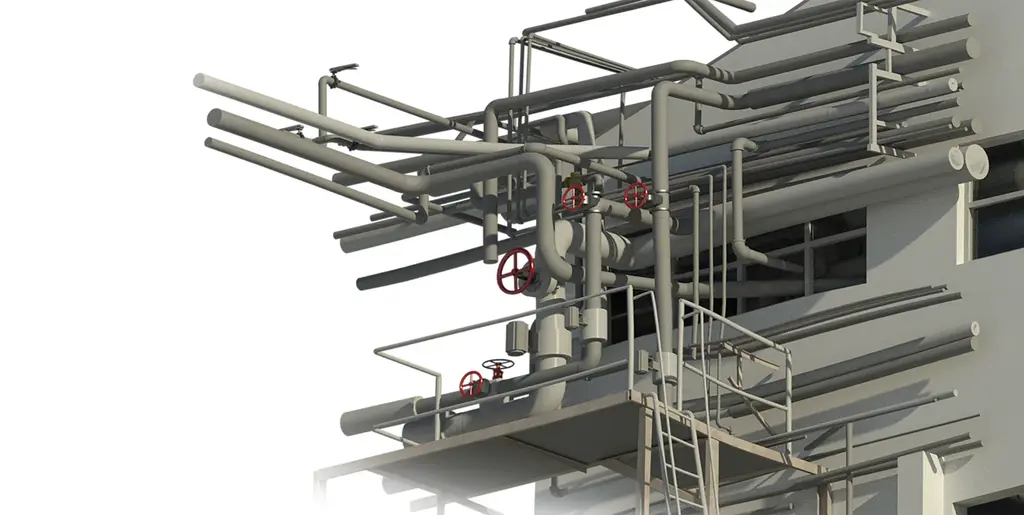
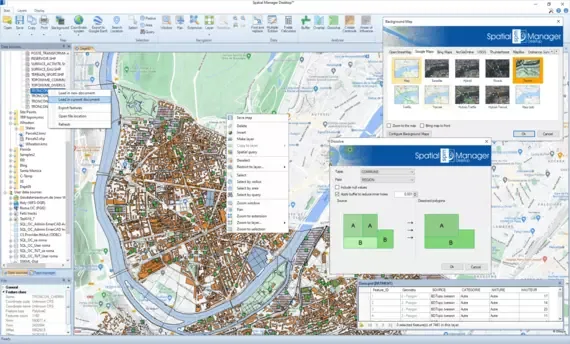
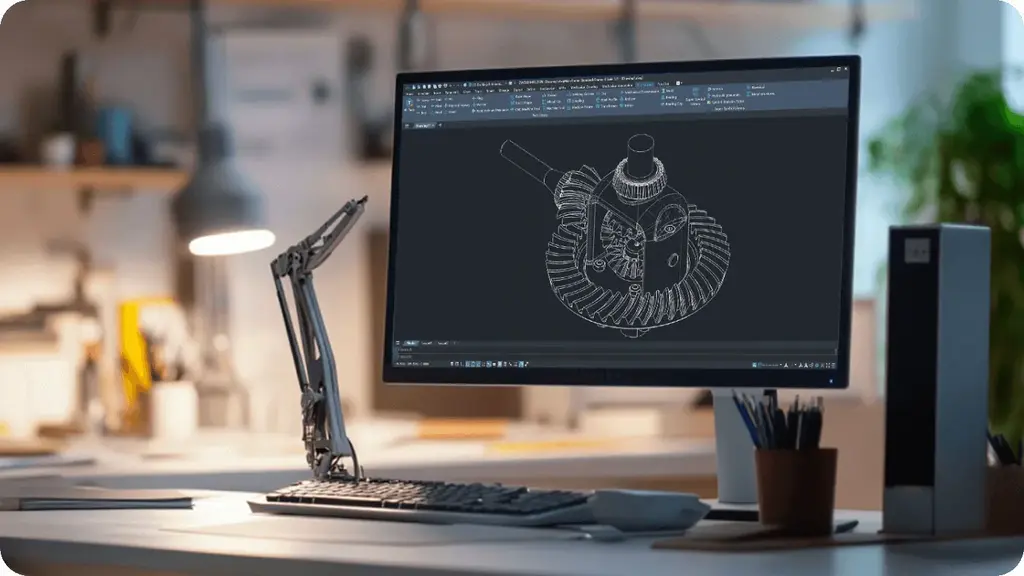


ZWCAD next to alternatives
Open the full comparisonQuestions, licence and delivery
What licence do I get?
A perpetual licence with a single payment. For those who have an older version (2022–2025) there is an upgrade price to 2026. Upgrades to new versions are also covered by optional annual maintenance.
Which edition do I need?
Standard is enough for 2D drafting. Professional is needed for 3D, point clouds, IFC and import of Revit files.
Does it open my AutoCAD drawings?
Yes, ZWCAD opens, edits and saves DWG and DXF files.
Is there a licence for several users?
Yes, a network licence, shared among the office computers through a licence server.
Does it have a Greek interface?
A Greek user interface is not available.
How do I receive the licence?
After payment we order the licence from the manufacturer and email you its details.
Do the prices include VAT?
Prices exclude VAT. With a valid VAT number from another EU country, VAT is not charged; in Belgium it is charged at 21%. For private customers, VAT is calculated at checkout.