

KeyShot Studio VR
by Luxion (KeyShot), Rendering & immersion
Viewing and collaboration in virtual reality, with one click from KeyShot Studio
KeyShot Studio VR: your design at full scale, before the first sample
See how the scene opens in a VR headset and how you share it with your team.
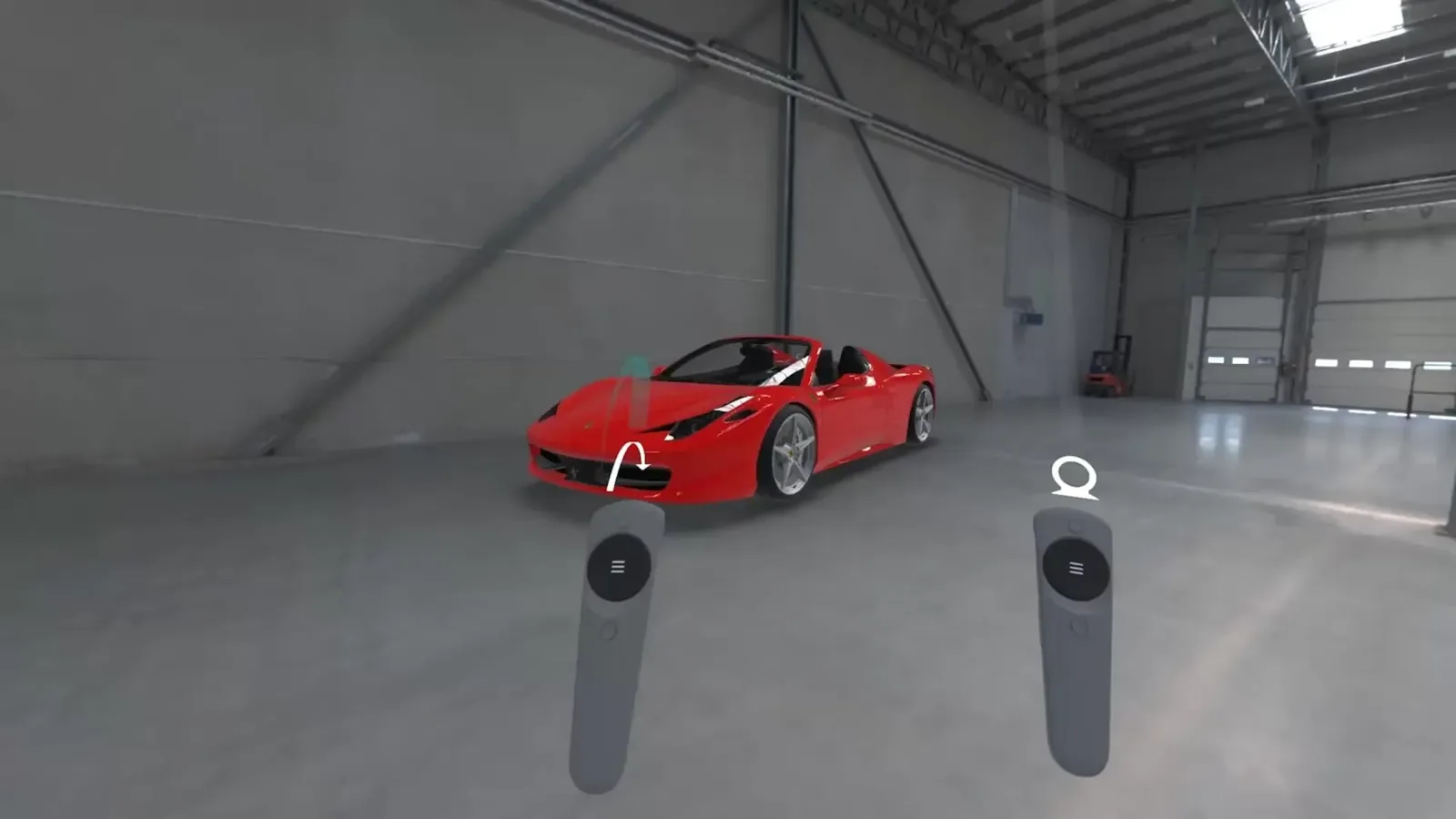
From KeyShot Studio to the headset in one click
The scene opens with the materials, environments and animations you have already set up.
- Change materials and lighting inside the virtual scene
- Measure and snap to units, move and user scaling
- XR mode and graphics settings to suit your computer


The whole team in the same virtual space
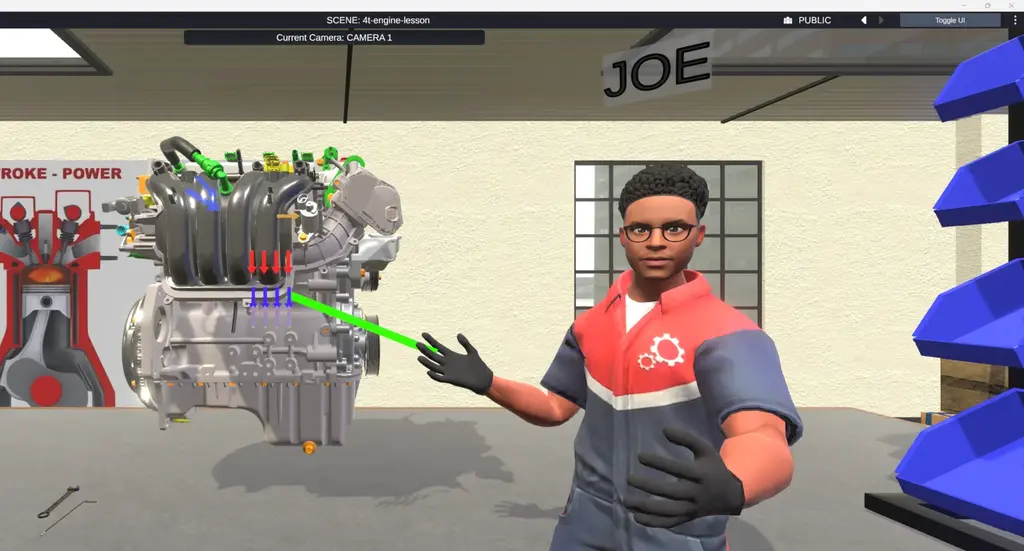
With VR Connect you meet colleagues from anywhere in the world, at the same time.
- Rapid design review, with zero configuration
- Virtual stores with the product variations
- Evaluation with sales and marketing before manufacturing

What it does, stage by stage
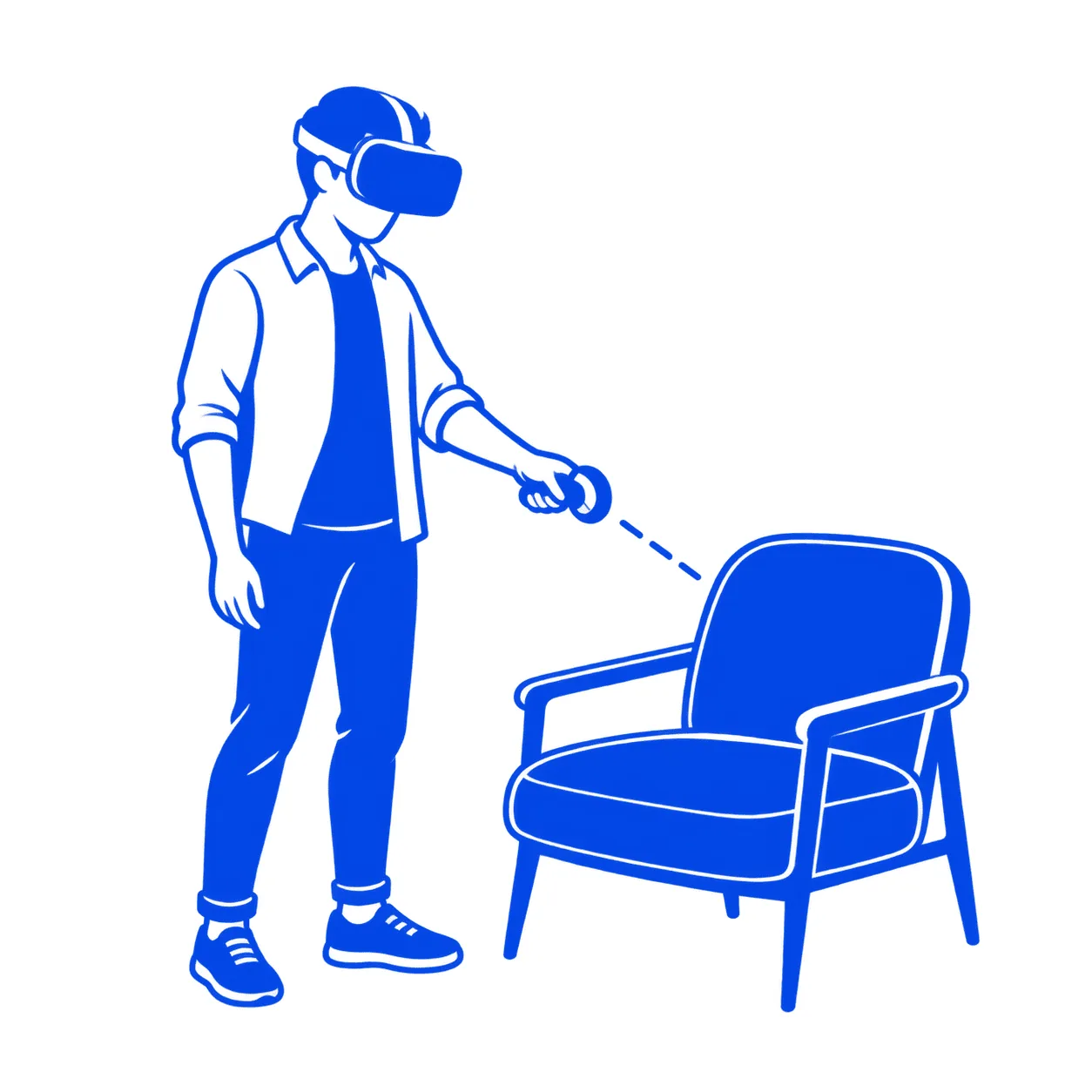
KeyShot Studio VR opens your KeyShot Studio scene in a virtual reality headset with one click. You view the model in an interactive environment, change materials, choose lighting and make design decisions faster.
With KeyShot Studio VR Connect, several users from anywhere in the world can be in the same virtual space at the same time. It is used for rapid design review with zero configuration, for virtual stores that show the product variations in a real-world context, and for evaluation with sales and marketing before manufacturing starts.
It is an add-on and requires an active KeyShot Studio subscription. It is available as an annual single-user licence or as an annual Floating licence.
Survey
It is not its job.
Concept
It is not its job.
Design development
It is not its job. Combine it with Mindesk Suite VR.
Construction drawings
It is not its job.
Presentation
Images, videos and walkthroughs for the client.
Features
Features
- Launch
- button on the KeyShot Studio toolbar (version 8 and above)
- Multiple users
- yes, with VR Connect
- Tools
- measure, move, user scaling
- XR mode
- yes
- From KeyShot Studio
- model sets, multi-materials, cameras, environments, animations
- Licence
- annual, single-user or Floating
- Requires
- KeyShot Studio subscription
System requirements
Operating system Windows
- Active KeyShot Studio subscription
- Recommended PC: Windows 10 or later, 32 GB DDR4 RAM, Intel Core i7 9th generation with 8 cores or equivalent, NVIDIA RTX 2070 with 8 GB or equivalent, 800 MB of free disk space
- Headsets: Meta Quest and Rift, Pico Neo, SteamVR (Valve Index, HTC Vive), Varjo VR, XR and Aero, Windows Mixed Reality (HP Reverb, Lenovo Explorer and others)
Works well with, and alternatives
Works well with

KeyShot Studio VR next to alternatives
Open the full comparisonQuestions, licence and delivery
Is KeyShot Studio required?
Yes. KeyShot Studio VR is an add-on and requires an active KeyShot Studio subscription.
How do I start?
You prepare the scene in KeyShot Studio (materials, environments, animations), save it and press the KeyShot Studio VR button on the toolbar, or you open KeyShot Studio VR and load the scene directly.
Which headsets are supported?
Meta Quest and Rift, Pico Neo, SteamVR (Valve Index, HTC Vive), Varjo VR, XR and Aero, and Windows Mixed Reality (HP Reverb, Lenovo Explorer and others).
What is the Floating licence?
A Floating licence is not tied to one user but is shared within the team. For how to install it in your office, please contact us.
How do I receive the licence?
After payment we order the licence from the manufacturer and email you its details.
Do the prices include VAT?
Prices exclude VAT. With a valid VAT number from another EU country, VAT is not charged; in Belgium it is charged at 21%. For private customers, VAT is calculated at checkout.