
Oob cabinets Full
by Oob, SketchUp plug-ins
Parametric kitchen cabinets in one click in SketchUp
Kitchen cabinets in SketchUp from a single dialog
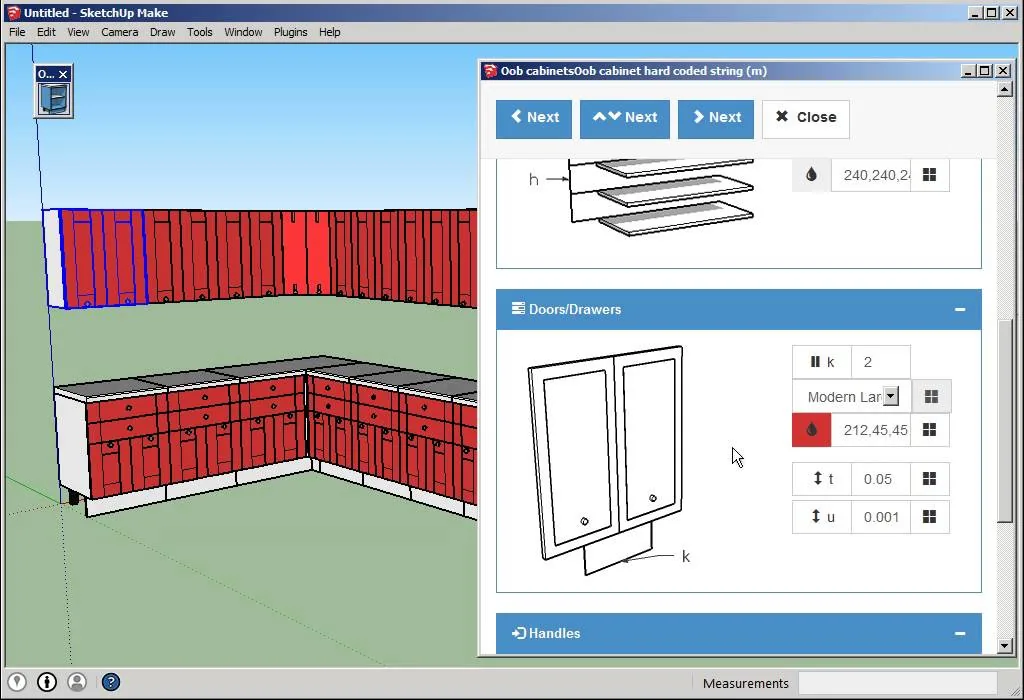
Oob cabinets builds kitchen cabinets inside your model from one settings dialog, so you no longer draw them piece by piece.
Base, wall and corner units with one button
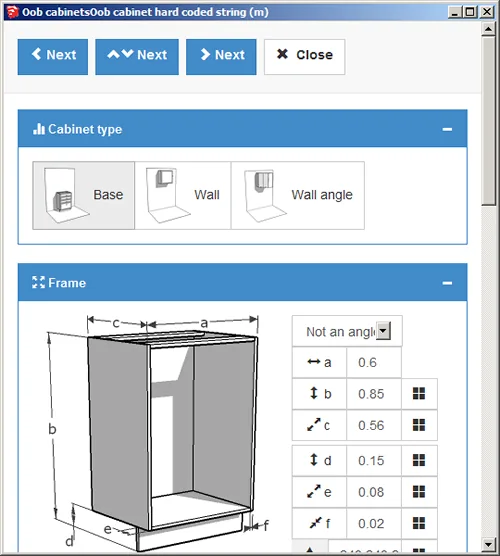
You pick the cabinet type and the extension generates the whole carcass inside SketchUp.
- The dialog offers three types: base unit, wall unit and corner wall unit.
- The Next buttons place the following cabinet right beside the current one, so a run carries on without moving anything.
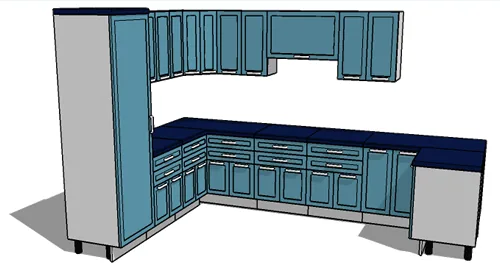
- The maker shows a complete kitchen layout that was put together in under two minutes.
- Further examples and tutorials are published on YouTube and 3D Warehouse.
Works with: SketchUp


Sizes for carcass, shelves, drawers and doors
Each part of the cabinet has its own fields, with a sketch showing which dimension you are changing.
- Numeric fields set the dimensions of the carcass, the shelves and the drawers.
- Vertical dividers and shelves let you form more elaborate interior layouts.
- Doors come in different types, chosen from a list.
- An icon beside a field passes the change on to every matching cabinet in the model.


Handles and drawer joints the way you want them
Front and drawer details are adjusted from the same dialog.
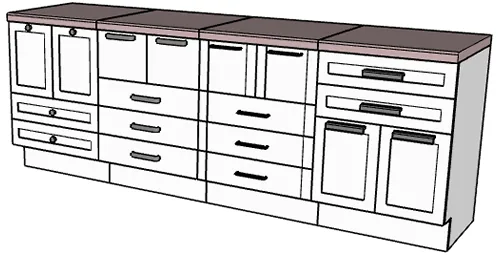
- Handles in several shapes, such as cylindrical, L-shaped or tubular.
- You can also use handles you have modelled yourself.
- Handle position and orientation are picked from drop-down lists.
- For drawers you set the type of boards and how they are joined, rabbet joints included.


Oob cabinets at work
The official video shows a kitchen being laid out with the Next buttons and the fields of the dialog.

See it in action
The video or demo loads only when you press play.
What it does, stage by stage
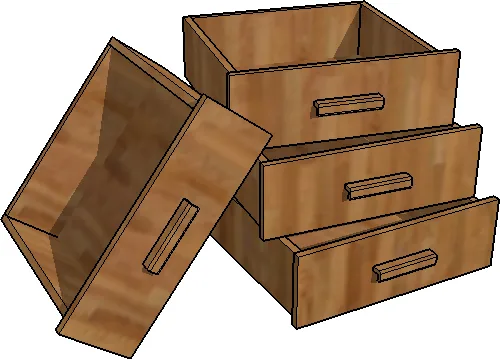
Oob cabinets is a SketchUp extension that creates kitchen cabinets from a single settings dialog: base units, wall units and corner wall units. With the Next buttons the following cabinet goes straight beside the previous one, so a whole run comes together quickly.
For each cabinet you set the sizes of the carcass, shelves and drawers, vertical dividers, door and handle type, and the type of drawer boards and how they are joined. An icon passes a change on to every matching cabinet. It is aimed at interior designers and kitchen furniture makers. The interface is in English and French, and the full version is activated with a key.
Features and files
Features
- Type
- SketchUp extension
- Use
- Kitchen cabinets
- Interface
- English, French
- Activation
- Key
- SketchUp versions
- 2015 to 2023
- Operating systems
- Windows, macOS
Opens and saves
- .skp
System requirements
- SketchUp 2015 to 2023
- Windows 7, 8 or 10, or macOS
Works well with, and alternatives
Works well with



Oob cabinets Full next to alternatives
Open the full comparisonQuestions, licence and delivery
How is it installed?
It comes as an .rbz file, which you install from within SketchUp.
Can I try it before buying?
Yes, the maker offers the extension for download and trial; the full version is activated with a key.
Which languages does the interface use?
English and French.
How do I receive the licence?
After payment we order the licence from the manufacturer and email you its details.
Do the prices include VAT?
Prices exclude VAT. With a valid VAT number from another EU country, VAT is not charged; in Belgium it is charged at 21%. For private customers, VAT is calculated at checkout.