
AR-media
by AR-media, Real time & VR
Augmented reality for models from SketchUp, Cinema 4D, 3ds Max and VectorWorks
From your model to augmented reality
The AR-media add-ons send your model to AR-media Studio, where you put the experience together, and from there to a phone.
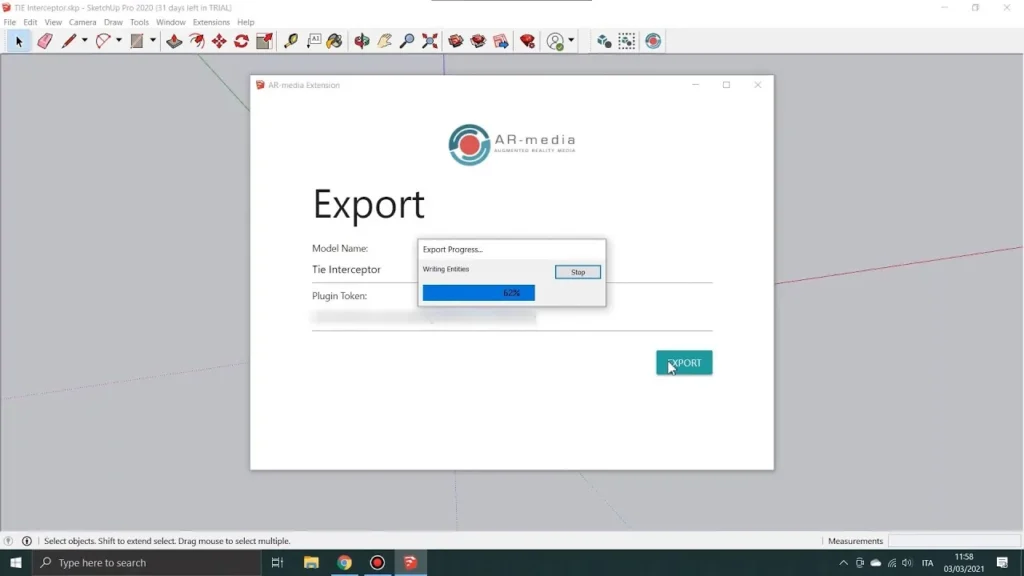
From SketchUp and 3ds Max straight to AR-media Studio
The add-on uploads the model to your account with no intermediate files and no code.
- A toolbar that exports the whole scene or only the objects you have selected.
- The personal plugin token links every export to your own space in AR-media Studio.
- With a model's token you update the same asset instead of creating a new one on each export.
- In 3ds Max you can include animation and, when needed, bake it.
- The SketchUp add-on installs from the Extension Warehouse, the 3ds Max one from the Autodesk App Store.
Works with: SketchUp 3ds Max

Projects, experiences and scenes in the web browser
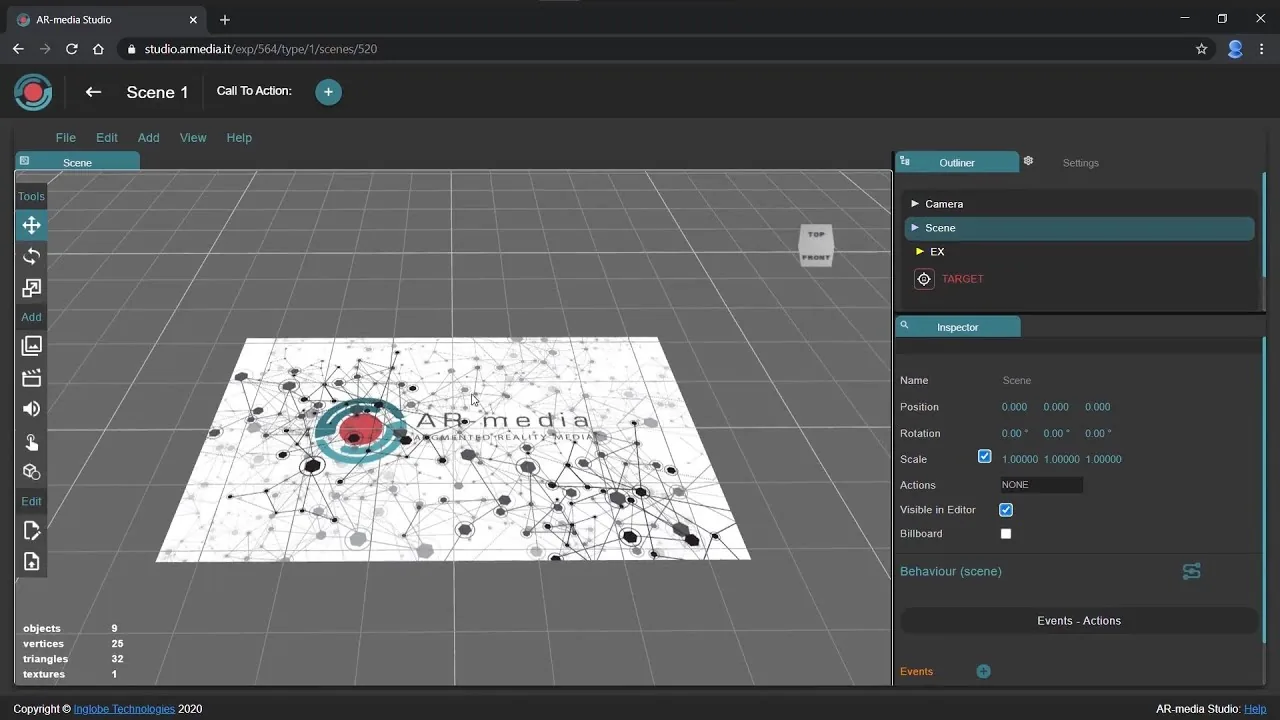
In AR-media Studio you build scenes from the assets you uploaded and decide what happens when the viewer interacts with them.
- Three scene types: augmented reality, 360-degree panoramas with an image or video background, and small HTML5 apps.
- A scene is anchored to a target image, to the space around you or to a geographic location, with the Y axis pointing north.
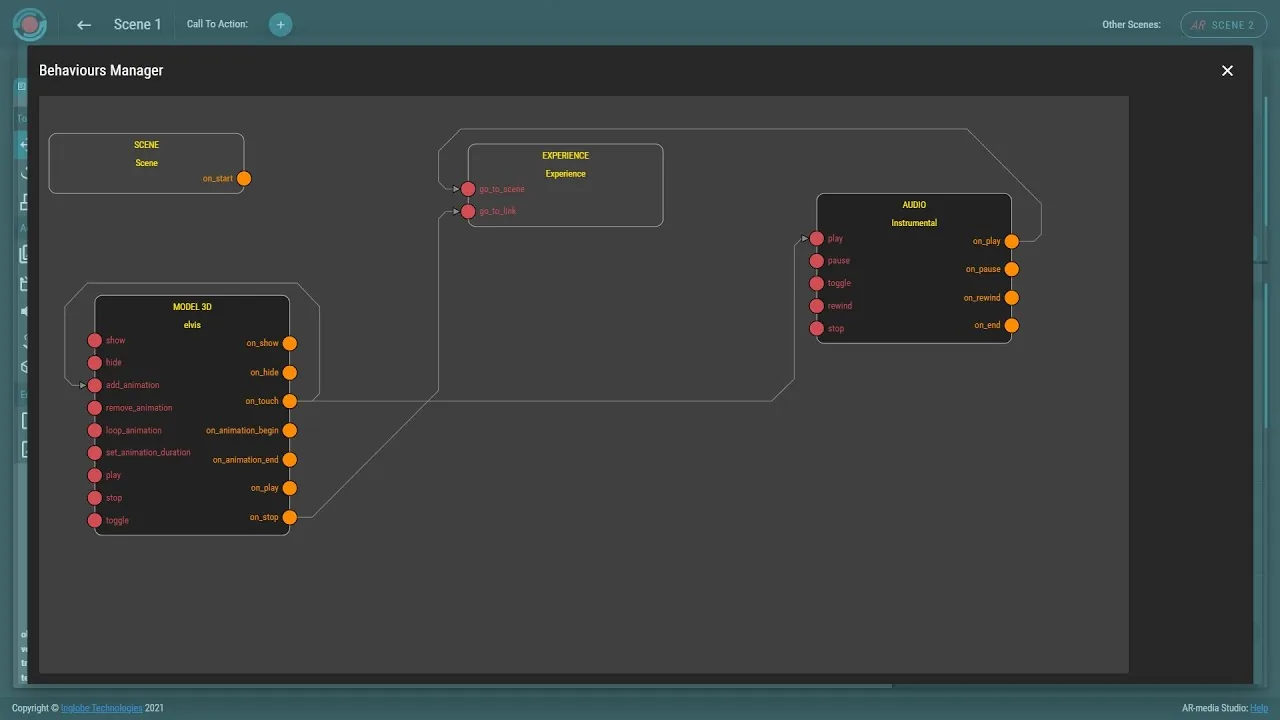
- In the behaviour manager you connect events and actions with nodes, without writing code.
- Besides 3D models it takes images and videos (flat, 360-degree, with transparency), audio and buttons.


The project on a phone, in augmented or virtual reality
The AR-media Player app for iOS and Android opens your projects on top of the real space.
- Tracking by image, by space (with ARKit or ARCore) or by geolocation, separately or combined.
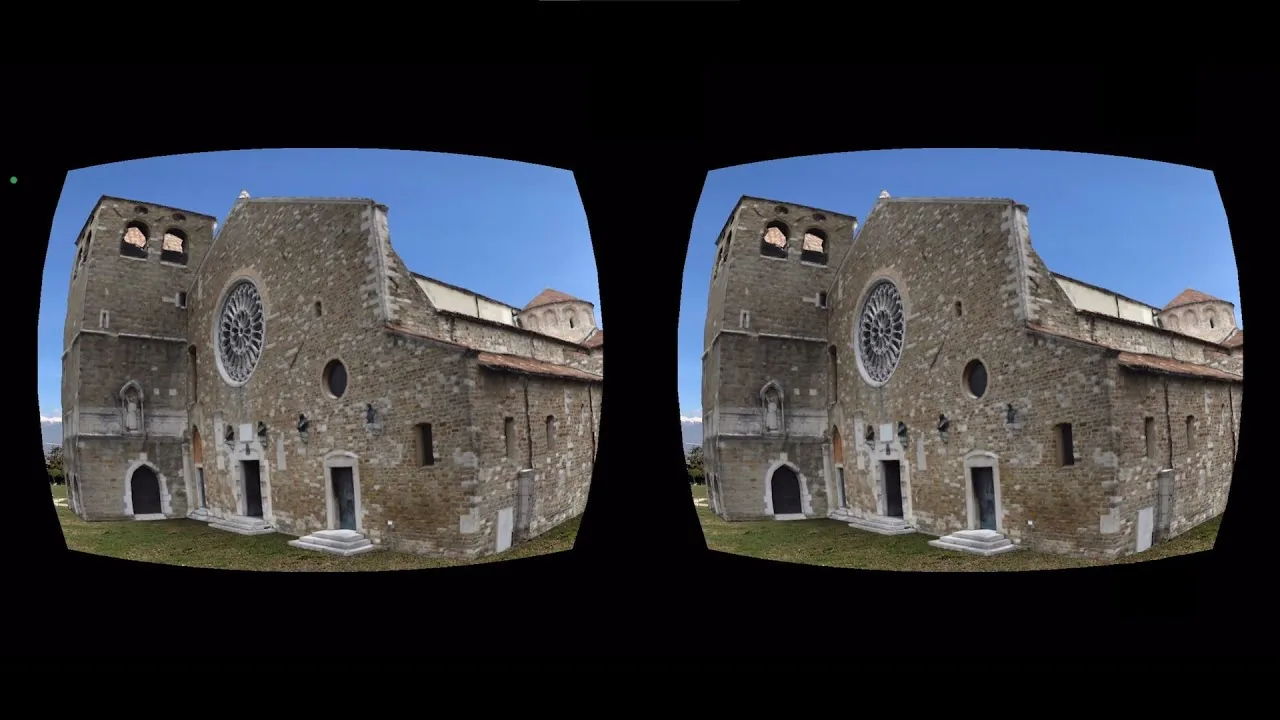
- The same models can also be viewed in virtual reality on the phone.
- Each project is published openly or kept private, for the people you give access to.
- Viewing is tuned for phones, so it also handles complex 3D models.
Works with: iOS Android ARKit ARCore


The AR-media platform on video
Official Inglobe Technologies video on augmented reality without programming.

See it in action
The video or demo loads only when you press play.
What it does, stage by stage
AR-media by Inglobe Technologies brings your 3D models into augmented reality without programming. The add-on for your design software uploads the model to AR-media Studio, a platform that runs in the web browser, where you build scenes with animation, images, video, audio and buttons.
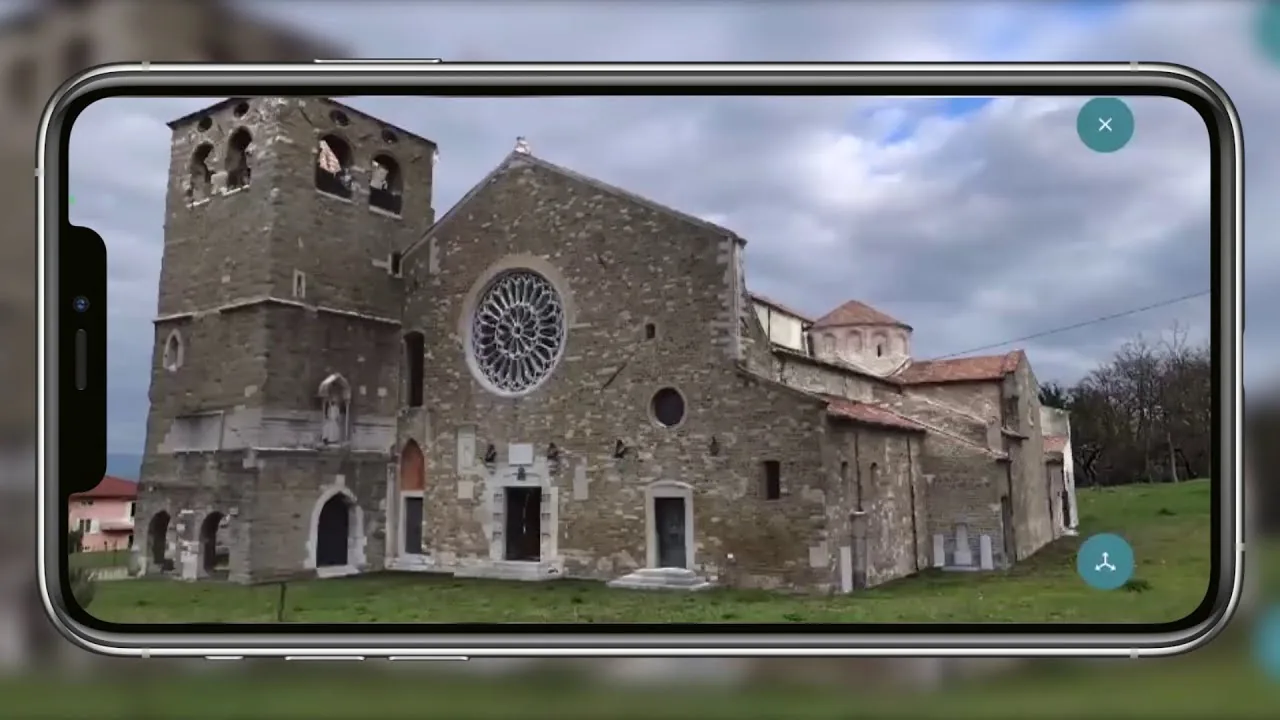
The project opens in the AR-media Player app for iOS and Android, on a target image, in the space around you or at a geographic location, and can also be viewed in virtual reality on the phone. This way, people looking at a design see it within the real space.
The manufacturer's pages currently describe the add-ons for SketchUp and 3ds Max. For the Cinema 4D and VectorWorks editions, please contact us before ordering.
Features
Features
- Type
- augmented reality
- Export from
- SketchUp, 3ds Max
- Platform
- AR-media Studio (in the web browser)
- Viewer app
- AR-media Player for iOS and Android
- Tracking
- image, space, geolocation
- 3ds Max
- annual licence
System requirements
- SketchUp 2019 or later for the SketchUp add-on (from the Extension Warehouse)
- 3ds Max for the 3ds Max add-on (from the Autodesk App Store)
- An AR-media Studio account and the personal plugin token
- An iOS or Android phone with the AR-media Player app; spatial tracking needs ARKit or ARCore
Works well with, and alternatives
Works well with

AR-media next to alternatives
Open the full comparisonQuestions, licence and delivery
Which programs is it available for?
The manufacturer currently describes add-ons for SketchUp (from version 2019) and 3ds Max. For the Cinema 4D and VectorWorks editions, please contact us before ordering.
Do I need to write code?
No. Scenes and interactions are built in AR-media Studio with nodes, without programming.
How do others view the project?
With the AR-media Player app on iOS or Android. A project can be public or private.
What licence do I get?
For 3ds Max the licence is annual.
How do I receive the licence?
After payment we order the licence from the manufacturer and email you its details.
Do the prices include VAT?
Prices exclude VAT. With a valid VAT number from another EU country, VAT is not charged; in Belgium it is charged at 21%. For private customers, VAT is calculated at checkout.