
3dWindow for SketchUp
by Rubysoft, SketchUp plug-ins
Windows and frames for SketchUp, with an annual licence
Window and door frames built parametrically inside SketchUp
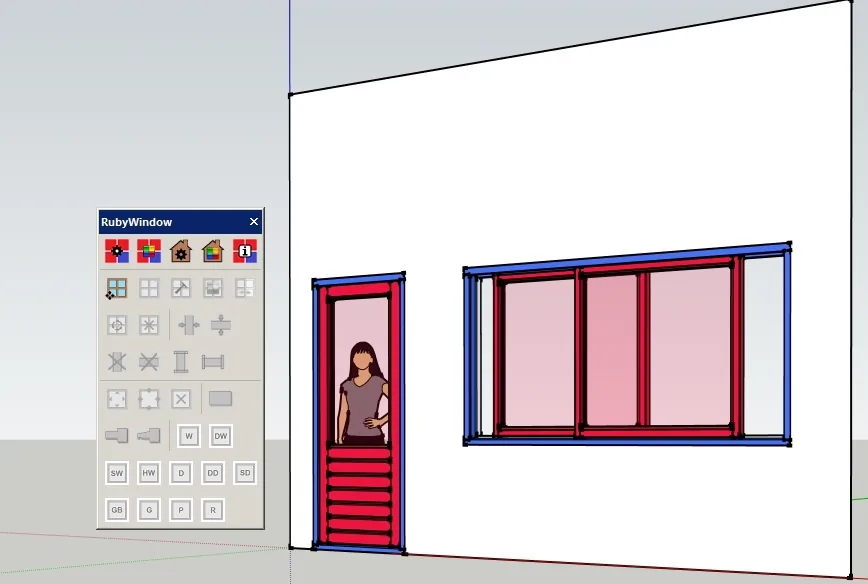
3dWindow generates frames, windows and doors on demand, sized to the face you selected, instead of inserting ready-made components.
From a rectangle on the wall to a complete frame
Draw the opening, select it and set in one dialogue how the frame that fills it should look.
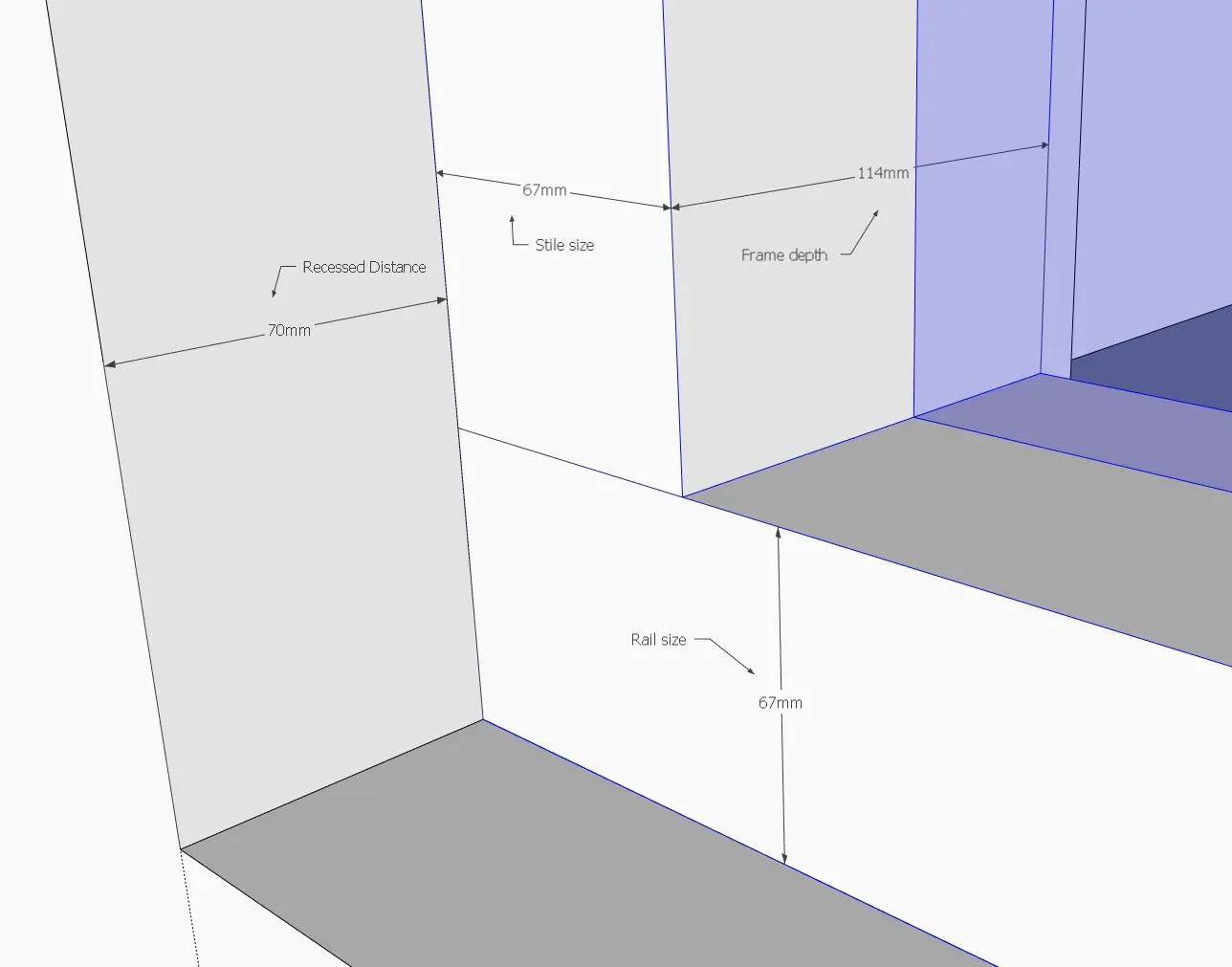
- Number and size of stiles and rails, frame depth and recess from the wall face
- Connection type, profile and separate colours for the inside, outside and wall side
- A place tool that stamps a default frame on any surface you click
- Frames placed with this tool are clones: changing one changes them all


Windows, doors, glass and panels inside the frame
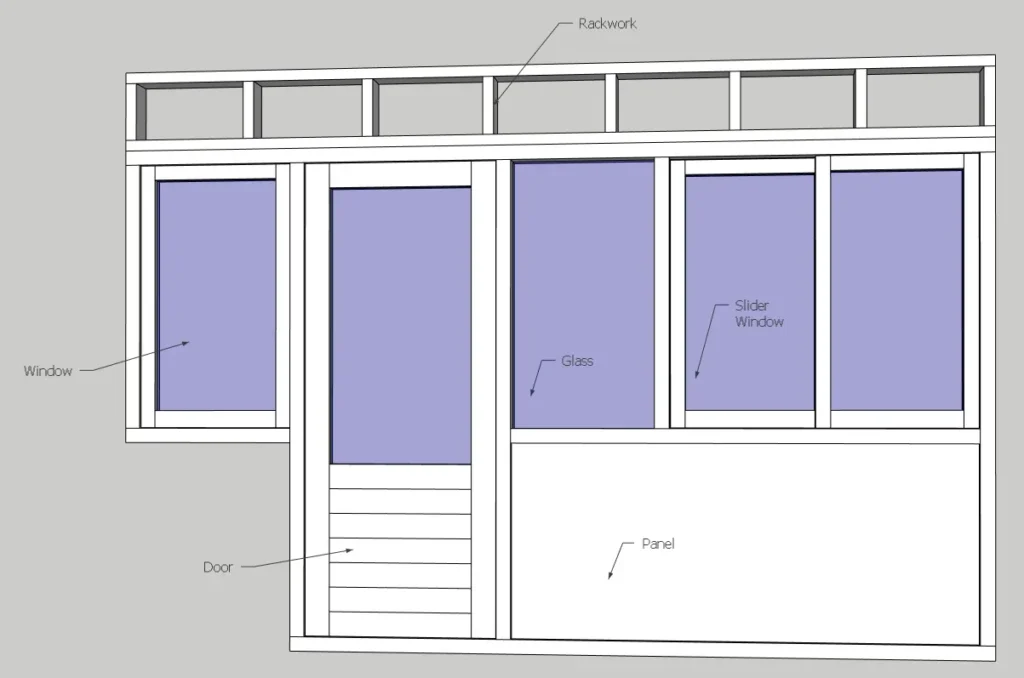
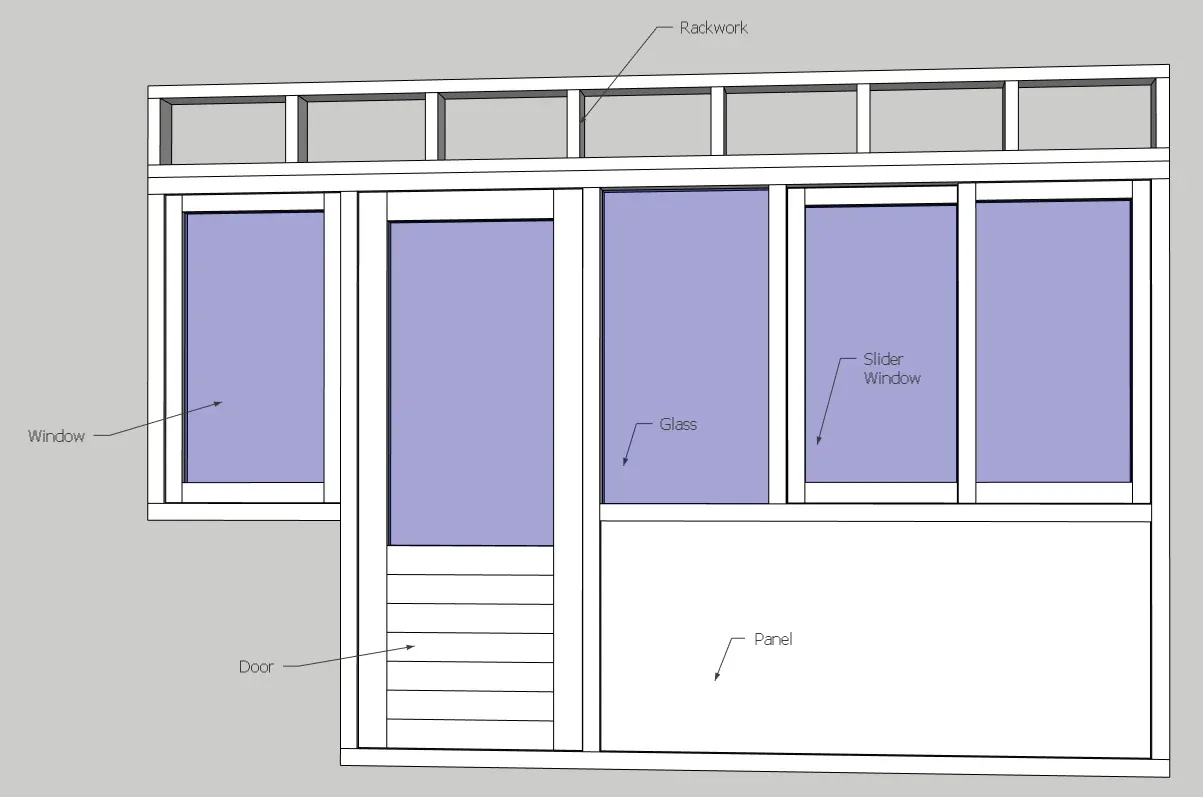
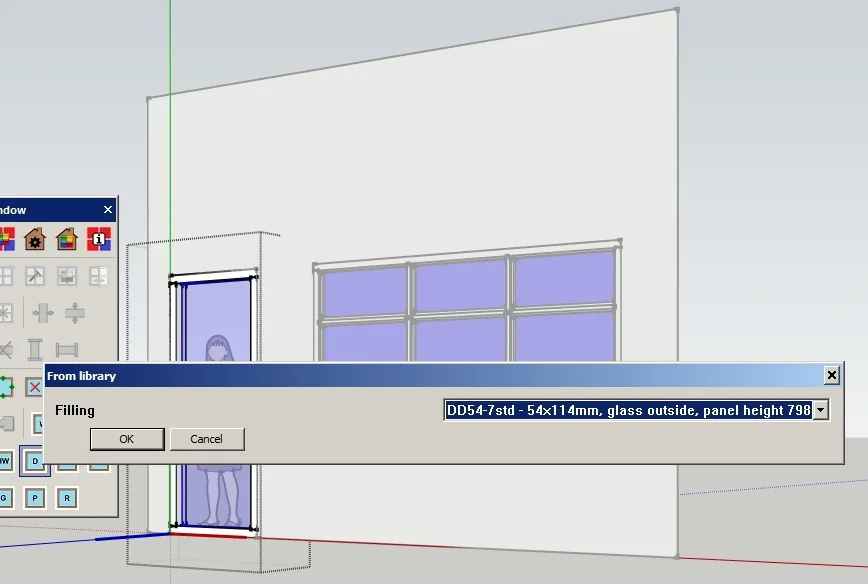
Triple-click inside the frame to activate the libraries and choose what goes into each opening.
- Libraries of windows and doors, including sliding and double versions
- Glazing beads, glass types, panels and rackwork
- Your own SketchUp models can be used as fillings from the User Components folder
- Resizing a filling moves the surrounding stiles and rails with it
Works with: SKP


Three levels of detail for every frame
Keep the model light at low detail while designing, then switch to medium or high when you need it for a presentation.
- Low, medium or high detail for the whole frame with one button
- A new width or height for a single stile or rail
- A choice of how the ends of stiles and rails are joined
- Remove individual stiles or rails without rebuilding the frame


Office and project preferences, colours, mirroring
Values you use often are set once, either for every model or only for the project you have open.
- General preferences and colours that apply to all existing and future models
- Preferences and colours for the current model only
- Different settings or colours for one selected frame, regardless of the preferences
- Mirror a frame left to right, or delete it together with its fillings

3dWindow at work
Short demonstration by Rubysoft: frame, filling and final adjustments.

See it in action
The video or demo loads only when you press play.
What it does, stage by stage
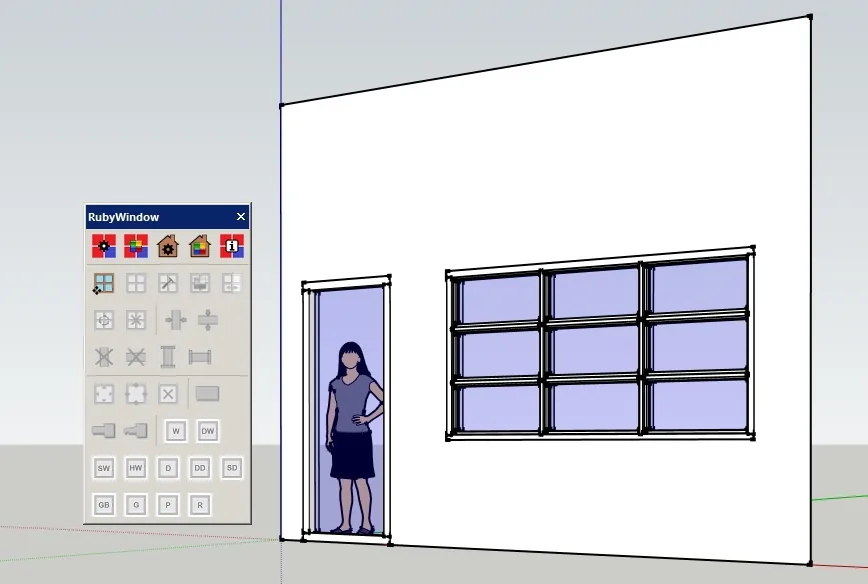
3dWindow is a SketchUp extension by the Dutch company Rubysoft that adds window and door frames, windows and doors to your model. It does not rely on ready-made components: you draw a rectangle on the wall, select it, and the extension builds the frame to its size, with the stiles, rails, depth and colours you specify.
Inside the frame you add fillings from libraries: windows, doors, sliding units, glass, panels or your own SketchUp models. Each frame can be switched between low, medium and high detail, so the model stays light while you design and looks detailed in a presentation.
Preferences and colours are set once for every model or separately per project, and any frame can be adjusted later without drawing it again.
Features and files
Features
- Type
- SketchUp extension
- Use
- Parametric window and door frames, windows, doors
- Licence
- Annual (12 months)
- SketchUp versions
- SketchUp 2022 to 2026
- Operating system
- Windows, macOS
- Languages
- English, French, German, Dutch, Spanish, Brazilian Portuguese, Simplified Chinese
- Trial
- 10 days, up to 5 frames per model
Opens and saves
- .skp
System requirements
- SketchUp 2022, 2023, 2024, 2025 or 2026
- Windows or macOS
- Activation with a serial key tied to a specific computer
Works well with, and alternatives
Works well with


Alternatives
3dWindow for SketchUp next to alternatives
Open the full comparisonQuestions, licence and delivery
What licence do I get?
An annual licence, valid for 12 months from purchase. While it is active, all new versions of the extension come at no extra charge.
What happens when the licence expires?
Your models still open as normal, but the 3dWindow frames can no longer be changed. Renewing the licence lifts the restriction straight away, with no reinstallation.
On how many computers does it work?
The serial key is generated from details of the computer and will not work on another one. If you need to move the extension to a new computer, you request a new key from the maker by email.
Which SketchUp versions are supported?
According to the maker's Extension Warehouse page, SketchUp 2022 to 2026, on Windows and macOS.
Can I try it before buying?
Yes. The extension from the Extension Warehouse runs with full functionality for 10 days, limited to 5 frames, windows or doors in the model.
How do I receive the licence?
After payment we order the licence from the manufacturer and email you its details.
Do the prices include VAT?
Prices exclude VAT. With a valid VAT number from another EU country, VAT is not charged; in Belgium it is charged at 21%. For private customers, VAT is calculated at checkout.