
ZW3D
by ZWSOFT, Design & BIM
Authorised ZWSOFT reseller for Greece and Cyprus
3D CAD/CAM/CAE for designing mechanical parts and assemblies
ZW3D from the single part to production
Choose a topic and see what the software does at each stage of mechanical design.
Parametric and direct modelling on the same part
Hybrid modelling lets you build complex parts from rules and dimensions, and change them quickly when you would rather not touch the history.
- Parametric models with relations and constraints, direct editing for quick changes and tools for smooth surfaces, built on the Overdrive kernel
- Several variants of one design inside a single file, controlled through dimensions, features and parameters
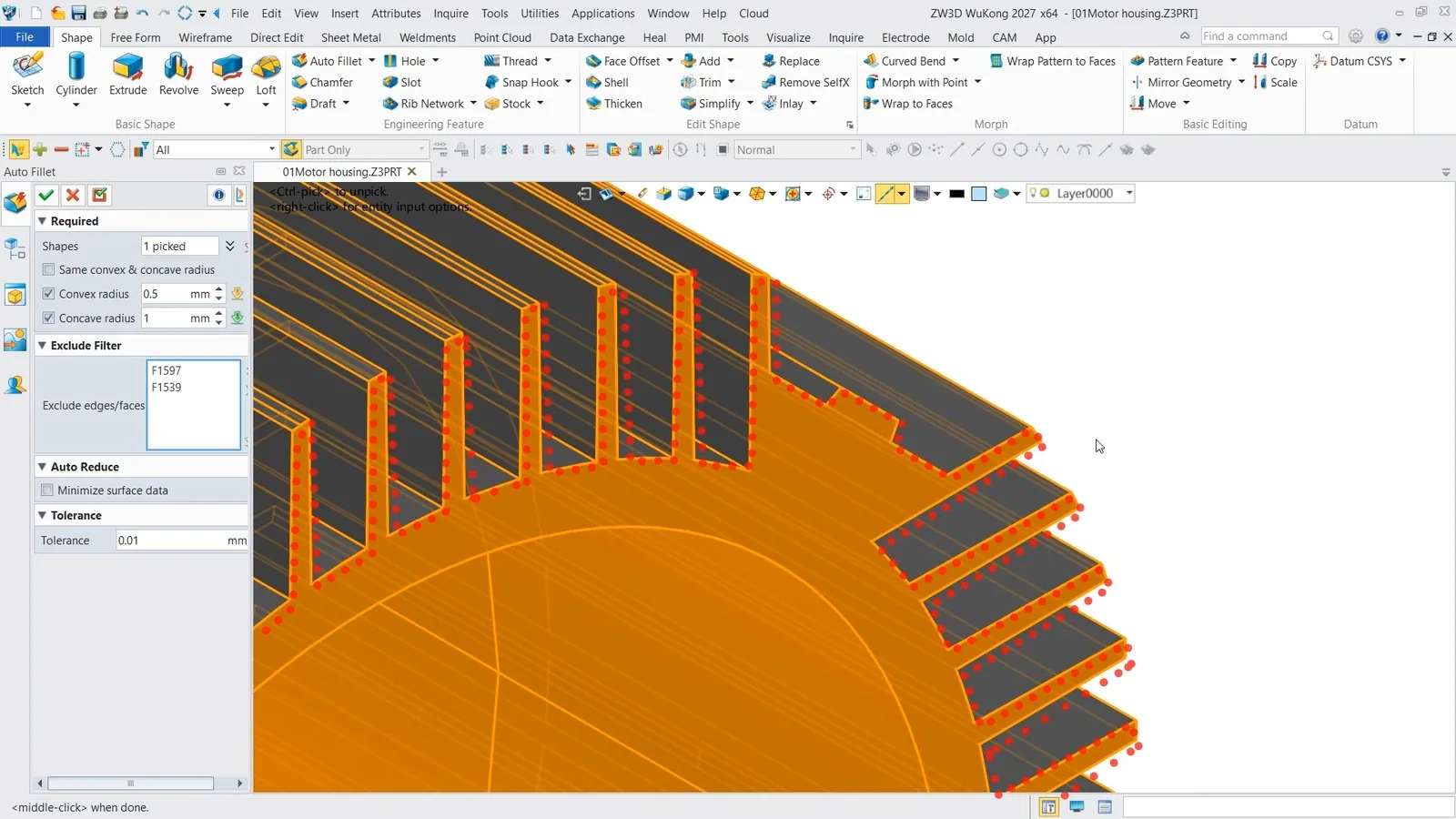
- One-click fillets on many edges and draft on many ribs at once, for cast and plastic parts
- Section views with measurements: cross-sectional area, clearances and key dimensions, with PMI on the section itself
- Export of the model to HTML, so anyone can view it in a standard browser


Sheet metal, moulds and specialist modules for machine builders
Beyond the single part, ZW3D has modules for sheet metal, steel structures, moulds, electrodes, harnesses and piping.
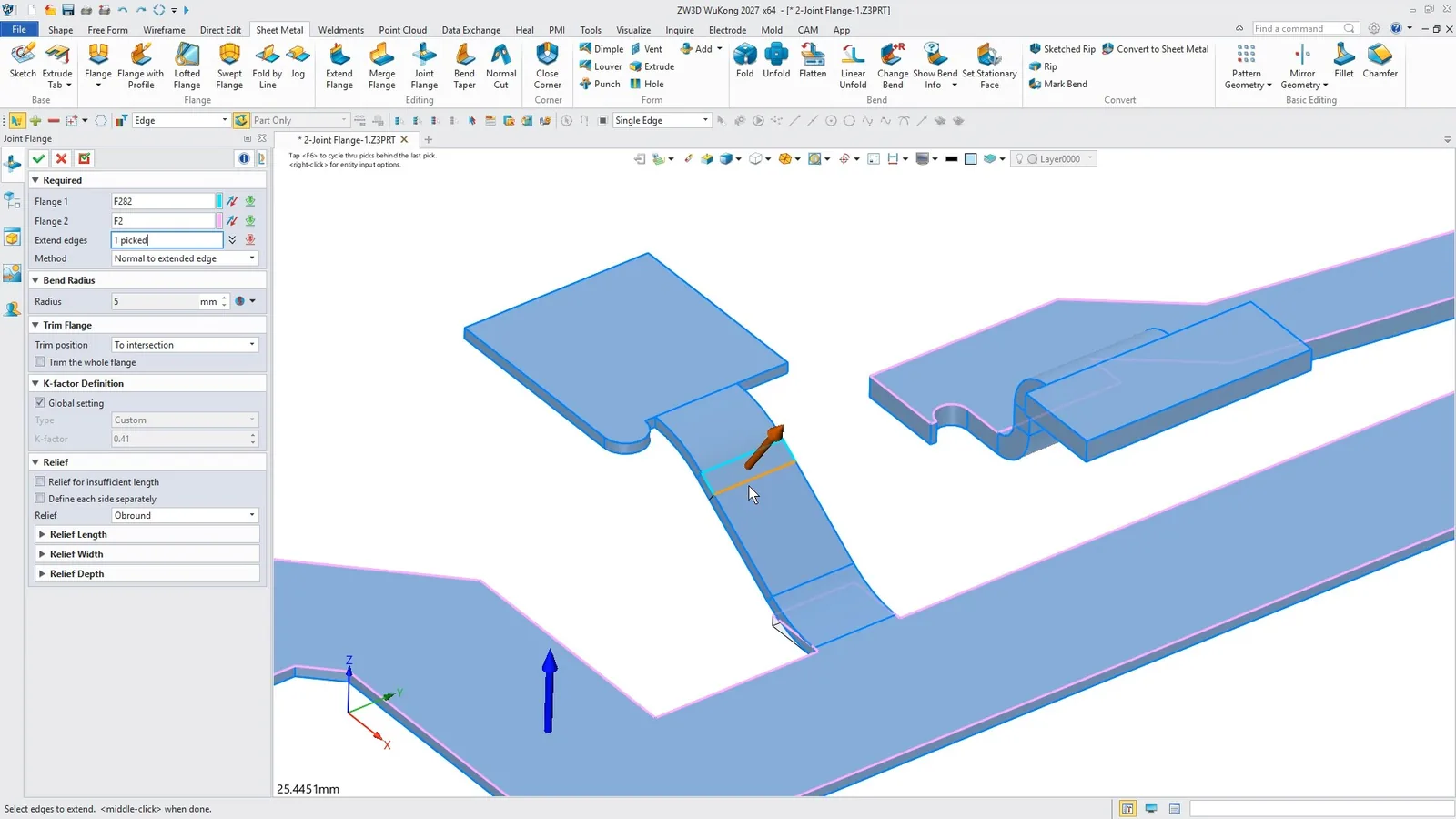
- Joint Flange: separate sheet metal shapes join into one unified model, with no effort spent on alignment
- Merge Flange: merged sheet metal bodies that still unfold and fold normally, plus flanges along spline edges
- Sheet metal fillet for a clean flat pattern, with no redundant edges in the cutting profile
- Forming tools from your own models and a library of section profiles for steel structures
- Modules for moulds, electrodes, harnesses, piping, ECAD/MCAD collaboration and reverse engineering


Large machine assemblies that open and change smoothly
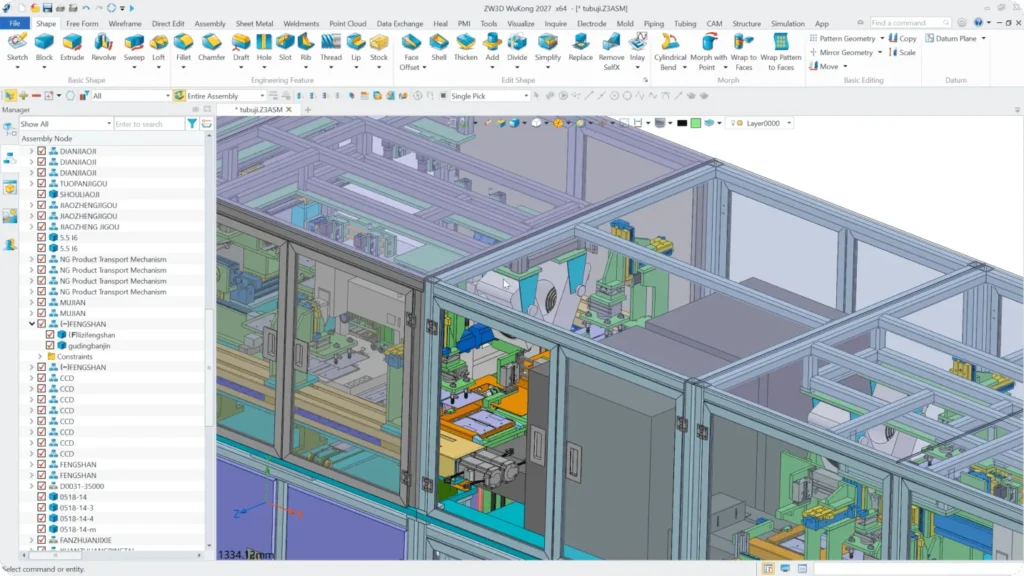
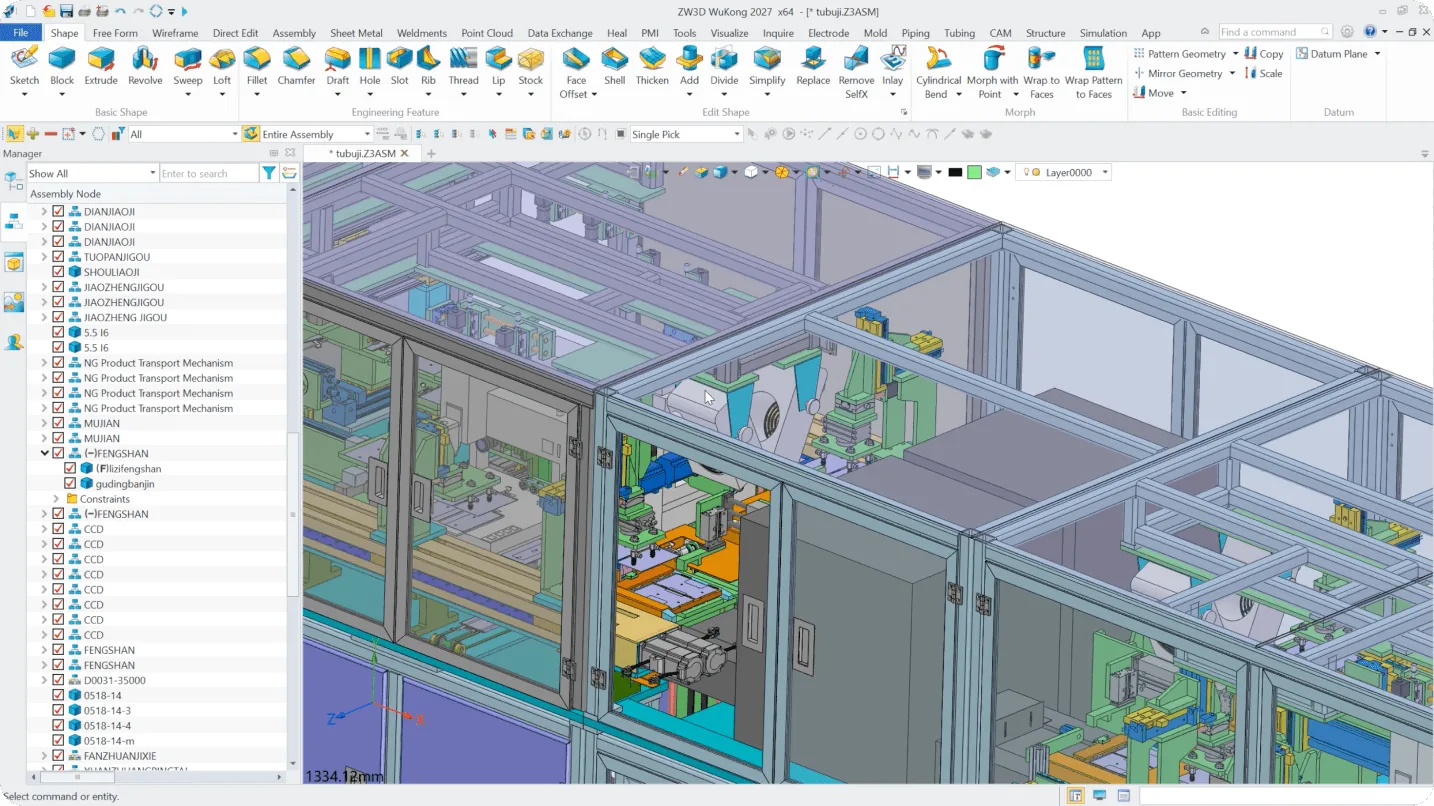
ZW3D handles complex assemblies with lightweight loading technology, and has tools that speed up the placement of components.
- Smooth work on assemblies of up to 20,000 components
- Smart Fastener for the right fasteners automatically, and standard part libraries you can adapt
- Interference checks between components before the design reaches production
- Every change flows automatically into assemblies, drawings and bills of materials (BOM)
- Exploded views and animation that show the interior and the assembly sequence


Production drawings that update together with the 3D model
Views come from the model and stay linked to it, while the repetitive documentation work is done automatically.
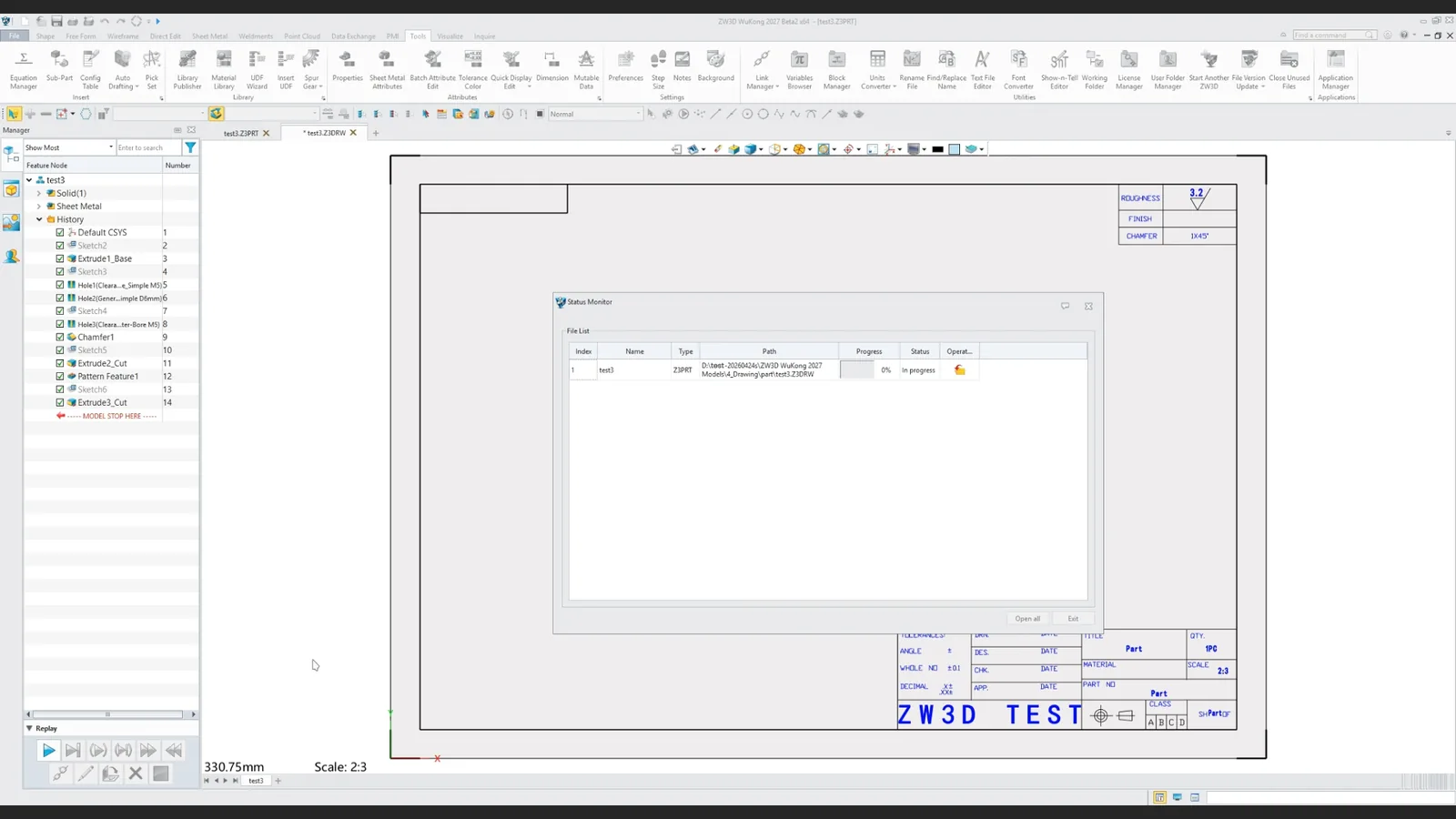
- Auto-Drawing: drawings closer to drafting standards, with fewer manual corrections
- Fast view projection even on large drawings, thanks to discrete projection technology
- Link with ZWCAD DWG/DXF drawings, which update when the model changes
- Symbol and annotation libraries, batch output of drawings and PMI on the 3D model
Works with: DWG DXF


From strength checks to toolpaths, in the same program
Simulation and machining work on the same geometry as the design, so changes to the model also reach the toolpaths.
- Structural, vibration, heat transfer and fatigue analysis, with coupling of structural and thermal data
- Import of existing simulation models without conversion, including the BDF and INP formats
- 2- to 5-axis machining for roughing, finishing and drilling, as well as turning
- New Chamfer Debur and Point Curve operations in 3-axis milling; VoluMill for fast roughing is an add-on
- Post-processors that adapt to common CNC controls, toolpath verification and full machine simulation
Works with: BDF INP

Change CAD without losing your files or your habits
ZW3D opens files from other programs and can be set up so engineers keep working the way they are used to.
- Open, save and edit IGES, Parasolid, STEP, DWG/DXF, VDA and STL files, as well as files from CATIA, Inventor, NX, Creo, SolidWorks and Solid Edge
- Repair of imported geometry and direct changes, without the original feature history
- Configurable hotkeys, mouse gestures and a shortcut bar that opens with the Z key
- Settings are saved to a file and loaded again, and there are templates for parts, assemblies and drawings
- Quick start guide and migration guide from the developer
Works with: STEP IGES Parasolid STL CATIA NX Creo SolidWorks


ZW3D WuKong
Official ZWSOFT video on the new generation of ZW3D.

See it in action
The video or demo loads only when you press play.
What it does, stage by stage
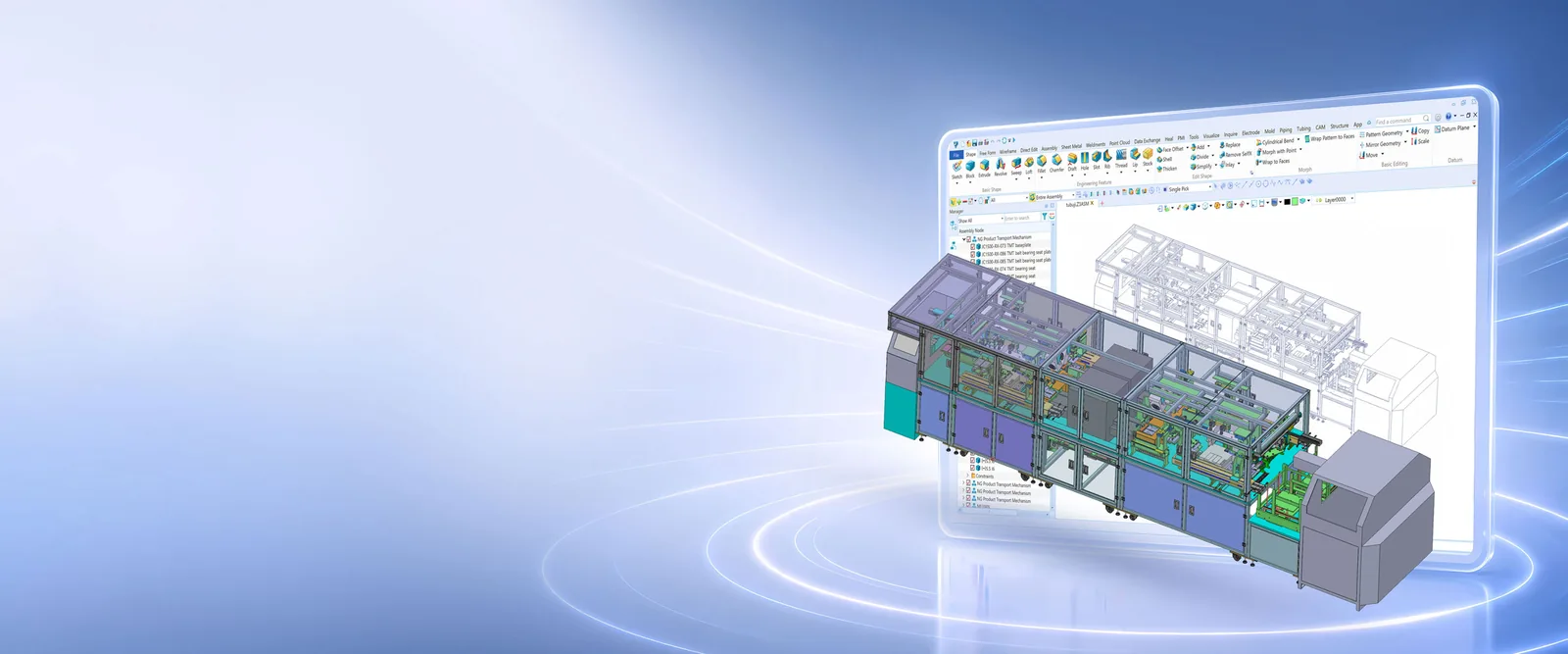
ZW3D is a 3D design program for mechanical design, which brings together CAD, simulation (CAE), machining (CAM) and data management (PDM) in the same environment.
In the design of a part it offers parametric and direct modelling, surfaces and design variants. Assemblies support up to 20,000 components, and 2D drawings are linked to the 3D model and exported to DWG and DXF. There are also tools for sheet metal, structural design, wiring and piping.
Simulation covers static analysis, vibration, heat transfer and fatigue. Machining covers 2 to 5 axes, while VoluMill CAM is a paid add-on. For data exchange, more than 25 import and export formats are stated.
The manufacturer states a perpetual licence and a floating network licence, as well as a free 30-day trial. The editions in the quotation form are Lite, Standard, Professional, Advanced, 2/3 Axis Machining and Ultimate.
Survey
It is not its job.
Concept
It is not its job.
Design development
The design takes shape: spaces, structure, materials and checks.
Construction drawings
Drawings, schedules and information for construction.
Presentation
It is not its job.
Features and files
Features
- Modelling
- parametric and direct
- Assemblies
- up to 20,000 components
- 2D drawings
- DWG and DXF
- CAE
- static, vibration, heat, fatigue
- CAM
- 2 to 5 axes
- PDM
- yes
- Licence
- perpetual or floating
- Trial
- 30 days
Opens and saves
- .dwg
- .dxf
System requirements
Operating system Windows
- Windows; the manufacturer states “moderate” workstations, without specific figures
- Simulation and large assemblies require a more powerful computer
Works well with, and alternatives
Works well with


ZW3D next to alternatives
Open the full comparisonQuestions, licence and delivery
Which edition do I need?
The editions are Lite, Standard, Professional, Advanced, 2/3 Axis Machining and Ultimate.
What licence do I get?
The manufacturer states a perpetual licence and a floating network licence with the option of borrowing for work off the network.
Does it open DWG files?
ZW3D 2D drawings are exported to DWG and DXF.
Is there a trial?
Yes, a free 30-day trial.
What is the price?
Lite 1,500 € and Standard 2,700 € (perpetual licence). For Structural: price on quotation.
How do I receive the licence?
After payment we order the licence from the manufacturer and email you its details.
Do the prices include VAT?
Prices exclude VAT. With a valid VAT number from another EU country, VAT is not charged; in Belgium it is charged at 21%. For private customers, VAT is calculated at checkout.