
PyroSim
by Thunderhead Engineering, Safety & simulation
Graphical interface for fire and smoke models with FDS, for fire protection engineers
PyroSim, from the drawing to the FDS results
Pick a topic and see how PyroSim builds the fire and smoke model graphically, so you do not write the FDS input file by hand.
The architect's model as the basis of the study
You start from the geometry that already exists, instead of rebuilding the building in a text editor.
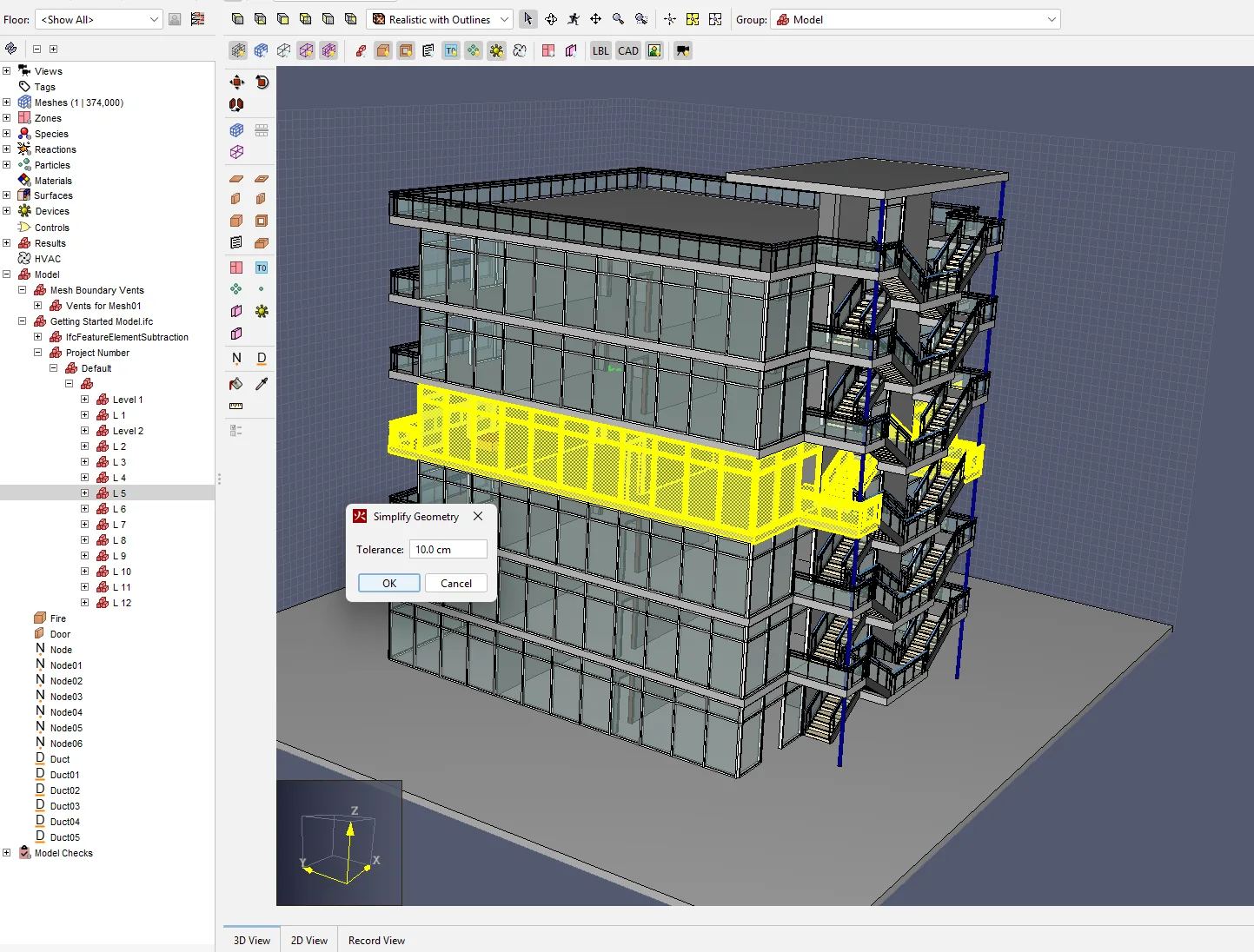
- Import of IFC, DXF, DWG, FBX, STL and FDS files; BIM data is recognised automatically
- FBX files also bring appearance and texture information for the surfaces
- A GIF, JPG or PNG drawing as a background, to draw over it with 3D CAD tools
- Quality setting on import and simplification of selected objects, for a lighter model
- Display-only objects that appear in the model but are not passed to the simulation
Works with: IFC DXF DWG FBX STL FDS


Every FDS object, handled graphically
You see the model as you build it and change the properties of each object through dialogs, with fewer mistakes.
- Drawing tools for all FDS objects, with copy, paste and textures on surfaces
- Libraries of reactions, heat detectors, materials, particles and surfaces that you adapt and reuse
- Activation controls for doors and openings that open while the simulation runs
- Math control values are written to CSV and feed other controls
- Interface versions in Simplified Chinese, French, German, Japanese, Korean, Polish and Russian


Meshes fitted to the building and parallel solving
Simulation time depends on the number of cells and on the computer. PyroSim helps with both.
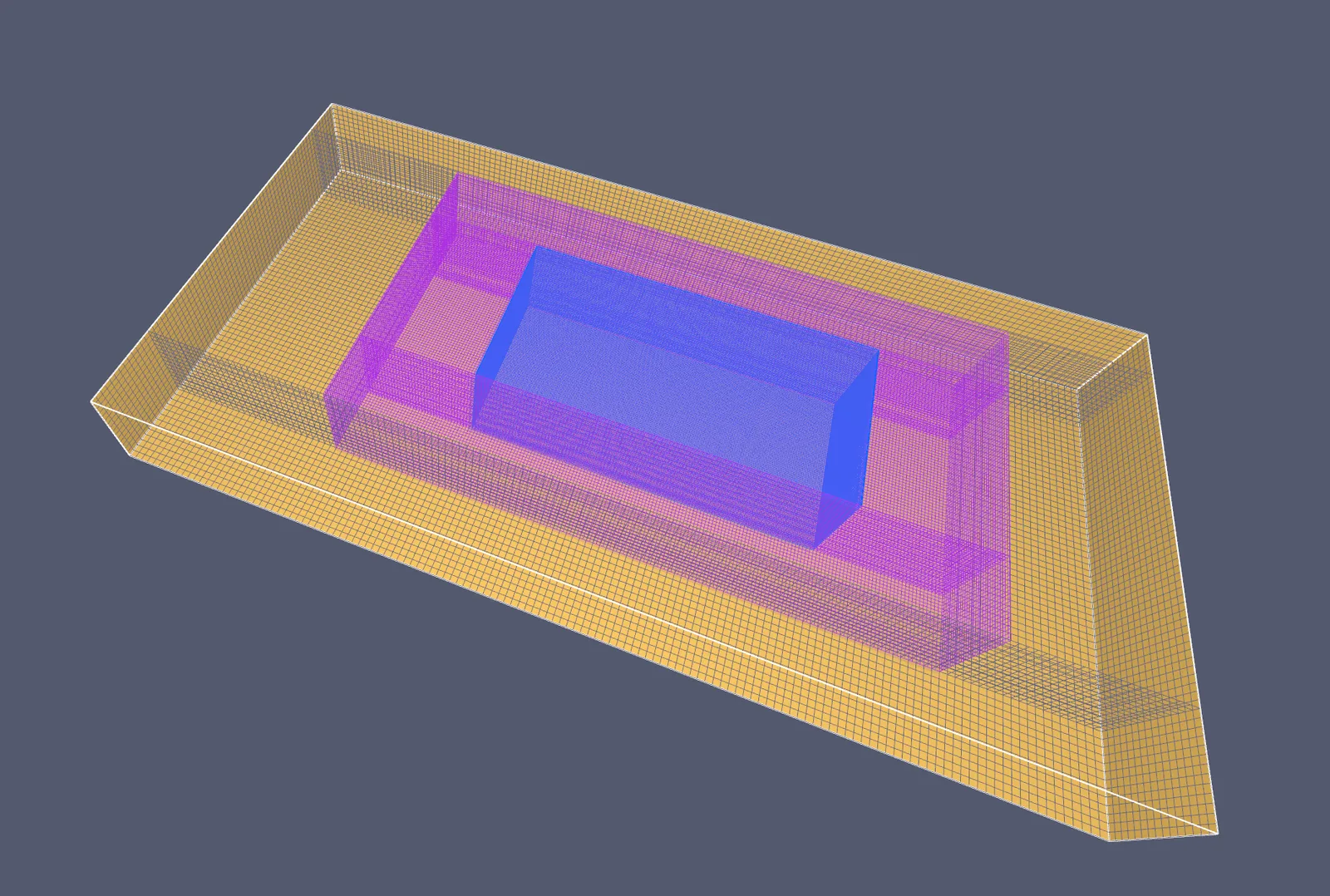
- Creation and checking of multiple meshes that follow the geometry, with fewer cells
- A finer mesh only where it matters, with refinement zones that can sit inside one another
- Preview of the meshes produced by the refinement zones, before the run
- Parallel runs with MPI on a multi-core computer or on a network of computers
- Cloud runs through CFD FEA Service's Cloud HPC


Ducts and fans inside the simulation
The ventilation system carries heat and contaminants through the building, so it is modelled together with the fire.
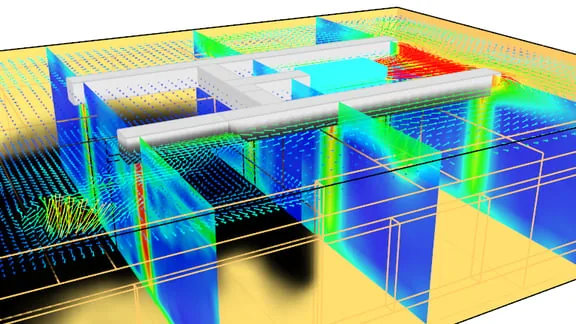
- Ducts, nodes, fans, heat exchangers and dampers, edited and shown in PyroSim
- Airflow that can be studied with no fire in the model
- Smoke exhaust and stairwell pressurisation as part of the building fire protection
- Duct waypoints and paths are visible in the model view


Smoke, temperatures and videos for the authority
FDS results become plots and videos that answer the questions of those who review the study.
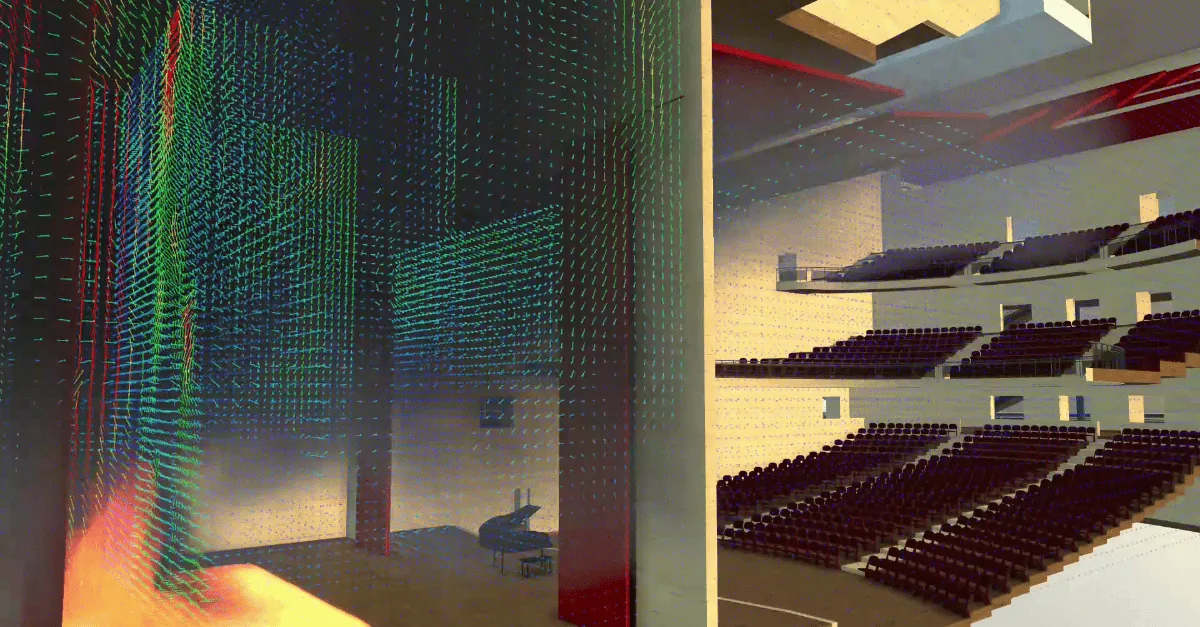
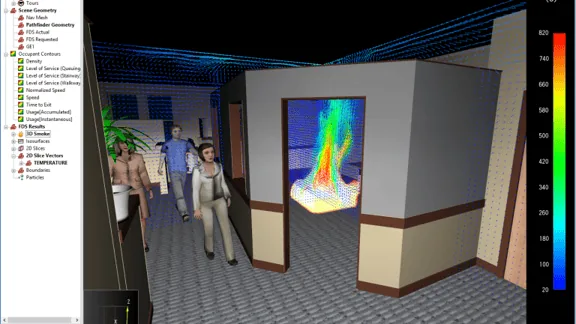
- Smoke, temperatures, velocities, toxicity and other FDS outputs
- Video recorded while you move the camera, or a prepared tour through the model
- A choice between NIST's Smokeview and the Results Viewer, whose interface is similar to PyroSim
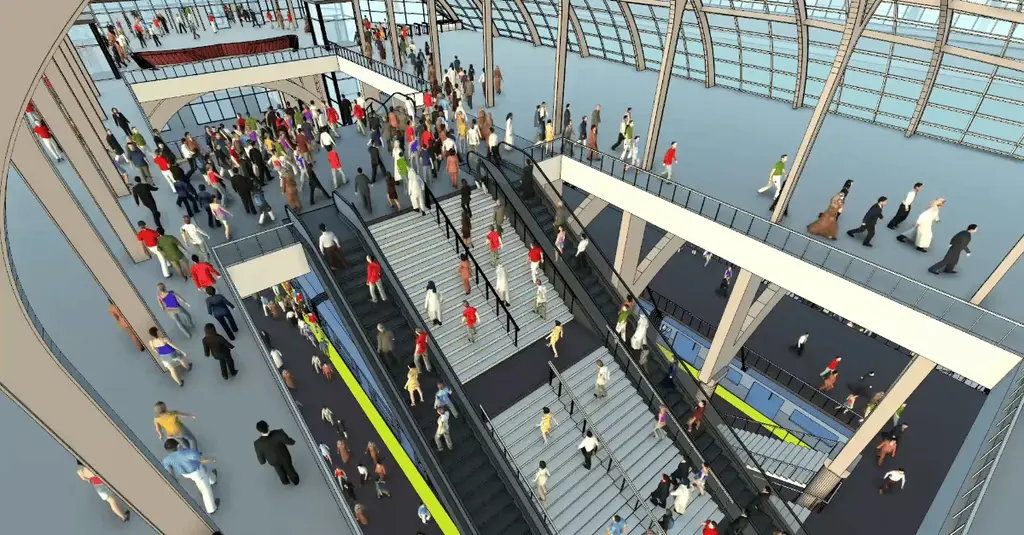
- The Results Viewer also shows occupant movement from Pathfinder
Works with: Smokeview Pathfinder


Scenarios in PyroSim
Official Thunderhead Engineering video on organising variations of the same model as scenarios.

What it does, stage by stage
PyroSim is a graphical environment for building 3D fire and smoke models. It produces the input file of FDS (the NIST Fire Dynamics Simulator), whose computational core is available free of charge, so that the engineer does not have to write the model as text.
In fire protection studies the model is set up on geometry imported from IFC, DXF, DWG, FBX or STL files and edited interactively. It is possible to create multiple meshes for better performance, to model HVAC systems and to organise variations into scenarios.
The results (smoke, temperature, velocity, toxicity) are examined in Smokeview or in the Results Viewer, which also shows people movement results from Pathfinder by the same company. Simulations can run in parallel on a multi-core computer, on a network or in the cloud.
Licences are annual, node-locked (one computer) or floating (network). There is a free 30-day trial.
Survey
It is not its job.
Concept
It is not its job.
Design development
The design takes shape: spaces, structure, materials and checks.
Construction drawings
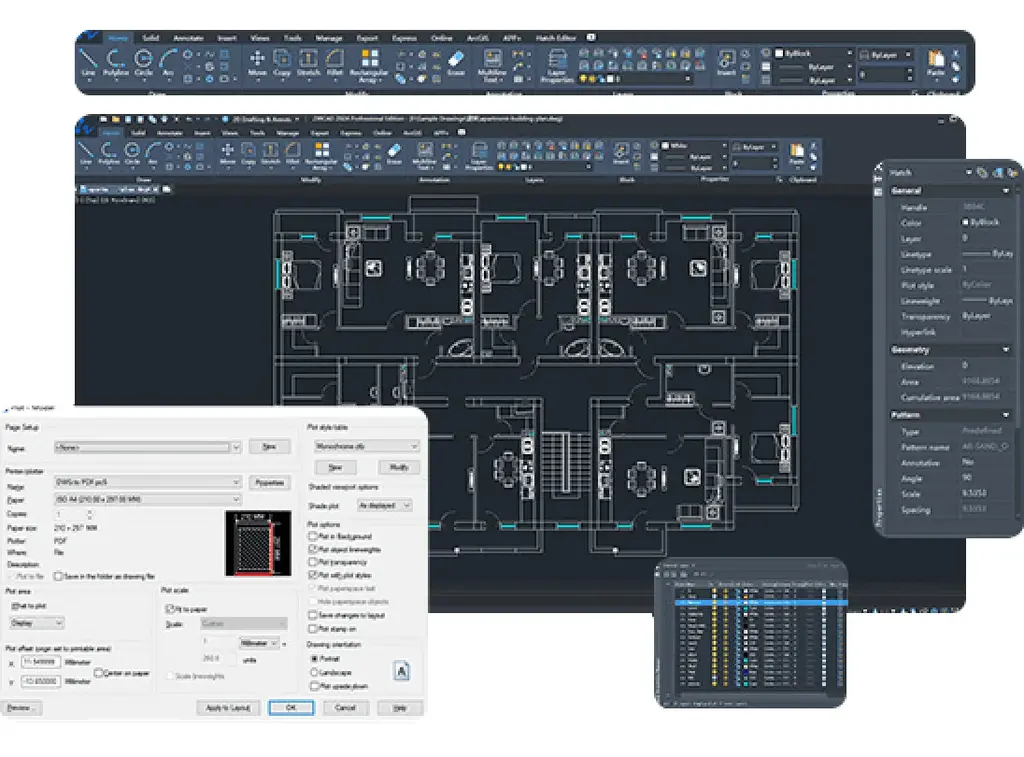
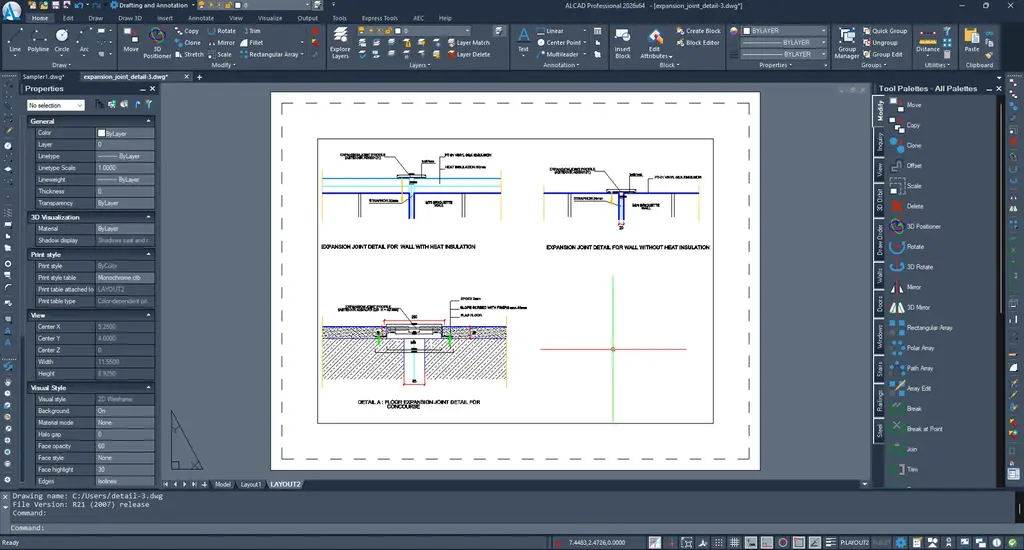
It is not its job. Combine it with ZWCAD.
Presentation
It is not its job.
Features and files
Features
- Solver
- FDS (NIST)
- CAD import
- IFC, DXF, DWG, FBX, STL
- Multiple meshes
- yes
- HVAC models
- yes
- Scenarios
- yes
- Parallel execution
- MPI, cluster, cloud
- Licence
- node-locked or floating, annual subscription or perpetual
- Trial
- 30 days
- Operating system
- Windows 10, 11
Opens and saves
- .ifc
- .dxf
- .dwg
System requirements
- Windows 10 minimum, Windows 11 recommended
- 8 GB of memory minimum, 32 GB recommended
- Graphics with OpenGL 3.3 minimum, OpenGL 4.6 recommended
- Installation requires administrator rights
- Parallel execution benefits from a multi-core processor
Works well with, and alternatives
Works well with
PyroSim next to alternatives
Open the full comparisonQuestions, licence and delivery
What licences are there?
Node-locked licence for one computer and floating licence for a network, which requires the Thunderhead License Manager, with an annual subscription or as a perpetual licence. Both include all features.
Which files can I import?
IFC, DXF, DWG, FBX, STL and FDS. GIF, JPG and PNG files can be used as a background for drawing.
Do I need FDS separately?
PyroSim creates the FDS input file; its solver is free to download from the manufacturer.
Is there a trial?
Yes, a free 30-day trial without restrictions, according to the manufacturer.
Does it run on macOS?
The maker's system requirements list only Windows 10 and Windows 11. No macOS version is mentioned.
How do I receive the licence?
After payment we order the licence from the manufacturer and email you its details.
Do the prices include VAT?
Prices exclude VAT. With a valid VAT number from another EU country, VAT is not charged; in Belgium it is charged at 21%. For private customers, VAT is calculated at checkout.