
LookX AI
by LookX, AI & extensions
AI service in the browser, with SketchUp and Rhino add-ons, for images and videos from a sketch or text
LookX AI: from sketch to image and video
An AI platform built for architects and interior designers. Pick a tool and see what it does.
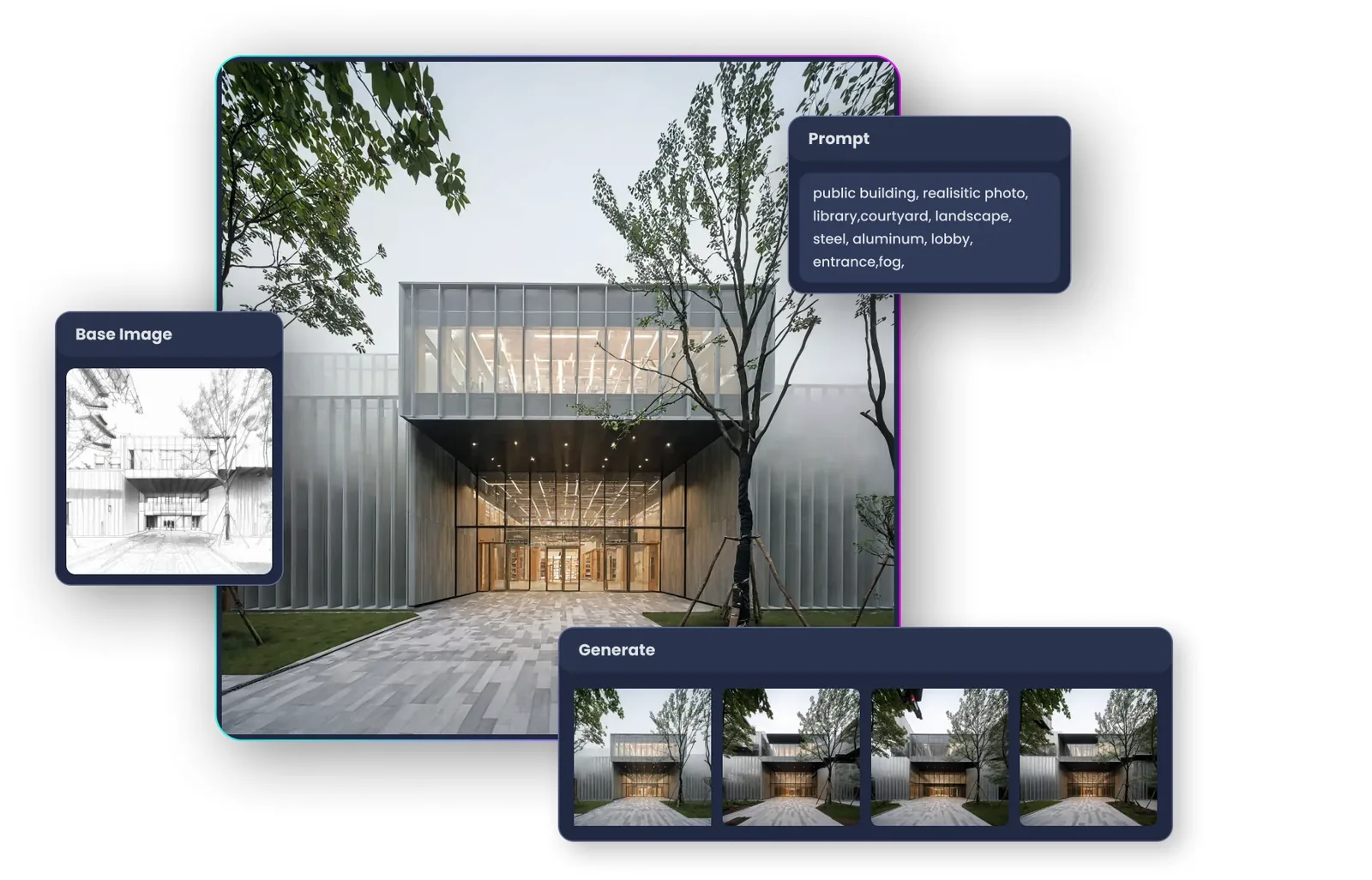
A sketch or a prompt, and the image appears at once
RealTime turns a sketch or a description into a rendered image while you draw.
- You start from a simple mass or lines and see the rendered image beside it
- With Real Time you capture your screen while working in your design software and get AI images at once
- Next to RealTime the platform also has the Image Rendering, Text to Image and Image Edit tools
- Ready-made categories cover architecture and interiors, such as library, museum, school, park and villa


The project image starts to move
From an image or from text, LookX makes a video with one click.
- A still rendering becomes a moving shot
- Video can also be made straight from a description, with no image
- Image to Video and Text to Video are separate tools in the platform's Video Tools menu
- From text or an image it creates animations that show the project from different angles


Images in your office's style
Instead of describing the style in words, you give a reference image, or train a model of your own.
- With Style Adapter a reference image sets the style of the new image
- You upload a series of images with a shared style and train your own model
- With that model new images come out in the style you want
- In the team edition models are shared within the team, in a private space with restricted access


LookX inside SketchUp and Rhino
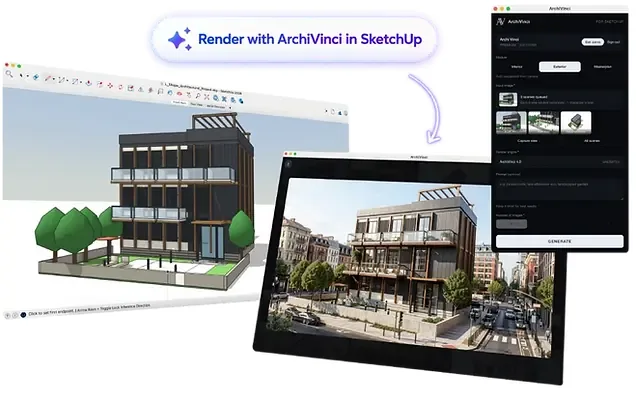
Besides the browser, LookX works as a plugin in your design software.
- SketchUp 2020 or later: install from the Extension Warehouse
- Rhino 7 or later: install from the PackageManager, Windows only
- The plugin and the web version share the same data, images and X-credits
Works with: SketchUp Rhino


Better images and better prompts
Small tools that fix the result and help you write a good description.
- High-definition editing corrects flaws and enhances the details of the image
- An image from Creations Plaza can be reproduced with the same effect in one click, and you see how it was made
- A library of architectural terms helps you write a professional prompt
- The prompt assistant expands a few words into a detailed paragraph


LookX for the whole office
The team edition adds a shared space, controls for the team lead and options for companies.
- Secure cloud storage for files, with a separate workspace for each project
- The team lead sets permissions and sees each member's usage from a control panel
- Your own AI models are shared within the team, in a private Model Agora with restricted access
- Deployment on public, private or hybrid cloud, or on your own servers
- A similarity comparison tool helps you judge whether an image carries a copyright risk


Official LookX AI videos
The maker's overview and tutorial series, one video for each tool. The videos are in English.
-
Overview: image, video, Real Time and teams
-
Tutorial 2: Chat Generation
-
Tutorial 3: Video Generation
-
Tutorial 4: Real Time
-
Tutorial 5: Image Rendering
-
Tutorial 6: Text to Image and Image Edit
-
Tutorial 7: Creations Plaza and Models Agora
-
Tutorial 8: teams and customisation


What it does, stage by stage
LookX is an artificial intelligence platform for architects and designers. From text, a sketch or a reference image it produces rendered images and video, and works in the browser, with add-ons for SketchUp and Rhino.
It is useful in the concept and presentation phase: quick alternatives for lighting and atmosphere, style adaptation with a reference image, and improvement of image resolution. A model can also be trained with images of your own style, so that new images suit the office.
The Individuals subscription is billed annually, and there is also a free plan with limited credits, as well as a team package of 5 seats. The AI image does not replace the project model, but gives quick visual direction before the final rendering.
Features and files
Features
- Input
- text, sketch, reference image
- Output
- rendered images, video, resolution upscaling
- Add-ons
- SketchUp, Rhino
- Custom model
- training with images of your own style
- Free plan
- 100 credits
- Individuals
- 580 credits per month
- Team
- 5 seats, 3,000 shared credits
- Trial
- 7 days (Individuals)
- Representation
- ELITESOFT is the exclusive agent
Opens and saves
- .skp
Works well with, and alternatives

LookX AI next to alternatives
Open the full comparisonQuestions, licence and delivery
Is a powerful computer needed?
The service works in the browser.
Which programs does it connect to?
There are add-ons for SketchUp and Rhino.
Is there a free plan?
Yes, with about 100 credits for model training and advanced functions, without a card.
How is it paid for?
Individuals: 20 USD per month or 199 USD per year. Team: 269 USD per month for 5 seats. Enterprise and Education on request.
Who is the representative in Greece?
ELITESOFT is the exclusive agent.
How do I receive the licence?
After payment we order the licence from the manufacturer and email you its details.
Do the prices include VAT?
Prices exclude VAT. With a valid VAT number from another EU country, VAT is not charged; in Belgium it is charged at 21%. For private customers, VAT is calculated at checkout.